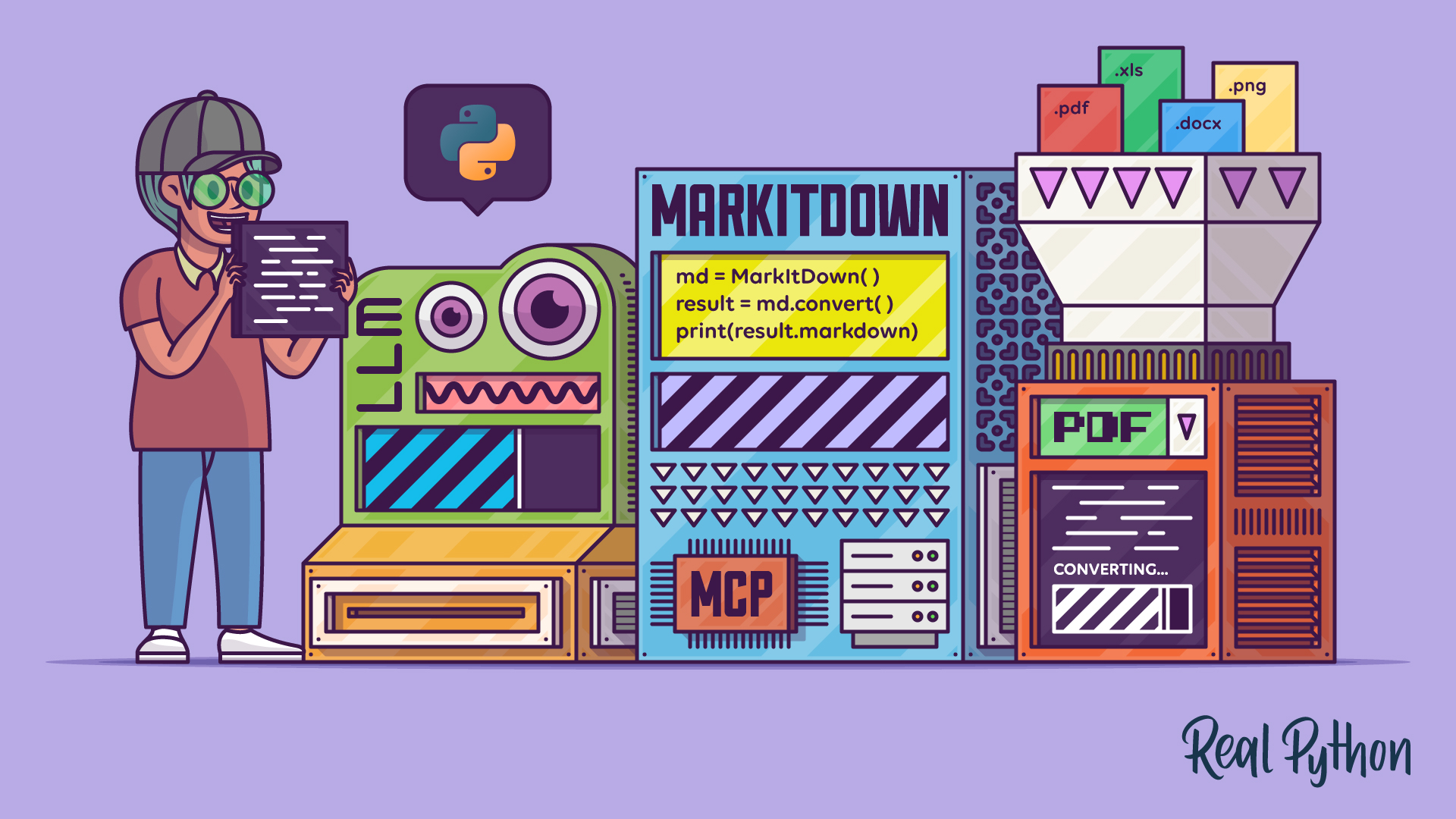
The MarkItDown library lets you quickly turn PDFs, Office files, images, HTML, and URLs into LLM-ready Markdown. In this video course, you’ll install MarkItDown, use it in Python code to convert and batch-process documents, connect it to AI clients through its MCP server, and see where it falls short compared to tools like Pandoc.
By the end of this video course, you’ll understand that:
- Markdown keeps text straightforward while preserving document structure, which makes it a good input format for LLMs.
- You can install MarkItDown with
pipusing the[all]specifier to pull in optional dependencies. - The
.convert()method reads the input document and converts it to Markdown text. - You can batch-convert a directory of mixed file formats by looping over the files in a Python script.
- You can connect MarkItDown’s MCP server to clients like Claude Desktop to expose on-demand conversions to chats.
- MarkItDown can integrate with LLMs to generate image descriptions.
- MarkItDown has limitations with complex layouts, where a tool like Pandoc is a better fit.
Get Your Code: Click here to download the free sample code that shows you how to use Python MarkItDown to convert documents into LLM-ready Markdown.