Loading video player…

Getting Started With Git (Overview)

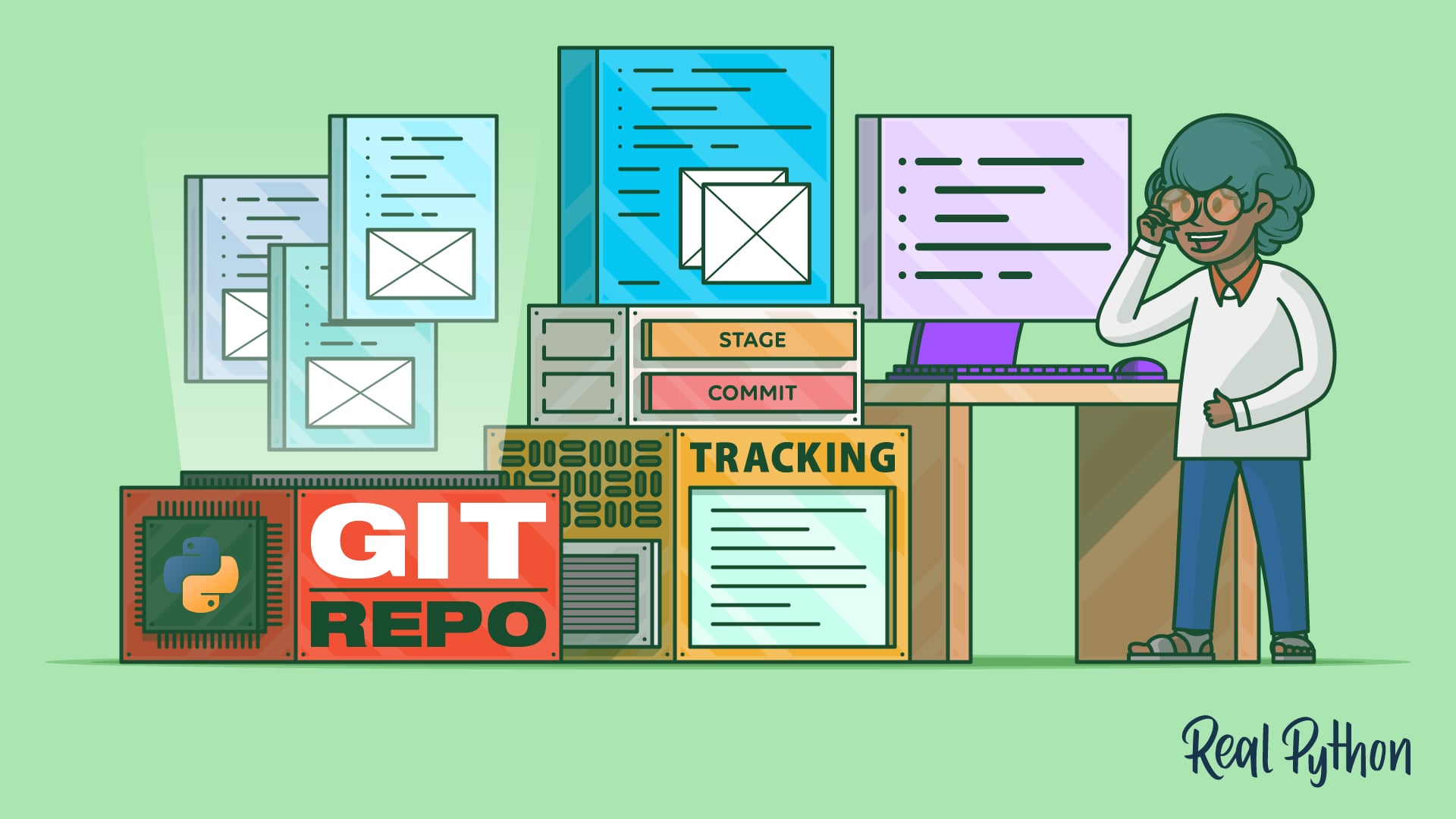
This video course shows you how to use Git to track changes in a project using just a few core commands and save clean snapshots of your work. If you’ve ever changed a file, broken something, and wished you could undo it, version control makes that possible. Git keeps a running history of your files so you can see what changed and when.

In this video course, you’ll set up Git locally and use the core workflow from the terminal to track and record changes in a Python project. By the end, you’ll have a working Git repository with a recorded commit history you can inspect and manage.

Download

Course Slides (.pdf)

4.2 MB
Download

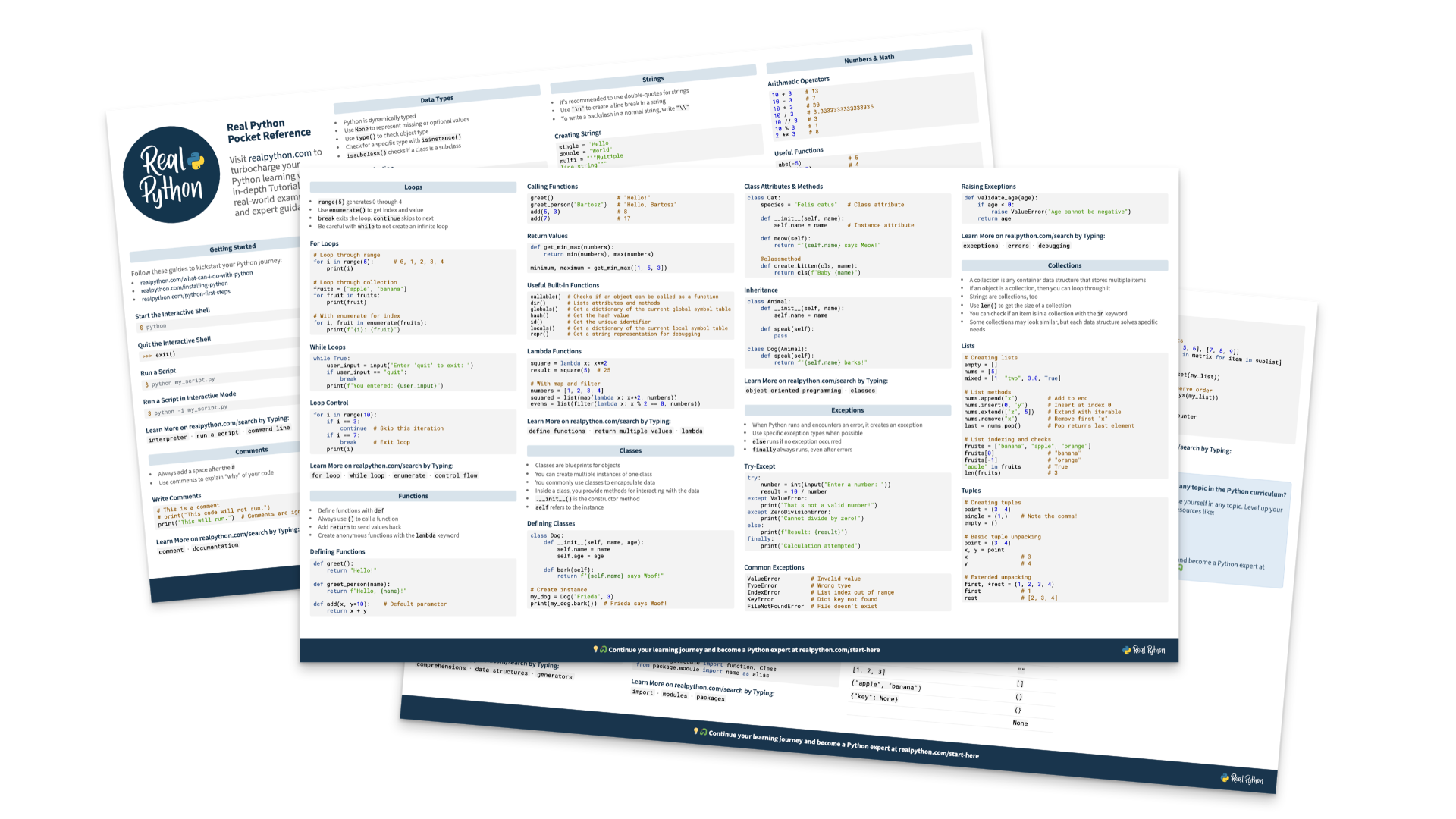
Cheat Sheet (.pdf)

211.6 KB

00:00 Hello there, my name is Rodrigo, and it’s my pleasure to welcome you to this Real Python video course on Getting Started With Git. Git is a version control system, which is a piece of software that allows you to keep track of the changes of your code files and other types of files in your projects, and it allows you to keep a history of those changes so that later on, if you need to go back to a previous version, you can easily do that.

00:27 And nowadays, in the world of LLMs, where an LLM might make a change that’s perfectly fine, but also a change that completely wrecks your codebase, it’s very important to be able to keep track of how your code evolves through time.

00:41 Now, in this course, you’re going to learn how to install and configure Git, how to track changes in your project files, create and edit the history of these file changes in your project, and you’re going to learn how to ignore files and folders that you don’t really want to track, because those exist and they’re very annoying.

01:03 Now, just as a word of caution, in case you’re wondering, Git and GitHub are two very different things. Git is the technology that you’re going to use and that you’re going to learn about.

01:15 It’s a version control system, whereas GitHub is a web platform that’s built around Git. And learning about GitHub is outside of the scope of this video course.

01:25 They are related, but they are different. Now once you’re ready, move on to the next lesson. We are going to learn how to install and configure Git.

Become a Member to join the conversation.