DevOps With Python
Learning Path ⋅ Skills: Packaging & Deployment, CI/CD, AWS, Docker, Logging

Your Python code needs to run reliably outside your development machine. This learning path covers the DevOps skills you need to run, package, and deploy Python applications with confidence.
By completing this path, you’ll be able to:
- Run Python scripts from the command line and configure them with shebangs
- Manage dependencies with pip and publish your own packages to PyPI
- Set up continuous integration and deployment pipelines with GitHub Actions and Docker
- Interact with AWS S3 using Boto3
- Implement structured logging to monitor your applications in production
This path is for Python developers who want to take ownership of how their code gets built, tested, and deployed. You should already be comfortable writing Python scripts, though the path starts by making sure you can run and install them anywhere.
You’ll progress from running and packaging scripts to building CI/CD pipelines, then move into cloud services and monitoring.
DevOps With Python
Learning Path ⋅ 11 Resources
Is this path right for you? Mentor AI knows what’s in it and can help you decide where to begin.
Ask Mentor AI

Running & Packaging Python
Before you can automate anything, you need control over how your code runs and how it gets installed. You’ll run scripts from the command line, execute them directly with a shebang, manage dependencies with pip, and publish a package of your own to PyPI. Everything later in this path automates work you’ll do by hand here.
Course
How to Run a Python Script
See how to run a Python script from the command line, in interactive mode, or your IDE. Quickly verify that your code works as intended on all platforms.
Interactive Quiz
How to Run Your Python Scripts
Course
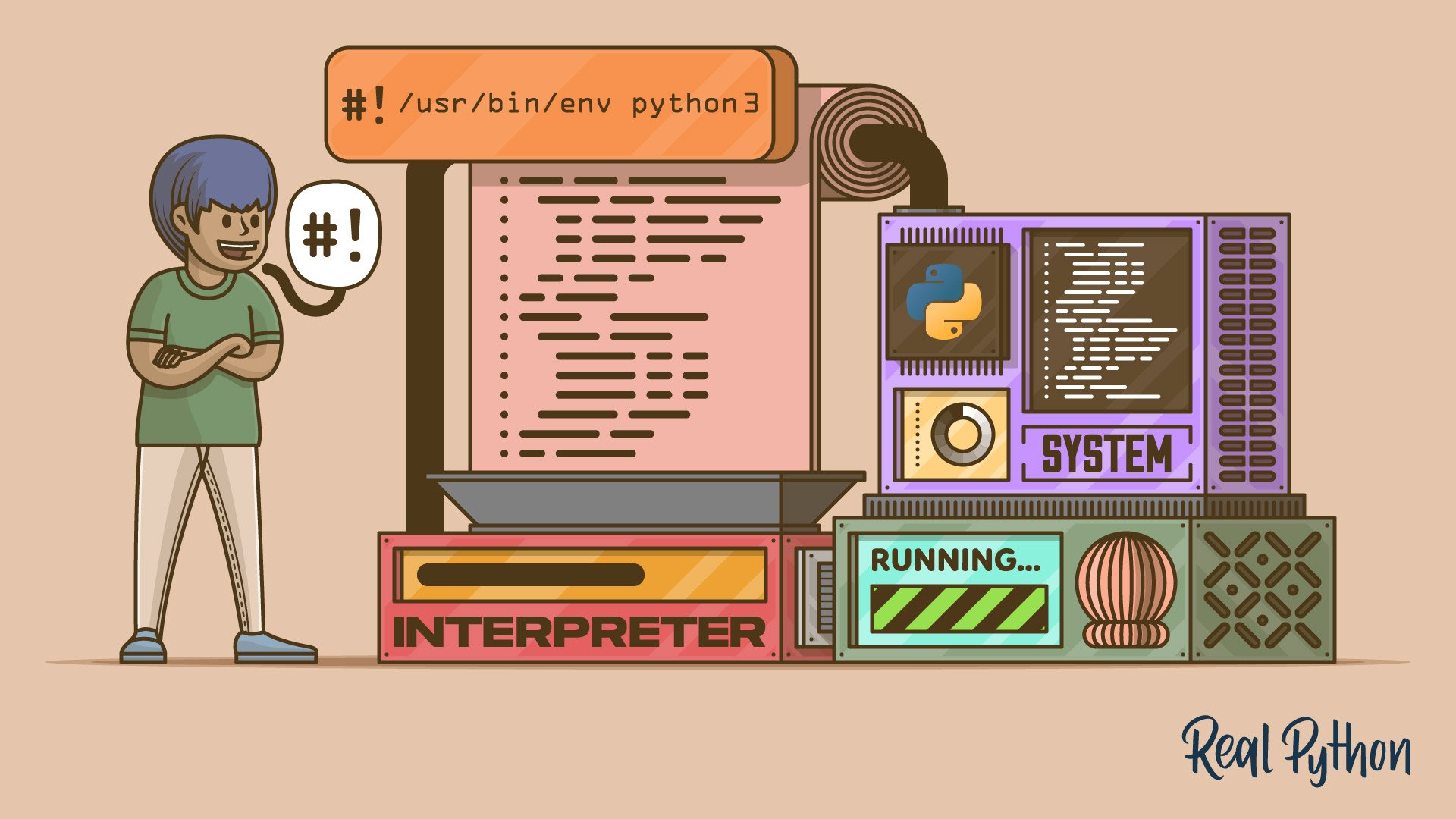
Execute Your Python Scripts With a Shebang
Learn when and how to use the shebang line in your Python scripts to execute them from a Unix-like shell.

Course
A Beginner's Guide to pip
What is pip? In this beginner-friendly course, you'll learn how to use pip, the standard package manager for Python, so that you can install and manage additional packages that are not part of the Python standard library.
Interactive Quiz
Using Python's pip to Manage Your Projects' Dependencies

Course
Publishing Python Packages to PyPI
In this video course, you’ll learn how to create a Python package for your project and how to publish it to PyPI, the Python Package Index. Quickly get up to speed on everything from naming your package to configuring it using setup.cfg.
Interactive Quiz
How to Publish an Open-Source Python Package to PyPI
Continuous Integration & Deployment
You can now build and publish a package by hand, which is exactly the work worth automating. Next, you’ll set up continuous integration for a Python project, first as GitHub Actions workflows and then with Docker containers that give every build the same environment. Automating the build is what makes a release repeatable instead of something you have to remember how to do.

Course
Continuous Integration With Python
Learn the core concepts behind Continuous Integration (CI) and why they are essential for modern software engineering teams. Find out how to how set up Continuous Integration for your Python project to automatically create environments, install dependencies, and run tests.

Course
Python Continuous Integration and Deployment Using GitHub Actions
Agile methodologies rely on robust DevOps systems to manage and automate common tasks in a continually changing codebase. GitHub Actions can help.
Interactive Quiz
GitHub Actions for Python
Tutorial
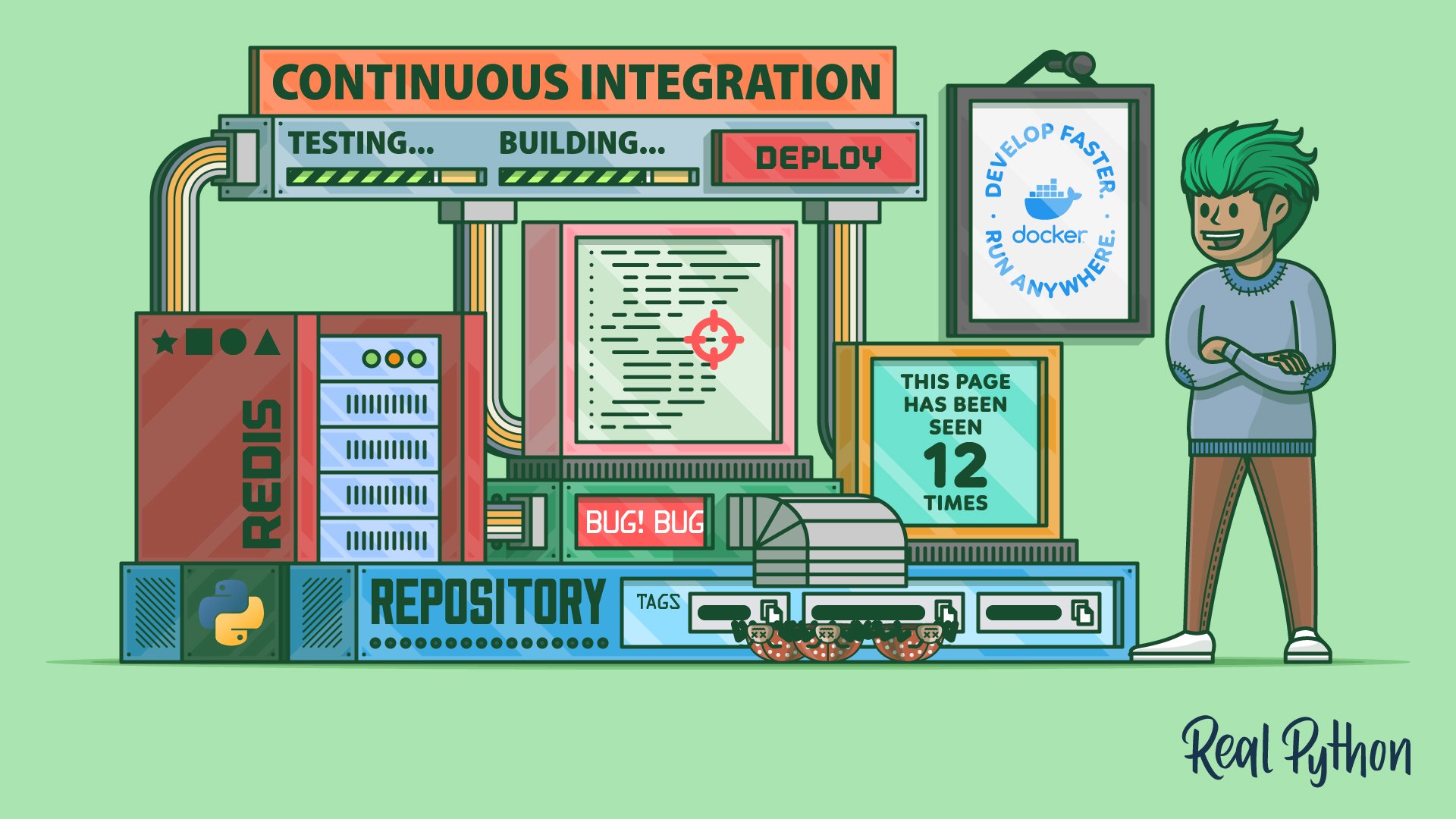
Build Robust Continuous Integration With Docker and Friends
In this tutorial, you'll use Docker and GitHub Actions to build a robust continuous integration pipeline for a multi-container web application consisting of Flask and Redis. Along the way, you'll learn how to dockerize a Python web application.

Cloud & Monitoring
A pipeline gets your code shipped, but you still need to work with the services it runs against and see what it does once it’s live. You’ll move files in and out of AWS S3 with Boto3, then configure Python’s logging module so that a production problem leaves a trail you can follow. You’ll finish with Loguru, a third-party library that gives you the same visibility with far less setup code.

Course
Demystifying Python, Boto3, and AWS S3
Get started working with Python, Boto3, and AWS S3. Learn how to create objects, upload them to S3, download their contents, and change their attributes directly from your script, all while avoiding common pitfalls.
Interactive Quiz
Python, Boto3, and AWS S3: Demystified

Course
Logging Inside Python
Learn why and how to get started with Python's powerful logging module to meet the needs of beginners and enterprise teams alike.
Interactive Quiz
Logging in Python
Course
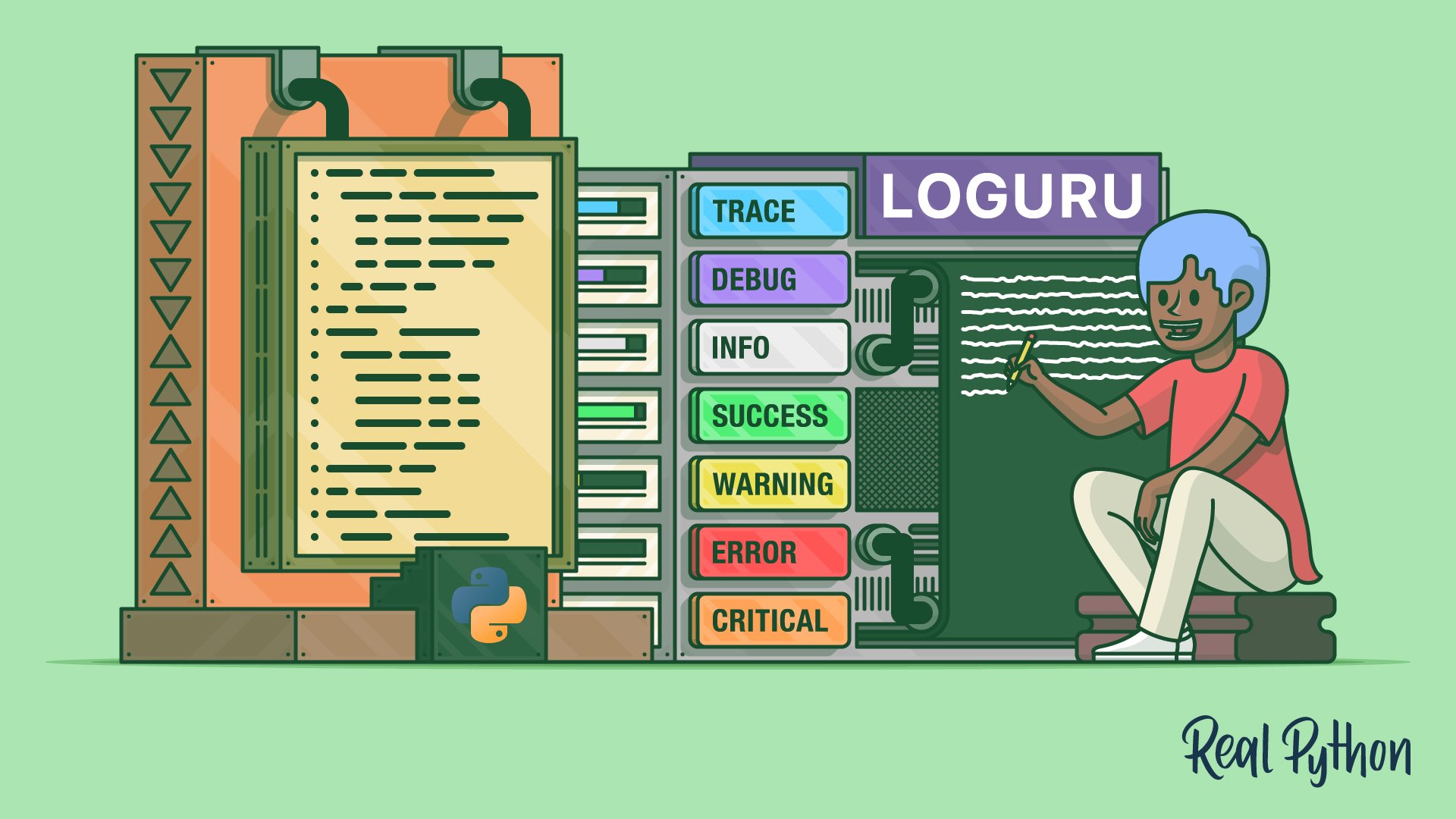
Using Loguru to Simplify Python Logging
Learn how to use Loguru for simpler Python logging, from zero-config setup and custom formats to file rotation, retention, and adding context.
Interactive Quiz
Python Logging With the Loguru Library
Test Your Knowledge
You’ve made it through the entire path! In the wrap-up quiz below, you’ll revisit the most important ideas about running Python scripts, managing dependencies with pip, automating workflows with GitHub Actions, and configuring Python’s logging module. Use it to spot any topics that still feel rusty before moving on.
Interactive Quiz
DevOps With Python
Test your DevOps with Python skills: running scripts, managing pip dependencies, GitHub Actions CI/CD, and logging in 16 questions.
Congratulations on completing this learning path! You’ve gained essential DevOps skills including running and packaging Python code, setting up CI/CD pipelines, working with cloud services, and implementing effective logging.
You might also be interested in these related learning paths:
Got feedback on this learning path?
Looking for real-time conversation? Visit the Real Python Community Chat or join the next “Office Hours” Live Q&A Session. Happy Pythoning!
