Find out what you really know
Interactive quizzes that check your Python and AI skills in minutes
Reading a tutorial can feel like understanding. A quiz tells you for sure. Real Python’s interactive quizzes mix quick questions with real coding tasks, explain every answer, and point you to the exact section to review when something doesn’t stick.
- 440+interactive quizzes
- 130+with coding questions
- Freeto take
More than multiple choice
Each quiz mixes different kinds of questions, so you recall and apply what you learned instead of just recognizing it. Here’s a real run through the Python Stacks, Queues, and Priority Queues quiz.
- Type the answer
- Fill in the blanks
- Select one
- Select all that apply
- Write Python code
Want to try it yourself? Take this quiz. There’s no time limit.
A simple way to make learning stick
Pulling an answer out of your own memory is one of the most reliable ways to learn. A few minutes of quizzing right after a tutorial or course shows you what you’ve got and what needs another look.
Recall, don’t reread
Answering a question forces you to retrieve what you learned. That effort is exactly what makes it stick.
Feedback on every answer
You find out right away whether you got it, and you can open the explanation to see why.
Take your time
No timer and no pressure. Most quizzes take just a few minutes, and you can retake them as often as you like.
Hints before, explanations after
Not sure where to start? Open the hint for a nudge in the right direction, without giving the answer away.
Once you’ve answered, the explanation shows why the right answer is right. Many explanations link to the exact tutorial section that covers the idea, so you can review it straight away.
Still puzzled? Click Ask Mentor AI on any question and Mentor AI will help you work through it.
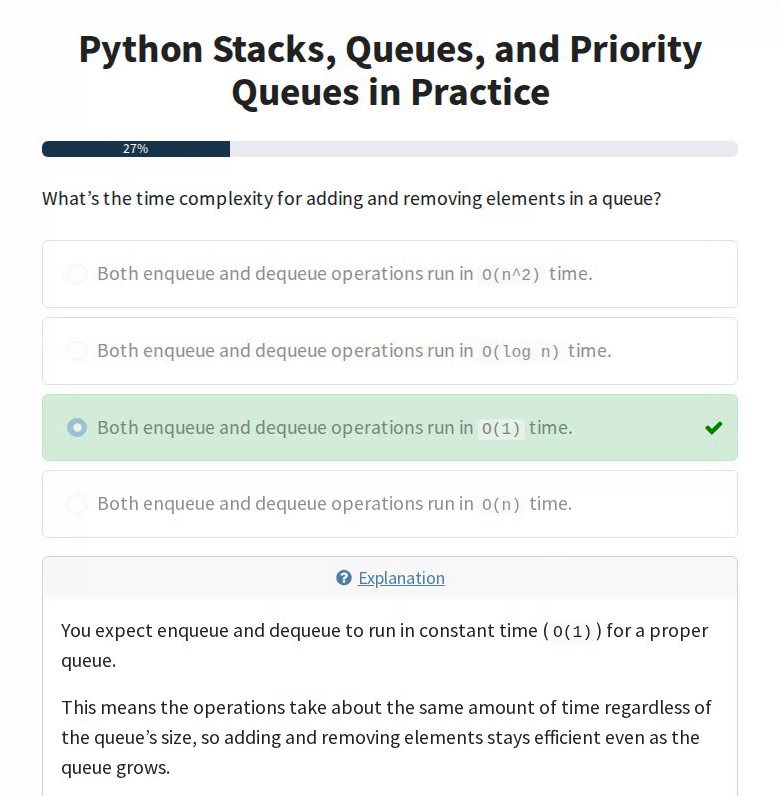
Prove it with Python
Many quizzes include coding questions. You get a short task and an editor with starter code. When you check your answer, your code runs against tests.
It’s the difference between knowing what a deque is and actually being able to build a queue with one.
Get your score, then level up
Each correct answer earns a point. At the end, you get your score and a link back to the tutorial or course, in case you want to review anything.
Proud of the result? Share it with your friends. Want a better score? Hit Retake the Quiz and go again.
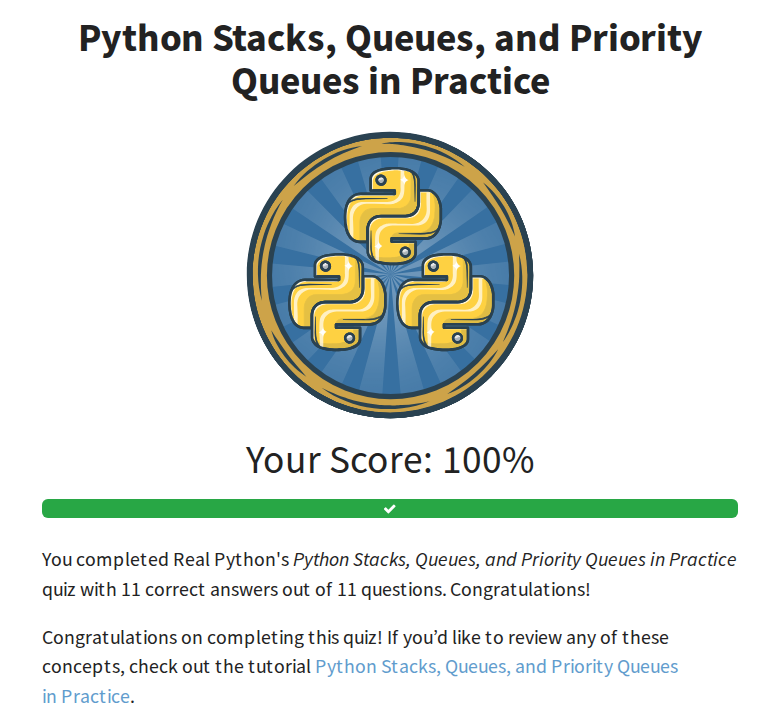
Quizzes built into the rest of Real Python
Quizzes sit right next to the content they test, so checking your understanding is always one click away.
Tutorials
Many written tutorials have a matching quiz. Look for the Take the Quiz box near the top of the article.
Video courses
Many courses end with a quiz lesson, so you can check your progress before you move on.
Learning paths
Almost every learning path mixes quizzes in with its tutorials and courses, so you can review as you go.
Start with a popular quiz
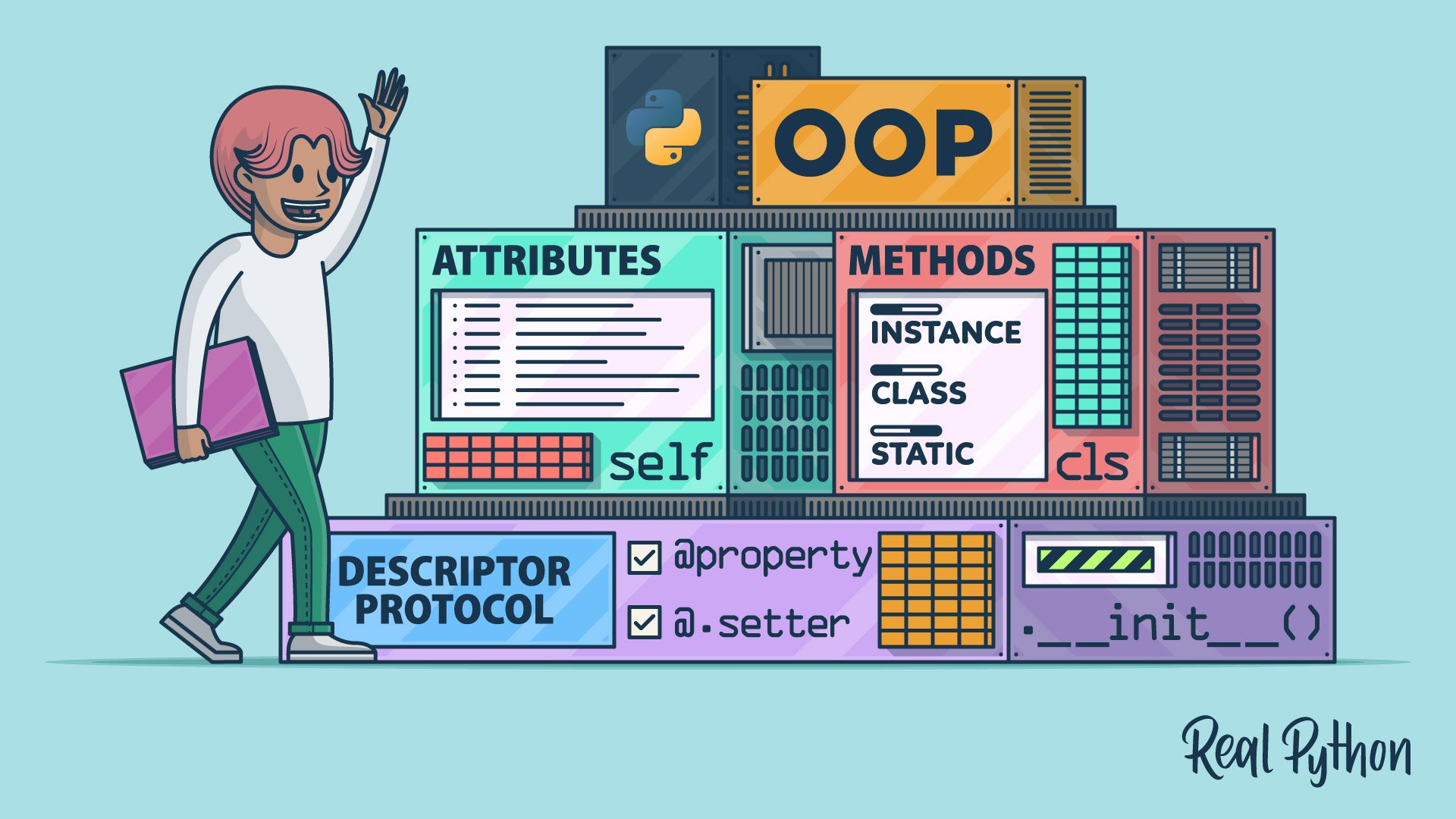 Interactive Quiz
Python Classes: The Power of Object-Oriented Programming
Attributes, methods, inheritance, and the rest of Python’s object-oriented toolkit.
 Interactive Quiz
Lists vs Tuples in Python
How to create, access, and change lists and tuples, and when to reach for each.
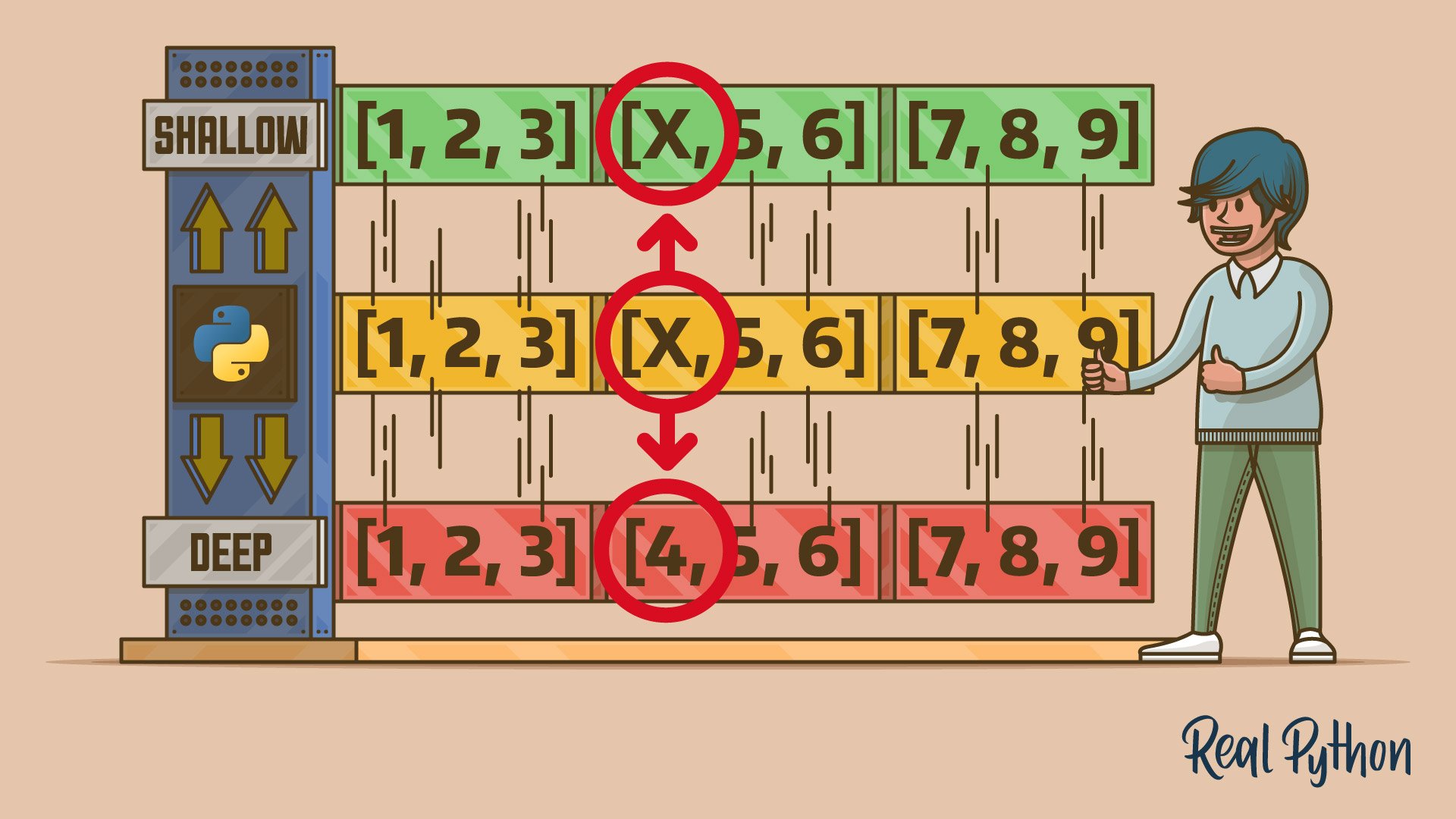 Interactive Quiz
Shallow vs Deep Copying of Python Objects
What the copy module really copies, and how to avoid surprises with nested, mutable data.
Questions and answers
Are Real Python quizzes free?
Yes. You can take Real Python’s interactive quizzes for free. A membership unlocks the video courses and other resources the quizzes are built around.
How long does a quiz take?
Most quizzes have around ten questions and take a few minutes. The number of questions is shown before you start, and there’s no time limit.
How is my quiz scored?
You get one point for each correct answer. At the end of the quiz, you see your total score as a percentage.
Can I retake a quiz?
Yes, as often as you like. Click Retake the Quiz on the results screen to start again.
What if I don’t know the answer?
Many questions have a hint you can open before you answer. After you answer, the explanation tells you why, and you can ask Mentor AI to help you understand the question.
Where do I find quizzes on a topic?
Browse the quiz library, or look for the quiz box in the tutorial or course you’re working through.
Test yourself in the next five minutes
Pick a topic you’ve been learning and see how much of it you really know.
Get your free learning plan