
If you mark everything this course as complete, then you’ll automatically receive the certificate for your participation in the Object-Oriented Python Live Course:
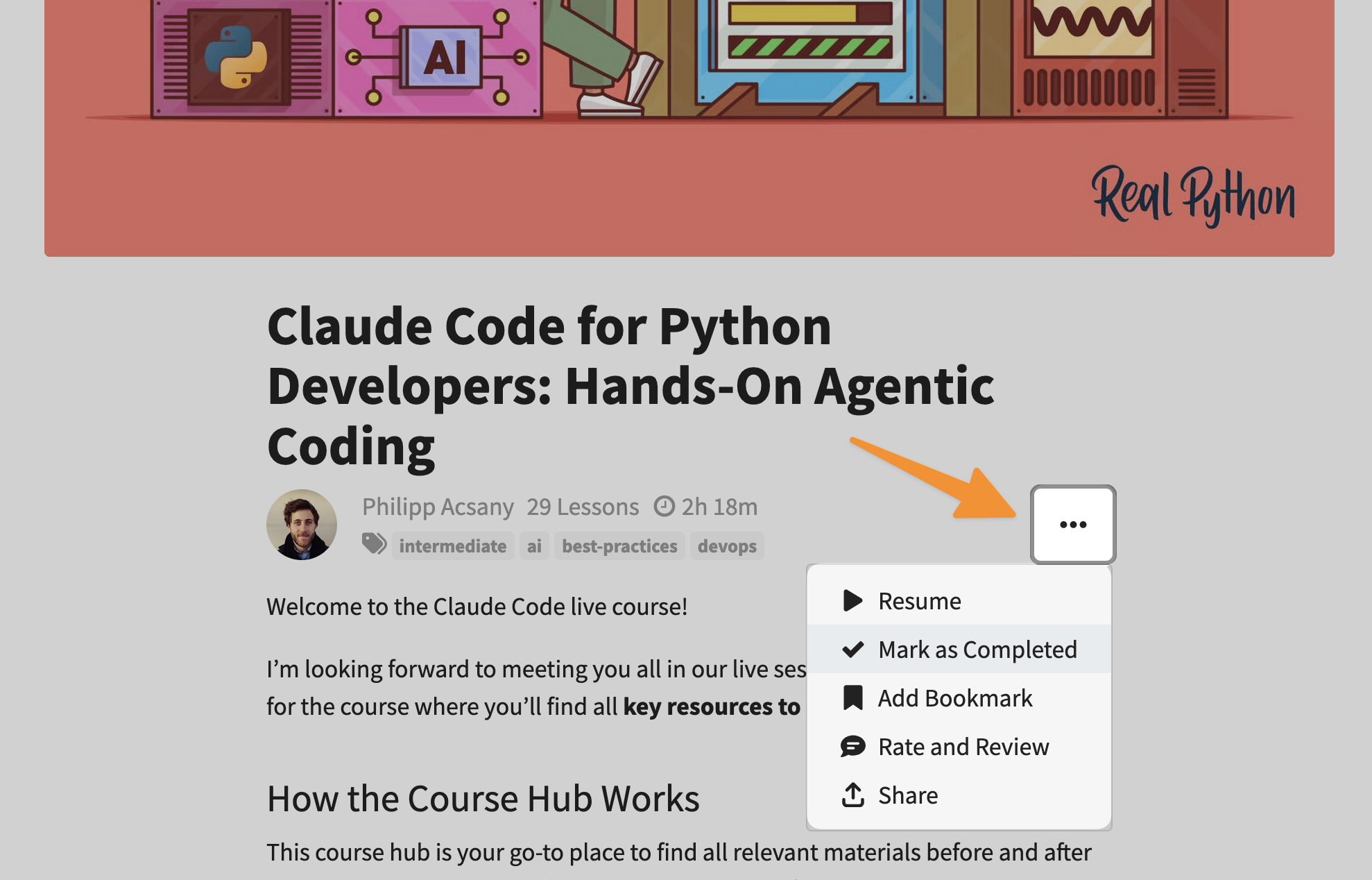
Follow these steps to mark this course as complete:
- Go to the start page of the course.
- Click the three dots (
...) below the title image. - Select Mark as Complete.
- Confirm your choice.
Afterward, you can find the Object-Oriented Python Live Course certificate on your Real Python certificates page. Once you have selected the certificate, you can share your personal certificate online or download a PDF file that looks like this:

