I/O Operations and String Formatting
Learning Path ⋅ Skills: Python, I/O, String Formatting, f-strings, print(), input(), Format Mini-Language

Learn how to read keyboard input, display output with print(), and format strings in Python. This path covers the input() and print() built-in functions, stripping characters from strings, f-strings for interpolation, float formatting, and the format mini-language for precise control over your output.
I/O Operations and String Formatting
Learning Path ⋅ 10 Resources
Getting Started With Input and Output
Every Python program needs a way to take data in and send results back out. You’ll start with the input() and print() built-ins, then convert the text that input() always hands back into numbers you can actually calculate with. Getting these raw mechanics right is what makes the formatting work later in the path straightforward.
Course
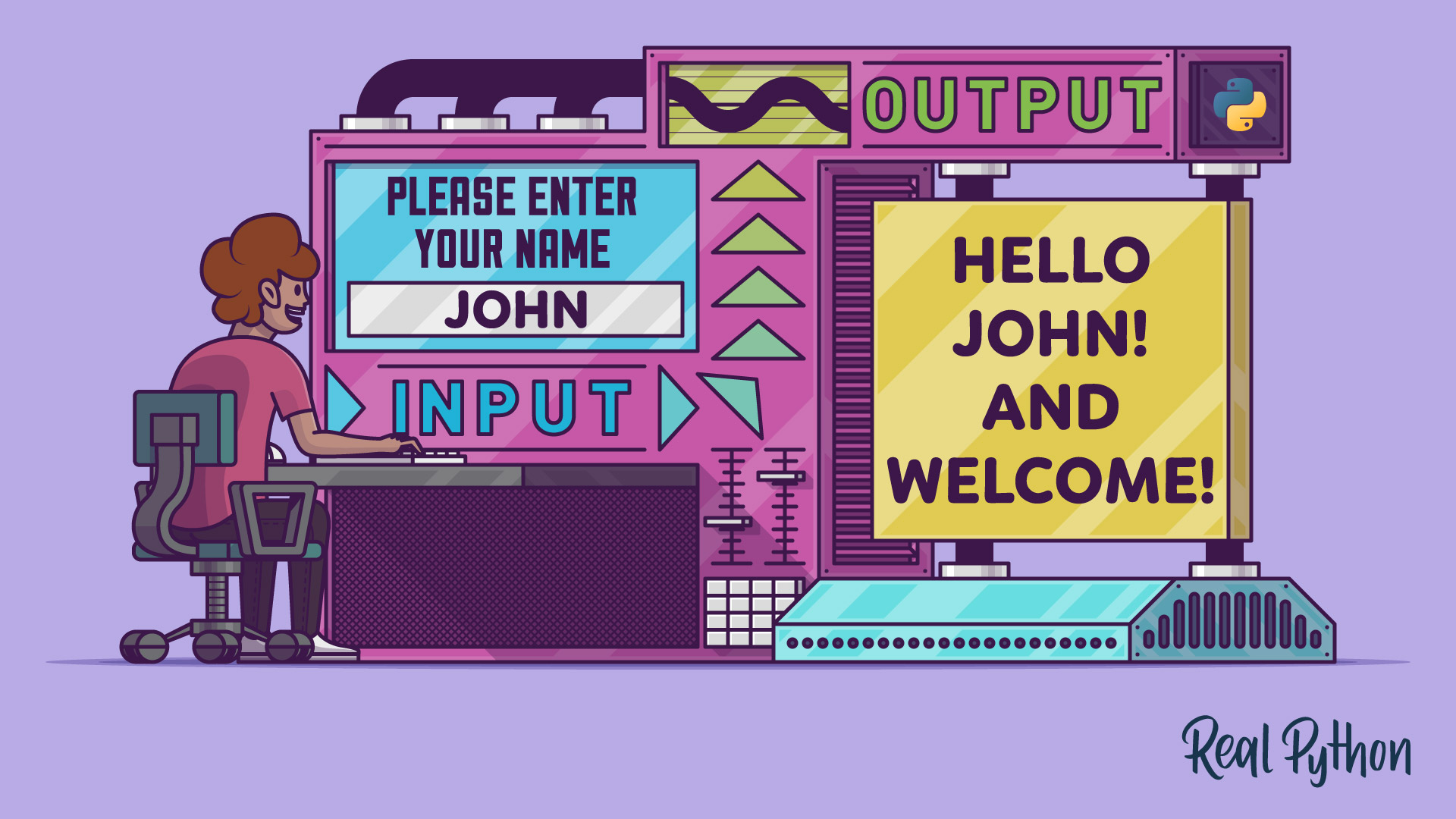
Reading Input and Writing Output in Python
In this introductory Python course, you'll learn how to take user input from the keyboard with the built-in function input() and how to display output to the console with the built-in function print().
Interactive Quiz
Basic Input and Output in Python

Course
Reading User Input From the Keyboard With Python
Master taking user input in Python to build interactive terminal apps with clear prompts, solid error handling, and smooth multi-step flows.
Interactive Quiz
How to Read User Input From the Keyboard in Python

Tutorial
How to Read Python Input as Integers
Learn how to use Python to get integer input from the user while handling any errors resulting from non-numeric input. This will involve coding your own reusable function built around input().
Working With print() and String Cleaning
Go deeper into the print() function and learn how to clean up strings. You will explore advanced print options and techniques for stripping unwanted characters.
Course
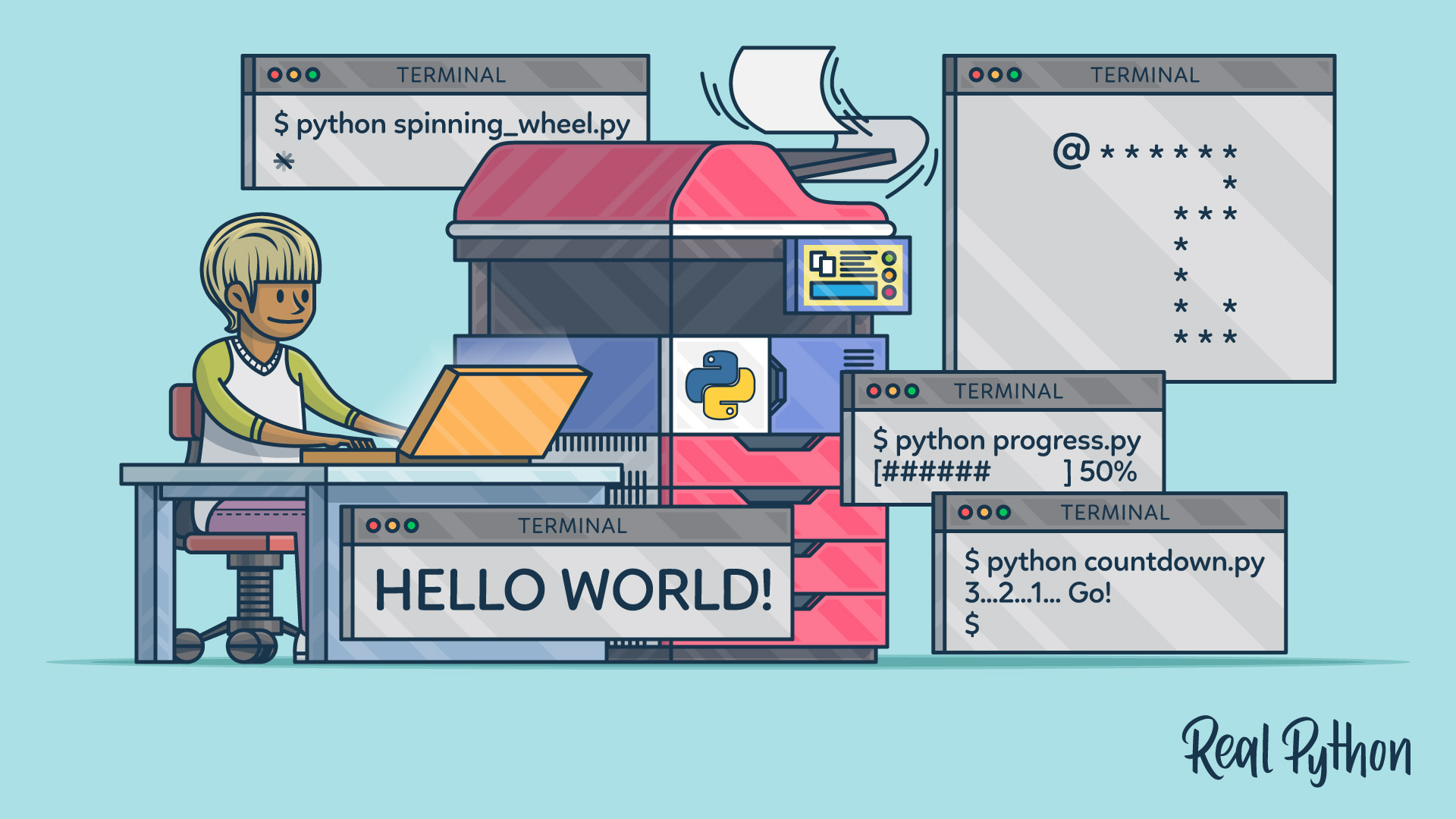
The Python print() Function: Go Beyond the Basics
Learn about Python's print() function, discover its lesser-known features, avoid common mistakes, and know when to use a better alternative.
Interactive Quiz
The Python print() Function
Interactive Quiz
The Python print() Function
Course
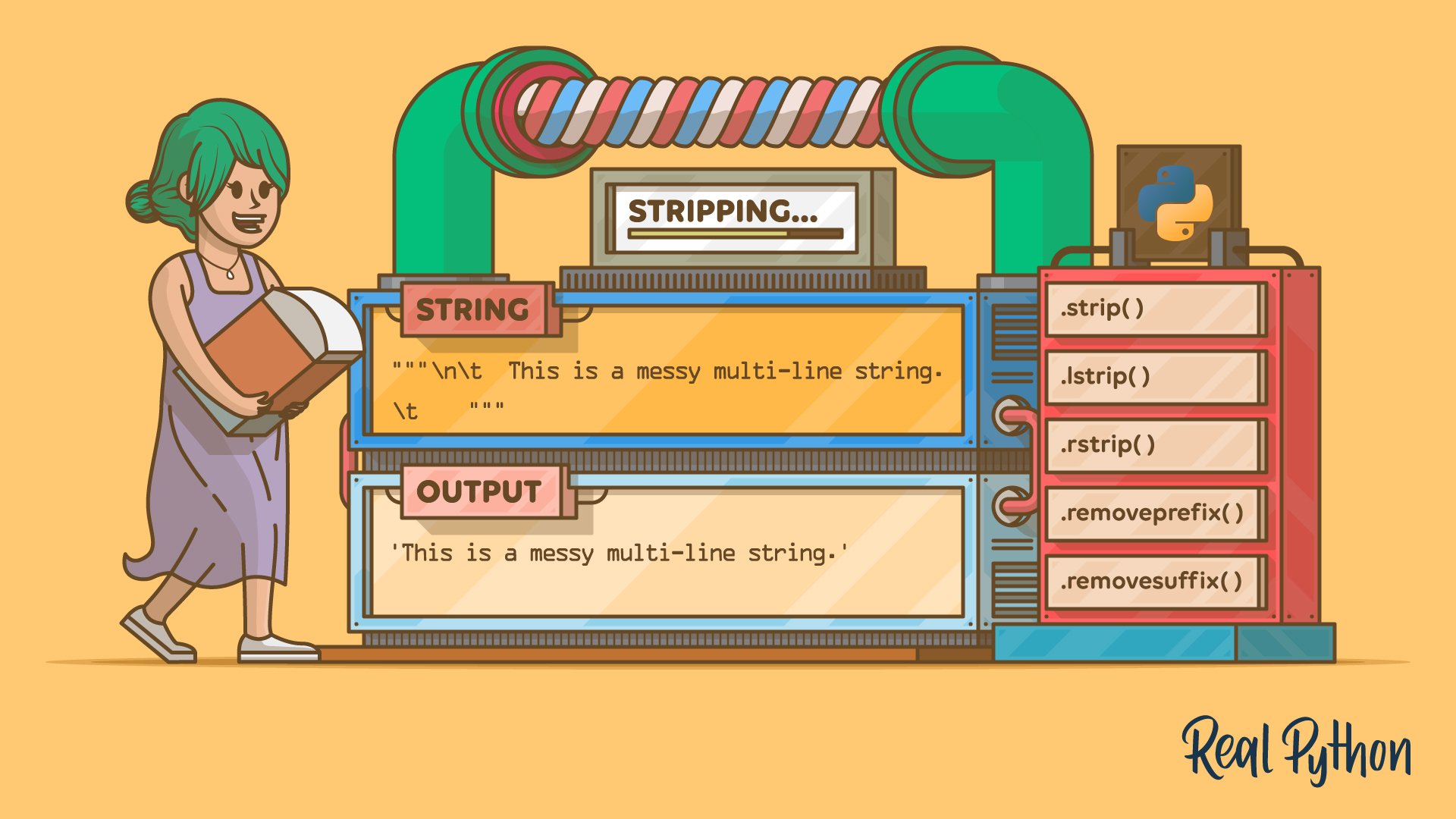
Strip Characters From a Python String
Use Python's .strip() to remove whitespace or chosen chars. Learn pitfalls, real-world cases, and compare with .lstrip() and .removesuffix().
Interactive Quiz
How to Strip Characters From a Python String
String Formatting Tools
You can now read input, print it, and strip stray characters off it. Next, you’ll control how those values look, starting with a broad tour of Python’s string formatting tools and then narrowing to f-strings, float precision, and the format mini-language. These are the tools you’ll reach for whenever raw output isn’t readable enough.
Course
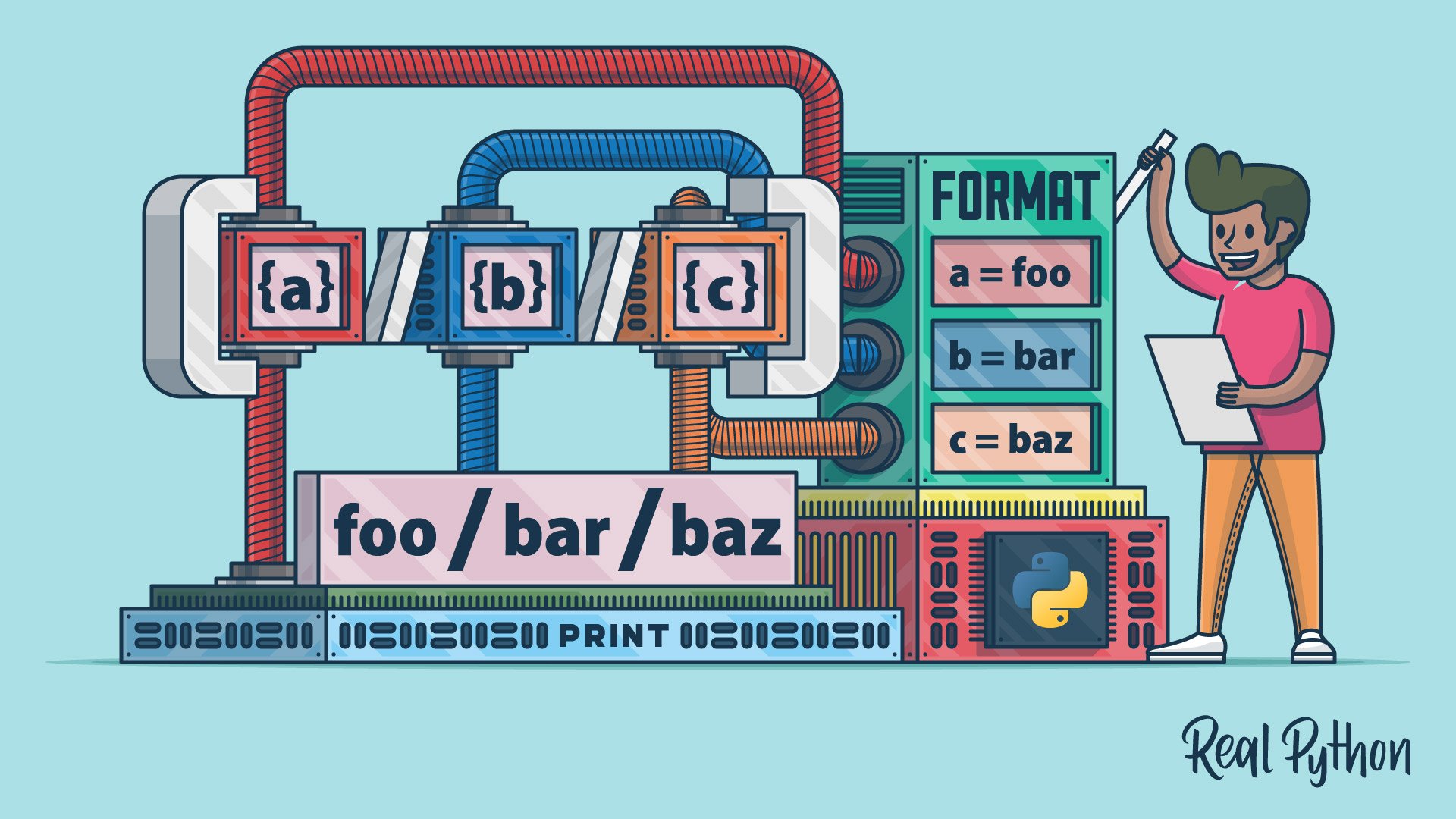
Formatting Python Strings
See two items to add to your Python string formatting toolkit. You'll learn about Python's string format method and the formatted string literal, or f-string. You'll learn about these formatting techniques in detail and add them to your Python string formatting toolkit.

Interactive Quiz
A Guide to Modern Python String Formatting Tools

Course
Python 3's F-Strings: An Improved String Formatting Syntax
As of Python 3.6, f-strings are a great new way to format strings. Not only are they more readable, more concise, and less prone to error than other ways of formatting, but they are also faster! By the end of this course, you'll know how and why to start using f-strings today.
Interactive Quiz
Python's F-String for String Interpolation and Formatting

Course
Formatting Floats Inside Python F-Strings
Learn how to use Python format specifiers within an f-string to allow you to neatly format a float to your required precision.
Interactive Quiz
Format Floats Within F-Strings

Tutorial
Python's Format Mini-Language for Tidy Strings
Learn about Python's format mini-language. You'll learn how to use the mini-language to create working format specifiers and build nicely formatted strings and messages in your code.
Interactive Quiz
Python's Format Mini-Language for Tidy Strings
Test Your Knowledge
You’ve made it through the entire path! In the wrap-up quiz below, you’ll
revisit the most important ideas about reading input, controlling print(),
cleaning strings, and formatting with f-strings and the format mini-language.
Use it to spot any topics that still feel rusty before moving on.
Interactive Quiz
I/O Operations and String Formatting
Test your understanding of Python I/O and string formatting: input(), print(), stripping methods, the format mini-language, and f-strings.
Congratulations on completing this learning path! You now know how to read user input, display output with print(), clean up strings, and format text using f-strings and Python’s format mini-language.
Continue your Python basics journey with the next learning path:
Learning Path
Python Control Flow and Loops
15 Resources ⋅ Skills: Python, Control Flow, Conditional Statements, Booleans, for Loops, while Loops, enumerate, Nested Loops, break, continue, pass, Membership Testing
You might also be interested in these related learning paths:
Got feedback on this learning path?
Looking for real-time conversation? Visit the Real Python Community Chat or join the next “Office Hours” Live Q&A Session. Happy Pythoning!
