Modules and Packages
Learning Path ⋅ Skills: Packages, Modules, Import System, pip, PyPI, uv, __init__.py, Namespace Packages, __all__, PyInstaller

In this learning path, you’ll explore how Python’s import system works and how to structure your code using modules and packages. You’ll learn to manage project dependencies with pip and uv, evaluate third-party package quality, and publish your own packages to PyPI. Along the way, you’ll also cover namespace packages, zip imports, and creating README files for your projects.
Modules and Packages
Learning Path ⋅ 16 Resources
Is this path right for you? Mentor AI knows what’s in it and can help you decide where to begin.
Ask Mentor AI

Understanding Modules and Packages
Start with the building blocks of Python code organization. You’ll see how a single file becomes a module and a directory becomes a package, what __init__.py does inside that directory, and how the if __name__ == "__main__" idiom decides whether a file runs as a script or gets imported. Getting these fundamentals right makes the import rules in the next section much easier to follow.
Course
Python Modules and Packages: An Introduction
In this course, you'll explore Python modules and Python packages, two mechanisms that facilitate modular programming. See how to write and import modules so you can optimize the structure of your own programs and make them more maintainable.
Interactive Quiz
Python Modules and Packages

Course
What Does Python's __init__.py Do?
Learn how Python's __init__.py declares packages, initializes variables, simplifies imports, and controls what gets exported.
Interactive Quiz
What Is Python's __init__.py For?
Course
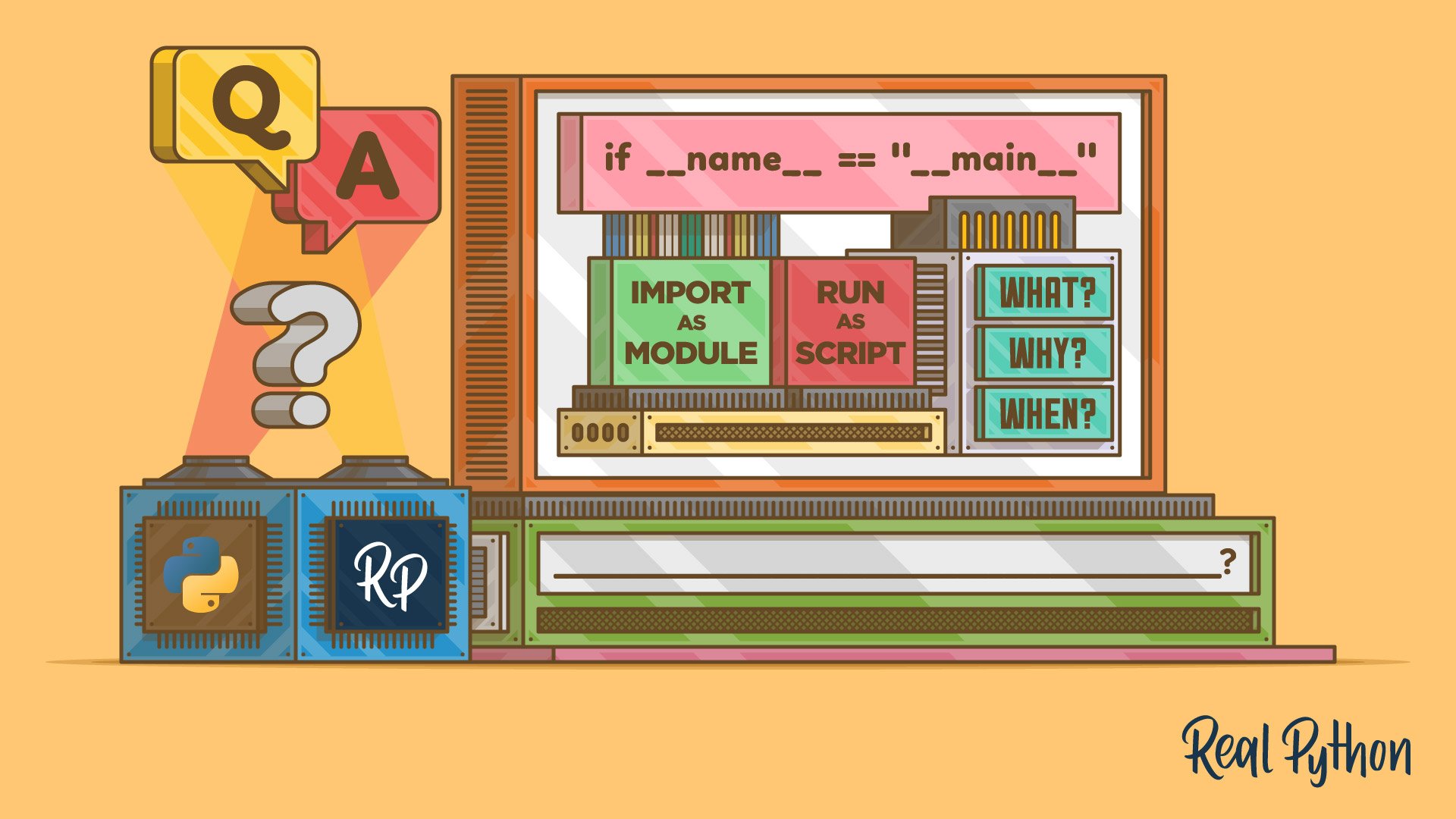
What Does if __name__ == "__main__" Mean in Python?
Learn all about Python's name-main idiom. You'll learn what it does in Python, how it works, when to use it, when to avoid it, and how to refer to it.
Interactive Quiz
Python Name-Main Idiom
Python's Import System
You’ve built a package, so now you’ll see how Python finds and loads it. You’ll compare absolute and relative imports, pick up advanced import techniques, control what a wildcard import exposes with all, and finish with namespace packages and zip imports. Knowing how the import machinery resolves names keeps a growing project working when you move files around.
Course
Absolute vs Relative Imports in Python
If you've worked on a Python project that has more than one file, chances are you've had to use an import statement before. In this course, you'll not only cover the pros and cons of absolute and relative imports but also learn about the best practices for writing import statements.
Interactive Quiz
Absolute vs Relative Imports in Python
Course
Advanced Python import Techniques
The Python import system is as powerful as it is useful. In this in-depth video course, you'll learn how to harness this power to improve the structure and maintainability of your code.
Interactive Quiz
Python import: Advanced Techniques and Tips

Course
Managing Imports With Python's __all__
Learn how Python's dunder all variable controls wildcard imports and shapes the public API your packages and modules expose.
Interactive Quiz
Python's __all__: Packages, Modules, and Wildcard Imports

Tutorial
What's a Python Namespace Package, and What's It For?
In this tutorial, you'll be exploring Python namespace packages: what they are, what they're for, and how you can use them in your package systems. Along the way, you'll create your own set of namespace packages and explore how you might be able to use them in your own projects.
Interactive Quiz
Python Namespace Packages

Tutorial
Python Zip Imports: Distribute Modules and Packages Quickly
Learn what Zip imports are and how to use them in Python. You'll learn to create your own importable ZIP files and make them available for use. Finally, you'll learn how to use the zipimport module to dynamically import code from ZIP files.
Managing Dependencies
So far you’ve been importing your own code, but most projects also depend on code written by other people. Next, you’ll install and manage third-party packages with pip and uv, and keep those dependencies organized and reproducible across environments. You’ll also learn how to judge whether a package is worth depending on before you add it.

Course
A Beginner's Guide to pip
What is pip? In this beginner-friendly course, you'll learn how to use pip, the standard package manager for Python, so that you can install and manage additional packages that are not part of the Python standard library.
Interactive Quiz
Using Python's pip to Manage Your Projects' Dependencies
Course
uv vs pip: Python Packaging and Dependency Management
Choosing between uv vs pip? This video course compares speed, reproducible environments, compatibility, and dependency management to help you pick the right tool.
Interactive Quiz
uv vs pip: Managing Python Packages and Dependencies

Course
Managing Python Dependencies
Get up to speed with Python dependency management quickly and go from “writing scripts” to “building applications” with this complete course.

Tutorial
How to Evaluate the Quality of Python Packages
Just like you shouldn't download any file from the Internet, you shouldn't install third-party Python packages without evaluating them first. This tutorial will give you the tool set to evaluate the quality of external Python packages before you incorporate them into your Python projects.
Publishing and Distributing
You’ve been on the consuming end of PyPI, so now you’ll switch sides. You’ll publish a package of your own, bundle an application into a standalone executable with PyInstaller for users who don’t have Python installed, and write the README that tells people what your project does. A clear README is often the first thing a potential user reads, so it earns as much care as the code.

Course
Publishing Python Packages to PyPI
In this video course, you’ll learn how to create a Python package for your project and how to publish it to PyPI, the Python Package Index. Quickly get up to speed on everything from naming your package to configuring it using setup.cfg.
Interactive Quiz
How to Publish an Open-Source Python Package to PyPI
Tutorial
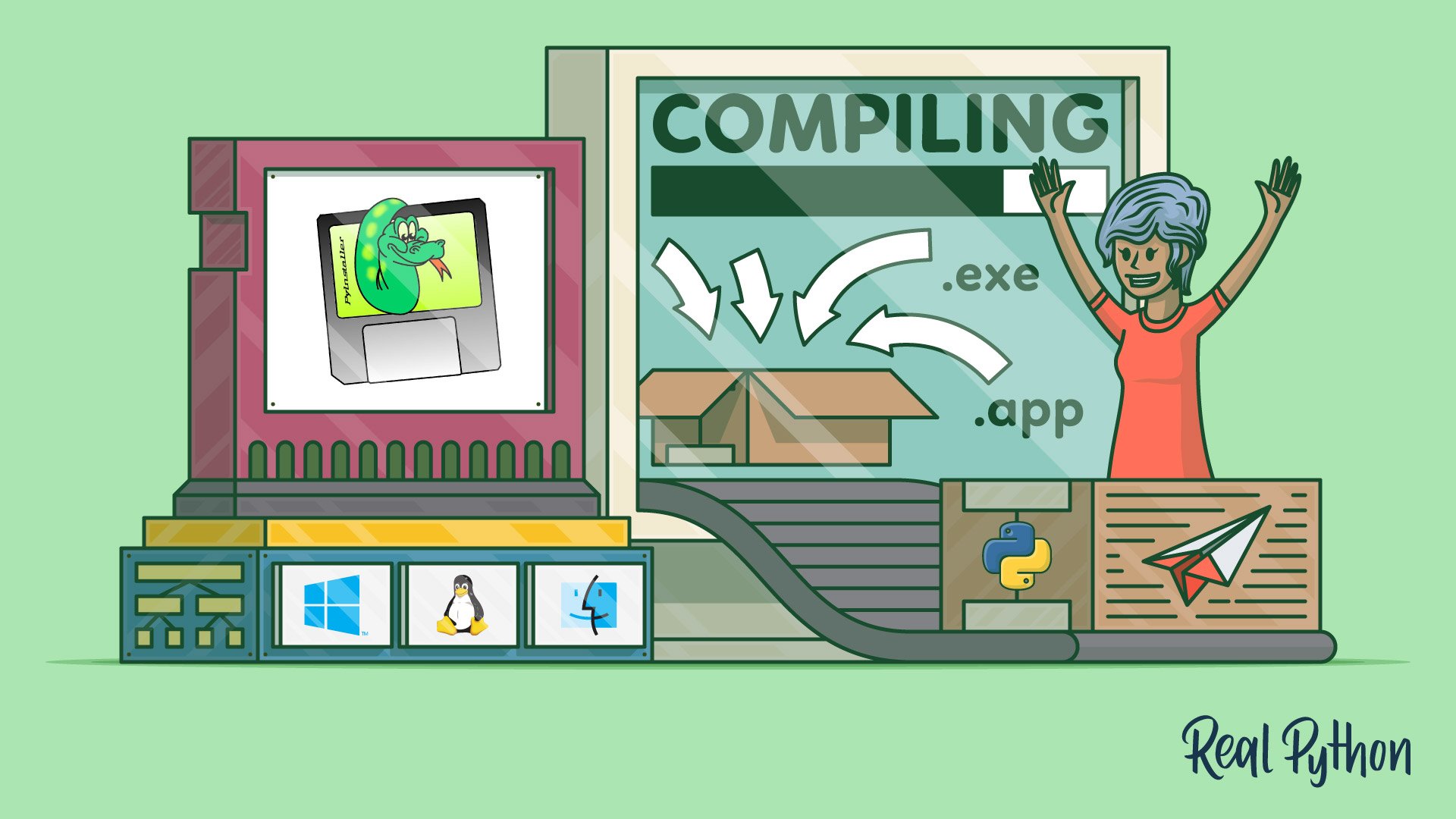
Using PyInstaller to Easily Distribute Python Applications
Learn how to use PyInstaller to turn your Python application into an executable with no dependencies or installation required. This is great if you want to distribute applications to users who may or may not be Python developers.

Tutorial
Creating Great README Files for Your Python Projects
Learn how to create, organize, and format high-quality README files for your Python projects.
Interactive Quiz
Creating Great README Files for Your Python Projects
Test Your Knowledge
You’ve made it through the entire path! In the wrap-up quiz below, you’ll revisit the most important ideas about modules, packages, the import system, managing dependencies with pip and uv, and writing READMEs. Use it to spot any topics that still feel rusty before moving on.
Interactive Quiz
Modules and Packages
Revisit Python modules, packages, the import system, pip, uv, and READMEs in this wrap-up quiz for the Modules and Packages path.
Congratulations on completing this learning path! You can now organize your code into modules and packages, work with Python’s import system, manage project dependencies with pip and uv, and package your own projects so other people can install them.
Ready to keep building your Python skills? Continue to the next learning path:
Learning Path
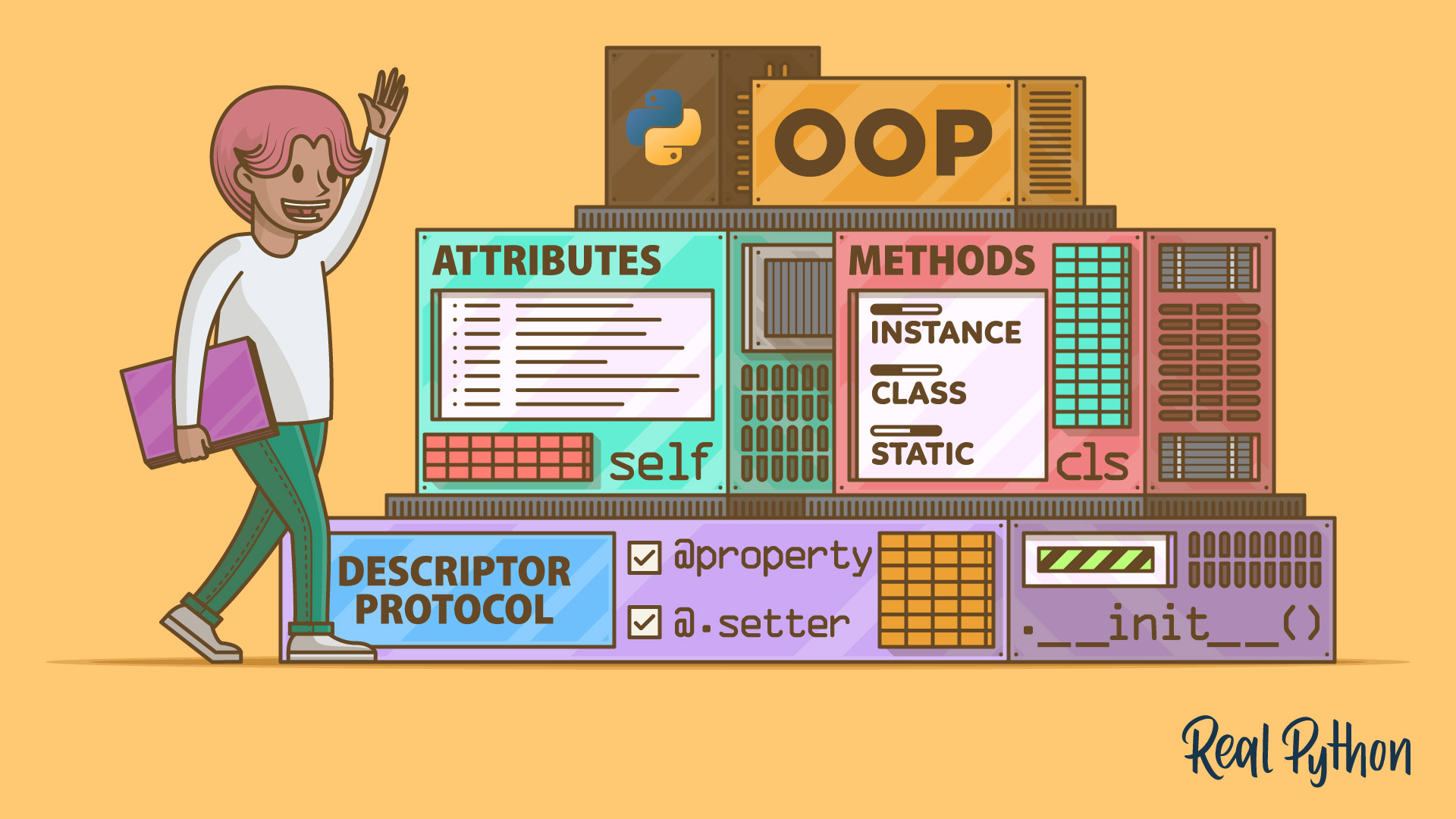
Object-Oriented Programming (OOP)
18 Resources ⋅ Skills: Python, OOP, Classes, Data Classes, Getters, Setters, Property, super(), Magic Methods, Operator Overloading, SOLID, Inheritance, Composition, Mixin Classes, Factory Pattern
You may also be interested in these related learning paths:
Got feedback on this learning path?
Looking for real-time conversation? Visit the Real Python Community Chat or join the next “Office Hours” Live Q&A Session. Happy Pythoning!
