Python Game Development
Learning Path ⋅ Skills: Turtle, Rich, PySimpleGUI, Tkinter, Pygame, Arcade
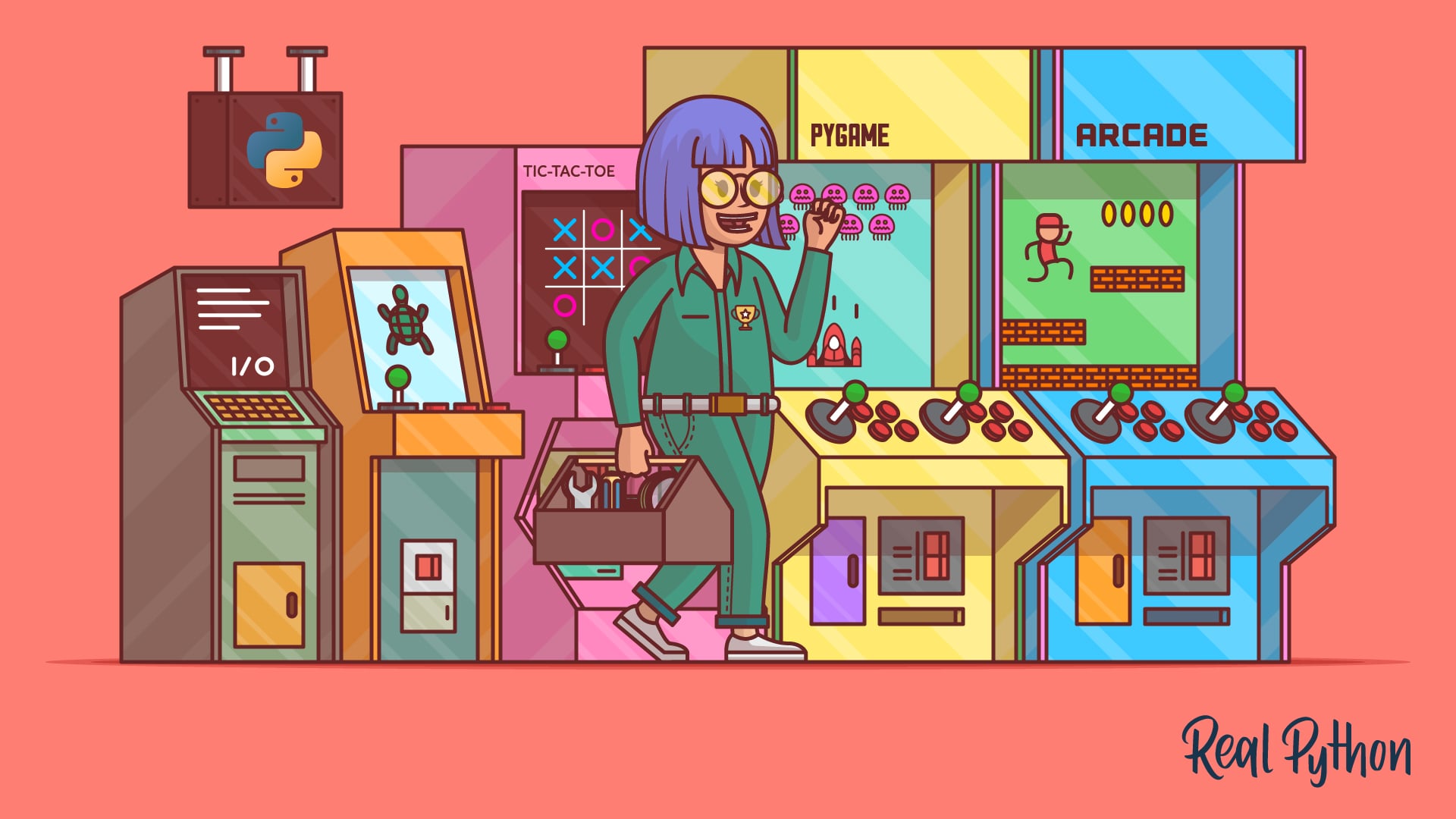
Python game development is one of the most fun ways to put your programming skills into practice. This learning path takes you from simple command-line games to full 2D graphical games with sprites, collision detection, and animation.
By completing this path, you’ll be able to:
- Build command-line games like Rock, Paper, Scissors
- Create graphical games using Python’s built-in turtle module
- Build terminal and GUI word games with Rich and PySimpleGUI
- Design board games with Tkinter, including an AI-powered game engine
- Build 2D side-scrollers and action games with Pygame
- Create platform games using the Arcade framework
This path is for Python developers who want to build interactive games. You should be comfortable with Python basics like functions, loops, and classes.
You’ll start with text-based games and turtle graphics, then move through GUI word and board games before tackling full 2D game development with Pygame and Arcade.
Python Game Development
Learning Path ⋅ 12 Resources
Is this path right for you? Mentor AI knows what’s in it and can help you decide where to begin.
Ask Mentor AI

Your First Python Games
Start your game development journey by building simple command-line games. You’ll learn core programming concepts like input handling, random choices, and game logic.
Course
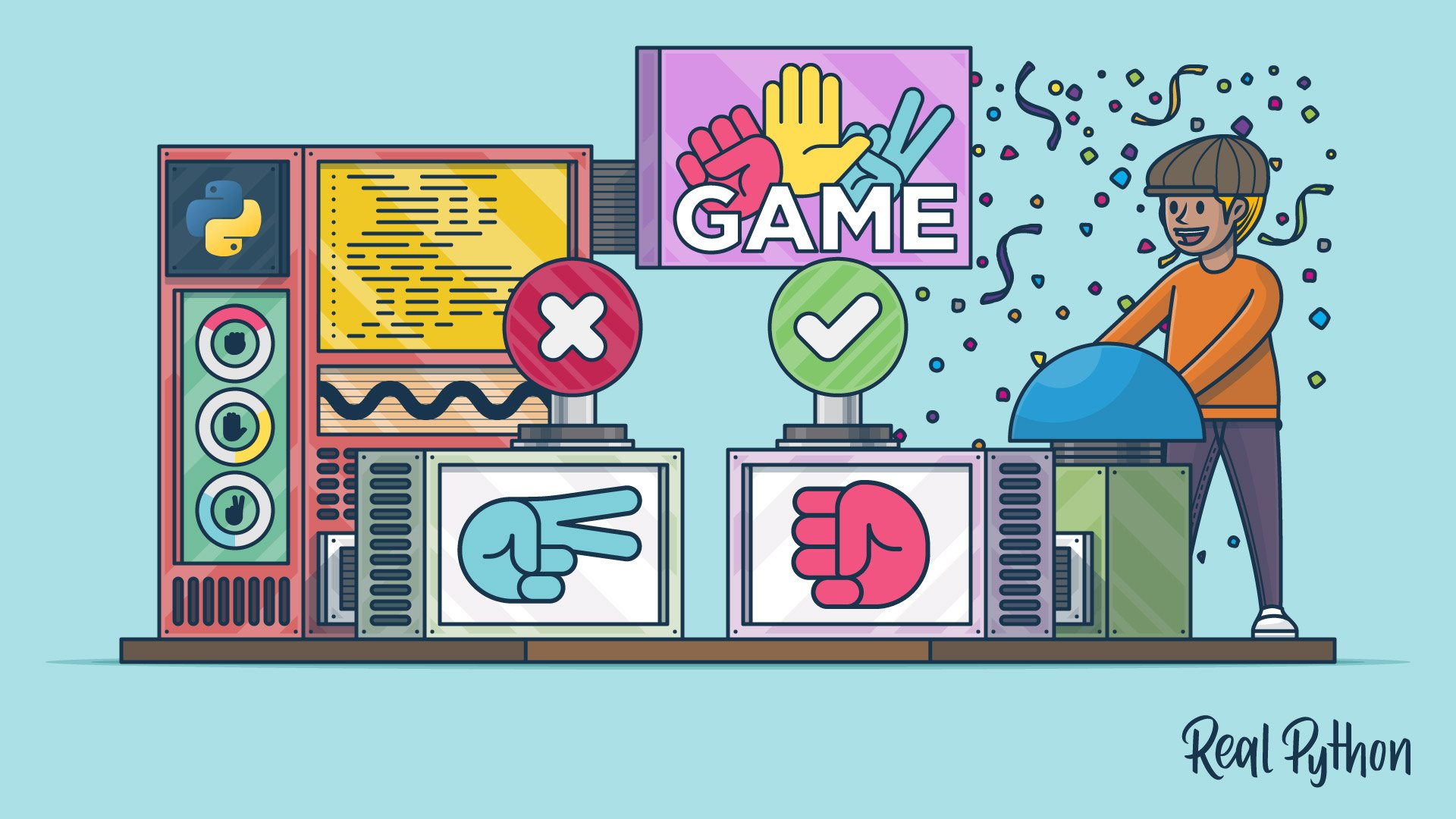
Rock, Paper, Scissors With Python: A Command Line Game
Learn to program rock paper scissors in Python from scratch. You'll learn how to take in user input, make the computer choose a random action, determine a winner, and split your code into functions.
Introduction to Graphics with Turtle
You’ve built a game that runs entirely on text input and output. Now you’ll draw to the screen with Python’s built-in turtle module and use it to build a Space Invaders clone. Turtle gives you animation loops, coordinates, and collision checks without installing anything, so it’s the shortest step from a command-line game to a graphical one.
Course
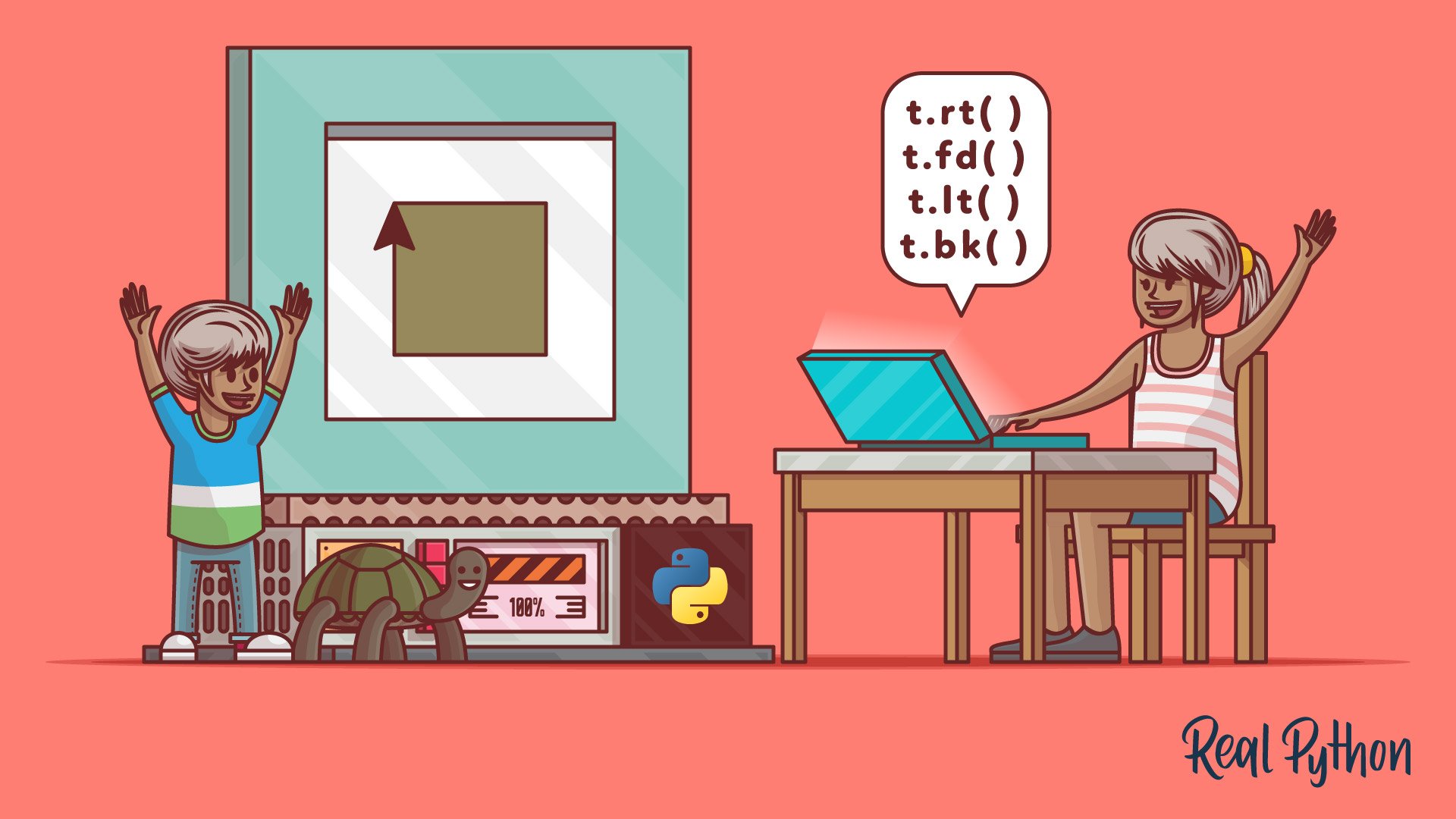
Python Turtle for Beginners
Learn the basics of Python programming with the help of a simple and interactive Python library called turtle. If you're a beginner to Python, then this course will definitely help you on your journey as you take your first steps into the world of programming.
Interactive Quiz
The Beginner's Guide to Python Turtle

Tutorial
Build a Python Turtle Game: Space Invaders Clone
In this step-by-step tutorial, you'll use Python's turtle module to write a Space Invaders clone. You'll learn about techniques used in animations and games, and consolidate your knowledge of key Python topics.
Interactive Quiz
Build a Python Turtle Game: Space Invaders Clone
Terminal & GUI Word Games
Turtle gave you a drawing surface, but it didn’t give you buttons, text fields, or a styled terminal. Next, you’ll build a Wordle clone with Rich and a hangman game with PySimpleGUI, so you can see the same kind of game logic sitting behind a polished console interface and behind a real GUI. Both games keep the rules simple, which lets you concentrate on wiring the interface to the logic.
Course
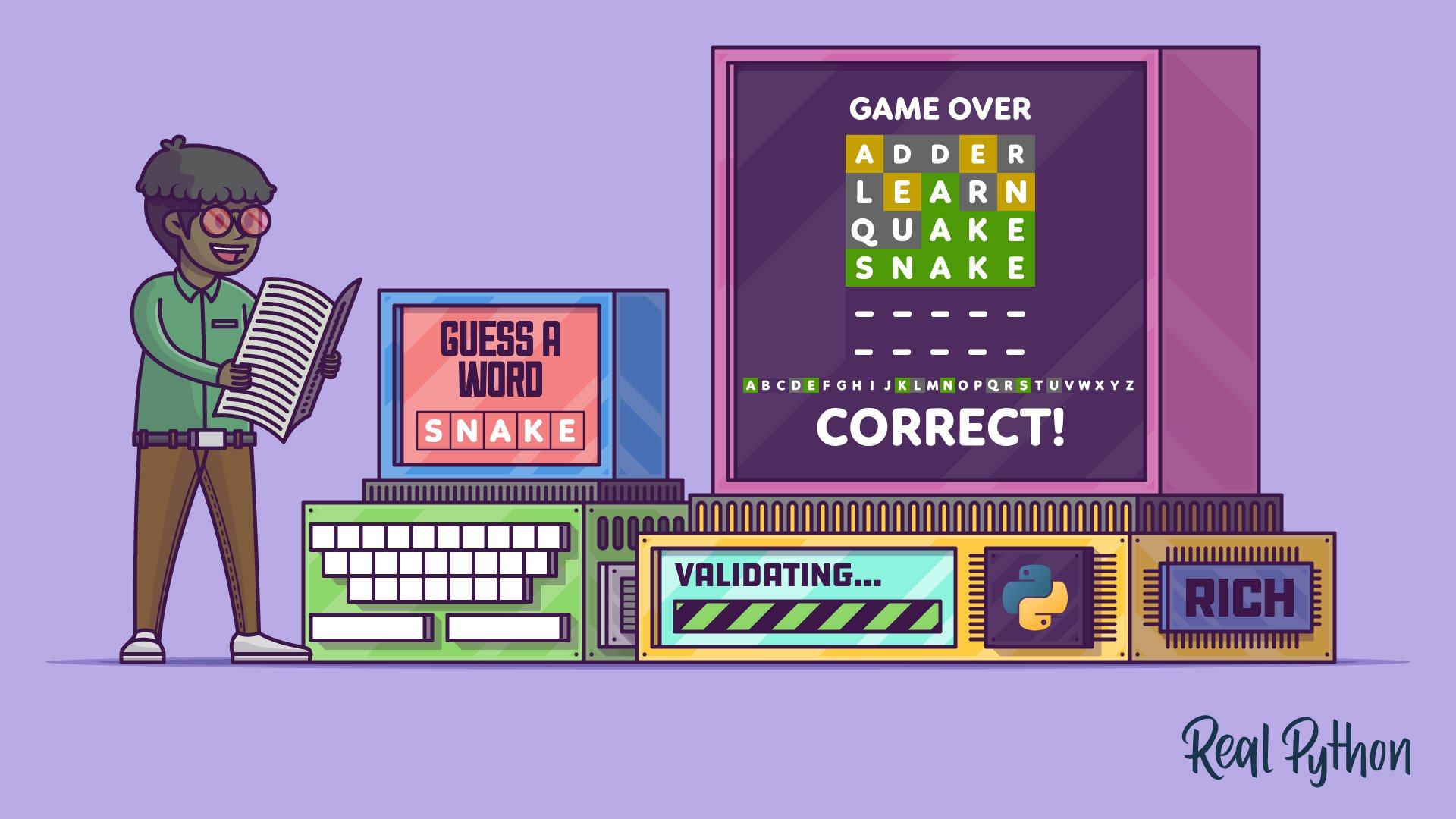
Create a Python Wordle Clone With Rich
In this step-by-step project, you'll build your own Wordle clone with Python. Your game will run in the terminal, and you'll use Rich to ensure your word-guessing app looks good. Learn how to build a command-line application from scratch and then challenge your friends to a wordly competition!
Tutorial
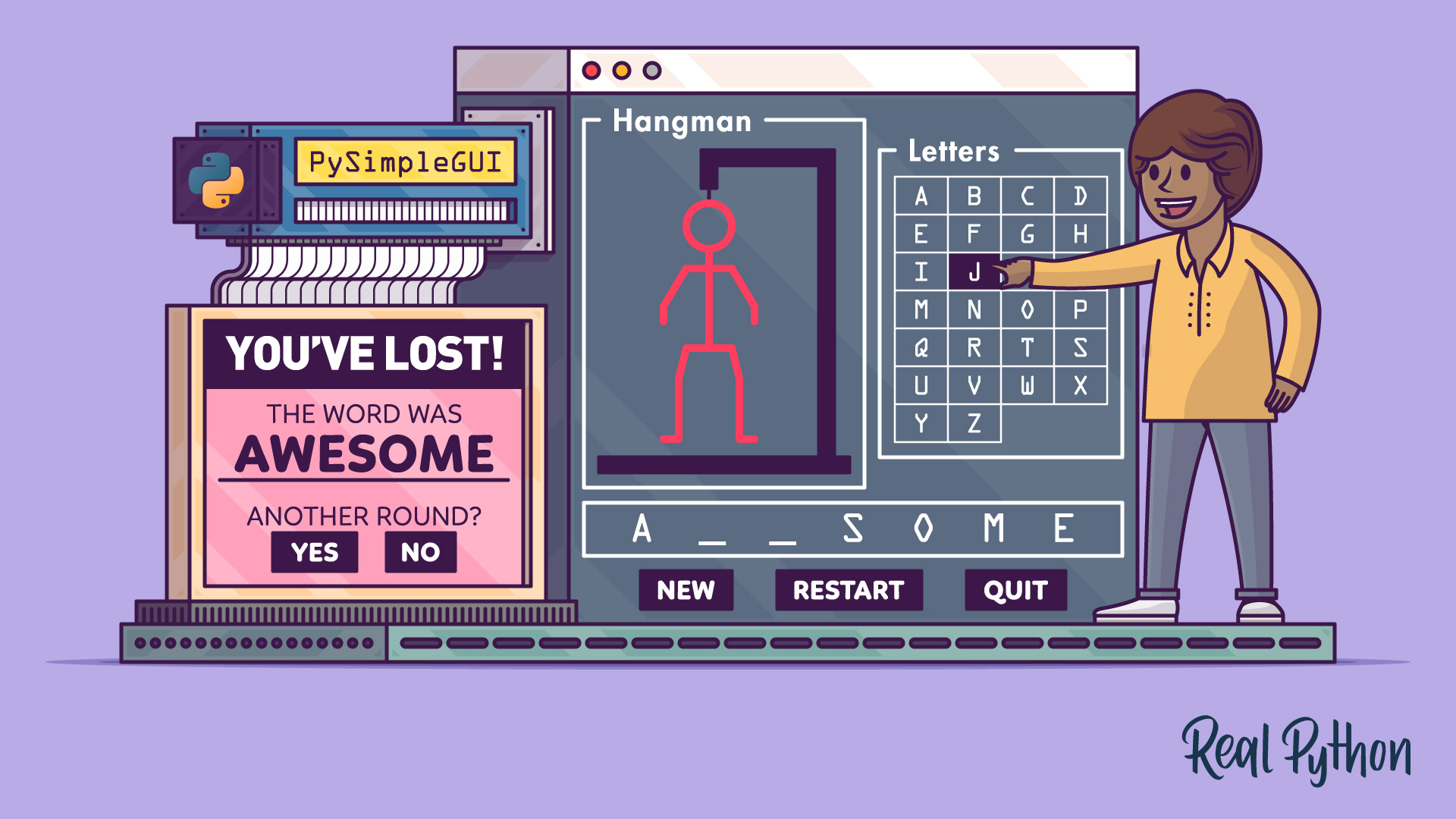
Build a Hangman Game With Python and PySimpleGUI
Learn how to write the game of hangman in Python with a PySimpleGUI-based interface. You'll see how to structure the game, build its GUI, and program the game's logic and rules.
Classic Board Games with GUI
Word games track one piece of state at a time. Board games track a grid, turns, and win conditions, so you’ll build tic-tac-toe with Tkinter and then rebuild it as a reusable game engine with an AI opponent. Separating the engine from the interface is the pattern the rest of this path relies on.

Tutorial
Build a Tic-Tac-Toe Game With Python and Tkinter
In this step-by-step project, you'll learn how to create a tic-tac-toe game using Python and the Tkinter GUI framework. Tkinter is cross-platform and is available in the Python standard library. Creating a game in Python is a great and fun way to learn something new and exciting!
Interactive Quiz
Build a Tic-Tac-Toe Game With Python and Tkinter
Course
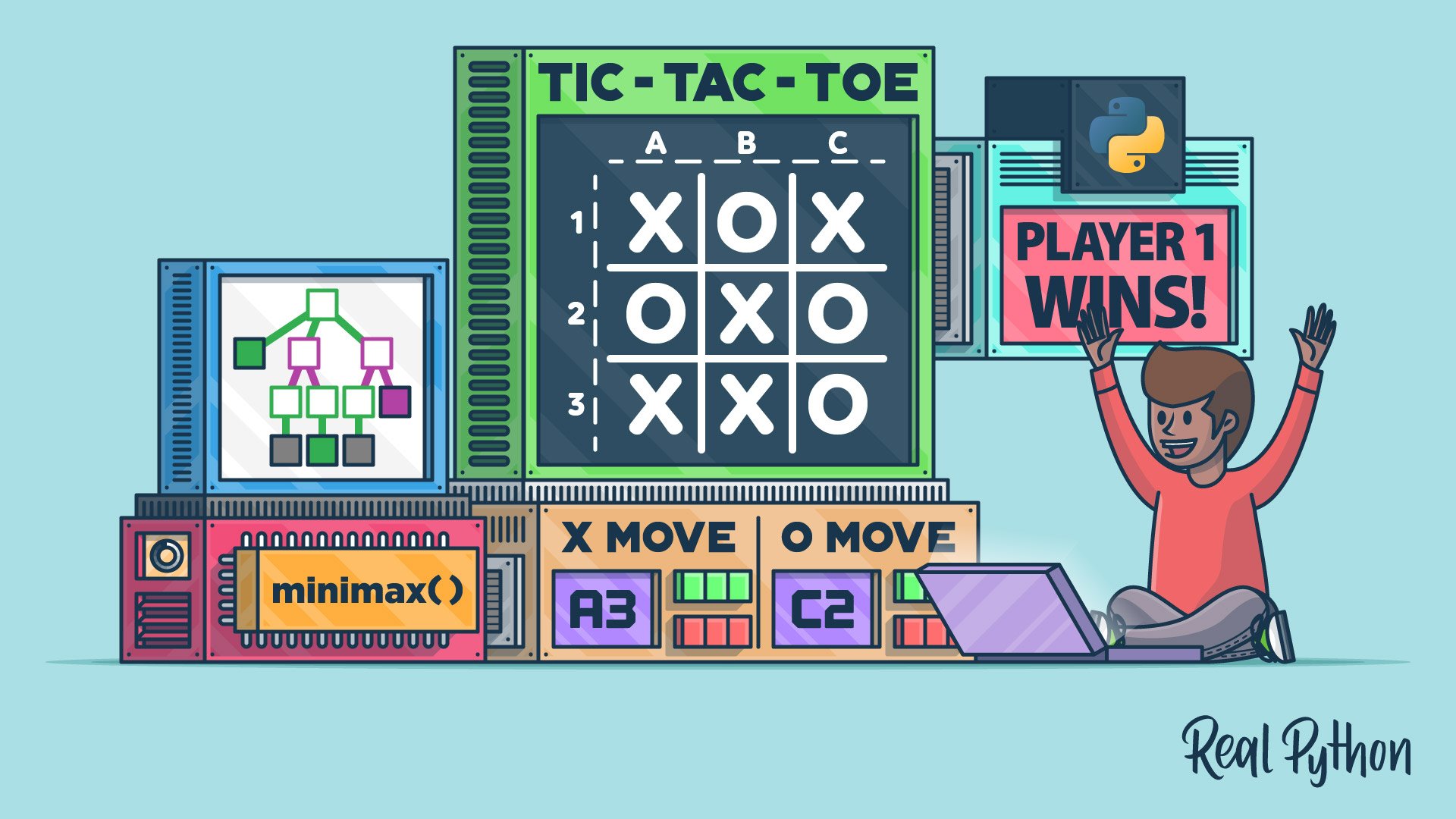
Create a Tic-Tac-Toe Python Game Engine With an AI Player
In this video course, you'll create a universal game engine in Python for tic-tac-toe with two computer players, one of which will be an AI player using the powerful minimax algorithm. You'll give your game library a text-based graphical interface and explore two front ends.
Overview of Python Game Engines
You’ve now used turtle, Rich, PySimpleGUI, and Tkinter, none of which were built for games. Before you commit to a real game framework, you’ll compare the main Python game engines and see what each one is good at. That survey sets up the two frameworks you’ll spend the rest of this path on.
Tutorial
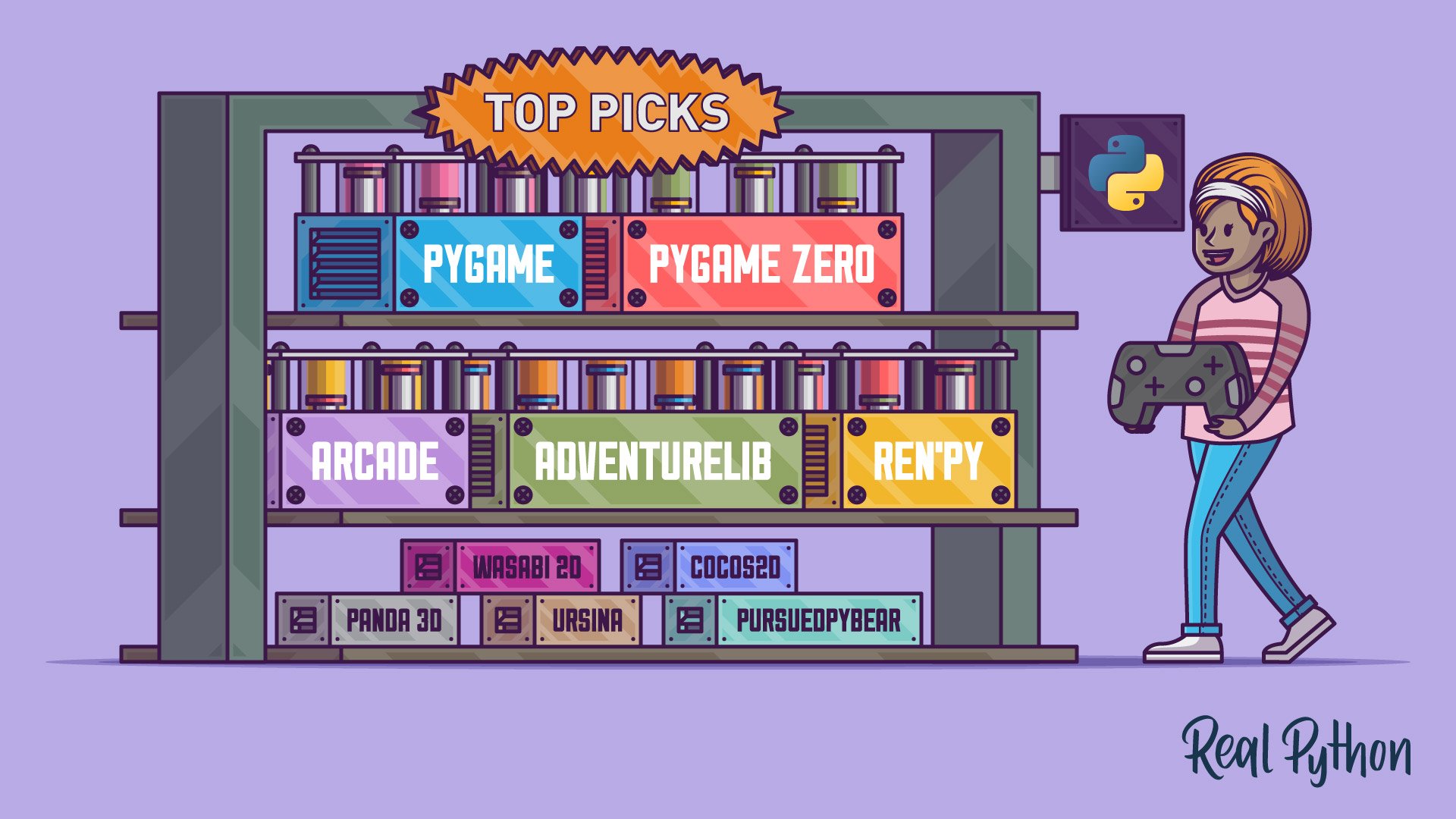
Top Python Game Engines
In this tutorial, you'll explore several Python game engines available to you. For each, you'll code simple examples and a more advanced game to learn the game engine's strengths and weaknesses.
Deep Dive into Pygame
Of the engines you just compared, Pygame is the one with the longest history and the deepest back catalog of examples to learn from. You’ll build a 2D side-scroller and then an Asteroids clone, picking up sprites, collision detection, sound, and the main game loop along the way. These are the first projects on the path where the framework, rather than your own code, drives the frame-by-frame updates.
Course
Make a 2D Side-Scroller Game With PyGame
Learn how to use PyGame. This library allows you to create games and rich multimedia programs in Python. You'll learn how to draw items on your screen, implement collision detection, handle user input, and much more!
Interactive Quiz
Pygame: A Primer on Game Programming in Python
Course
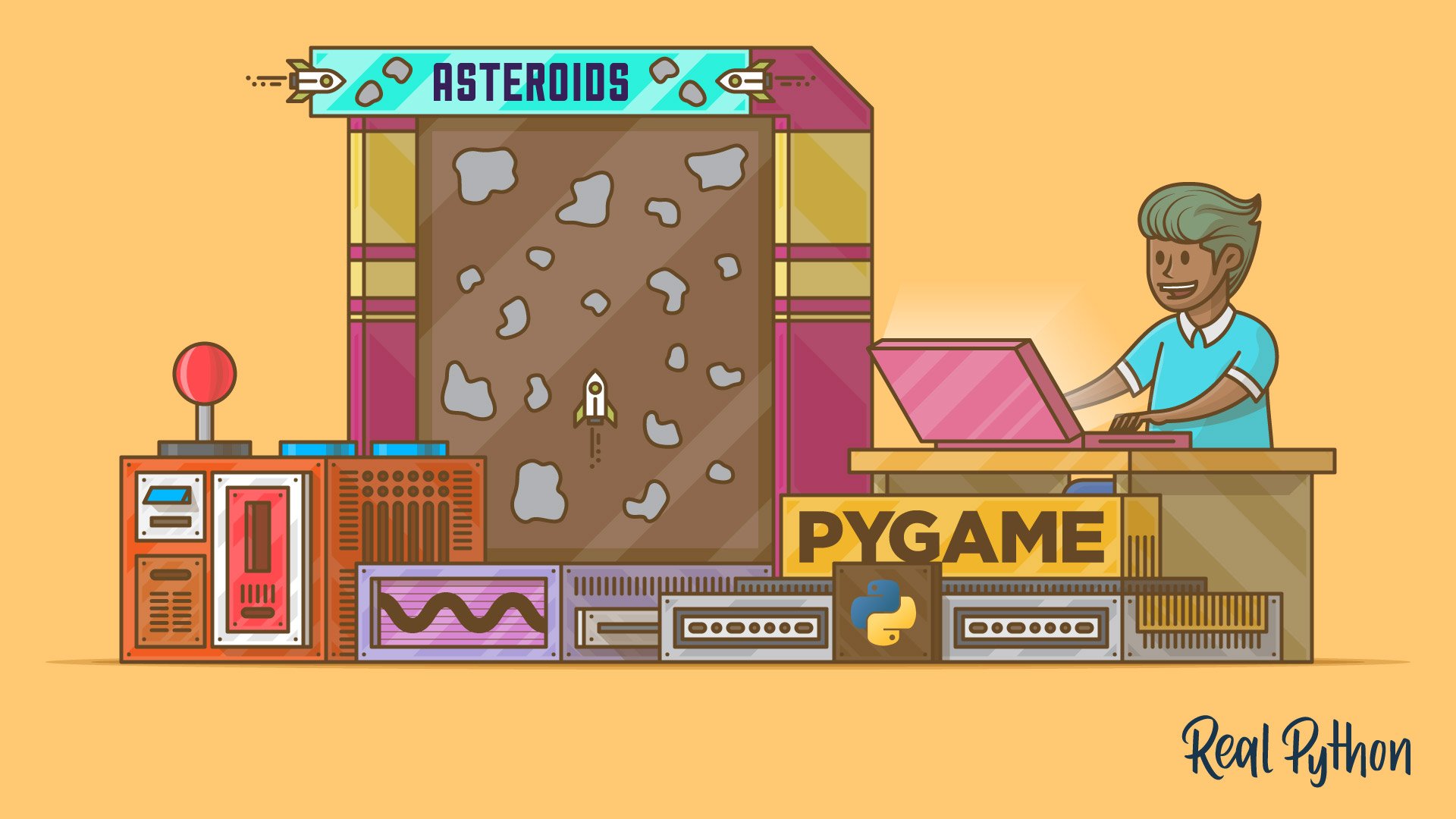
Using Pygame to Build an Asteroids Game in Python
In this course, you'll build a clone of the Asteroids game in Python using Pygame. Step by step, you'll add images, input handling, game logic, sounds, and text to your program.
Modern Game Development with Arcade
Pygame shows its age in places, and Arcade is the modern alternative built on top of OpenGL. You’ll start with a primer on how Arcade structures a game, then build a full platform game with tiled levels, physics, and scrolling. Setting it next to the Pygame projects you just finished is the fastest way to see what a newer framework buys you.
Tutorial
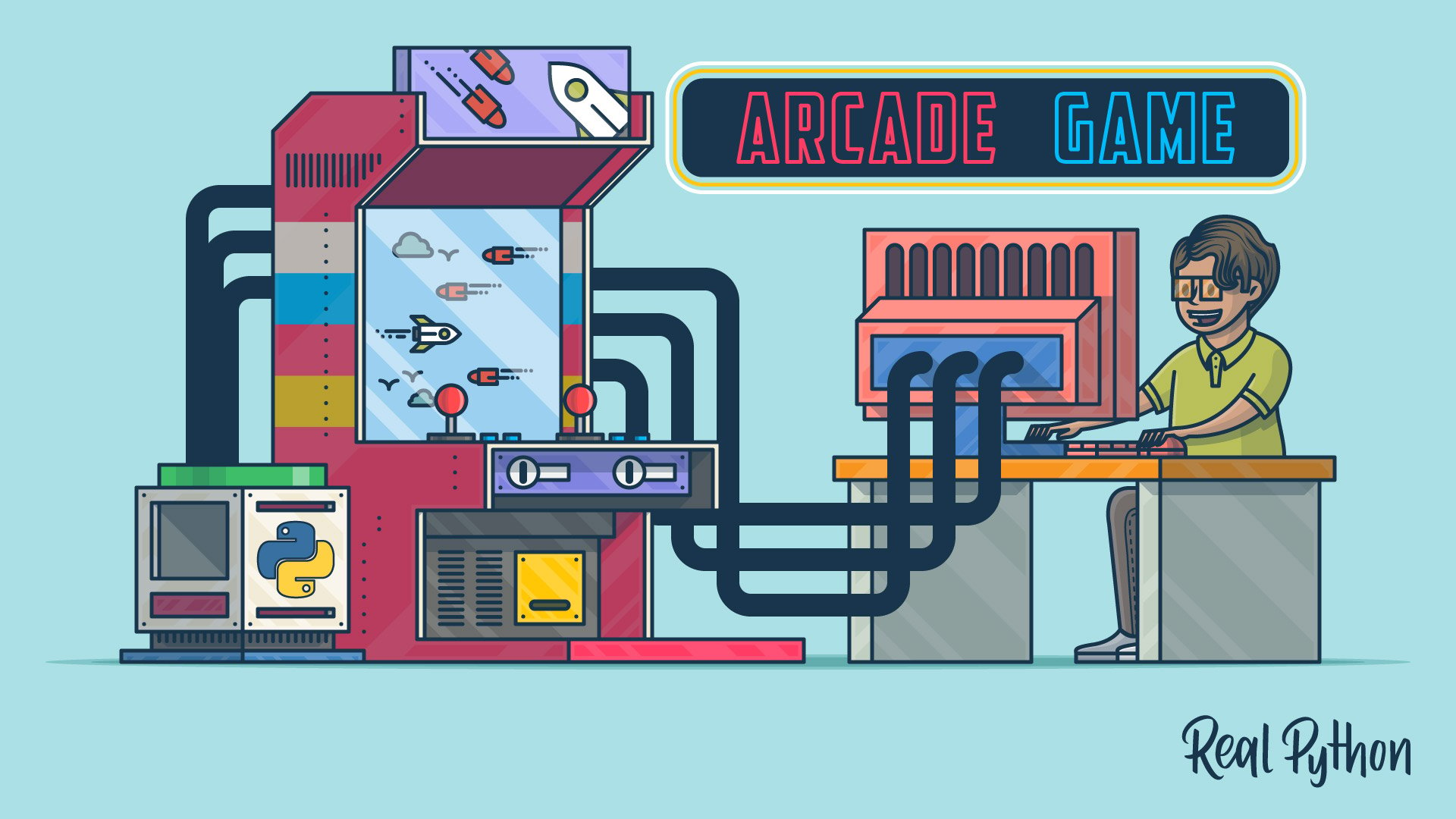
Arcade: A Primer on the Python Game Framework
Learn how to use arcade, a modern Python framework for crafting games with compelling graphics and sound. Object-oriented and built for Python 3.6 and up, arcade provides you a modern set of tools for crafting great Python game experiences.
Tutorial
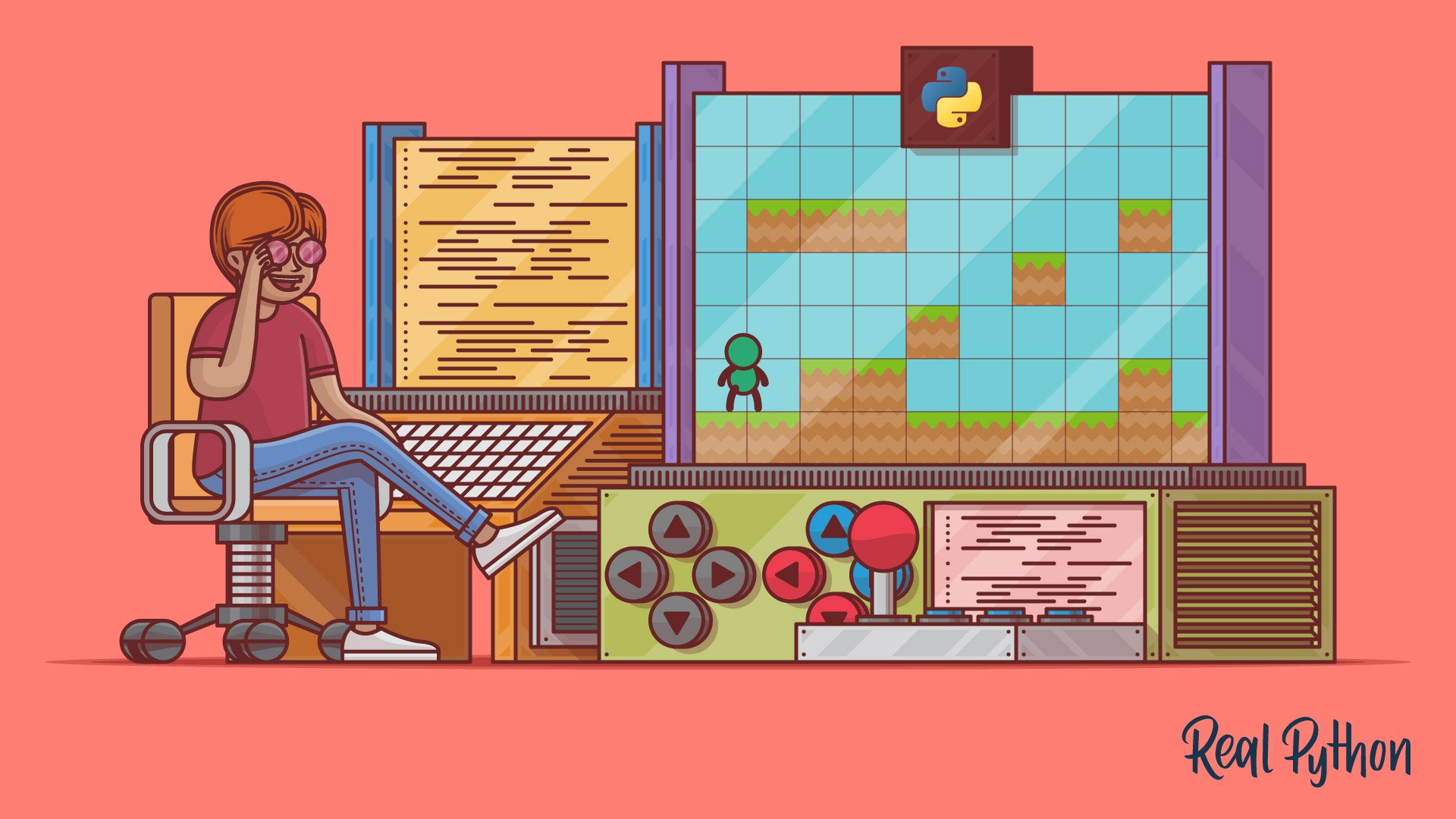
Build a Platform Game in Python With Arcade
In this step-by-step tutorial, you'll build a platform game in Python using the arcade library. You'll cover techniques for designing levels, sourcing assets, and implementing advanced features.
Congratulations on completing this learning path! You’ve built games ranging from command-line projects to full 2D graphical games using turtle, Rich, PySimpleGUI, Tkinter, Pygame, and Arcade.
You might also be interested in these related learning paths:
Got feedback on this learning path?
Looking for real-time conversation? Visit the Real Python Community Chat or join the next “Office Hours” Live Q&A Session. Happy Pythoning!
