Git Cheat Sheet
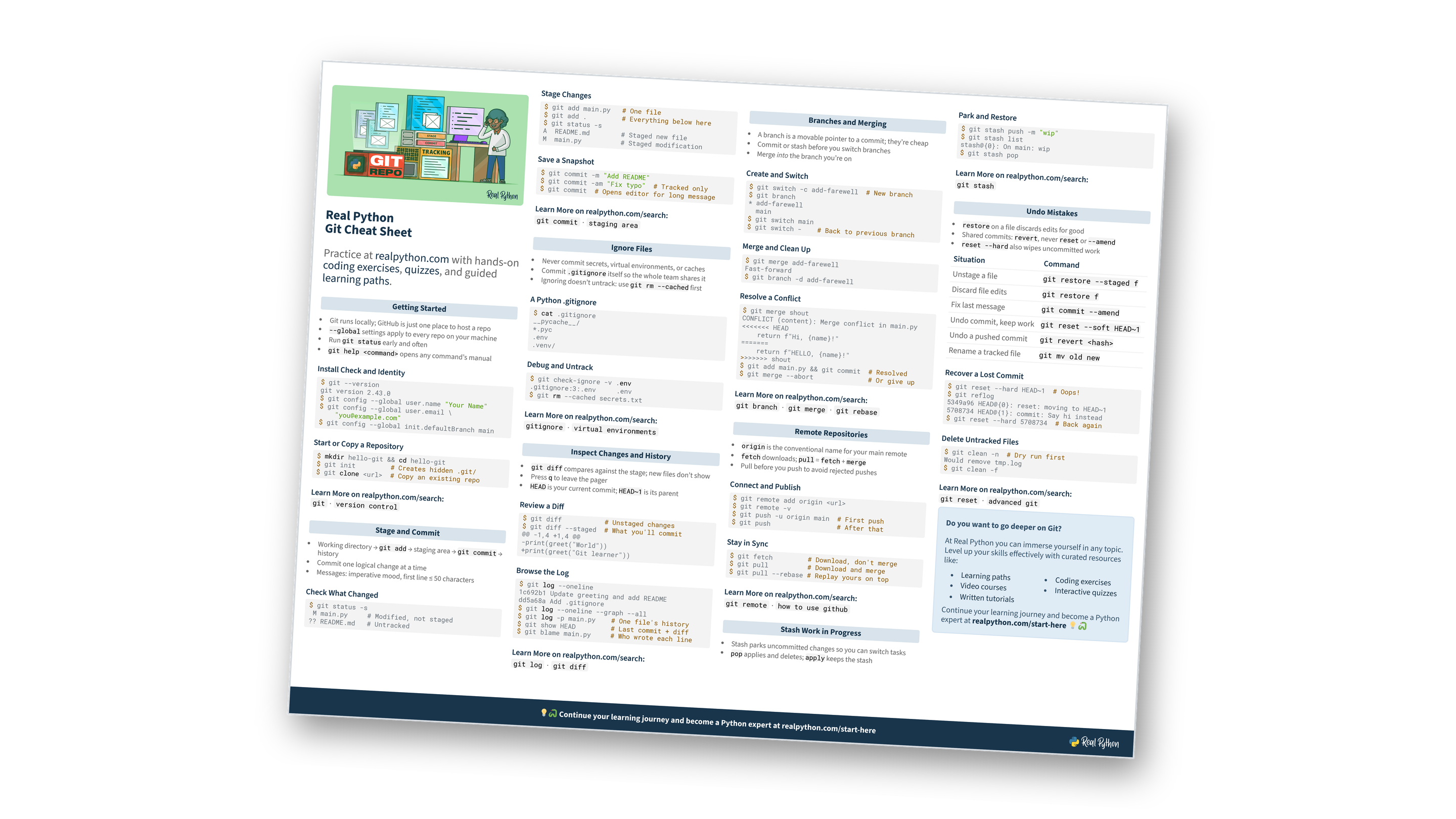
This page contains a condensed overview of everyday Git. It covers setup, staging and committing, ignoring files, reading diffs and history, branches and merge conflicts, remotes, stashing, and undoing mistakes. You can also download the information as a printable cheat sheet:
Free Bonus: Git Cheat Sheet
Get a Git Cheat Sheet (PDF) with everyday commands for committing, branching, syncing with remotes, and undoing mistakes on one printable page:
Practice with hands-on coding exercises, quizzes, and guided learning paths. Not sure where to begin? Start here.
New to Git?
Getting Started
- Git runs locally; GitHub is just one place to host a repo
--globalsettings apply to every repo on your machine- Run
git statusearly and often git help <command>opens any command’s manual
Install Check and Identity
$ git --version
git version 2.43.0
$ git config --global user.name "Your Name"
$ git config --global user.email \
    "you@example.com"
$ git config --global init.defaultBranch main
Start or Copy a Repository
$ mkdir hello-git && cd hello-git
$ git init         # Creates hidden .git/
$ git clone <url>  # Copy an existing repo
Want a guided first project?
Stage and Commit
- Working directory →
git add→ staging area →git commit→ history - Commit one logical change at a time
- Messages: imperative mood, first line ≤ 50 characters
Check What Changed
$ git status -s
 M main.py     # Modified, not staged
?? README.md   # Untracked
Stage Changes
$ git add main.py   # One file
$ git add .         # Everything below here
$ git status -s
A  README.md        # Staged new file
M  main.py          # Staged modification
Save a Snapshot
$ git commit -m "Add README"
$ git commit -am "Fix typo"  # Tracked only
$ git commit  # Opens editor for long message
Think you’ve got staging down?
Ignore Files
- Never commit secrets, virtual environments, or caches
- Commit
.gitignoreitself so the whole team shares it - Ignoring doesn’t untrack: use
git rm --cachedfirst
A Python .gitignore
$ cat .gitignore
__pycache__/
*.pyc
.env
.venv/
Debug and Untrack
$ git check-ignore -v .env
.gitignore:3:.env   .env
$ git rm --cached secrets.txt
Committed a secret by accident?
Inspect Changes and History
git diffcompares against the stage; new files don’t show- Press
qto leave the pager HEADis your current commit;HEAD~1is its parent
Review a Diff
$ git diff           # Unstaged changes
$ git diff --staged  # What you'll commit
@@ -1,4 +1,4 @@
-print(greet("World"))
+print(greet("Git learner"))
Browse the Log
$ git log --oneline
1c692b1 Update greeting and add README
dd5a68a Add .gitignore
$ git log --oneline --graph --all
$ git log -p main.py    # One file's history
$ git show HEAD         # Last commit + diff
$ git blame main.py     # Who wrote each line
Want to dig further into history?
Free Bonus: Download the Git Cheat Sheet PDF and keep the essentials at hand.
Branches and Merging
- A branch is a movable pointer to a commit; they’re cheap
- Commit or stash before you switch branches
- Merge into the branch you’re on
Create and Switch
$ git switch -c add-farewell  # New branch
$ git branch
* add-farewell
  main
$ git switch main
$ git switch -    # Back to previous branch
Merge and Clean Up
$ git merge add-farewell
Fast-forward
$ git branch -d add-farewell
Resolve a Conflict
$ git merge shout
CONFLICT (content): Merge conflict in main.py
<<<<<<< HEAD
    return f"Hi, {name}!"
=======
    return f"HELLO, {name}!"
>>>>>>> shout
$ git add main.py && git commit  # Resolved
$ git merge --abort              # Or give up
Ready to test yourself on branching?
Remote Repositories
originis the conventional name for your main remotefetchdownloads;pull=fetch+merge- Pull before you push to avoid rejected pushes
Connect and Publish
$ git remote add origin <url>
$ git remote -v
$ git push -u origin main  # First push
$ git push                 # After that
Stay in Sync
$ git fetch         # Download, don't merge
$ git pull          # Download and merge
$ git pull --rebase # Replay yours on top
Pull, fetch, or rebase?
Stash Work in Progress
- Stash parks uncommitted changes so you can switch tasks
popapplies and deletes;applykeeps the stash
Park and Restore
$ git stash push -m "wip"
$ git stash list
stash@{0}: On main: wip
$ git stash pop
Wondering what stash leaves behind?
Undo Mistakes
restoreon a file discards edits for good- Shared commits:
revert, neverresetor--amend reset --hardalso wipes uncommitted work
| Situation | Command |
|---|---|
| Unstage a file | git restore --staged f |
| Discard file edits | git restore f |
| Fix last message | git commit --amend |
| Undo commit, keep work | git reset --soft HEAD~1 |
| Undo a pushed commit | git revert <hash> |
| Rename a tracked file | git mv old new |
Recover a Lost Commit
$ git reset --hard HEAD~1  # Oops!
$ git reflog
5349a96 HEAD@{0}: reset: moving to HEAD~1
5708734 HEAD@{1}: commit: Say hi instead
$ git reset --hard 5708734  # Back again
Delete Untracked Files
$ git clean -n  # Dry run first
Would remove tmp.log
$ git clean -f
Still fuzzy on restore, reset, and revert?
Do you want to go deeper on Git?
At Real Python you can immerse yourself in any topic. Level up your skills effectively with curated resources like:
Continue your learning journey and become a Python expert at realpython.com/start-here 💡🐍
Ready to go beyond the cheat sheet?
You can download this information as a printable cheat sheet:
Free Bonus: Git Cheat Sheet
Get a Git Cheat Sheet (PDF) with everyday commands for committing, branching, syncing with remotes, and undoing mistakes on one printable page:
