Practice Python by writing real code
Hands-on exercises built right into your courses
Reading and watching only get you so far. Real Python’s coding exercises give you a small, focused problem, an editor in your browser, and automated tests that tell you exactly what works and what doesn’t. No setup, no guesswork.
- 500+coding exercises
- 3 levelsbasics to advanced
- Python 3.14right in your browser
Referee a round of rock-paper-scissors
This is a real exercise from the What Can You Do With Python? course. Read the task, write your function in the editor, and click Run Tests.
Running tests, hints, and solutions are included with a Real Python membership. Not a member yet? You can still read the task and write your solution before you join.
Practice right after you learn it
Exercises sit inside Real Python video courses, directly after the lessons they reinforce. Watch a concept, then prove to yourself that you can use it.
Small and focused
Each exercise targets one skill from the lesson you just finished, so you practice the idea without the noise of a big project.
Nothing to install
Write code in the browser and run it in a real Python 3.14 environment. No virtual environments, no config, no copy-pasting into a terminal.
Picks up where you left off
Your latest code and test results are saved, and finished exercises are marked as completed in your course.
Know exactly what’s working
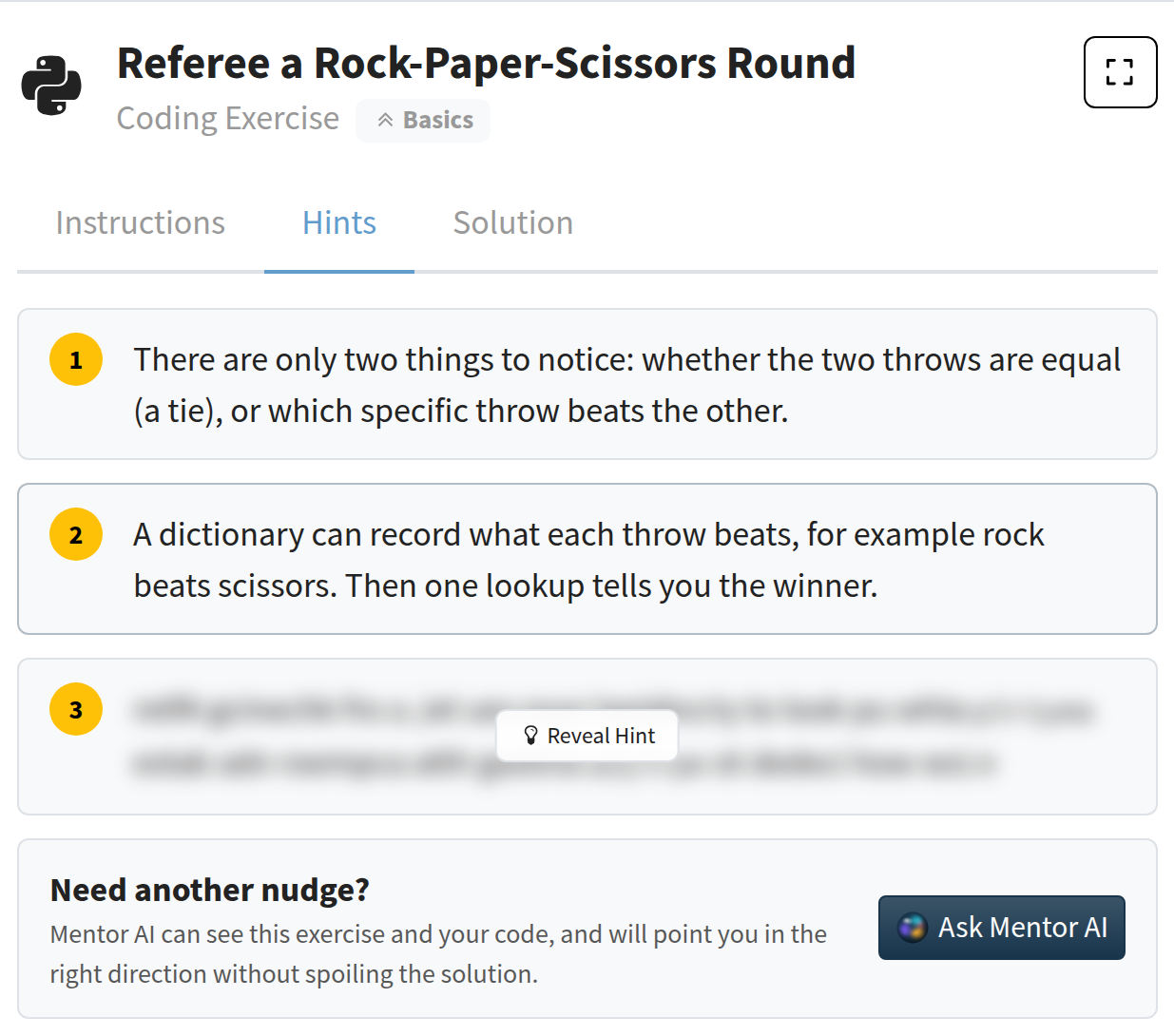
Every exercise comes with a set of automated tests. Run them as often as you like, and you’ll see which checks pass and which don’t.
- Failing tests show what was expected and what your code returned.
- Many tests include a targeted hint that points at the likely mistake.
- Bonus tests give you an extra challenge once the required ones pass.
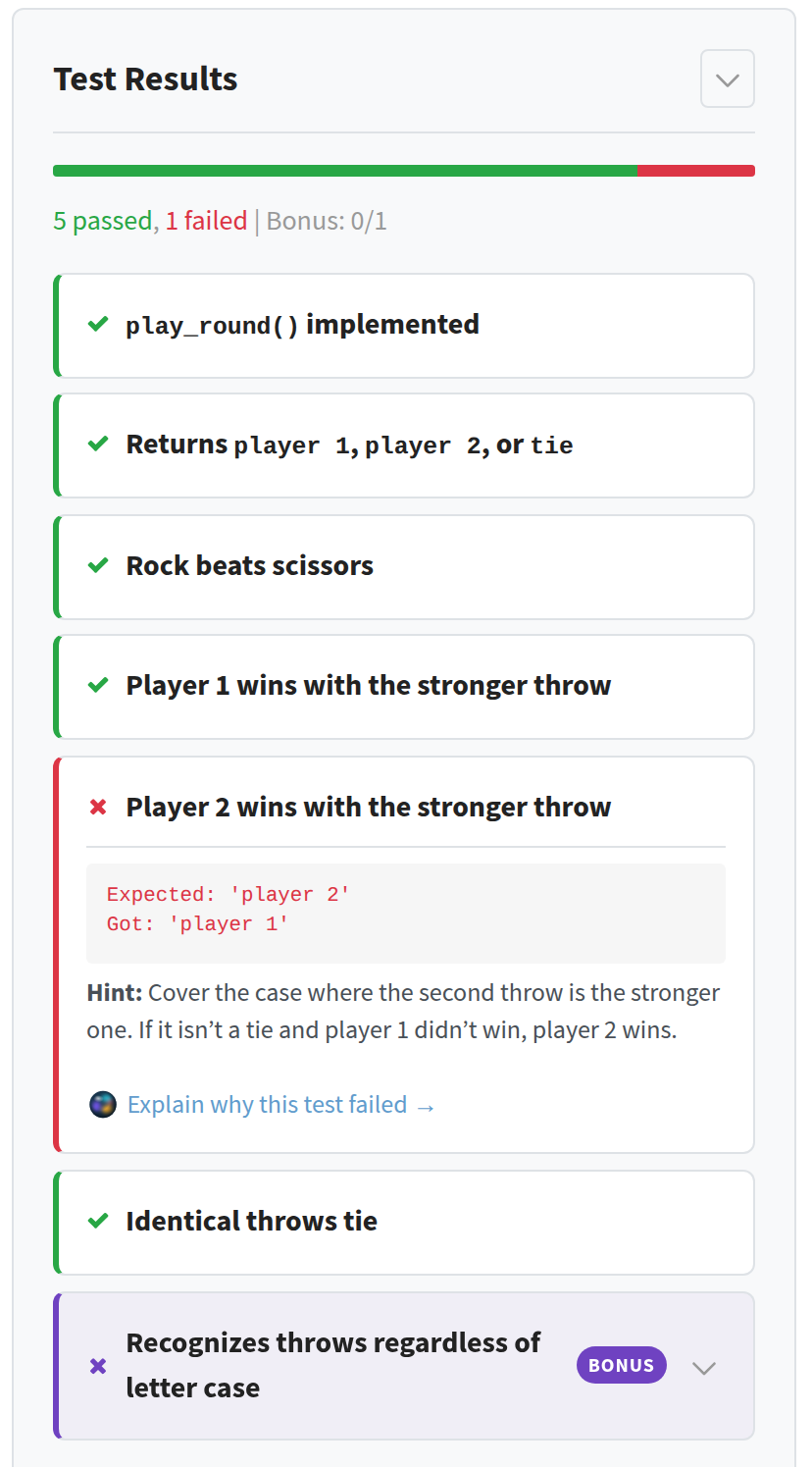
Hints when you need them, one at a time
Stuck? Open the Hints tab and reveal just enough to get moving again. Each hint nudges you a little further without giving the whole answer away, so you still get to solve it yourself.
Still stuck after the hints? Mentor AI can look at the exercise and your code and point you in the right direction.
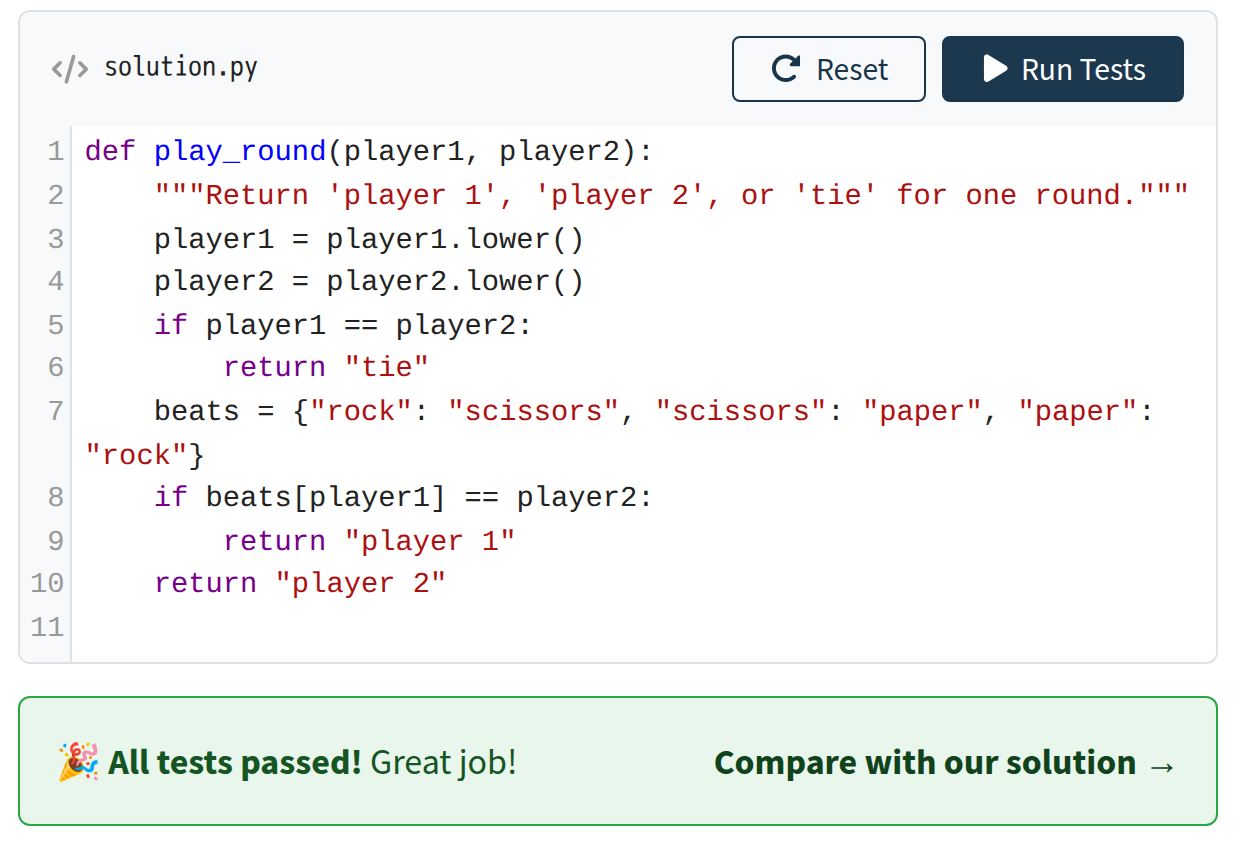
Watch every test turn green
There’s nothing quite like seeing your own code pass every check. Each exercise you finish is proof that you can use what you just learned, not just recognize it.
Finished exercises are marked as completed, so you can see your progress through the course.
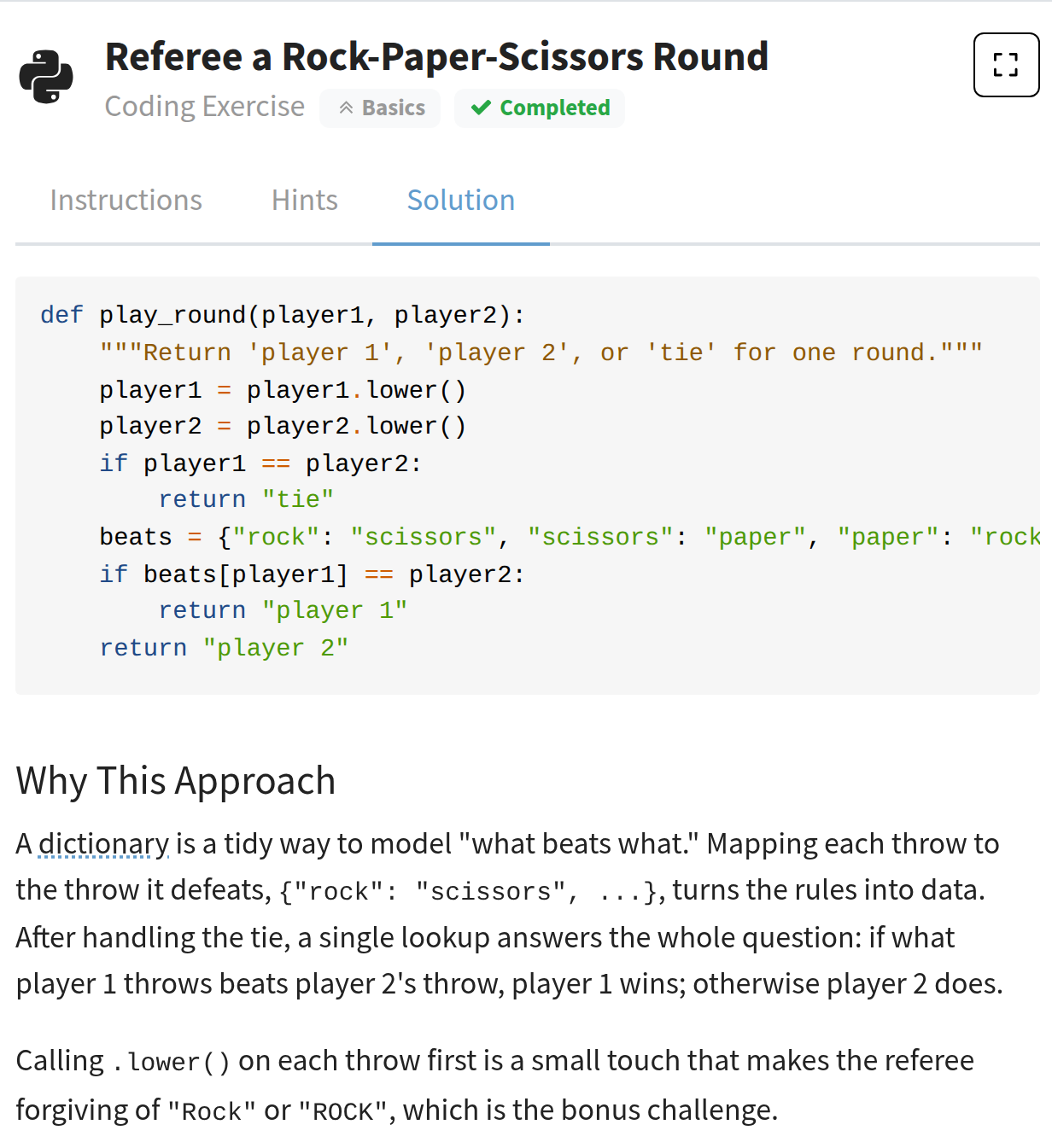
Compare your code with ours
When you’re ready, reveal the reference solution. It comes with notes from the Real Python team explaining why the approach works and which alternatives you could have used.
It’s often where the real learning happens: you see a second way to solve the same problem and learn to judge the trade-offs.
From your first function to advanced Python
Each exercise is labeled with its level, so you can tell at a glance how much of a stretch it will be.
Basics
Core syntax, strings, lists, dictionaries, loops, and functions. Great for your first steps.
Intermediate
Data structures, data processing with libraries like Polars, command-line tools, web apps, and more.
Advanced
Concurrency and async code, metaclasses and special methods, sockets, and embeddings for AI apps.
Questions and answers
Where do I find the coding exercises?
Exercises live inside Real Python video courses. Look for lessons whose titles start with “Exercise:” in a course’s table of contents. Each one comes right after the lessons it practices.
Do I need to install Python?
No. You write your code in the browser, and it runs against the tests in a Python 3.14 environment on Real Python’s servers.
Are coding exercises included in my membership?
Yes. Every Real Python membership includes all coding exercises, along with the video courses, quizzes, and learning paths they belong to.
What if I get stuck?
Failing tests explain what went wrong, and many include a targeted hint. The Hints tab adds step-by-step nudges, and the reference solution with explanatory notes is always one click away.
Can I try again after a failed attempt?
Of course. Tweak your code and run the tests again as many times as you need. The Reset button restores the starter code if you want a clean slate.
Is my progress saved?
Yes. When you come back to an exercise, your latest code and test results are still there, and exercises you’ve passed show up as completed.
Start writing Python, not just reading about it
Get your free learning plan to find the coding exercises, courses, quizzes, and learning paths that fit your goals.
Get your free learning plan