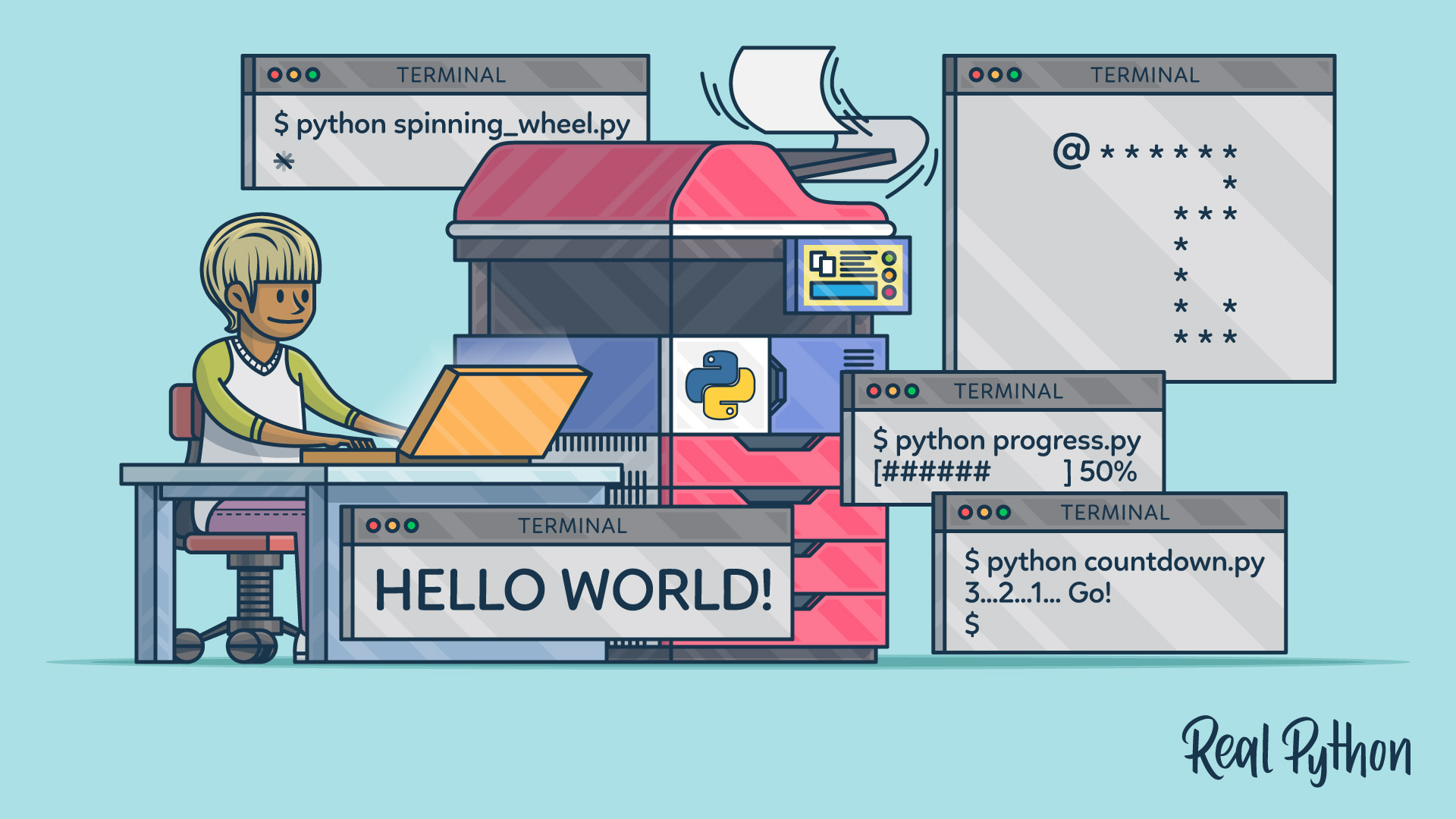
You may often want to make your Python programs more interactive by responding dynamically to input from the user. Learning how to read user input from the keyboard unlocks exciting possibilities and can make your code far more useful.
The ability to gather input from the keyboard with Python allows you to build programs that can respond uniquely based on the preferences, decisions, or data provided by different users. By fetching input and assigning it to variables, your code can react to adjustable conditions rather than just executing static logic flows. This personalizes programs to individual users.
The input() function is the simplest way to get keyboard data from the user in Python. When called, it asks the user for input with a prompt that you specify, and it waits for the user to type a response and press the Enter key before continuing. This response string is returned by input() so you can save it to a variable or use it directly.
Using only Python, you can start building interactive programs that accept customizable data from the user right within the terminal. Taking user input is an essential skill that unlocks more dynamic Python coding and allows you to elevate simple scripts into personalized applications.
What’s Included:
- 7 Lessons
- Video Subtitles and Full Transcripts
- 2 Downloadable Resources
- Accompanying Text-Based Tutorial
- Q&A With Python Experts: Ask a Question
- Certificate of Completion
Downloadable Resources:
Related Learning Paths: