Data Collection & Storage
Learning Path ⋅ Skills: CSV, JSON, pandas, Excel, SQL, SQLite, SQLAlchemy, AWS S3, Databases

Every data project starts with getting data in and storing it reliably. This learning path teaches you how to handle the most common data formats and storage systems in Python.
By completing this path, you’ll be able to:
- Read and write CSV, JSON, and Excel files in Python
- Use pandas for flexible file I/O across multiple formats
- Query and manage SQL databases with sqlite3 and SQLAlchemy
- Store and retrieve data in AWS S3 using Boto3
- Work with large collections of image files efficiently
This path is for Python developers who need to build data pipelines or manage data storage for their projects. You should know basic Python.
You’ll progress from flat file formats through SQL databases to cloud storage and large-scale data handling.
Data Collection & Storage
Learning Path ⋅ 9 Resources
Working With Common File Formats
Start by learning how to read and write the most widely used data formats in Python, including CSV, JSON, and Excel files. You will also use pandas for flexible multi-format file I/O.
Course
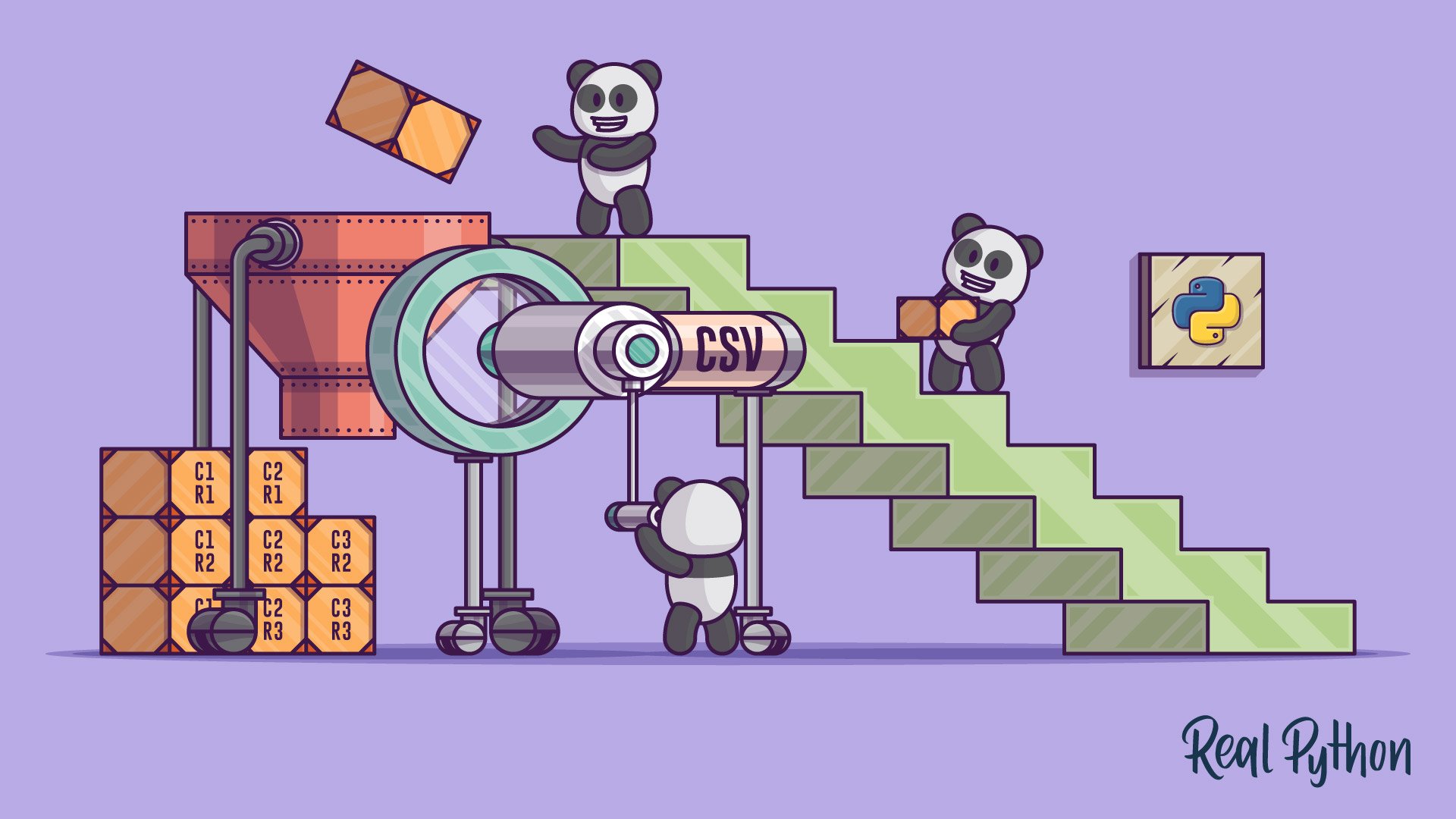
Reading and Writing CSV Files
This short course covers how to read and write data to CSV files using Python's built in csv module and the pandas library. You'll learn how to handle standard and non-standard data such as CSV files without headers, or files containing delimeters in the data.
Interactive Quiz
Reading and Writing CSV Files in Python
Course
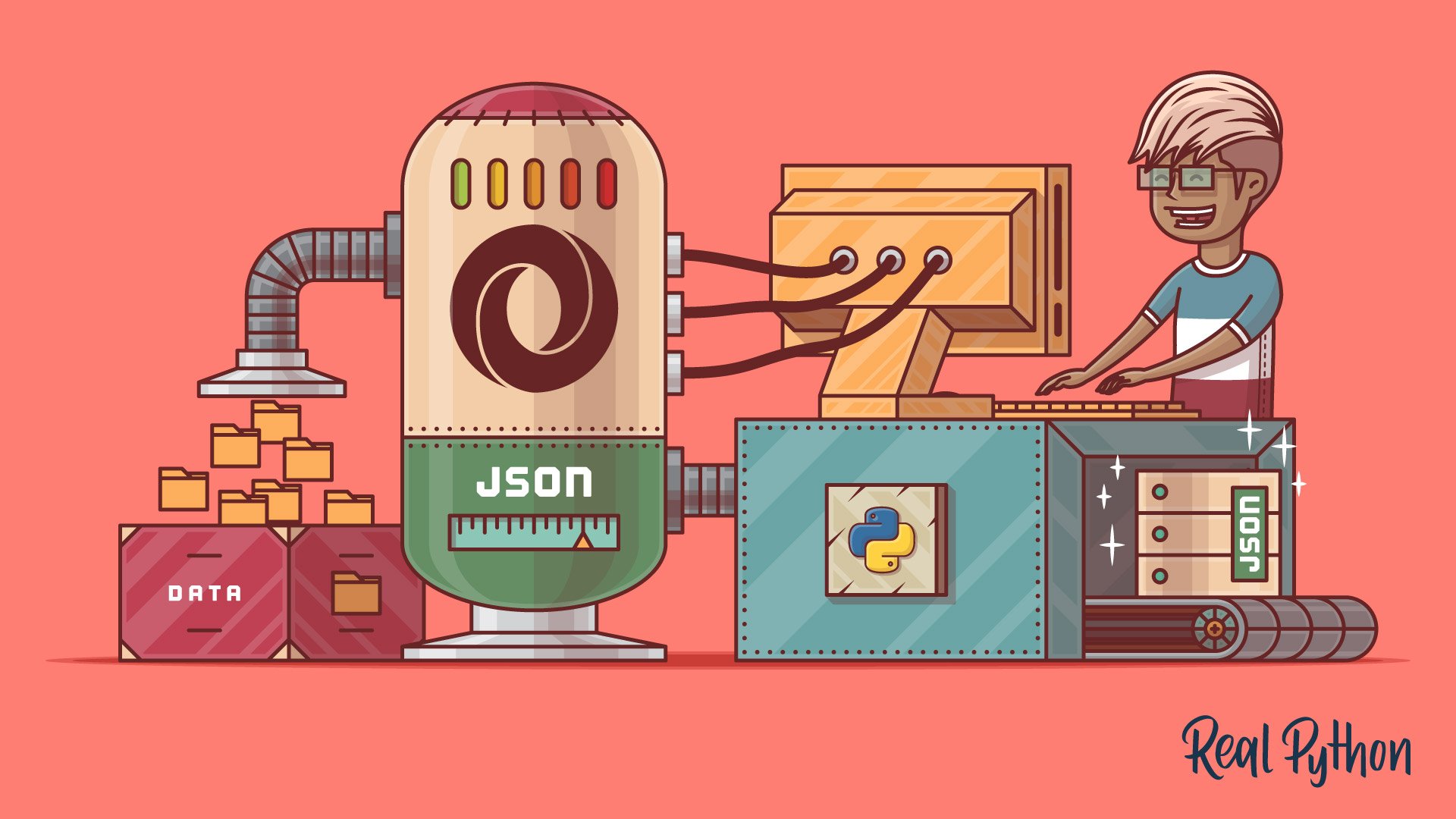
Working With JSON in Python
Learn how to work with Python's built-in json module to serialize the data in your programs into JSON format. Then, you'll deserialize some JSON from an online API and convert it into Python objects.
Interactive Quiz
Working With JSON Data in Python
Course
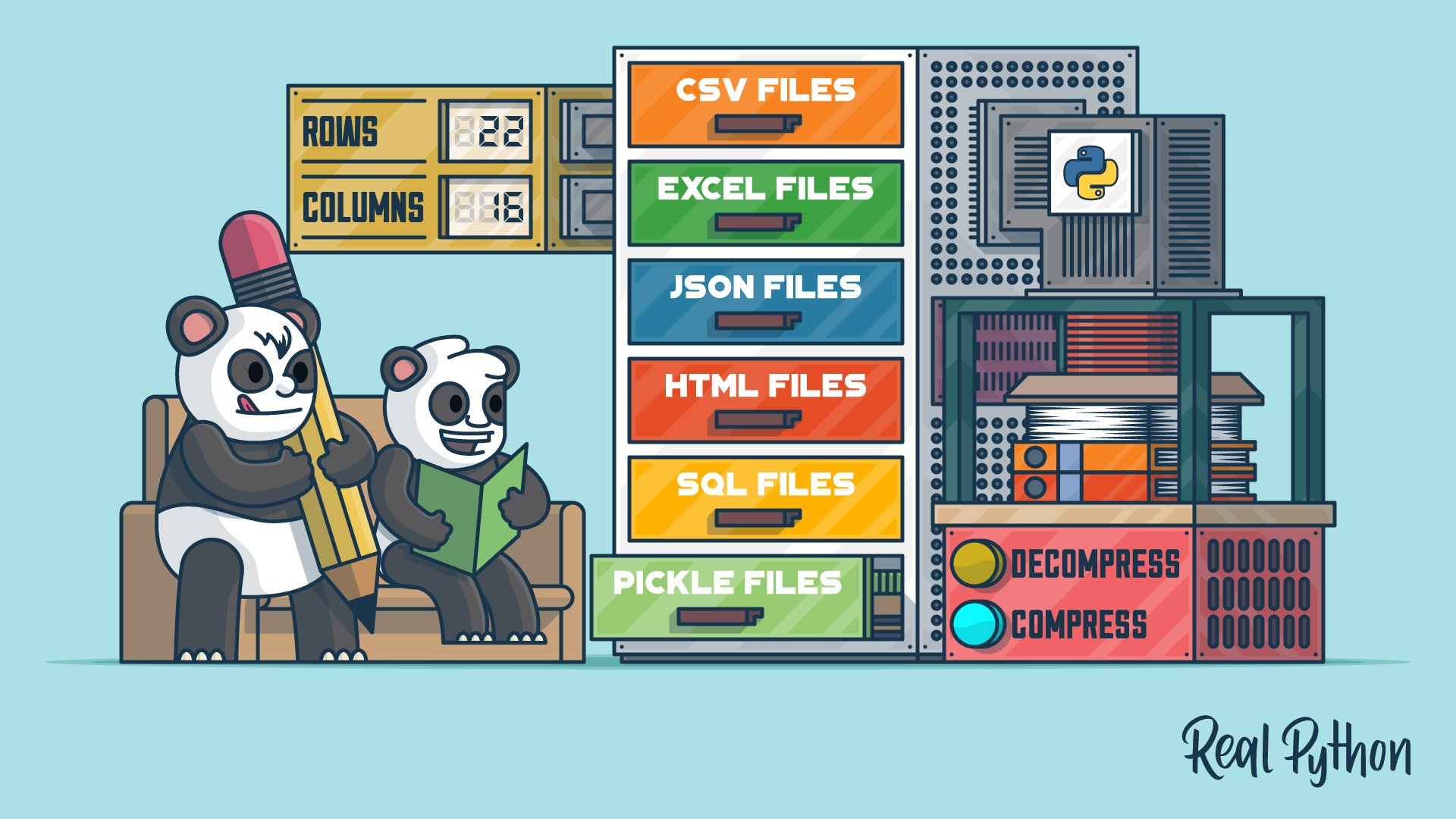
Reading and Writing Files With pandas
Learn about the pandas IO tools API and how you can use it to read and write files. You'll use the pandas read_csv() function to work with CSV files. You'll also cover similar methods for efficiently working with Excel, CSV, JSON, HTML, SQL, pickle, and big data files.

Course
Editing Excel Spreadsheets in Python With openpyxl
Learn how to handle spreadsheets in Python using the openpyxl package. You'll learn how to manipulate Excel spreadsheets, extract information from spreadsheets, create simple or more complex spreadsheets, including adding styles, charts, and so on.
SQL Databases
Learn how to interact with SQL databases from Python. You will start with an overview of Python’s SQL libraries and then work hands-on with SQLite and SQLAlchemy.
Tutorial
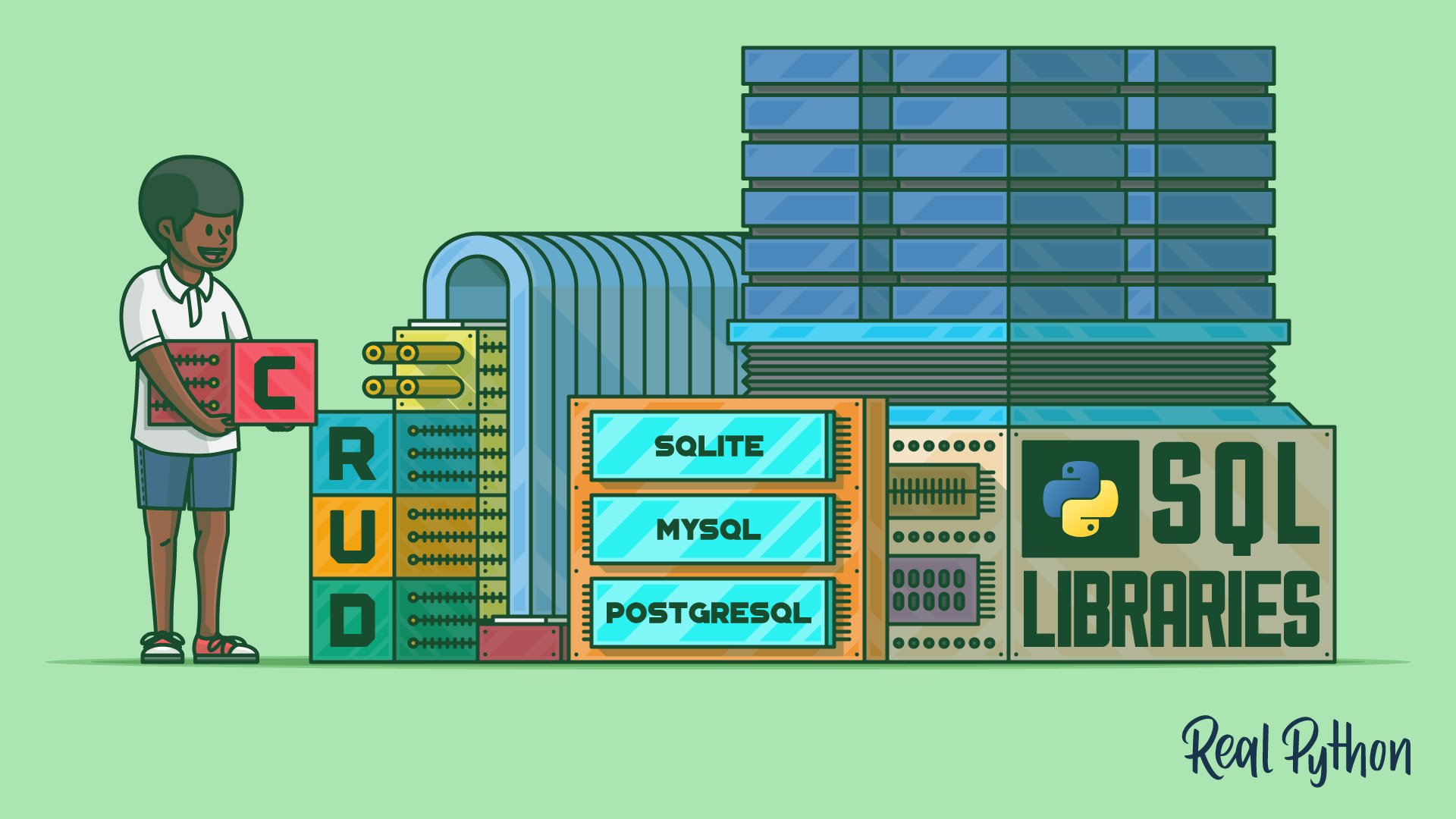
Introduction to Python SQL Libraries
Learn how to connect to different database management systems by using various Python SQL libraries. You'll interact with SQLite, MySQL, and PostgreSQL databases and perform common database queries using a Python application.
Interactive Quiz
Introduction to Python SQL Libraries
Course
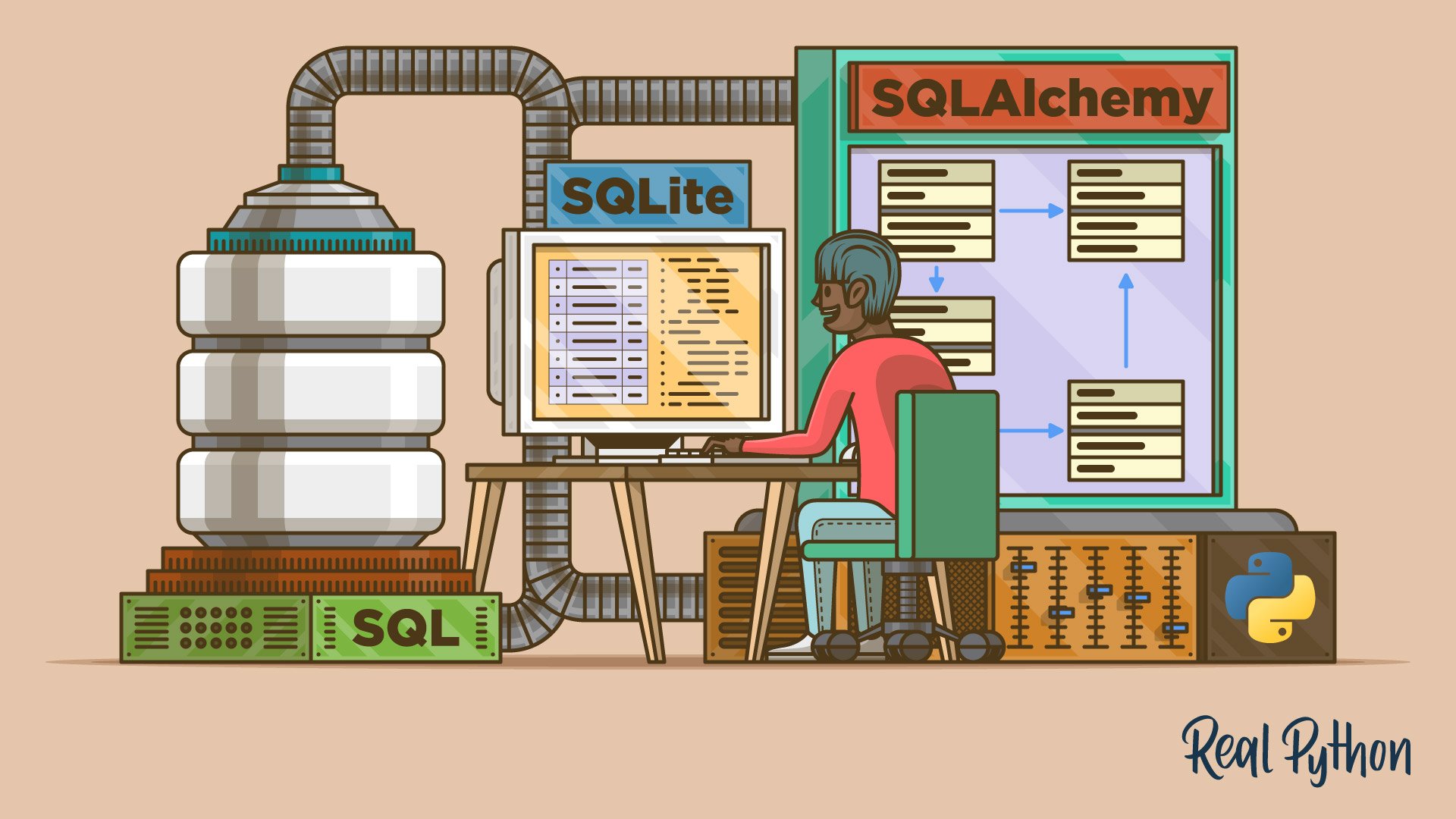
SQLite and SQLAlchemy in Python: Move Your Data Beyond Flat Files
Learn how to store and retrieve data using Python, SQLite, and SQLAlchemy as well as with flat files. Using SQLite with Python brings with it the additional benefit of accessing data with SQL. By adding SQLAlchemy, you can work with data in terms of objects and methods.
Cloud and Large-Scale Storage
Explore how to store and access data beyond your local filesystem. You will work with AWS S3 for cloud storage and learn strategies for handling large collections of files efficiently.

Course
Demystifying Python, Boto3, and AWS S3
Get started working with Python, Boto3, and AWS S3. Learn how to create objects, upload them to S3, download their contents, and change their attributes directly from your script, all while avoiding common pitfalls.
Tutorial
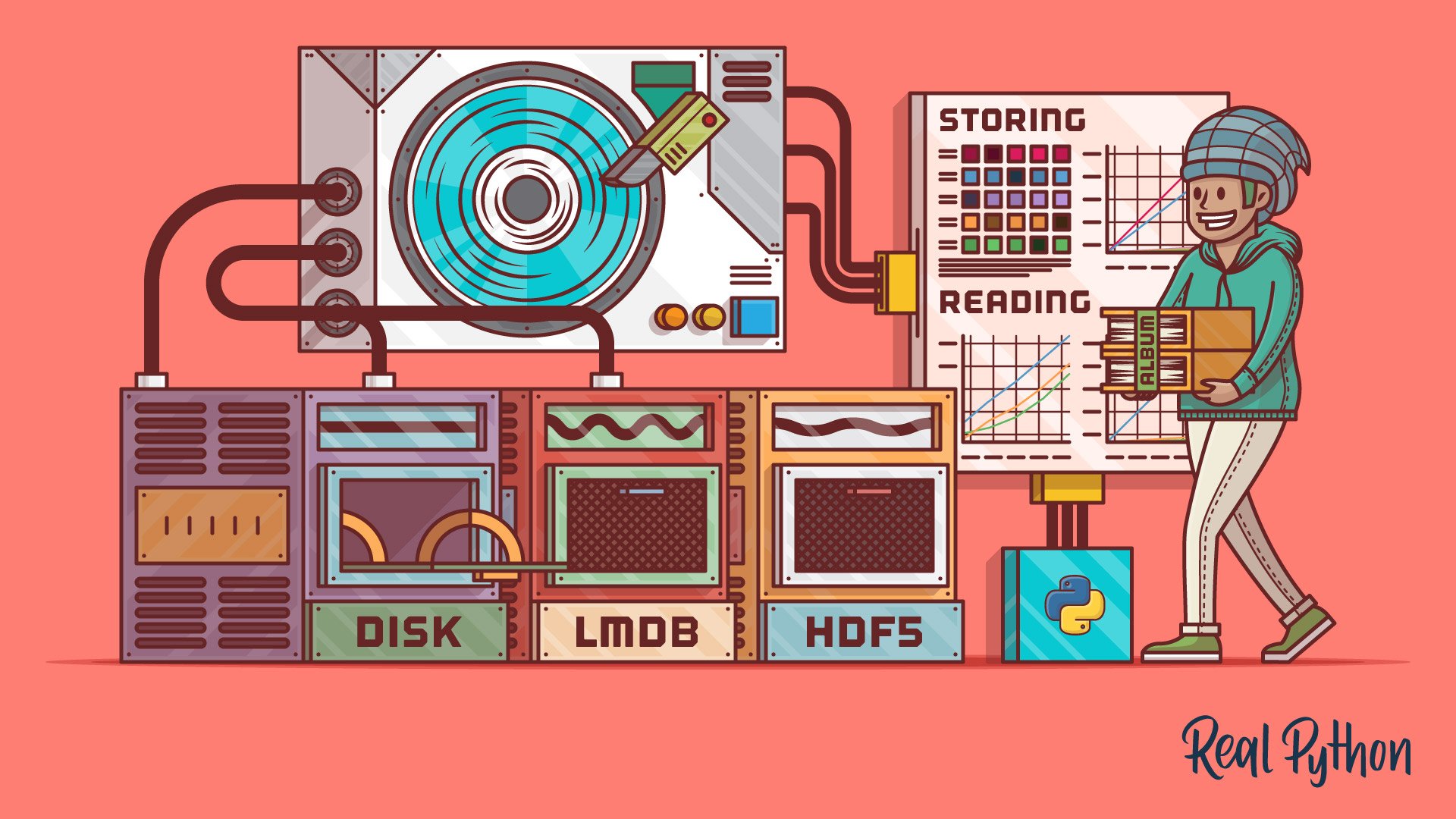
Three Ways of Storing and Accessing Lots of Images in Python
In this tutorial, you'll cover three ways of storing and accessing lots of images in Python. You'll also see experimental evidence for the performance benefits and drawbacks of each one.
Test Your Knowledge
You’ve made it through the entire path! In the wrap-up quiz below, you’ll revisit the most important ideas about reading and writing CSV files, working with JSON data, and querying SQL databases from Python. Use it to spot any topics that still feel rusty before moving on.
Interactive Quiz
Data Collection & Storage
Test your skills across the Data Collection & Storage learning path with this wrap-up quiz on CSV, JSON, and SQL in Python.
Congratulations on completing this learning path! You now know how to read, write, and store data in Python using a range of file formats and database systems.
Ready to put your data to use? Continue with the next learning path:

Learning Path
Data Visualization With Python
10 Resources ⋅ Skills: NumPy, Matplotlib, Bokeh, Seaborn, pandas
You might also be interested in these related learning paths:
Got feedback on this learning path?
Looking for real-time conversation? Visit the Real Python Community Chat or join the next “Office Hours” Live Q&A Session. Happy Pythoning!
