
If you mark everything this course as complete, then you’ll automatically receive the certificate for your participation in the Claude Code Live Course:
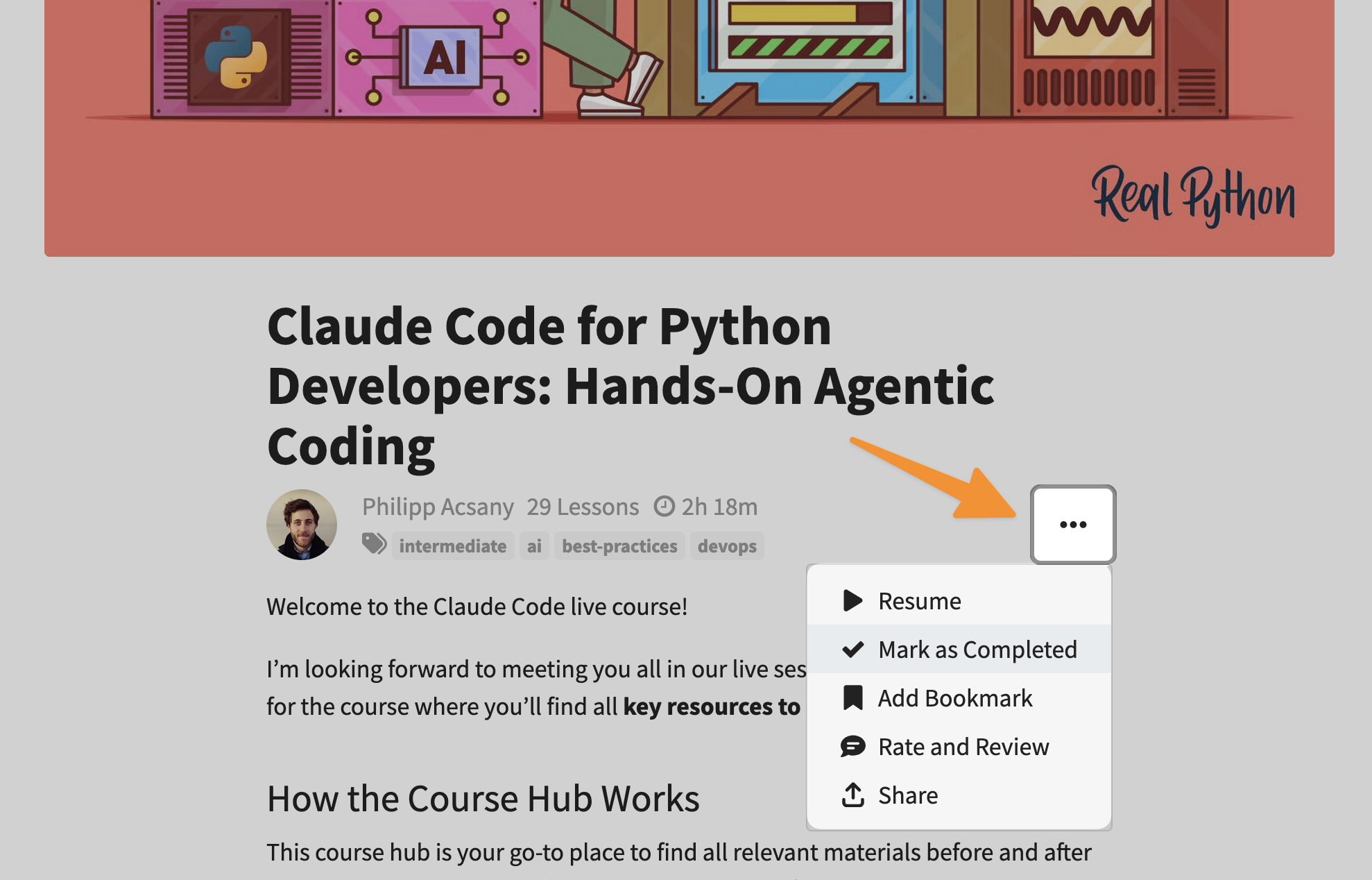
Follow these steps to mark this course as complete:
- Go to the start page of the course.
- Click the three dots (
...) below the title image. - Select Mark as Complete.
- Confirm your choice.
Afterward, you can find the Claude Code Live Course certificate on your Real Python certificates page. Once you have selected the certificate, you can share your personal certificate online or download a PDF file that looks like this:

