
Important: If you already have Claude Code installed, then ensure to upgrade to the latest version:
$ claude --upgrade
Current version: 2.1.77
Checking for updates to latest version...
Claude Code is up to date (2.1.77)
Alternatively, you can run claude upgrade without the two dashes (--) if the command above doesn’t work for you. The Claude Code version on your system should be 2.1.76 or higher.
To install Claude Code on your system, open your Terminal and your Browser side-by-side. Visit the Claude Code quickstart guide in your browser and copy the installation command for your operating system:
In the Claude Code quickstart guide, you’ll see a note saying “Windows requires Git for Windows. Install it first if you don’t have it.” In our experience, it’s okay to Claude Code first, and install Git on your system in the next step.
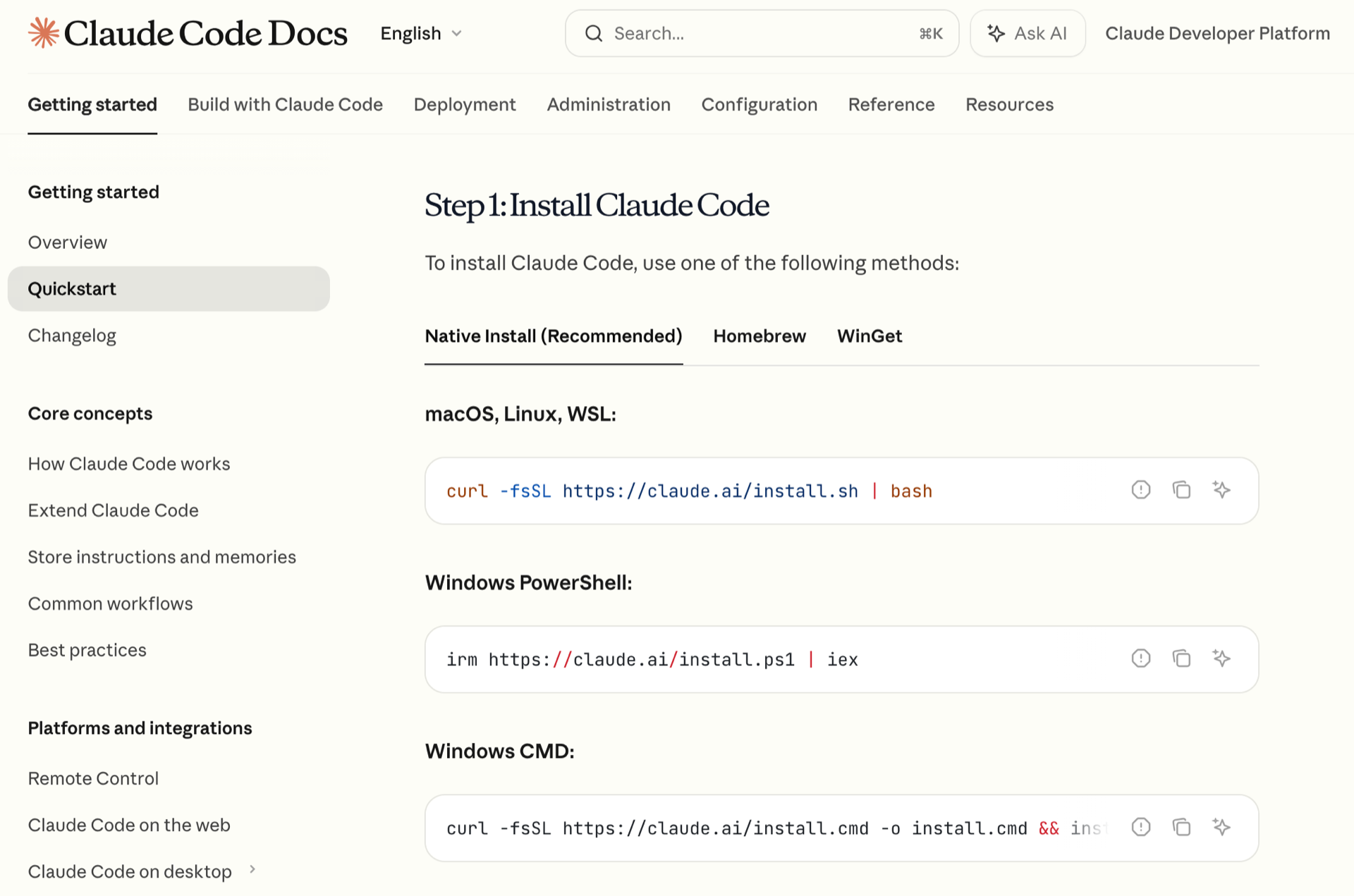
Paste the installation command into your terminal and follow the steps on the screen. You can verify that the installation worked with this command:



torvel on March 21, 2026
Hello, the command to update (at least on MacOS) is
Rather than