
Do you actually read the code Claude Code writes for you? In this video, Philipp shows three Claude Code skills that help you understand AI-generated code before, during, and after you build: grill-me, show-me, and learning-opportunities.
Before Claude writes a line, grill-me by Matt Pocock interviews you about your idea and turns a rambling prompt into concrete design decisions.
While you build, show-me by Dex Horthy (HumanLayer) explains your code visually with call trees, component trees, and Mermaid diagrams instead of walls of prose.
After you commit, learning-opportunities by Dr. Cat Hicks quizzes you on the code you just shipped, so you keep learning even when your agent does the typing.
How to Install the Skills
grill-me (Matt Pocock, MIT license):
$ claude plugin install mattpocock-skills@claude-plugins-official
Then run /grill-me in Claude Code.
show-me (HumanLayer, MIT license):
$ npx skills add humanlayer/skills --skill show-me
Then run /show-me in Claude Code.
learning-opportunities (Dr. Cat Hicks, CC BY 4.0), run these inside Claude Code:
/plugin marketplace add https://github.com/DrCatHicks/learning-opportunities.git
/plugin install learning-opportunities@learning-opportunities
Optionally, install learning-opportunities-auto@learning-opportunities to get an exercise offer after every commit, and orient@learning-opportunities to get oriented in a repository you didn’t write.
Want to go further? In the live course Claude Code for Python Developers, you’ll learn how to write your own skills, set up CLAUDE.md conventions, plan features, and build a workflow that gives you reliable, reusable results.
Resources mentioned in this lesson:
Tutorial
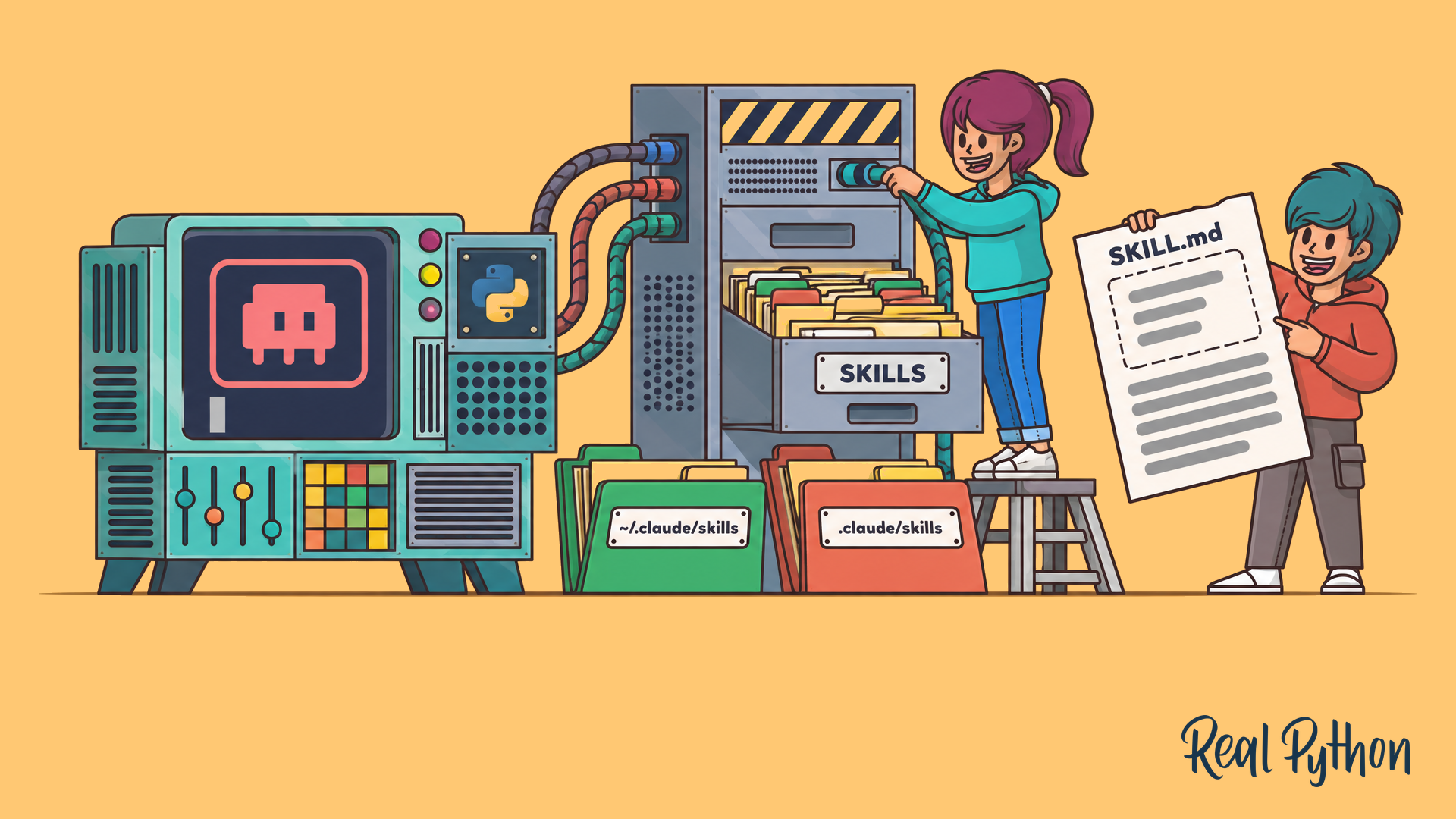
How to Use Claude Code Skills for Better Python Docstrings
Learn how to use Claude Code skills to write consistent Python docstrings, with style references and a helper script you can reuse in every project.
