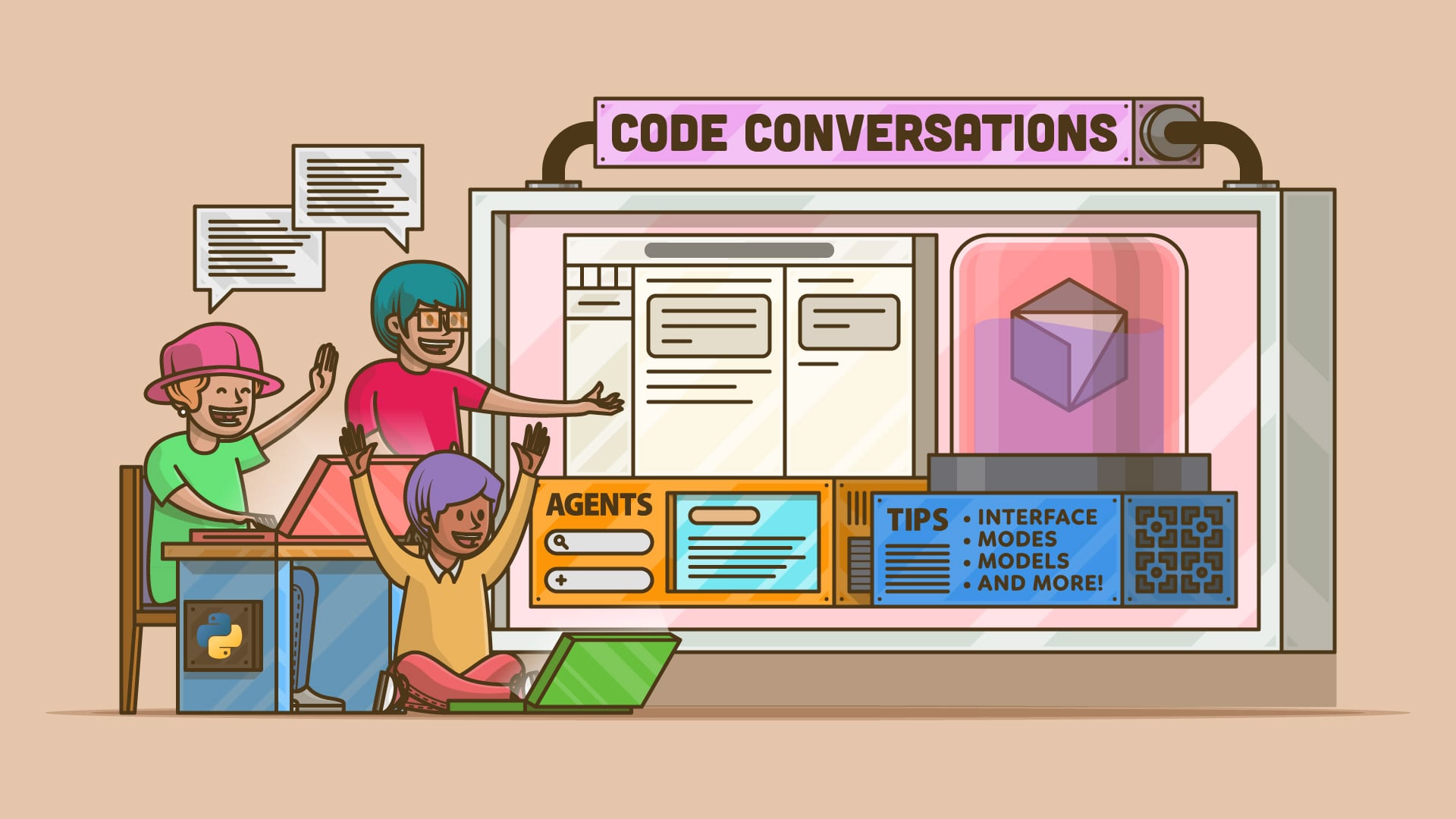

Cursor is an AI-powered integrated development environment (IDE) based on the Visual Studio Code codebase. It comes with a multi-agent interface and the Composer model for fast, agentic coding while keeping a familiar editor workflow with project-aware chat, code completion, and inline edits.
In this course, you will:
- Understand why Cursor might work for you
- Learn how to use different modes & models
- See how to run multiple agents at a time
- Resolve a tiny merge conflict
- Run a project and fix a bug
- Learn commands and practice with the terminal
What’s Included:
- 11 Lessons
- Video Subtitles and Full Transcripts
- 2 Downloadable Resources
- Q&A With Python Experts: Ask a Question
- Certificate of Completion
Downloadable Resources:
Related Learning Paths: