LLM Application Development With Python
Learning Path ⋅ Skills: OpenAI, Ollama, OpenRouter, Prompt Engineering, LangChain, LlamaIndex, ChromaDB, MarkItDown, RAG, Embeddings, AI Agents, Pydantic AI, LangGraph, MCP
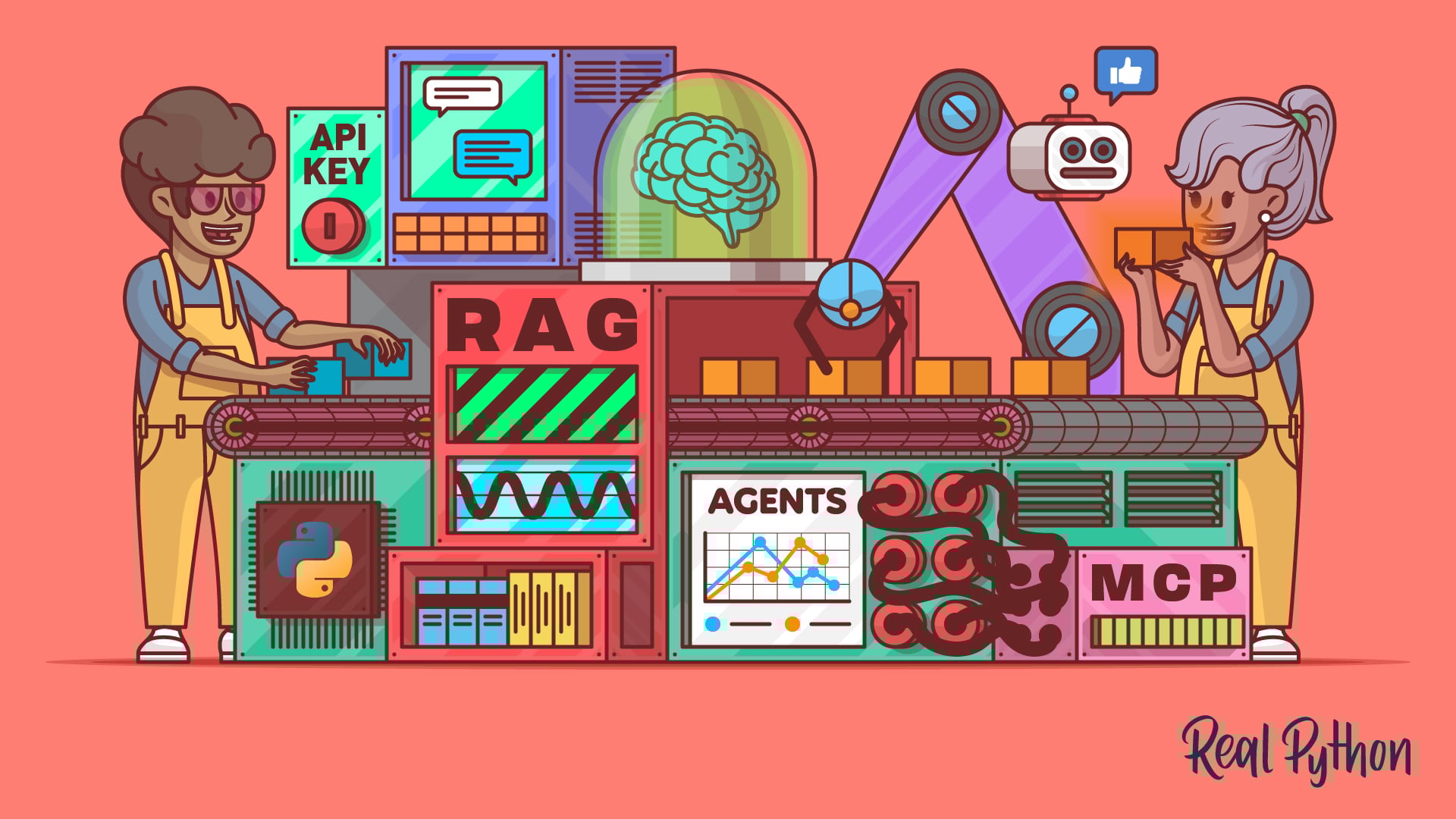
Large language models can do much more than answer questions in a chat window. This learning path teaches you to integrate LLMs into Python applications, from API calls to autonomous agents.
By completing this path, you’ll be able to:
- Call LLM APIs from OpenAI, Ollama, and OpenRouter in your Python code
- Write effective prompts that produce reliable, structured results
- Build retrieval-augmented generation (RAG) pipelines with LlamaIndex, ChromaDB, and LangChain
- Convert documents into LLM-ready formats with MarkItDown
- Create stateful AI agents using Pydantic AI and LangGraph
- Connect agents to external tools and data sources using MCP servers
This path is for Python developers who want to build applications on top of language models. You should be comfortable with Python basics and working with APIs.
You’ll start by calling model APIs directly, then move into prompt engineering, RAG pipelines, agent frameworks, and finish by connecting your agents to external tools through MCP.
LLM Application Development With Python
Learning Path ⋅ 14 Resources
Is this path right for you? Mentor AI knows what’s in it and can help you decide where to begin.
Ask Mentor AI

Connect to LLM APIs
Every LLM application starts with a single API call. You’ll make those calls three ways, against OpenAI’s hosted models, a local model running under Ollama, and the OpenRouter gateway to many providers at once. Seeing all three up front means you can pick the right backend for the applications you build later instead of being locked into one.
Course
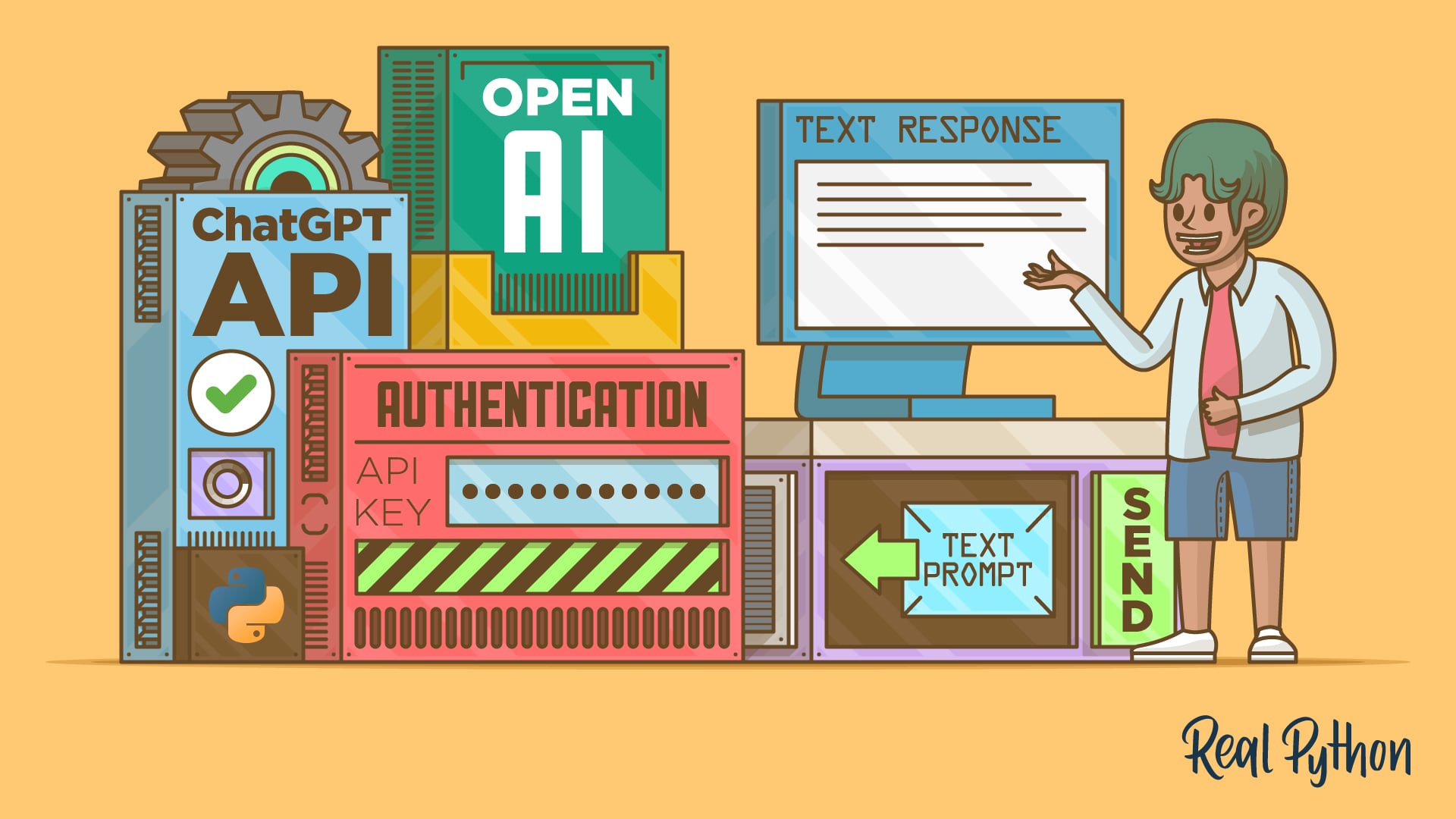
Leverage OpenAI's API in Your Python Projects
Learn how to use the ChatGPT API with Python's openai library to send prompts, control AI behavior with roles, and get structured outputs.
Interactive Quiz
How to Integrate ChatGPT's API With Python Projects
Course
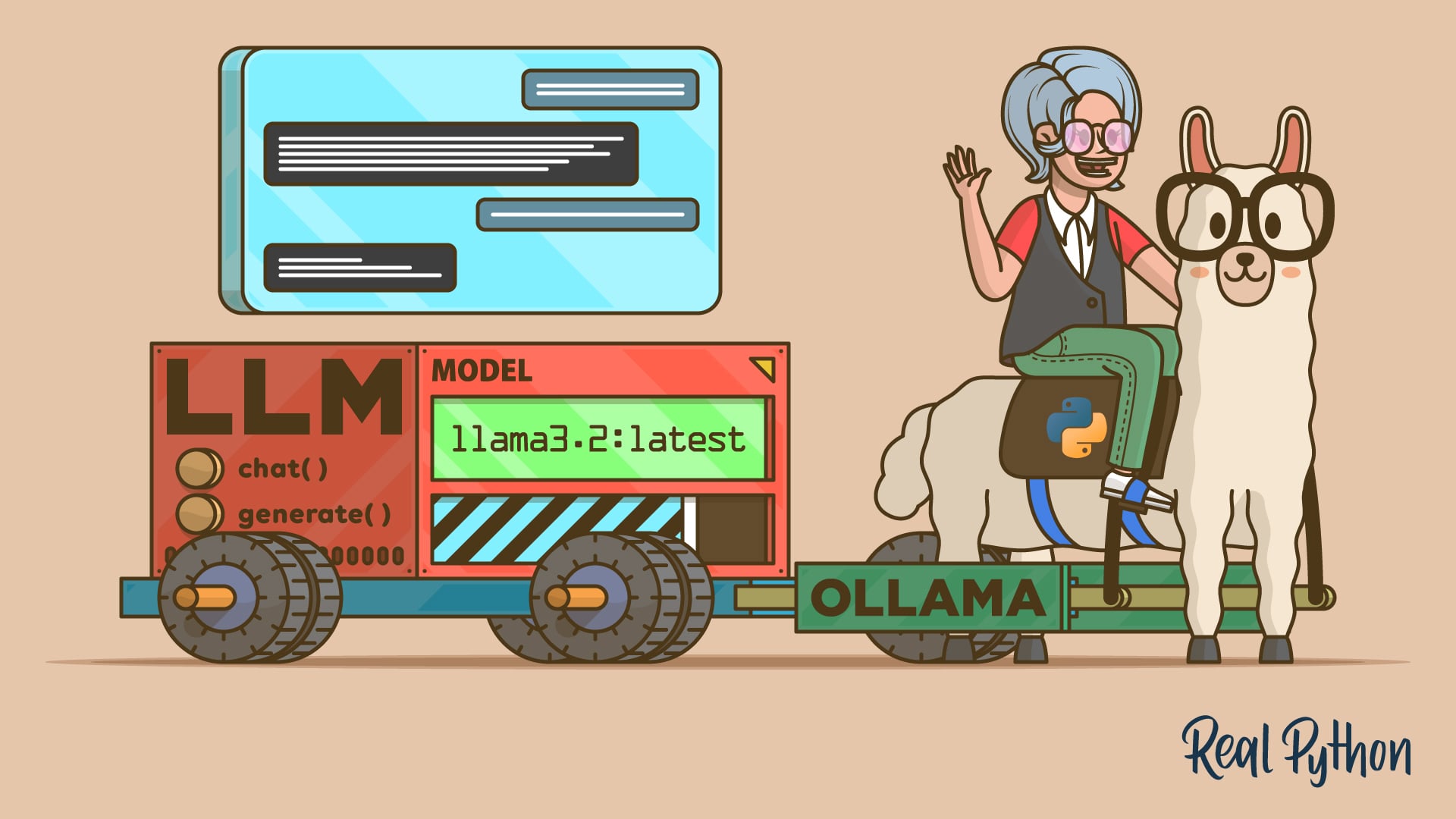
How to Get Started With Ollama
Learn how to install Ollama, pull local models, and connect them to your Python code using the chat and text generation interfaces.
Interactive Quiz
How to Get Started With Ollama
Interactive Quiz
How to Integrate Local LLMs With Ollama and Python
Course
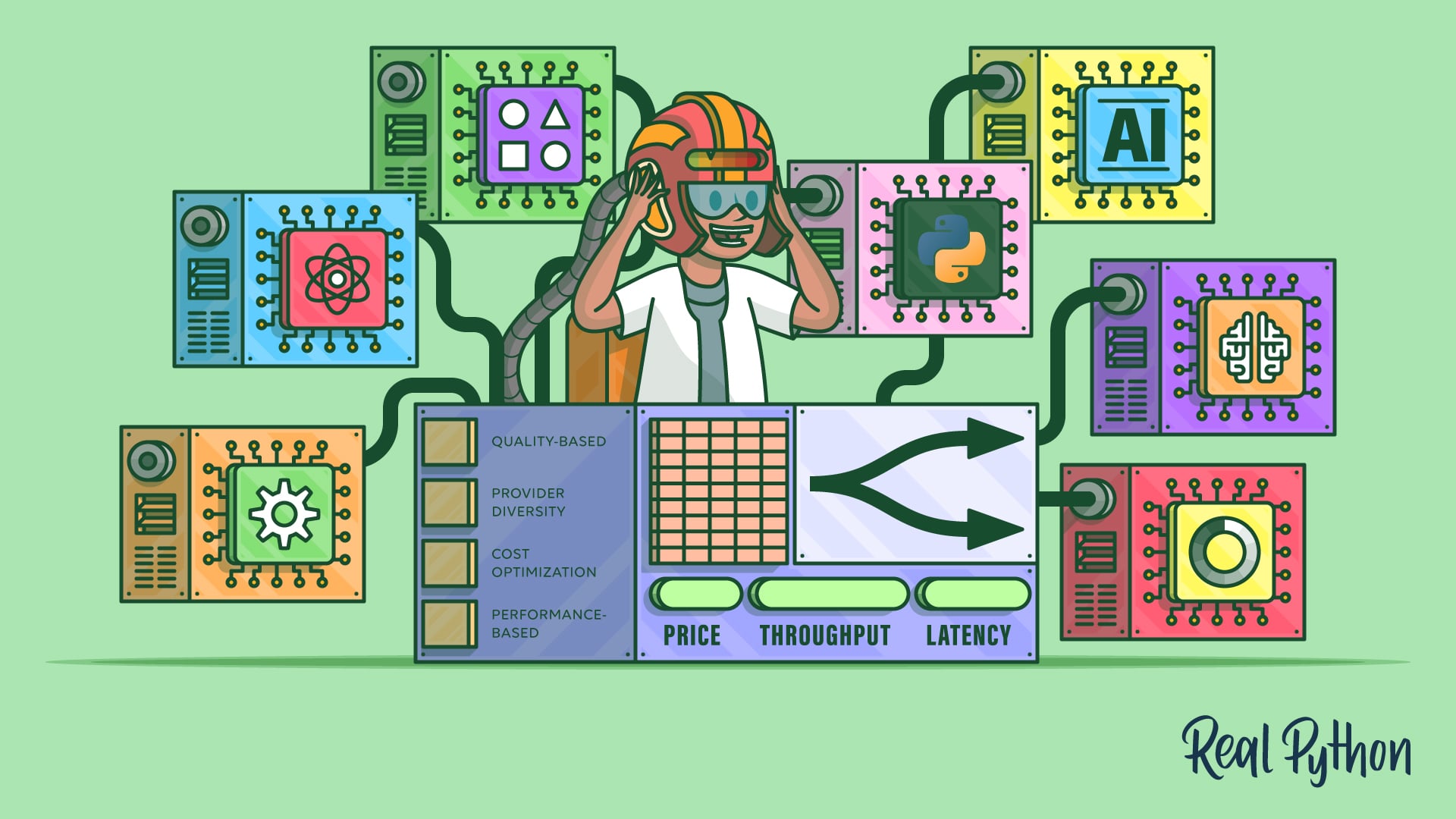
Accessing Multiple AI Models With the OpenRouter API
Access models from popular AI providers in Python through OpenRouter's unified API with smart routing, fallbacks, and cost controls.
Craft Effective Prompts
You can now send a request to a model and get a response back. How good that response is depends on what you ask for, so next you’ll work through prompt engineering techniques that turn vague instructions into reliable, structured output. Those techniques carry over to every framework and agent you build later in this path.
Tutorial
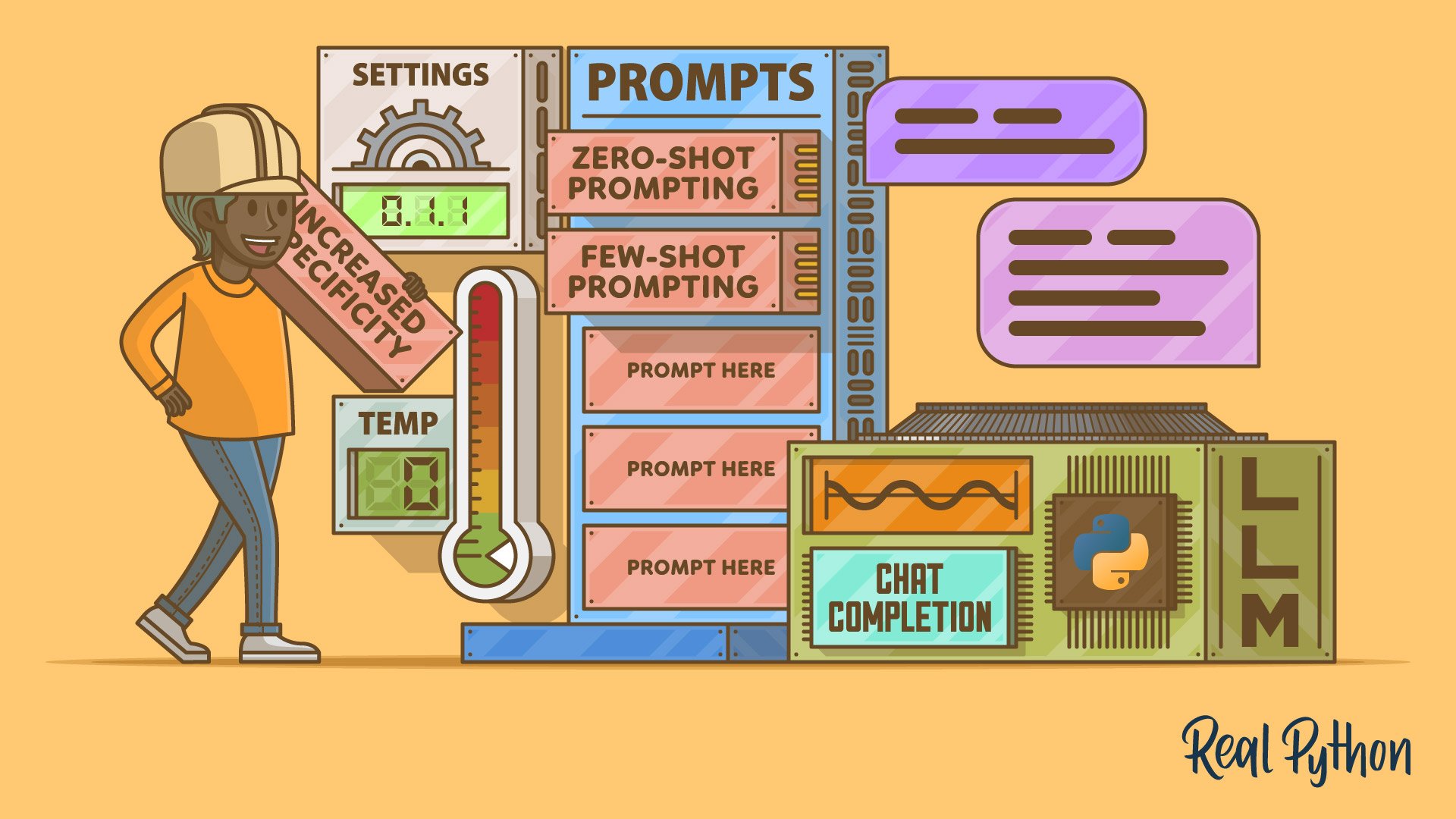
Prompt Engineering: A Practical Example
Learn prompt engineering techniques with a practical, real-world project to get better results from large language models. This tutorial covers zero-shot and few-shot prompting, delimiters, numbered steps, role prompts, chain-of-thought prompting, and more. Improve your LLM-assisted projects today.
Interactive Quiz
Practical Prompt Engineering
Work With LLM Frameworks
Hand-rolling API calls and prompts works, but it gets repetitive once an application grows. With LangChain, you’ll wrap those calls into reusable chains and pipelines, composing prompts, models, and output parsers instead of wiring them together by hand. That composition model is what the retrieval and agent work later in the path builds on.

Course
First Steps With LangChain
Large language models (LLMs) have taken the world by storm. In this step-by-step video course, you'll learn to use the LangChain library to build LLM-assisted applications.
Interactive Quiz
First Steps With LangChain
Add Retrieval-Augmented Generation (RAG)
LangChain gives you the plumbing, but a model still only knows what it was trained on. Next, you’ll ground your applications in your own data, building retrieval pipelines with LlamaIndex, storing embeddings in a ChromaDB vector database, and converting your documents with MarkItDown, before combining those pieces into a working RAG chatbot. Retrieval is what lets an application answer questions about information it has never seen.
Course
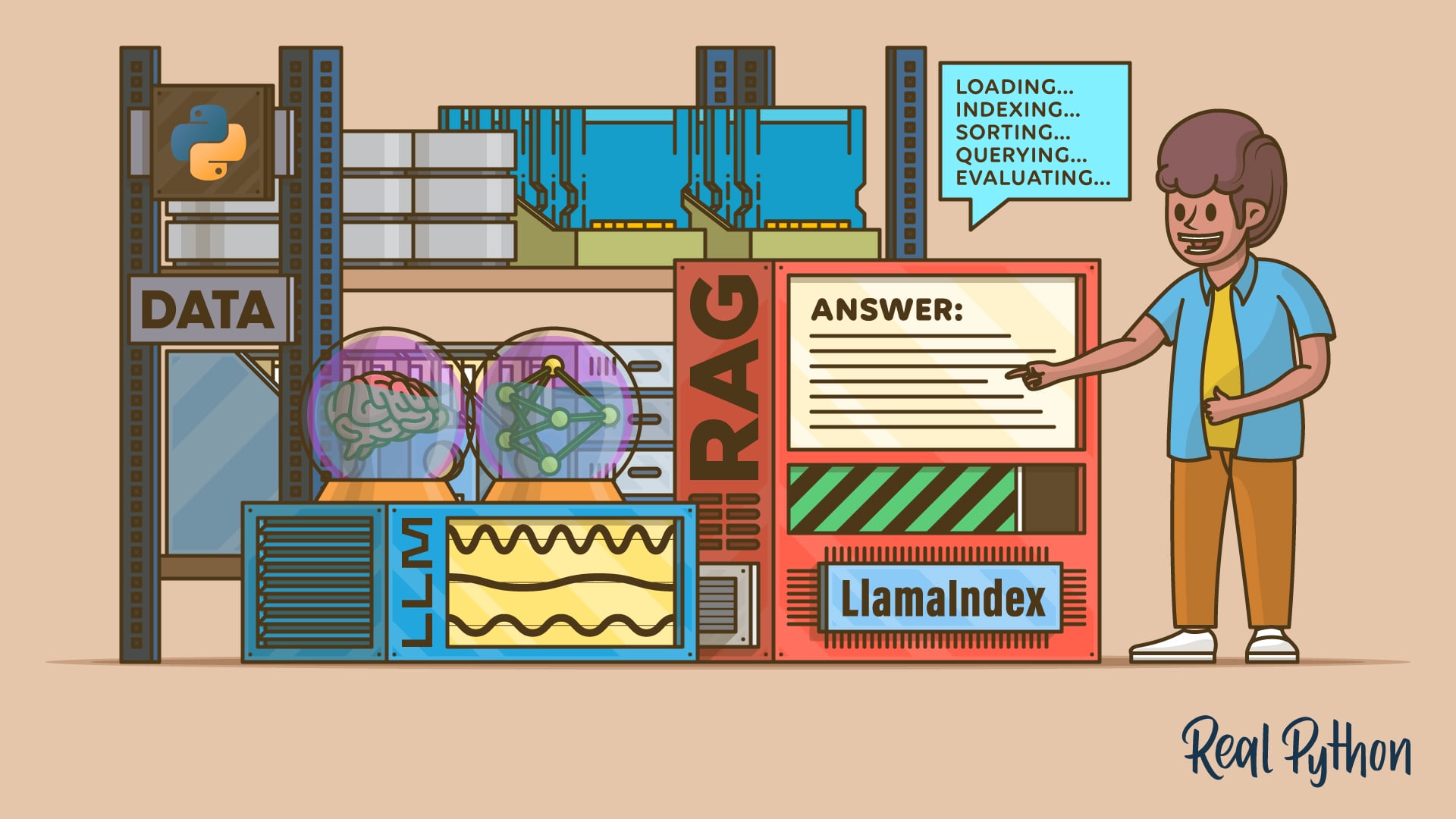
Using LlamaIndex for RAG in Python
Learn how to set up LlamaIndex, load your data, build and persist an index, and run queries to get grounded answers with RAG in Python.
Interactive Quiz
LlamaIndex in Python: A RAG Guide With Examples
Course
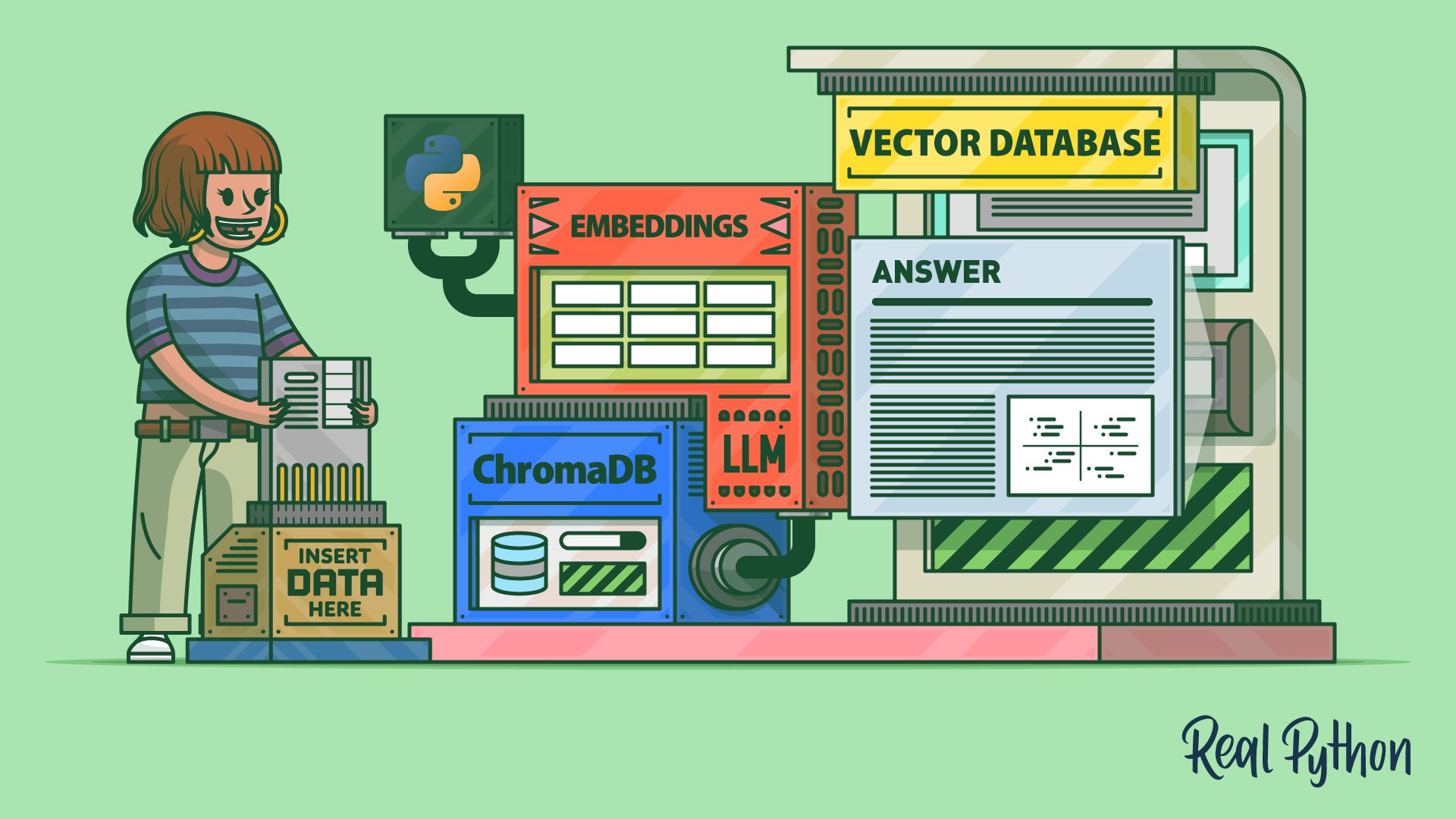
Vector Databases and Embeddings With ChromaDB
Learn how to use ChromaDB, an open-source vector database, to store embeddings and give context to large language models in Python.
Interactive Quiz
Vector Databases and Embeddings With ChromaDB
Tutorial
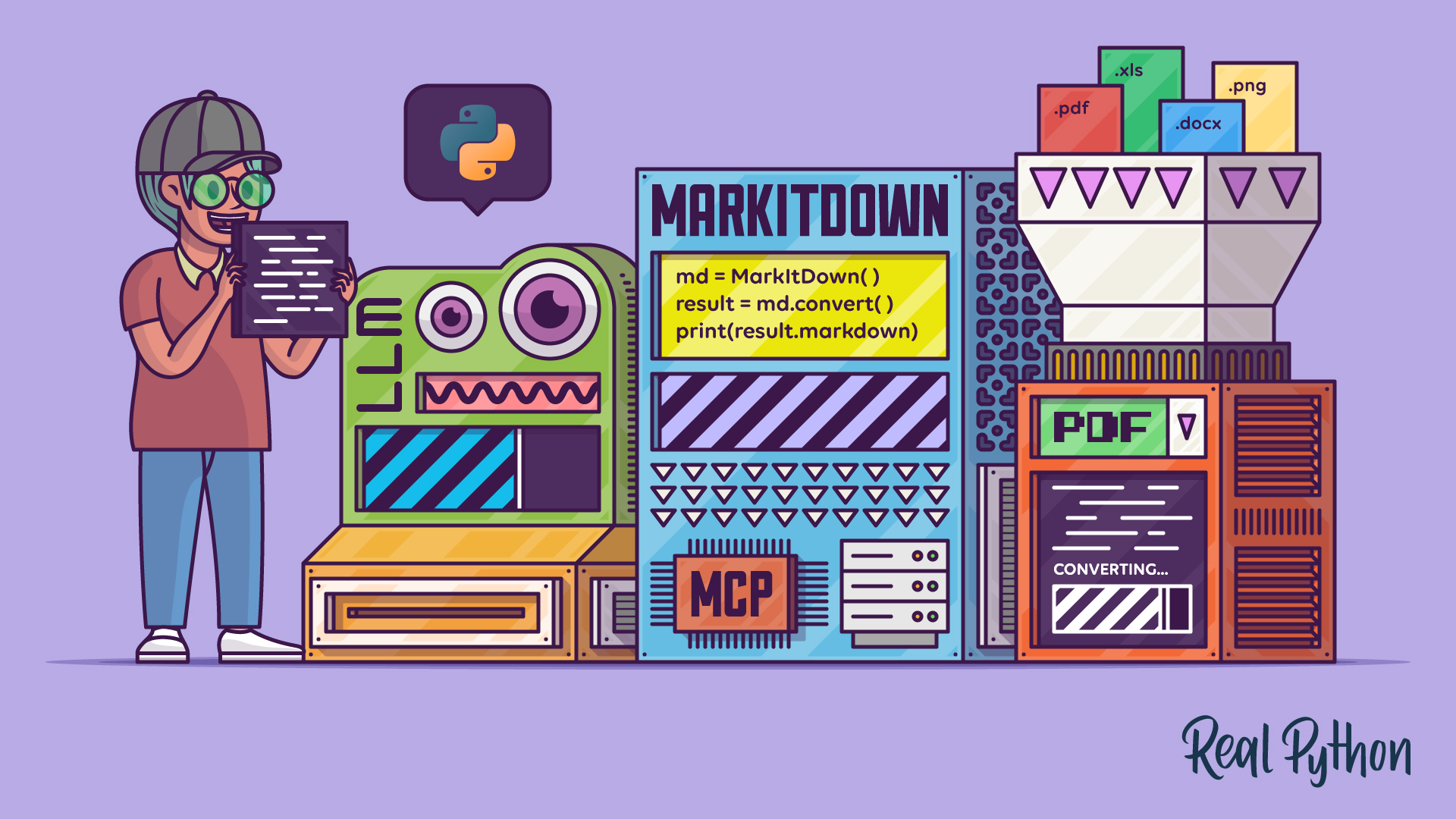
Python MarkItDown: Convert Documents Into LLM-Ready Markdown
Get started with Python MarkItDown to turn PDFs, Office files, images, and URLs into clean, LLM-ready Markdown in seconds.
Interactive Quiz
Python MarkItDown: Convert Documents Into LLM-Ready Markdown
Tutorial
Build an LLM RAG Chatbot With LangChain
Large language models (LLMs) have taken the world by storm, demonstrating unprecedented capabilities in natural language tasks. In this step-by-step tutorial, you'll leverage LLMs to build your own retrieval-augmented generation (RAG) chatbot using synthetic data with LangChain and Neo4j.
Interactive Quiz
Build an LLM RAG Chatbot With LangChain

Build AI Agents
Your RAG pipeline retrieves information, but you still decide every step it takes. Next, you’ll build agents that decide for themselves, using Pydantic AI for type-safe tool calls and LangGraph for stateful, multi-step workflows. Once an agent can plan its own steps, the useful question becomes what tools you hand it.
Course
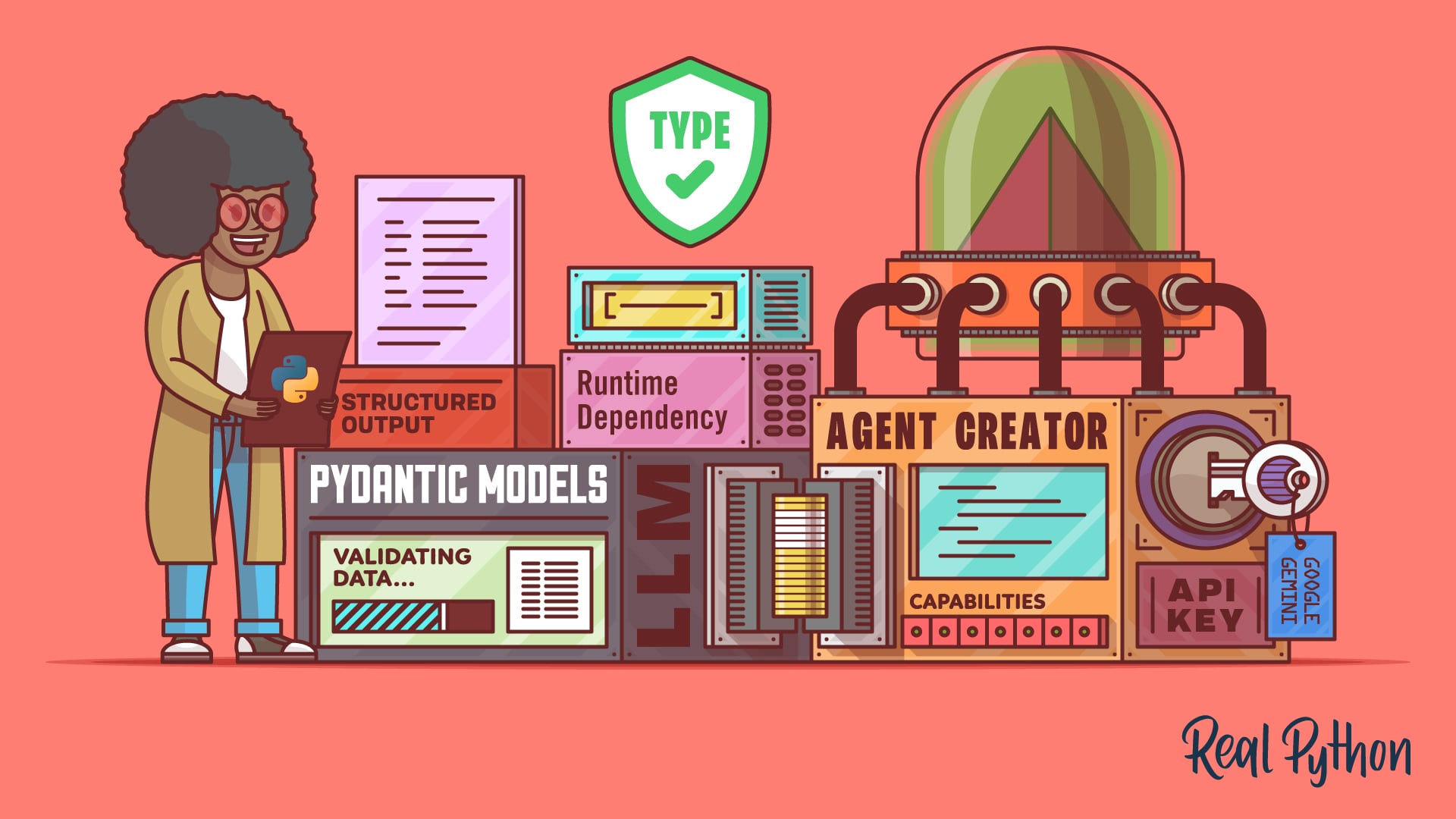
Building Type-Safe LLM Agents With Pydantic AI
Build type-safe LLM agents in Python with Pydantic AI using structured outputs, function calling, and dependency injection.
Interactive Quiz
Pydantic AI: Build Type-Safe LLM Agents in Python

Course
Building an AI Agent With LangGraph and Python
Learn LangGraph in Python with this hands-on video course and build a stateful AI agent using state graphs, nodes, and conditional edges.
Interactive Quiz
LangGraph: Build Stateful AI Agents in Python
Connect Agents to External Tools With MCP
Your agents can reason and call tools, but every one of those tools has to be wired up by hand. The Model Context Protocol standardizes that wiring, and you’ll build both a Python MCP server that exposes your data and a client that exercises it from the terminal. That gives your agents a reusable way to reach databases, APIs, and files.
Course
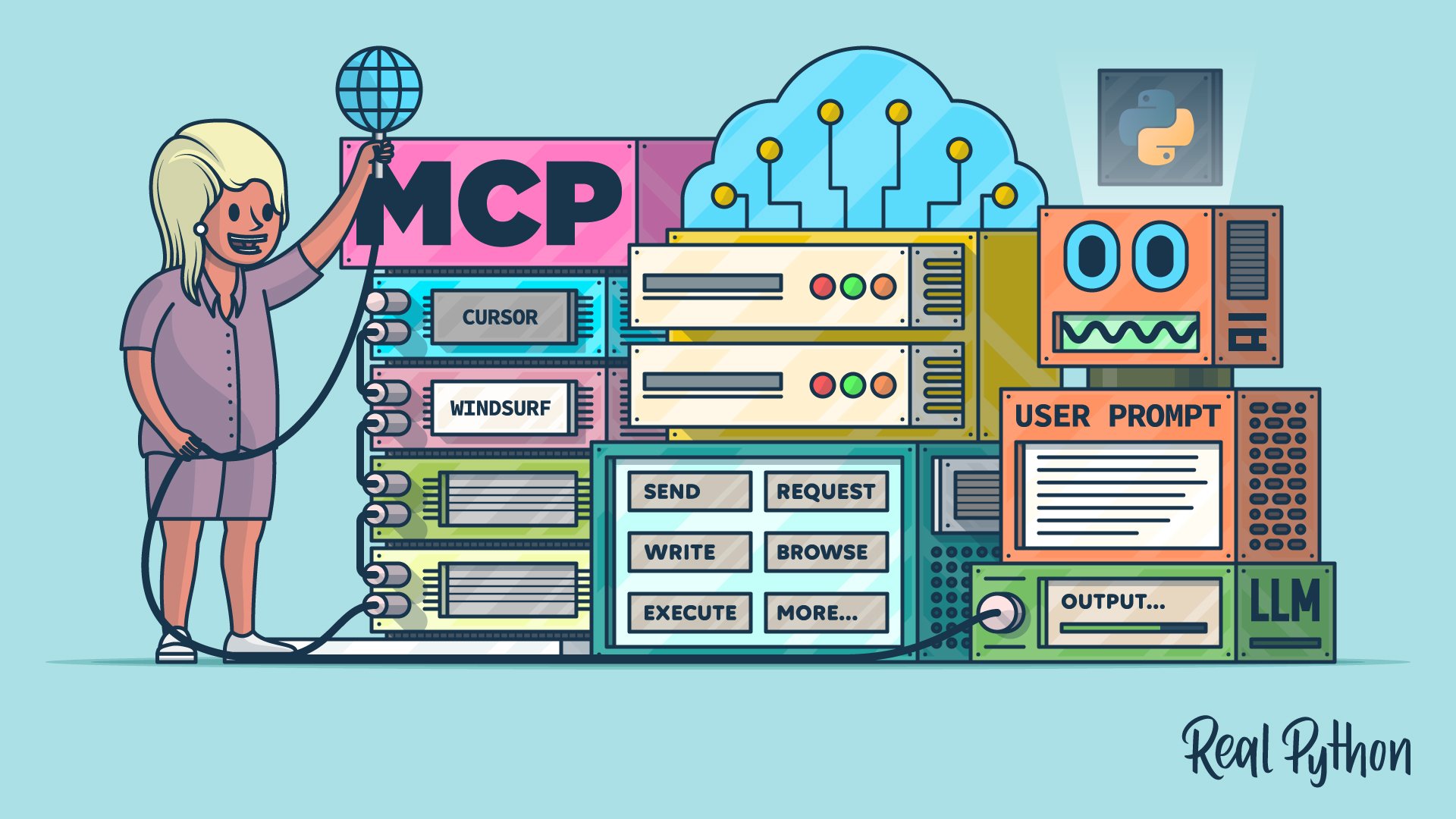
Connecting LLMs to Your Data With Python MCP Servers
Build an MCP server in Python that exposes tools, resources, and prompts so AI agents like Cursor can interact with your data.
Interactive Quiz
Python MCP Server: Connect LLMs to Your Data
Course
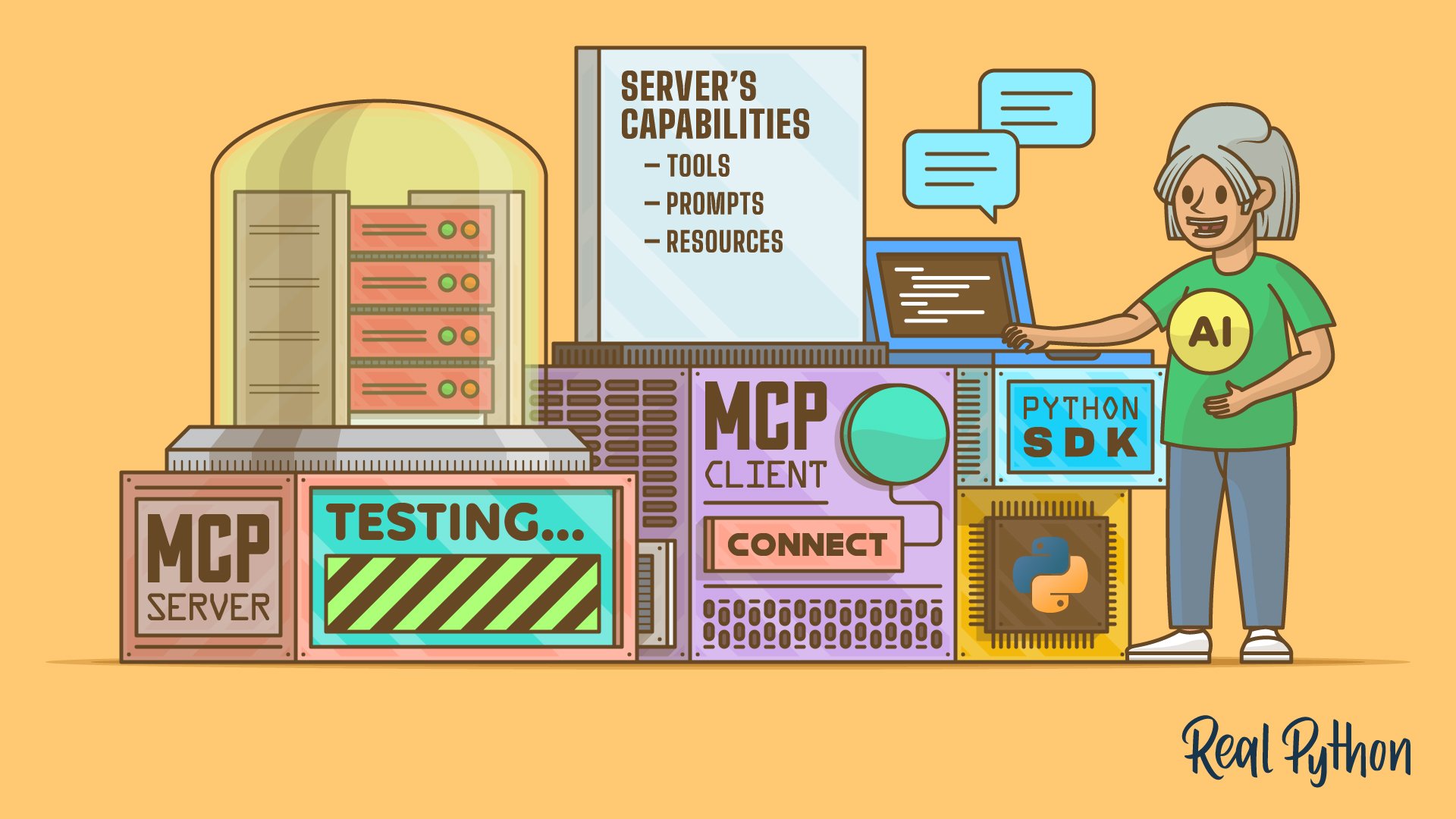
Testing MCP Servers With a Python MCP Client
Learn how to build a Python MCP client that tests MCP servers from your terminal. List their tools, prompts, and resources, then call each one.
Interactive Quiz
Build a Python MCP Client to Test Servers From Your Terminal
Test Your Knowledge
You’ve made it through the entire path! In the wrap-up quiz below, you’ll revisit the most important ideas about LLM APIs, prompt engineering, LangChain, RAG with embeddings and vector databases, AI agents, and MCP. Use it to spot any topics that still feel rusty before moving on.
Interactive Quiz
LLM Application Development With Python
Test your grasp of building LLM apps in Python, from calling model APIs and prompting to RAG, AI agents, and MCP.
Congratulations on completing this learning path! You can now call LLM APIs, craft prompts that produce reliable output, build LangChain pipelines and RAG systems over your own data, create AI agents, and connect them to external tools using MCP.
Continue with the next learning path in the AI and machine learning section:
Learning Path
Machine Learning With Python
31 Resources ⋅ Skills: Image Processing, Computer Vision, Text Classification, Speech Recognition, NLP, Deep Learning, LLMs, RAG
You might also be interested in these related learning paths:
Got feedback on this learning path?
Looking for real-time conversation? Visit the Real Python Community Chat or join the next “Office Hours” Live Q&A Session. Happy Pythoning!
