
Locked learning resources

Join us and get access to thousands of tutorials and a community of expert Pythonistas.

Unlock This Lesson

Locked learning resources

This lesson is for members only. Join us and get access to thousands of tutorials and a community of expert Pythonistas.

Unlock This Lesson

Long Conversations and Starting Fresh

When you send a message, the app doesn’t send only your new message. It sends the model the whole conversation again, along with the rest of the context you met in Context and Memory. Your twentieth message carries the nineteen before it, along with every file and web page the agent read along the way. A one-line question about a long report you uploaded earlier means the model reads the whole report again, too. That has two effects:

  • Each message uses more. A one-line question in a conversation that’s been open all week still sends everything above it.
  • The answers get worse. As the conversation fills up, the model has more to keep track of and starts losing track of things you said early on, like an instruction from your first message. The model can only take in so much at once. Once a conversation gets too long to fit, many apps replace the oldest parts with a shorter summary or drop them without telling you, so the main points stay but details you gave at the start may be gone.

You can picture the conversation as a long scroll that runs through the model again with every new message:
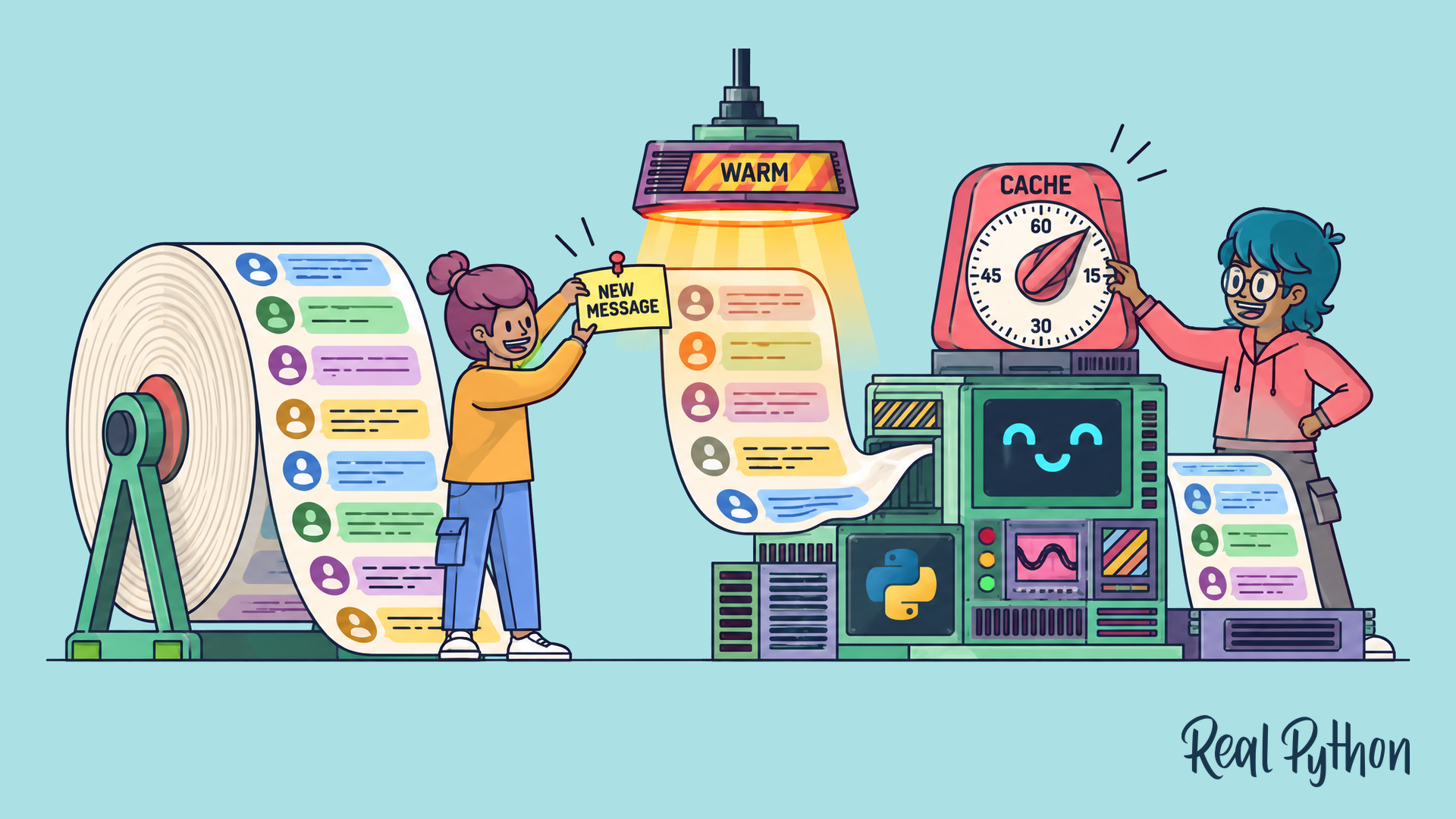
A long scroll of chat messages feeds into a reading machine. A NEW MESSAGE note is pinned on, the newest part glows under a WARM lamp, and a timer reads CACHE.
Every Message Re-Reads the Whole Conversation

The scroll only gets longer, so each new message sends more than the one before it.

Locked learning resources

Join us and get access to thousands of tutorials and a community of expert Pythonistas.

Unlock This Lesson

Already a member? Sign-In

Locked learning resources

The full lesson is for members only. Join us and get access to thousands of tutorials and a community of expert Pythonistas.

Unlock This Lesson

Already a member? Sign-In

00:00 Long Conversations and Starting Fresh.

00:04 When you send a message, the app doesn’t send only your new message. It sends the model the whole conversation again. And that comes with the rest of the context you met earlier in the course.

00:15 Here’s how that builds up. Your first message goes out on its own. Your second message carries the first one, and the reply. By your twentieth message, it carries the nineteen before it.

00:27 It also carries every file and web page the agent read along the way. So a one-line question about a long report you uploaded earlier means the model reads the whole report again, too.

00:39 That has two effects. First, each message uses more. A one-line question in a conversation that’s been open all week still sends everything above it. Second, the answers get worse.

00:51 As the conversation fills up, the model has more to keep track of. It starts losing track of things you said early on, like an instruction from your first message.

01:00 The model can only take in so much at once. Once a conversation gets too long to fit, many apps replace the oldest parts with a shorter summary, or drop them, without telling you.

01:10 The main points stay, but details you gave at the start may be gone. You can picture the conversation as a long scroll. It runs through the model again with every new message.

01:21 The scroll only gets longer, so each new message sends more than the one before it.

01:26 A new chat starts with an empty conversation. The app’s instructions and your saved memories come along again, but nothing else from the old chat does. So your next message only carries what you put in it.

01:39 Starting fresh is a good idea in three cases. When you’re moving on to a different task or topic. When the conversation has gone in circles, or the assistant keeps forgetting an instruction you gave earlier.

01:50 And when you uploaded a big file or a long document that you don’t need anymore.

01:55 Keeping a conversation going makes sense when the next step builds on what’s already there. A second round of edits on the same draft is a good example.

02:03 You can bring the important parts along with you. Before you leave a long conversation, ask the assistant to write a short summary of where things stand.

02:11 Then paste that summary into a new chat. The new conversation starts with the decisions and the open questions, without all the back-and-forth that led to them.

02:20 A good summary is sometimes called a handoff note. It covers what you’re working on, and what a finished result looks like. It covers what’s been decided so far.

02:30 It covers what’s left to do, and what to do next. And it covers anything to avoid, like an approach that already didn’t work.

02:38 Check the summary before you use it. The assistant writes it from the conversation, so it can leave out something that mattered to you. Below this video, there’s a practice app.

02:48 A client-proposal chat has run for forty-eight messages, and the assistant has lost track of something from the very first one. Ask for a handoff note, check it, and start a new chat with it.

Become a Member to join the conversation.