
This lesson is a quick tour of what’s on Real Python and where to find it.
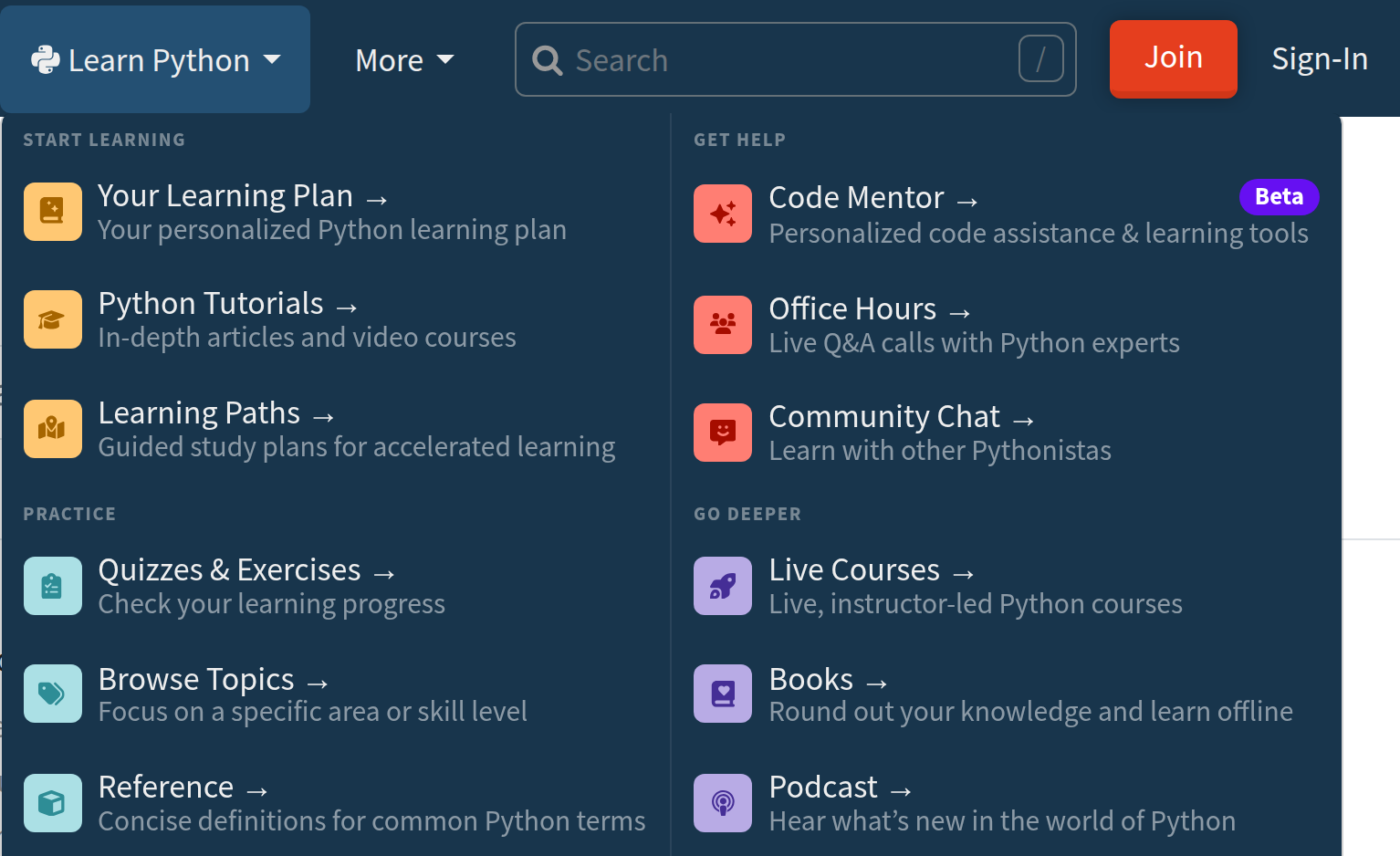
The Learn Python menu in the top navigation holds four groups:
- Start Learning: A personalized learning plan you can generate for yourself, the full library of tutorials and video courses, and learning paths
- Practice: Quizzes, coding exercises, topic pages, and the Python reference
- Get Help: Weekly Office Hours calls, and Community Chat, all included with your membership
- Go Deeper: Instructor-led Live Courses, Books, and The Real Python Podcast
Python Tutorials and Quizzes & Exercises don’t open pages of their own. They open the library with filters already applied, and you can change those filters.
Nearly everything you learn from here is one of four kinds of material. Video courses like this one are split into short lessons. Written tutorials come with code you can copy and run. Quizzes check what stuck. Coding exercises are problems you solve in the browser, checked against automated tests. Exercises are members only, and you’ll try one before the end of this section.
The next few lessons take each one at a time.
Where AI fits in
Learning Python and using AI tools aren’t an either/or. The more Python you know, the more you get out of the code an assistant hands you, and the faster you spot when it’s wrong. Real Python covers that side too. Code Mentor is a set of AI tools for members. You’ll see what it does in the community section. The reference also has an AI Coding Glossary and an AI Coding Tools area.


laminuabdulkarim2004 on Oct. 28, 2026
Could you give some coding exercises?