Files and File Streams
Learning Path ⋅ Skills: Python, Pathlib, File I/O, Serialization, Encoding, Unicode, PDF, WAV, Context Managers, ZIP Files

You’ll learn how to handle files in Python from the ground up. Starting with reading and writing files, you’ll use pathlib to navigate the file system and context managers to safely manage resources. From there, you’ll explore serialization, Unicode encodings, and work with ZIP archives, PDFs, and WAV files.
Files and File Streams
Learning Path ⋅ 13 Resources
Reading and Writing Files
Start with the fundamentals of reading and writing files in Python. You’ll learn about file modes, encoding, and practical patterns for working with files.
Course
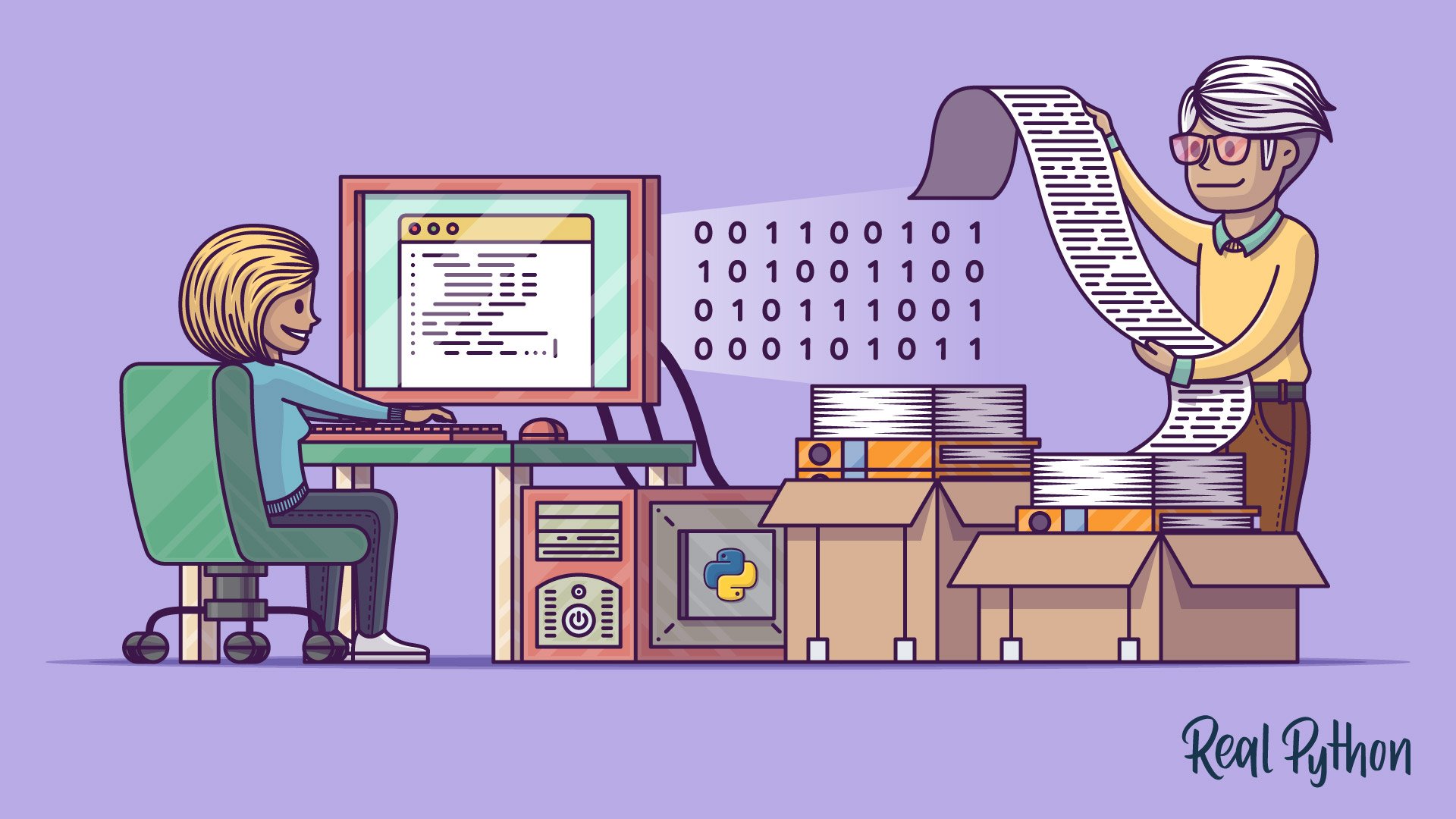
Reading and Writing Files in Python
Learn about reading and writing files in Python. You'll cover everything from what a file is made up of to which libraries can help you along that way. You'll also take a look at some basic scenarios of file usage as well as some advanced techniques.
Interactive Quiz
Reading and Writing Files in Python
Course
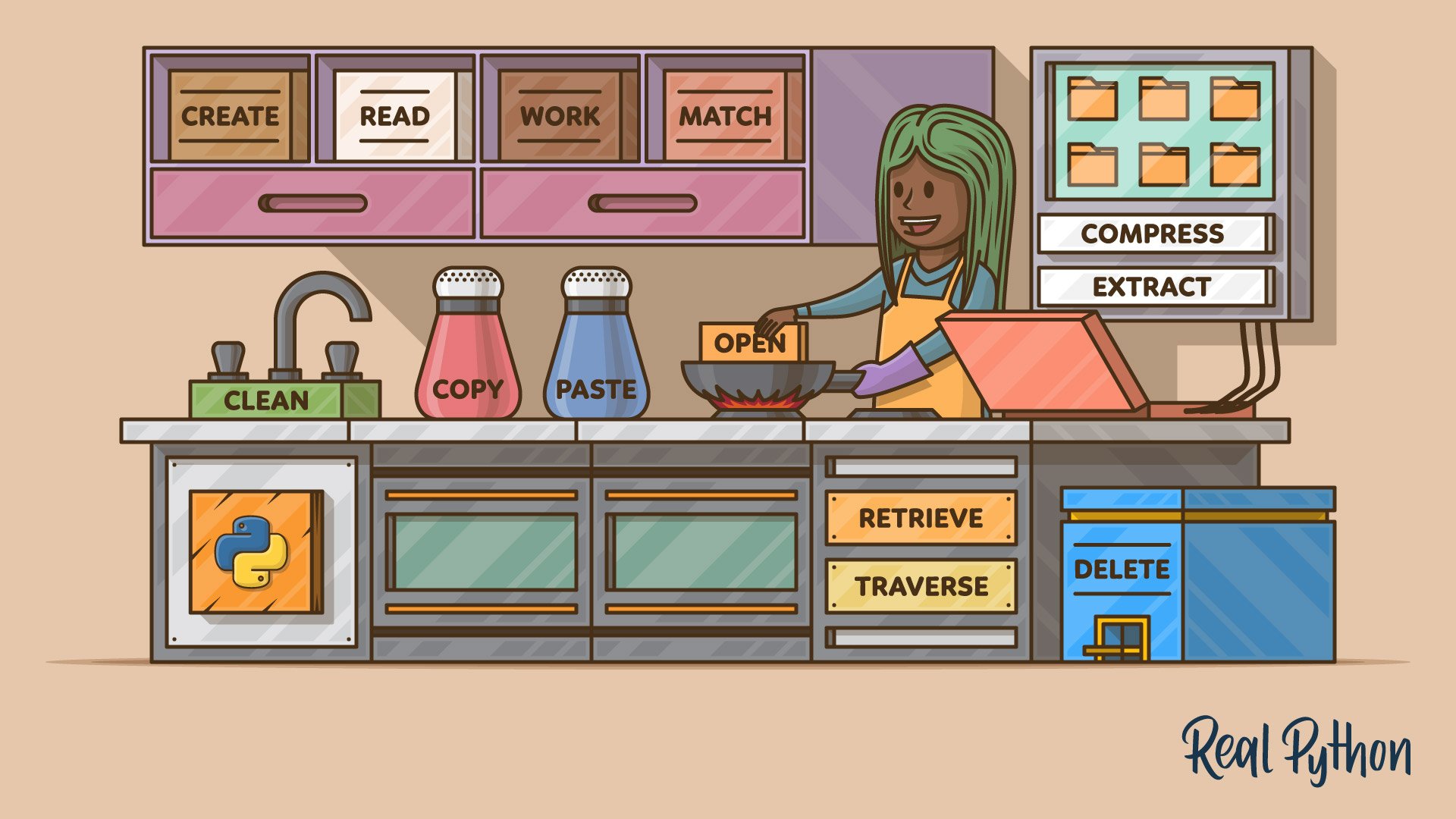
Practical Recipes for Working With Files in Python
Learn how you can work with files in Python by using built-in modules to perform practical tasks that involve groups of files, like renaming them, moving them around, archiving them, and getting their metadata.
Interactive Quiz
Working With Files in Python
Navigating the File System
You can now open a file and read or write its contents. Next, you’ll locate those files in the first place with pathlib, then use context managers and the with statement to make sure every file you open gets closed again. Handling paths portably and closing files reliably is what keeps this code working on someone else’s machine.
Course
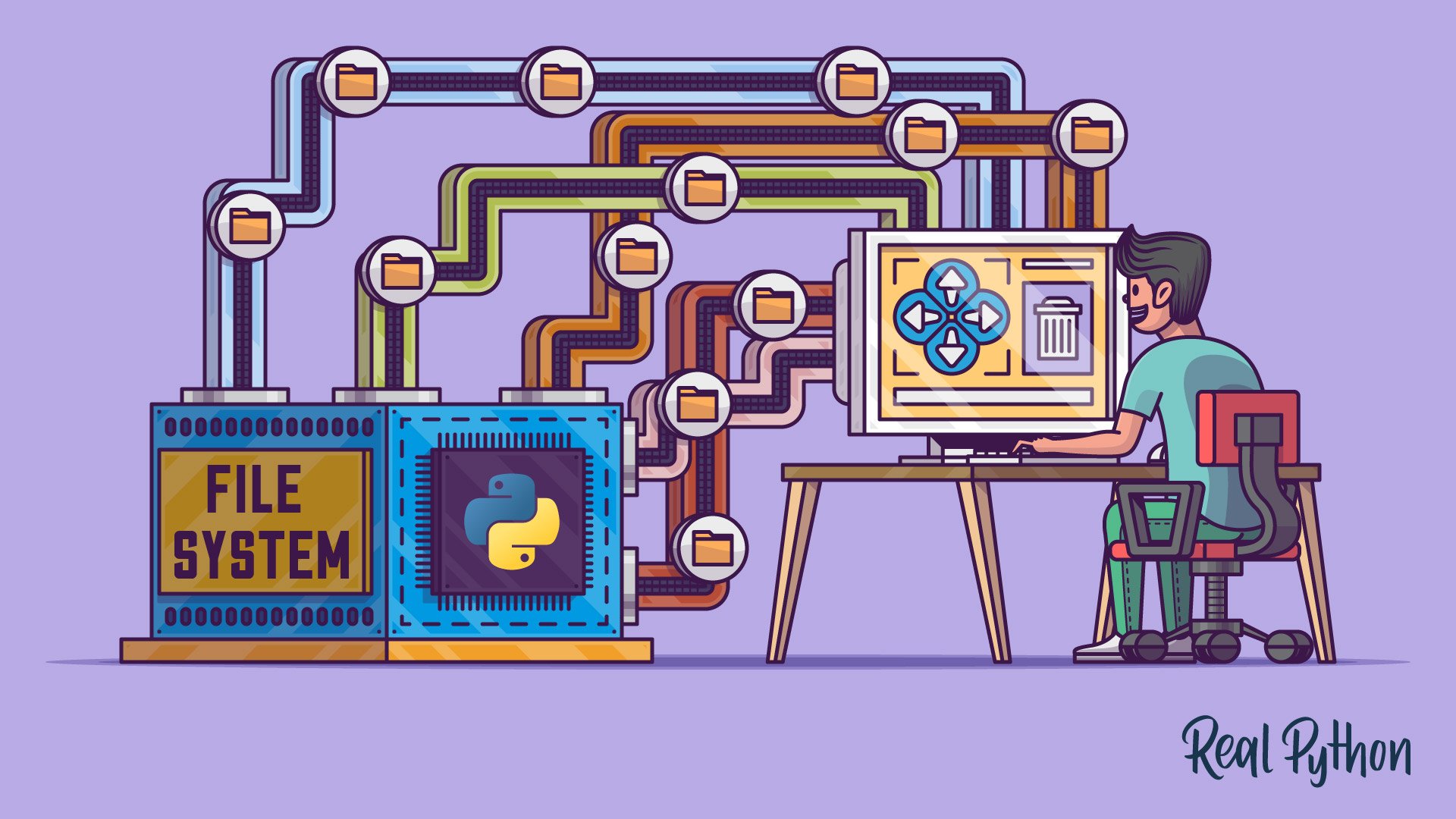
Using Python's pathlib Module
Learn how to effectively work with file system paths in Python 3 using the pathlib module in the standard library.
Interactive Quiz
Python's pathlib Module: Taming the File System
Course
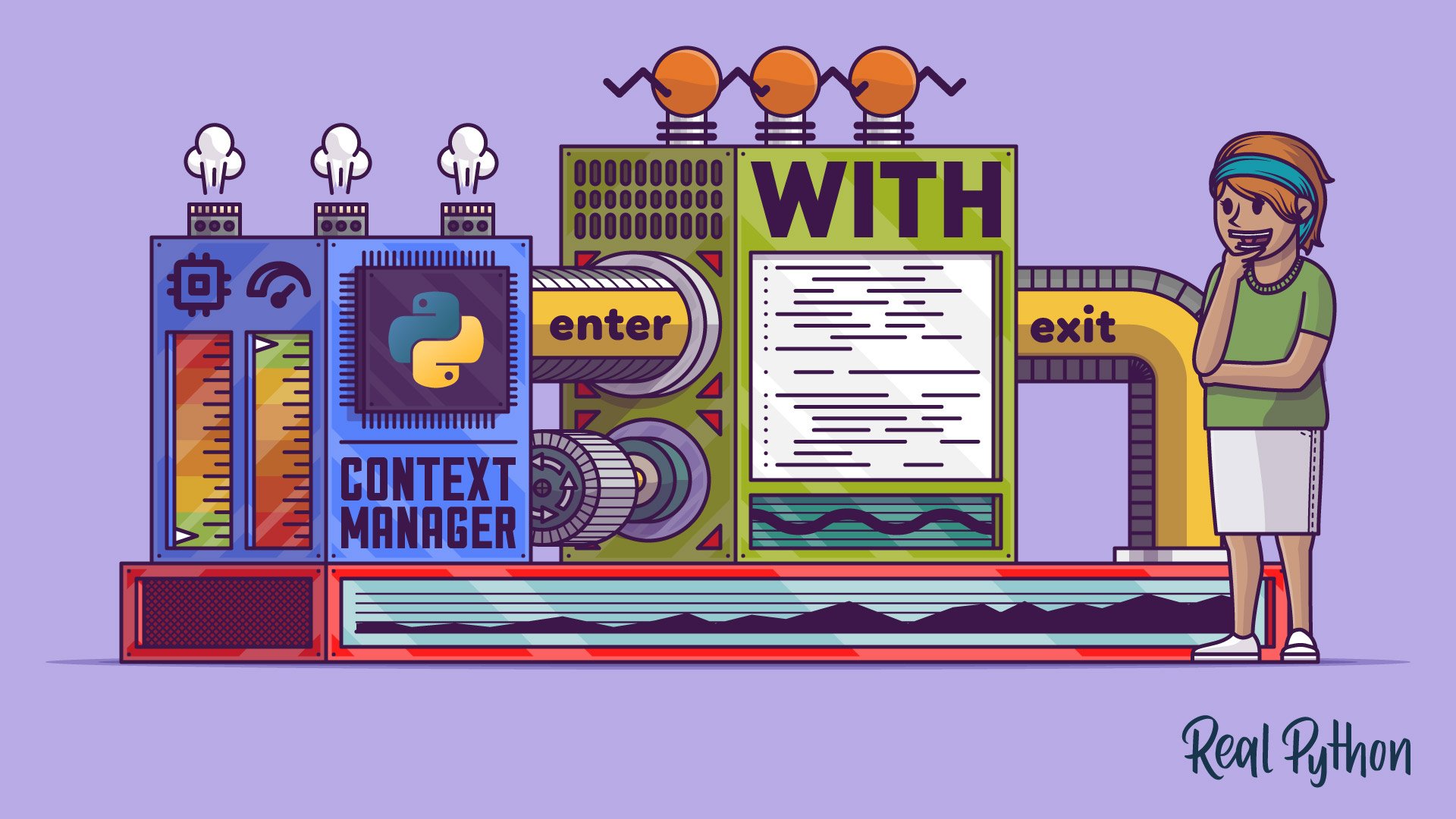
Context Managers and Using Python's with Statement
Learn what the Python with statement is and how to use it with existing context managers. You'll also learn how to create your own context managers.
Interactive Quiz
Context Managers and Python's with Statement

Tutorial
Why Is It Important to Close Files in Python?
Model citizens use context managers to open and close file resources in Python, but have you ever wondered why it's important to close files? In this tutorial, you'll take a deep dive into the reasons why it's important to close files and what can happen if you don't.
Serialization and File Downloads
You’ve been working with files that already sit on your own disk. Next, you’ll serialize Python objects so they survive between runs, and download files from URLs with Python. Both steps move data across a boundary, whether that’s a program restart or a network connection.
Tutorial
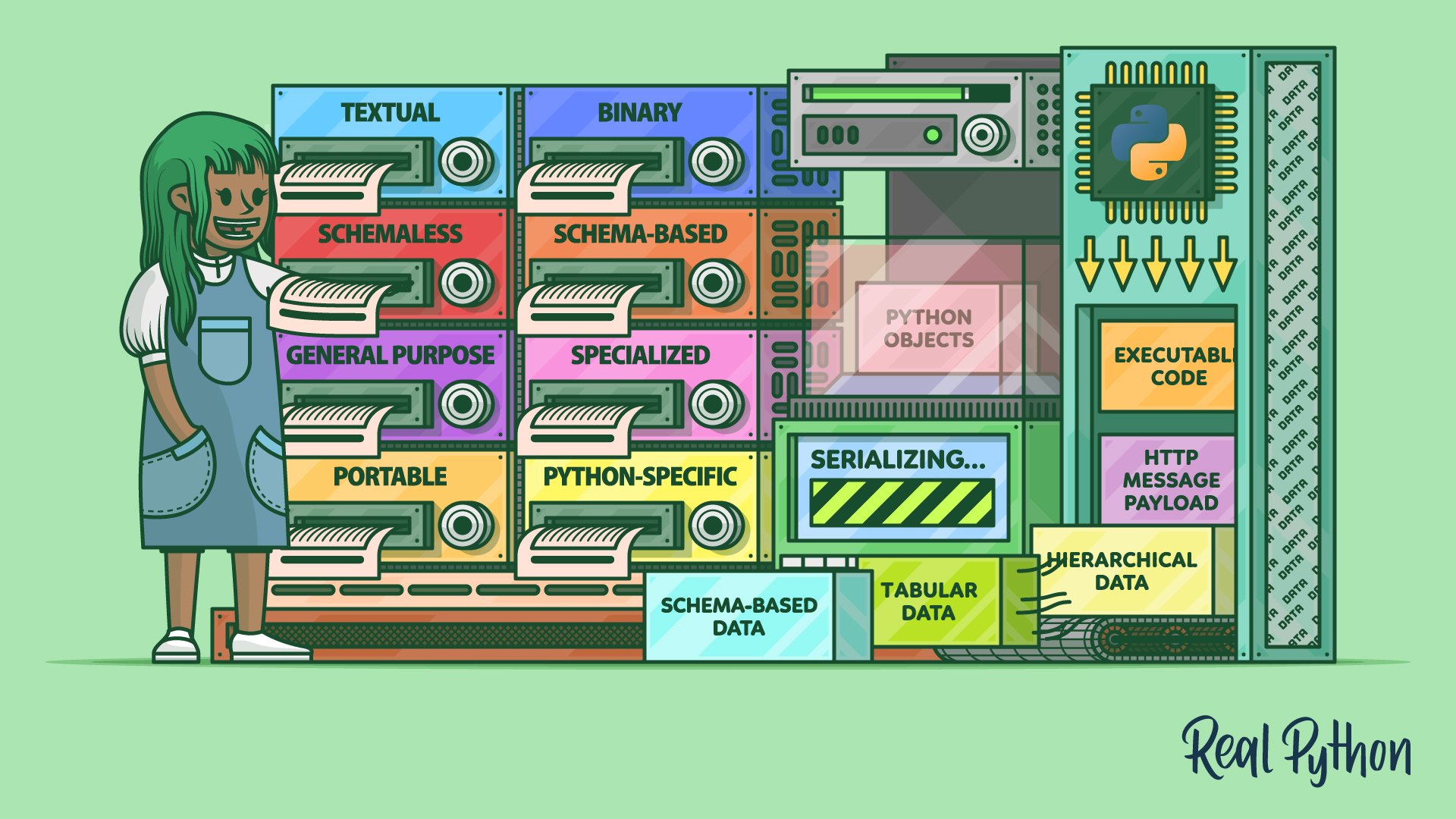
Serialize Your Data With Python
In this in-depth tutorial, you'll explore the world of data serialization in Python. You'll compare and use different data serialization formats, serialize Python objects and executable code, and handle HTTP message payloads.
Interactive Quiz
Serialize Your Data With Python

Course
Downloading Files From URLs With Python
Learn to download files from URLs with Python using urllib and requests, including data streaming for large files.
Encoding and Special File Formats
You’ve moved data in and out of files without asking what the bytes inside them mean. Now you’ll look at Unicode and character encodings, then work with formats that carry their own structure: ZIP archives, PDFs, and WAV audio files.
Course
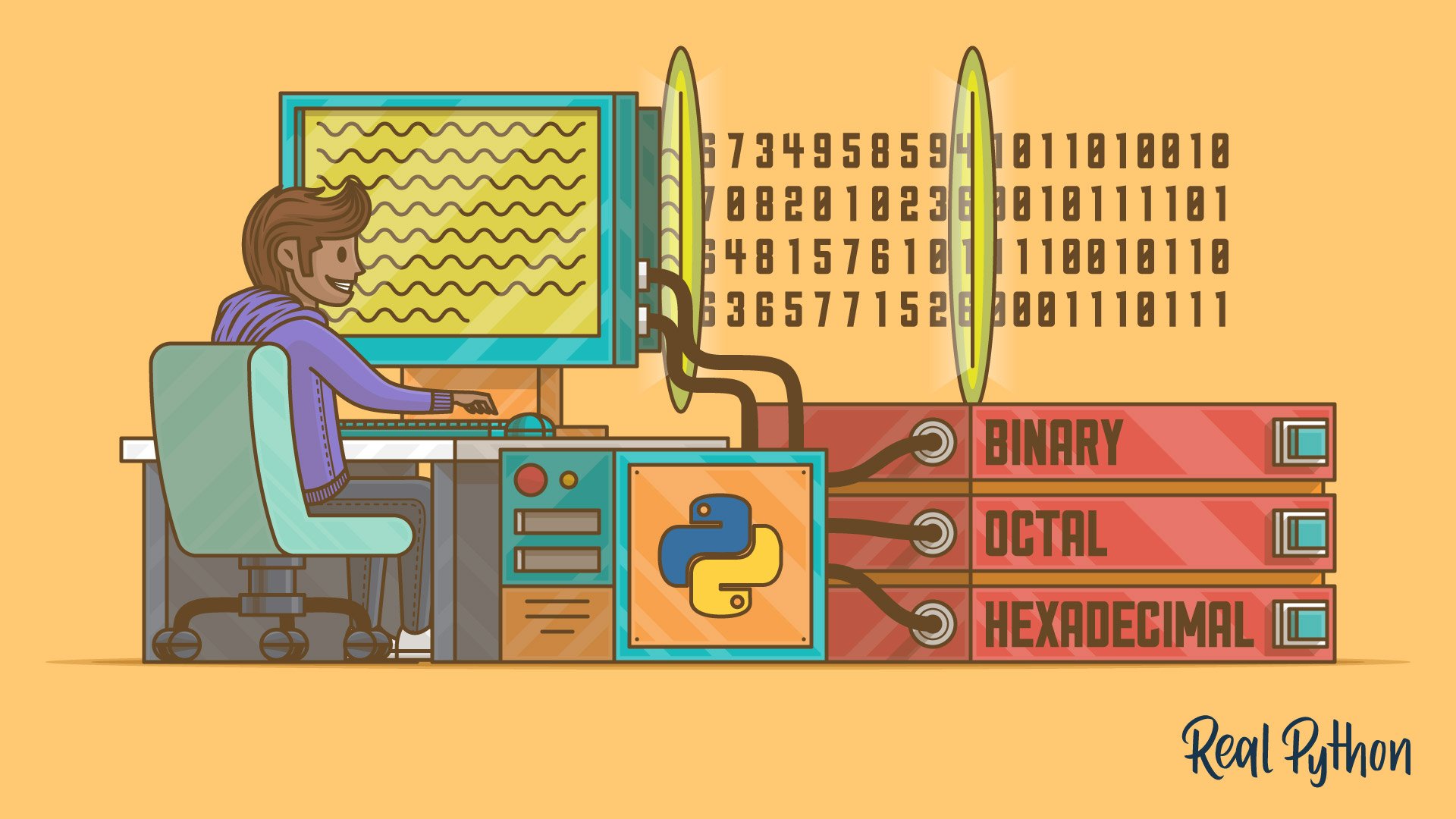
Unicode in Python: Working With Character Encodings
In this course, you'll get a Python-centric introduction to character encodings and Unicode. Handling character encodings and numbering systems can at times seem painful and complicated, but this guide is here to help with easy-to-follow Python examples.

Tutorial
How to Sort Unicode Strings Alphabetically in Python
Learn how to correctly sort Unicode strings in Python while avoiding common pitfalls. You'll explore powerful third-party libraries implementing the complete Unicode Collation Algorithm (UCA), as well as standard library modules and a few handmade solutions.
Course
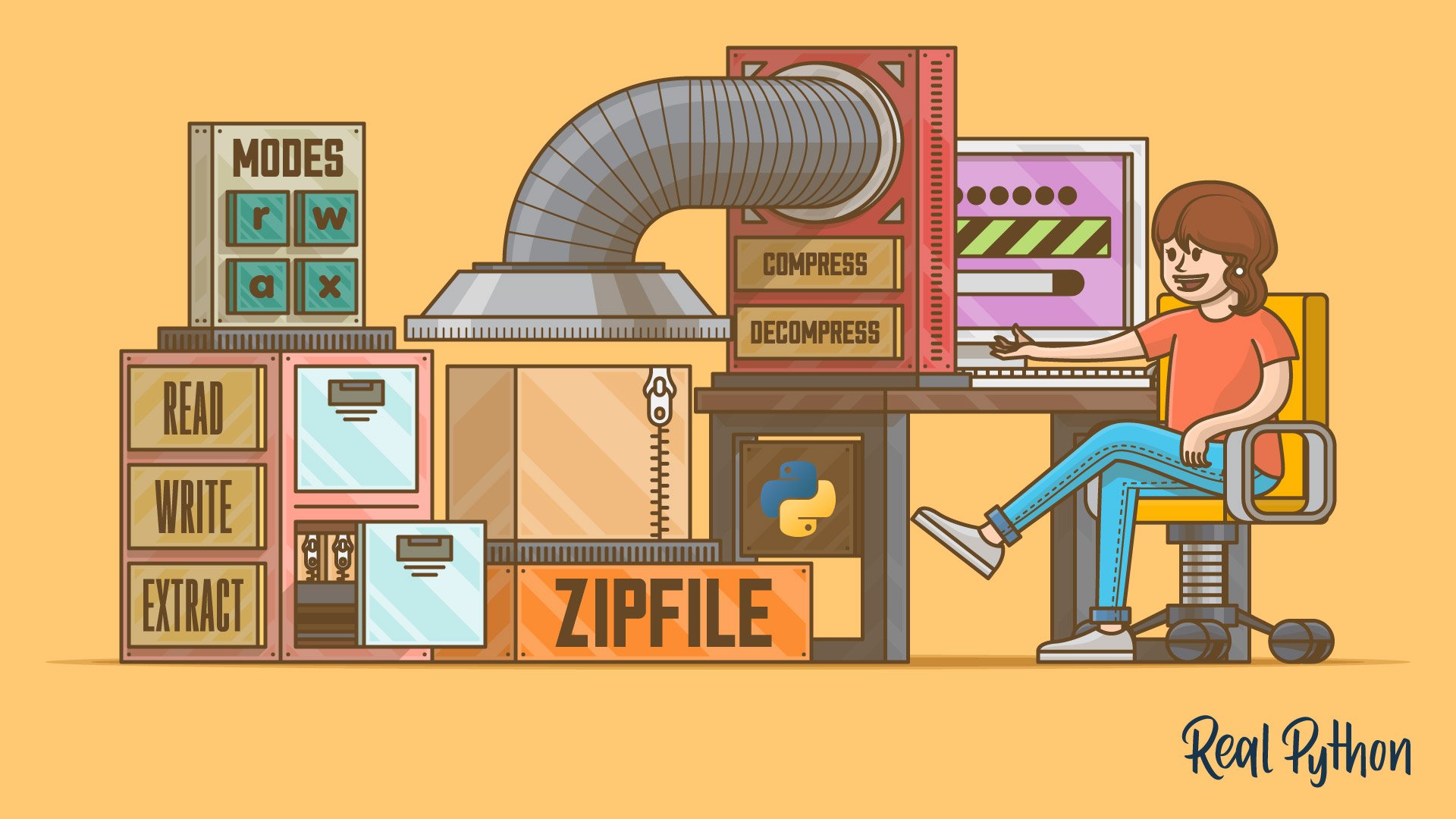
Manipulating ZIP Files With Python
Learn how to manipulate ZIP files using Python's zipfile module from the standard library. Through hands-on examples, you'll learn how to read, write, compress, and extract files from your ZIP files quickly.
Tutorial
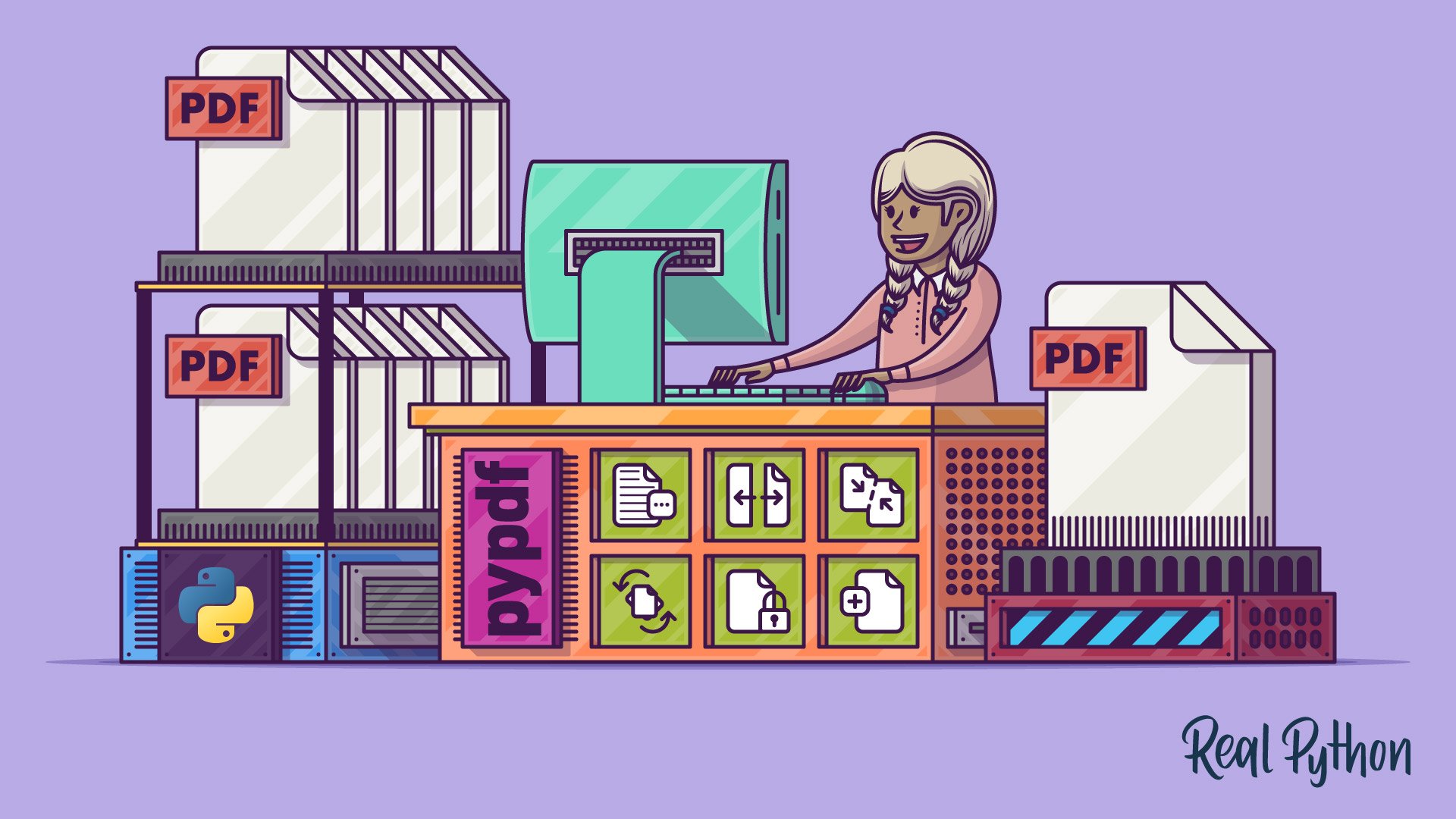
Create and Modify PDF Files in Python
In this tutorial, you'll explore the different ways of creating and modifying PDF files in Python. You'll learn how to read and extract text, merge and concatenate files, crop and rotate pages, encrypt and decrypt files, and even create PDFs from scratch.
Interactive Quiz
Create and Modify PDF Files in Python

Tutorial
Reading and Writing WAV Files in Python
Learn how to work with WAV audio files in Python using the standard-library wave module. Along the way, you'll synthesize sounds from scratch, visualize waveforms in the time domain, animate real-time spectrograms, and apply special effects to widen the stereo field.
Interactive Quiz
Reading and Writing WAV Files in Python

Test Your Knowledge
You’ve made it through the entire path! In the wrap-up quiz below, you’ll
revisit the most important ideas about file I/O, pathlib, context managers,
and WAV audio files. Use it to spot any topics that still feel rusty before
moving on.
Interactive Quiz
Files and File Streams
Test what you learned about Python file handling, pathlib, context managers, and reading or writing WAV files in this learning path wrap-up quiz.
Congratulations on completing this learning path! You’ve learned how to read and write files in Python, navigate the file system with pathlib, and manage open resources with context managers. You’ve also serialized data, downloaded files from URLs, and worked with character encodings and specialized formats like ZIP archives, PDFs, and WAV files.
Continue your intermediate Python journey with the next learning path:

Learning Path
Exceptions, Logging, and Debugging
8 Resources ⋅ Skills: Python, Exceptions, Logging, Debugging, pdb, raise, Built-in Exceptions, Error Handling
You might also be interested in these related learning paths:
Got feedback on this learning path?
Looking for real-time conversation? Visit the Real Python Community Chat or join the next “Office Hours” Live Q&A Session. Happy Pythoning!