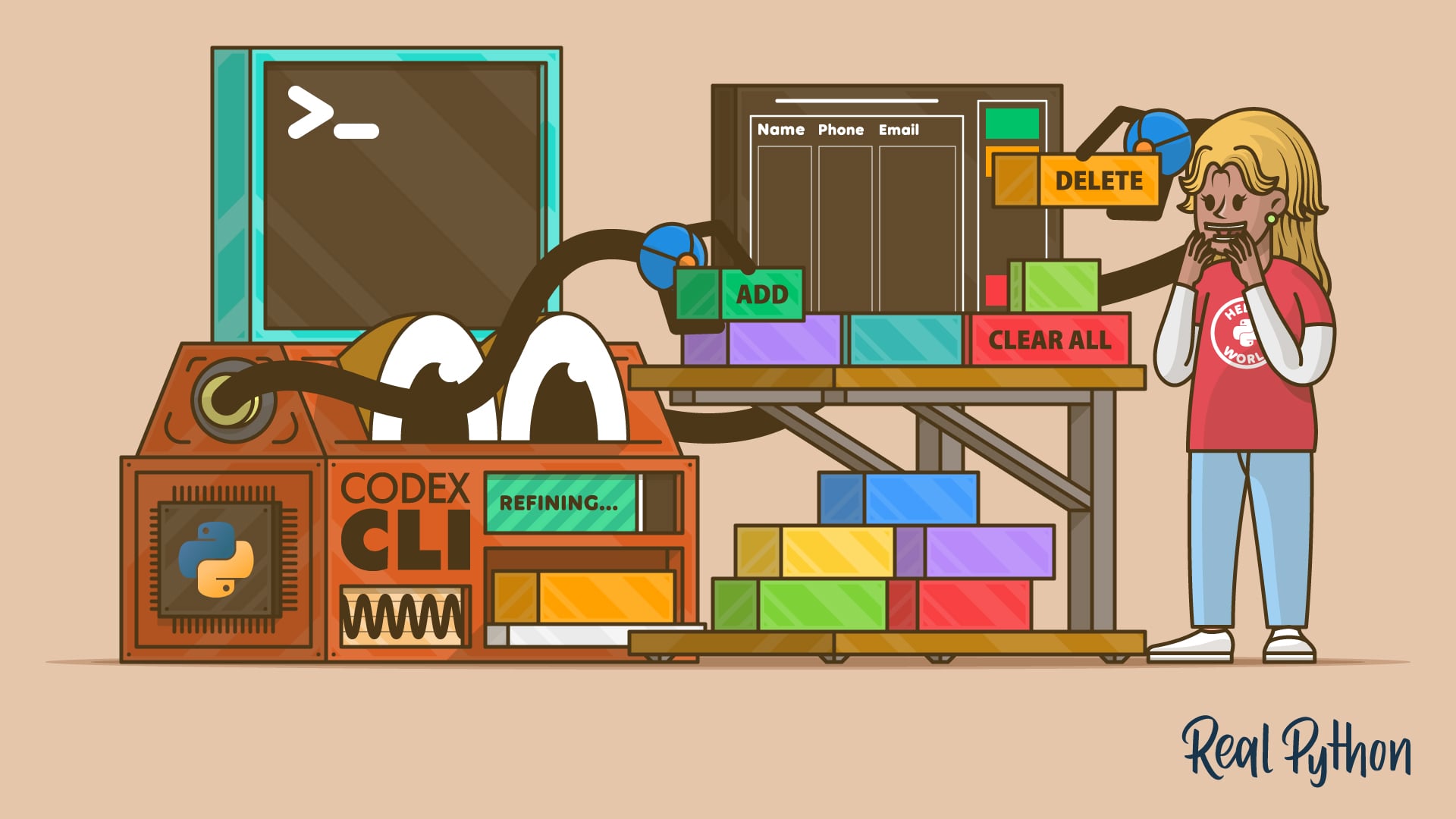

After watching this video course, you’ll be able to use Codex CLI to add features to a Python project directly from your terminal. Codex CLI is an AI-powered coding assistant that runs inside your terminal. It understands your project structure, reads your files, and proposes multi-file changes using natural language instructions.
Instead of copying code from a browser or relying on an IDE plugin, you’ll use Codex CLI to implement a real feature in a multi-file Python project directly from your terminal.
In the following lessons, you’ll install and configure Codex CLI, use it to implement a deletion feature in a contact book app, and then refine that feature through iterative prompting.
What’s Included:
- 10 Lessons
- Video Subtitles and Full Transcripts
- 2 Downloadable Resources
- Accompanying Text-Based Tutorial
- Interactive Quiz to Check Your Progress
- Q&A With Python Experts: Ask a Question
- Certificate of Completion

Downloadable Resources: