Gemini 4 Carbon is Google’s new reasoning model. It became generally available in the Gemini API on November 10, 2026, and it thinks longer than its sibling Argon before it answers.
In this tutorial, you’ll find out what Carbon is, when it’s worth paying for, and how to call it from Python. You’ll need a paid-tier Gemini API key to follow along.
By the end of this tutorial, you’ll understand that:
- Carbon is Argon with more thinking: same context window, same tools, same price per token.
- It costs $2 per million input tokens and $10 per million output tokens through November 30, 2026, and double after that.
- Thinking tokens are billed at the output rate, so they can cost more than the answer itself.
- You call it with
client.interactions.create()and tune it withthinking_level.
We first reported on Carbon in AI News Weekly for October 30, 2026, back when it was a limited preview for security defenders. If you’ve never set up an API key, then check out How to Integrate ChatGPT’s API With Python Projects.
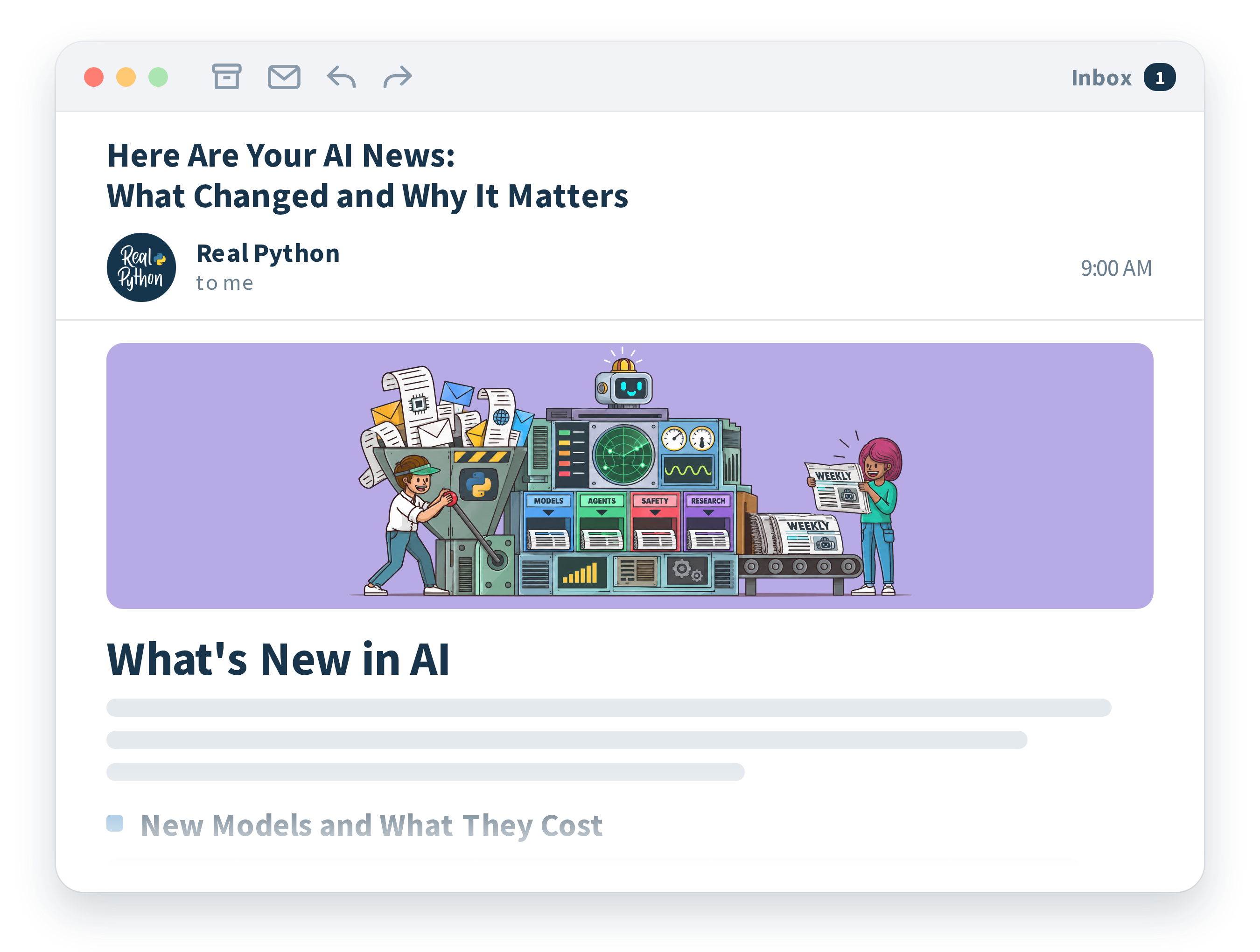
Stop Falling Behind on AI. Catch Up in Five Minutes.
New models, new prices, new agent tools, all the time. Our new AI newsletter gives you the handful of stories you actually need as a developer. Free, straight from the Real Python team.
What Is Gemini 4 Carbon?
Google announced Carbon’s general release on November 10, 2026, in a post on its blog:
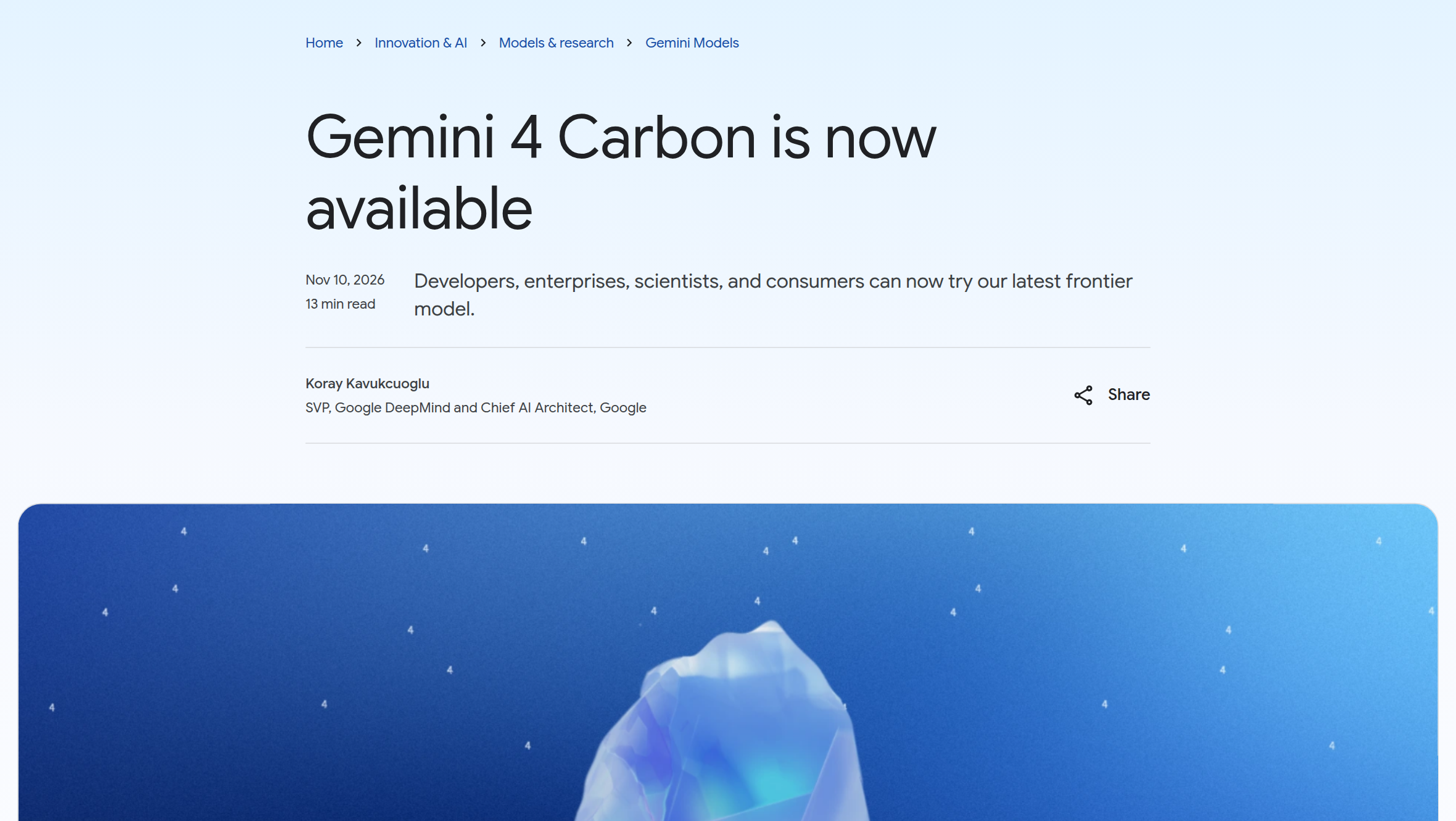
Carbon is the newest top-tier model in Google’s Gemini family of large language models. It reads text, images, audio, video, and PDFs, and it writes text. Its context window holds about a million tokens, and its knowledge stops at March 2026.
According to its model card, Carbon is based on Argon, which became generally available in October 2026. Google’s what’s new page says the two share the same context window, built-in tools, and per-token pricing.
The difference is thinking tokens, which a model generates while it reasons, before it writes the answer you see. Carbon “spends more thinking tokens per turn to explore thoroughly and verify its work,” so each turn takes longer and uses more tokens than Argon’s.
When Should You Pick Carbon Over Argon?
Google aims Carbon at hard problems, such as root-cause debugging, architectural design, scientific proofs, and security auditing. For day-to-day coding and fast production loops, the what’s new page recommends Argon, which answers faster with fewer tokens.
Price is the other half of the decision. Here’s Carbon’s entry on the Gemini API pricing page:
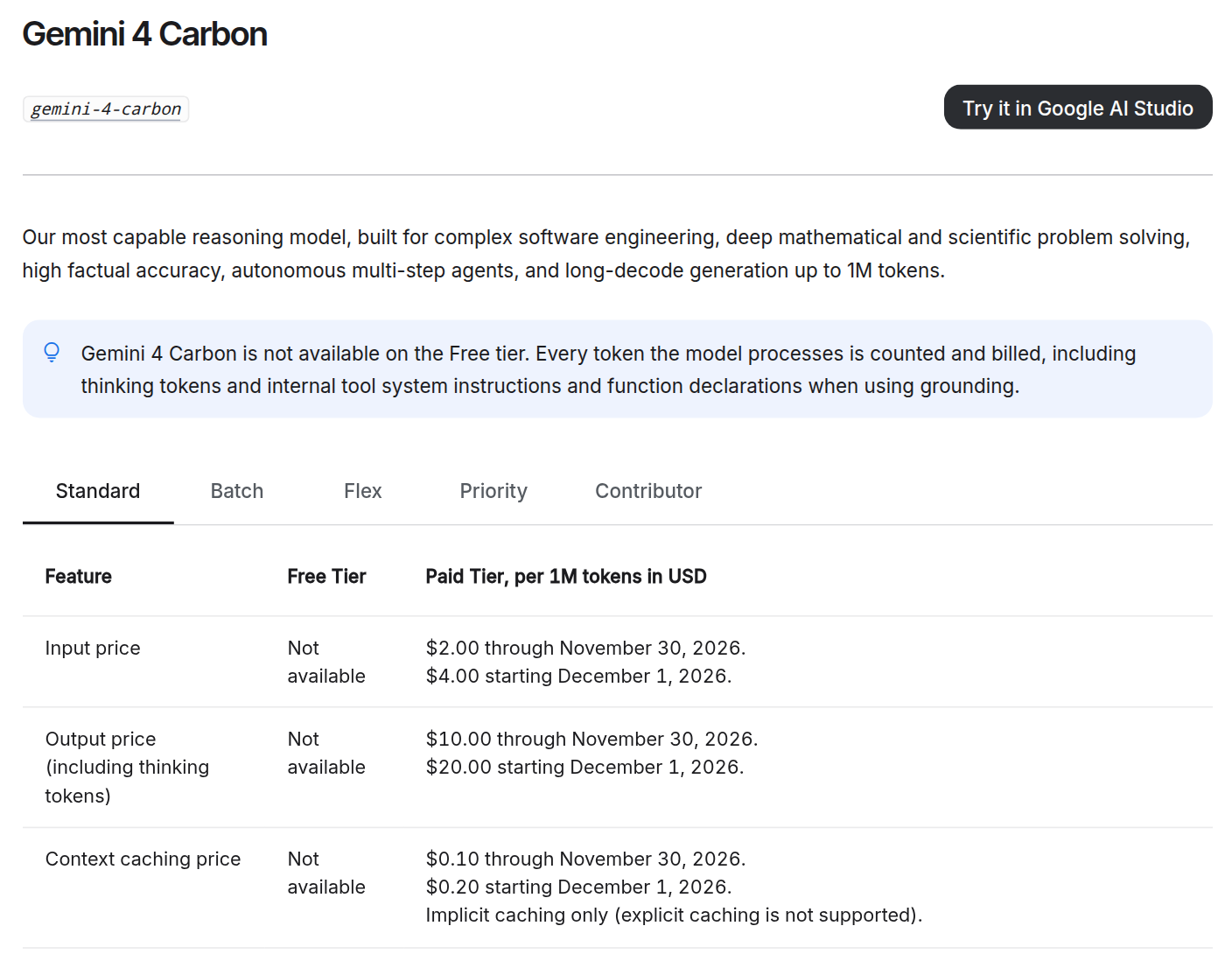
Carbon isn’t on the free tier, and its introductory prices double on December 1, 2026. Thinking tokens count as output, so Carbon’s extra reasoning shows up on your bill. If you can wait for results, then Batch requests cost half.
To see how Carbon handles Python, Real Python ran it through its AI Benchmark. One task asks the model to write a turtle program that draws a python reading a book. Here’s what Carbon drew:

Beyond the drawing, Carbon wrote Python like it’s 3.12, using 12 of 15 modern idioms, and it pushed back on the benchmark’s trap prompt.
Calling Carbon From Python
Carbon is a hosted model, so there’s nothing large to download. You only need Google’s google-genai SDK and an API key. Because you pass the model ID with every request, switching between Argon and Carbon later is a one-word change.
Make Your First Call
Install the SDK into a virtual environment. Version 3.0.0 needs Python 3.11 or later. Then create a key in a project with billing set up, and store it in the GEMINI_API_KEY environment variable:
$ python -m pip install google-genai==3.0.0
$ export GEMINI_API_KEY="your-api-key"
In Windows PowerShell, use $env:GEMINI_API_KEY = "your-api-key" instead. If GOOGLE_API_KEY is set too, then the SDK uses that one.
Next, create a file named basic_call_interactions.py and add the following code:
basic_call_interactions.py
from google import genai

client = genai.Client()  # reads GEMINI_API_KEY from the environment

interaction = client.interactions.create(
    model="gemini-4-carbon",
    input="Explain what a Python generator is in two sentences.",
)
print(interaction.output_text)
print(interaction.usage)
print("thought tokens:", interaction.usage.total_thought_tokens)
The client.interactions.create() call sends one request to Carbon and returns an interaction object. Its .output_text holds the answer, and .usage holds the token counts. Run the script, and you’ll get output like this, with the usage line shortened:
$ python basic_call_interactions.py
A Python generator is a special type of function that produces a sequence of
values one at a time using the `yield` keyword instead of returning them all
at once. Because it pauses execution and remembers its state between calls, a
generator computes items lazily on the fly, making it highly memory-efficient
for working with large datasets.
...
total_input_tokens=41 total_output_tokens=69 total_thought_tokens=448
total_tokens=558 total_tool_use_tokens=0
thought tokens: 448
The answer took 69 output tokens, but Carbon spent 448 thinking tokens first, without being asked. It thinks by default, at the "medium" level. At the introductory price, this call cost about half a cent.
You may also know client.models.generate_content() from older Gemini code. It still works, but the Interactions API has been Google’s recommended interface since June 2026. That API has changed shape twice already, which is why the install command pins the SDK.
Dial the Thinking Up or Down
The thinking_level setting controls how long Carbon reasons. It accepts "low", "medium", and "high", with "medium" as the default. Create thinking_levels_interactions.py to compare two levels on the same question:
thinking_levels_interactions.py
from google import genai

client = genai.Client()
PROMPT = "How many times does the letter r appear in 'strawberry'?"

for level in ("low", "high"):
    interaction = client.interactions.create(
        model="gemini-4-carbon",
        input=PROMPT,
        generation_config={"thinking_level": level},
    )
    usage = interaction.usage
    print(f"--- thinking_level={level}")
    print(interaction.output_text)
    print("thought tokens:", usage.total_thought_tokens)
    print("output tokens:", usage.total_output_tokens)
Here’s what one run printed:
$ python thinking_levels_interactions.py
--- thinking_level=low
The letter "r" appears **3** times in the word "strawberry".

st**r**awbe**rr**y
thought tokens: 0
output tokens: 32
--- thinking_level=high
The letter **r** appears **3** times in the word "strawberry"
(st**r**awbe**rr**y).
thought tokens: 272
output tokens: 32
Both levels got the answer right. In this run, Carbon skipped thinking entirely at "low" and spent 272 thinking tokens at "high". Your numbers will vary from run to run. Google suggests trying your workload at each level and keeping the lowest one that’s good enough.
Common Pitfalls
Carbon looks like any other Gemini model from Python, but a few things catch people out:
- Unsupported settings: A
"minimal"thinking level raises aBadRequestError, and Carbon ignorestemperature,top_p, andtop_k. - A tight
max_output_tokens: The cap covers thinking and answer combined. With a 256-token cap, Carbon spent 253 tokens thinking and returned an empty.output_textwith.statusset to"incomplete", without raising an error. - Short timeouts: Hard prompts can run for minutes. Pass
timeout=900tocreate(), or usebackground=Trueand poll for the result. - Budgeting for the answer only: Thinking tokens made up 448 of the 517 output-rate tokens in the first script, and they vary from run to run.
Most of these fail quietly, so check .status and .usage.total_thought_tokens before you trust a result or a cost estimate.
Conclusion
You’ve called Carbon from Python, read its thinking tokens, and dialed its thinking up and down. Its extra thinking pays off on hard problems but is overkill for quick ones, and it’s available on the paid tier only.
To decide whether it’s worth it for you, swap one of your own hard prompts into the second script. Add "medium" to the loop, then compare each level’s answer with the thinking tokens it spent.
Frequently Asked Questions
Now that you have some experience with calling Carbon from Python, you can use the questions and answers below to check your understanding and recap what you’ve learned.
These FAQs are related to the most important concepts you’ve covered in this tutorial. Click the Show/Hide toggle beside each question to reveal the answer.
Carbon is based on Argon and shares its context window, built-in tools, and per-token pricing. The difference is that Carbon spends more thinking tokens per turn to explore and verify its work. That makes each turn slower.
Thinking tokens are billed at the output rate, so they can outweigh the answer itself. In the first script, 448 of the 517 tokens billed at that rate were thinking tokens, about 87 percent. Read .usage.total_thought_tokens to measure your own prompts.
The limit covers thinking and answer combined, so Carbon can spend the whole budget on thinking. The call then comes back with an empty .output_text and a .status of "incomplete". Check .status before using the text, then raise the cap or lower the thinking level.
Stop Falling Behind on AI. Catch Up in Five Minutes.
New models, new prices, new agent tools, all the time. Our new AI newsletter gives you the handful of stories you actually need as a developer. Free, straight from the Real Python team.