Gemini
Gemini is Google’s family of multimodal AI models, available through the Gemini Developer API for building assistants and applications that accept text, image, audio, and video inputs and can generate text, images, and audio in return.
Developers can use Gemini through the Gemini Developer API or run it on the Gemini Enterprise Agent Platform, formerly Vertex AI. Both options are supported by the unified Google Gen AI SDK, which provides consistent client interfaces across environments.
The platform supports function calling, also called tool use, along with built-in tools such as Google Search grounding, URL context, and code execution, and it offers long context windows. Current Gemini models also reason internally before responding, and a configurable thinking level trades latency for depth.
Gemini also integrates with Google AI Studio, a web-based prototyping environment for prompt engineering and API key management, with one-click “Get code” snippets and an easy migration path to the Gemini Enterprise Agent Platform using the same SDK.
Official website: ai.google.dev
Related Resources
Tutorial
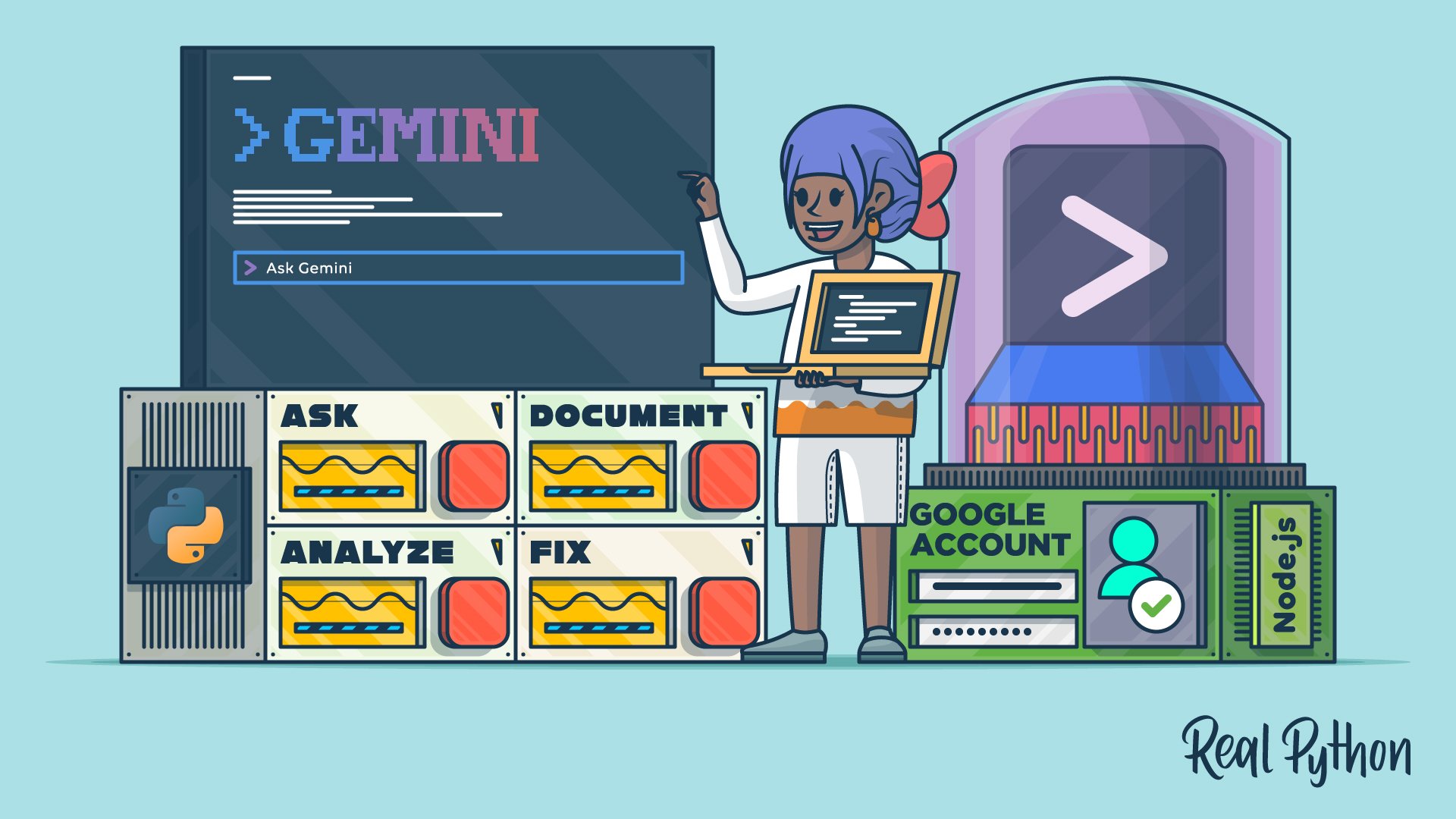
How to Use Google's Gemini CLI for AI Code Assistance
Learn how to use Gemini CLI to bring Google's AI-powered coding assistance directly into your terminal to help you analyze and fix code.
For additional information on related topics, take a look at the following resources:
- Gemini CLI vs Claude Code: Which to Choose for Python Tasks (Tutorial)
- Getting Started With Google Gemini CLI (Course)
- Pydantic AI: Build Type-Safe LLM Agents in Python (Tutorial)
- Coding With OpenCode: AI-Assisted Python (Course)
- Building Type-Safe LLM Agents With Pydantic AI (Course)
- How to Use Google's Gemini CLI for AI Code Assistance (Quiz)
- Gemini CLI vs Claude Code: Which to Choose for Python Tasks (Quiz)
- Pydantic AI: Build Type-Safe LLM Agents in Python (Quiz)
Have a question about this? Mentor AI can show you examples, compare related terms, and point you to tutorials.
Ask Mentor AI

