Replit AI
Replit AI is Replit’s integrated AI coding system inside its browser-based IDE, the Project Editor. It centers on Replit Agent, an AI builder that turns natural language into working software and related artifacts. Those artifacts include web apps, native mobile apps, slide decks, videos, animations, designs, data dashboards, and documents, which can live side by side in one project.
Free Mode is the entry tier for everyday chatting, ideation, and small scoped edits within your plan’s allowance. It absorbed the earlier Fast/Lite mode, which had itself superseded the separate Replit Assistant in late 2025.
In the Project Editor, Replit Agent can set up your environment, install dependencies, run code, and generate working applications that you can deploy, all through a chat workflow. Free Mode handles quick, scoped changes like visual tweaks, small bug fixes, and targeted edits, while Power and Max modes step up cost and capability for larger builds.
Agent has three modes, Free, Power, and Max. Free Mode covers everyday work within your plan’s allowance, Power Mode uses cost-optimized models for most tasks, and Max Mode uses the most capable frontier models for complex builds. In Power or Max, Core and Pro builders can also select Auto to let Replit route each task to a model up to that mode’s capability.
Across modes, Agent can apply approved code changes, manage packages, update databases, and roll back edits via checkpoints. On Core and Pro, a Model selector lets you pin the primary model in Power or Max Mode and dial an Effort level from Low to Max, while Free Mode always uses intelligent model routing. Plan mode lets Agent draft and revise an ordered task list before it touches any code or data.
Official website: replit.com/products/agent
Related Resources
Tutorial
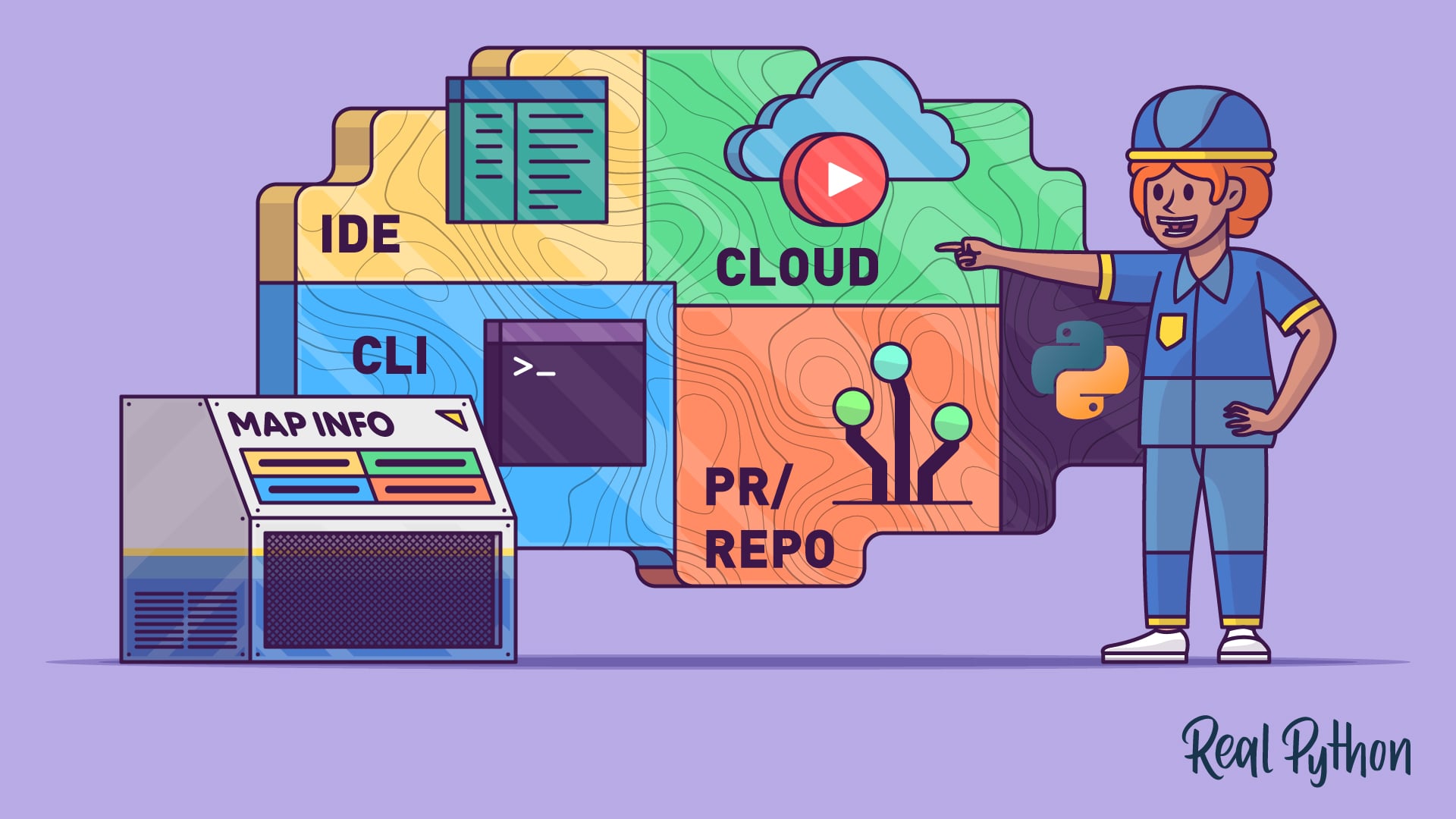
AI Coding Agents Guide: A Map of the Four Workflow Types
AI coding agents come in four types: IDE, terminal, PR, and cloud. Learn how each workflow fits into modern Python development.
For additional information on related topics, take a look at the following resources:
Have a question about this? Mentor AI can show you examples, compare related terms, and point you to tutorials.
Ask Mentor AI

