Codex
Codex is OpenAI’s AI coding agent that can answer questions about a codebase, run commands and tests in an isolated sandbox, and propose changes as pull requests. It runs both in the cloud and locally on your own machine, and you can start cloud tasks from the web, GitHub, GitLab, Linear, or Slack.
Codex aims to speed up code generation, refactoring, and debugging by working with real repositories and surfacing verifiable artifacts like logs and test results.
Codex is available in ChatGPT on the web, in the ChatGPT desktop and mobile apps, and in a Codex IDE extension for VS Code and compatible editors like Cursor and Windsurf. It also ships through separate Codex integrations in Xcode and JetBrains IDEs, and as an open-source terminal app called Codex CLI for local workflows.
It allows you to provide an AGENTS.md file to guide behavior and environment setup, and you can extend it further with reusable skills and plugins. You can also trigger a dedicated code review with the /review command, and Codex can pick up scheduled work in the background. It uses engineering-tuned models and agent scaffolding.
Official website: openai.com/codex
Related Resources
Course
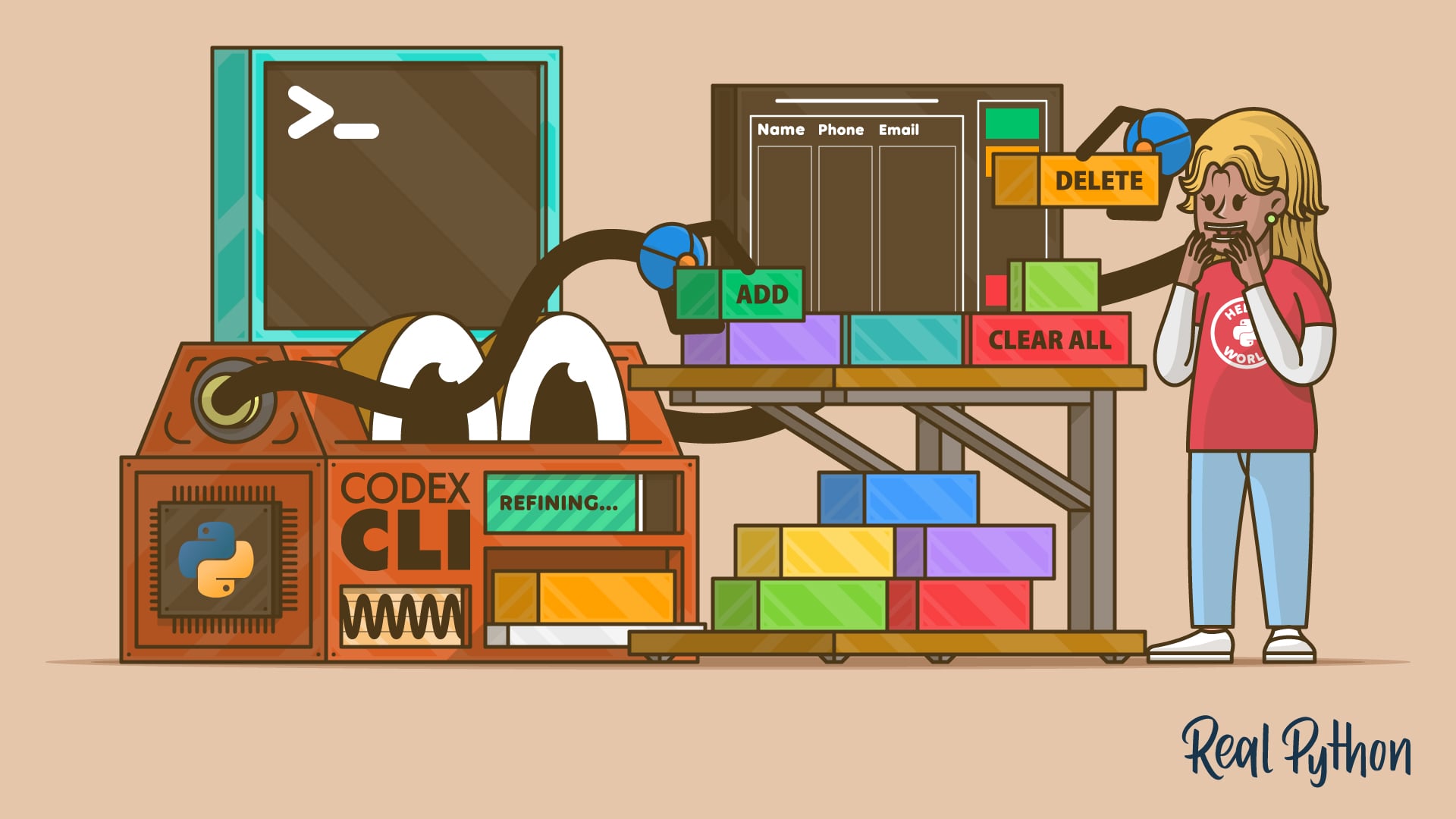
Use Codex CLI to Enhance Your Python Projects
Learn how to use Codex CLI to add features to Python projects directly from your terminal, without needing a browser or IDE plugins.
For additional information on related topics, take a look at the following resources:
Have a question about this? Mentor AI can show you examples, compare related terms, and point you to tutorials.
Ask Mentor AI

