indentation
In programming, indentation refers to using spaces or tabs at the beginning of a line of code to visually separate and group code blocks.
In Python, indentation is a fundamental syntax aspect because the language relies on indentation levels to define code blocks. Python computes that level from the leading whitespace of a logical line, and indentation can’t be split across physical lines with a backslash. There’s no such thing as curly braces {} or begin and end delimiters for code blocks in Python.
Therefore, indentation is not only a practice for improving code readability. It’s also a syntactical requirement that became a tool for achieving code readability.
You must consistently indent code blocks, such as the body of a function, loop, or conditional statement because indentation defines the logical structure of your code.
PEP 8 makes spaces the preferred indentation method and prescribes four spaces per indentation level. Tabs should be used solely to remain consistent with code that’s already indented with tabs.
Python rejects indentation as inconsistent when a source file mixes tabs and spaces in a way that makes the meaning depend on how wide a tab is, and raises TabError in that case. If your code isn’t indented properly, you may also encounter IndentationError, which will prevent your program from running.
Example
Here’s an example demonstrating indentation in a Python function:
>>> def greet(name=None):
...     if name:
...         print(f"Hello, {name}!")
...     else:
...         print(f"Hello, Pythonista!")
...

>>> greet("Alice")
Hello, Alice!
>>> greet()
Hello, Pythonista!
In this example, the if and else clause headers sit at the same four-space indentation level inside the greet() function. The calls to print() are further indented, which makes them the body of their respective if and else clauses.
Related Resources
Tutorial
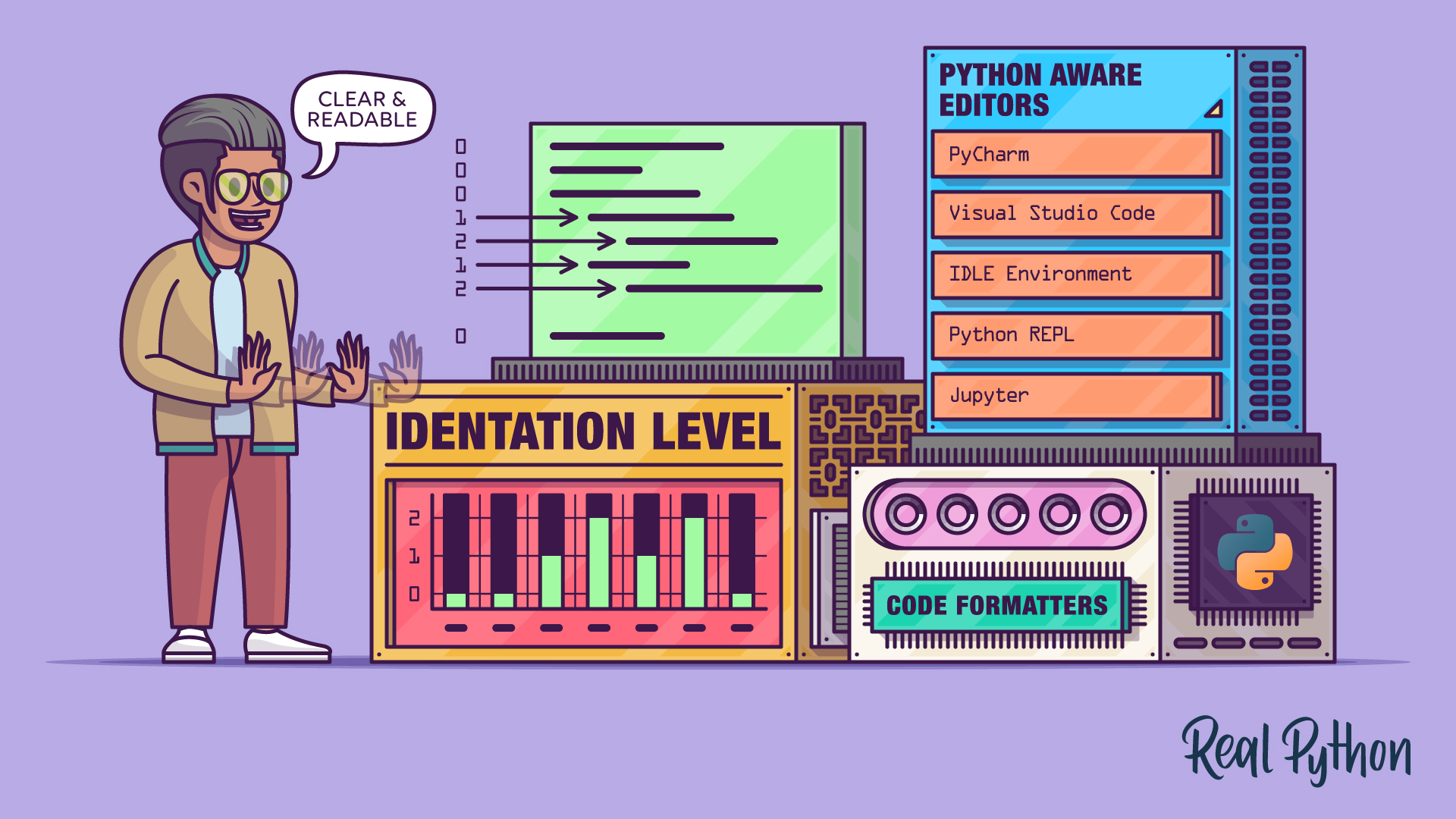
How to Properly Indent Python Code
Learn how to properly indent Python code in IDEs, Python-aware editors, and plain text editors—plus explore PEP 8 formatters like Black and Ruff.
For additional information on related topics, take a look at the following resources:
- How to Write Beautiful Python Code With PEP 8 (Tutorial)
- Writing Beautiful Pythonic Code With PEP 8 (Course)
- Invalid Syntax in Python: What It Means and How to Fix It (Tutorial)
- Identify Invalid Python Syntax (Course)
- How to Properly Indent Python Code (Quiz)
- How to Write Beautiful Python Code With PEP 8 (Quiz)
Have a question about this? Mentor AI can show you examples, compare related terms, and point you to tutorials.
Ask Mentor AI

By Leodanis Pozo Ramos • Updated Sept. 21, 2026
