Gemini CLI
Gemini CLI is an open-source AI agent by Google that brings the capabilities of its Gemini AI models into your terminal through a command-line interface (CLI). Beyond answering natural-language prompts, it acts on your local project context with built-in tools for file operations, shell commands, web search, and web fetching. You can extend it further with MCP servers and extensions.
As of June 18, 2026, Google maintains Gemini CLI for enterprise users with Gemini Code Assist Standard or Enterprise licenses on Google Cloud. Free and Google AI Pro or Ultra users moved to Antigravity CLI (agy), part of Google Antigravity.
Official website: github.com/google-gemini/gemini-cli
Related Resources
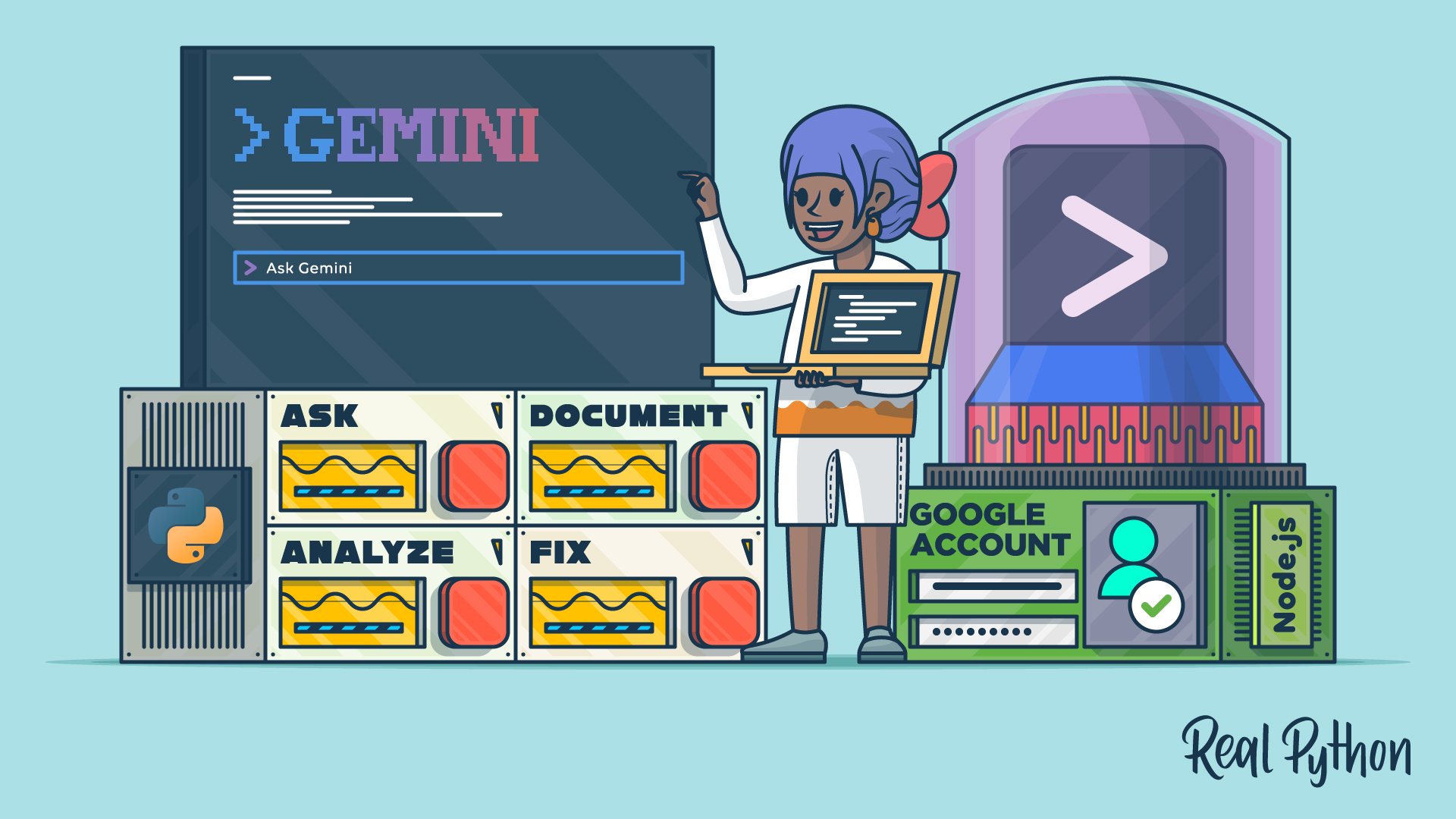
Tutorial
How to Use Google's Gemini CLI for AI Code Assistance
Learn how to use Gemini CLI to bring Google's AI-powered coding assistance directly into your terminal to help you analyze and fix code.
For additional information on related topics, take a look at the following resources:
Have a question about this? Mentor AI can show you examples, compare related terms, and point you to tutorials.
Ask Mentor AI