object-relational mapping (ORM)
Object-relational mapping, or ORM, is a technique that connects classes in application code to tables in a relational database, so each object stands for a row and each attribute for a column. Code reads and saves plain objects, and the ORM library writes the SQL that moves their data in and out of the database.
The idea fits in a few lines of standard-library Python. Say a bookstore app keeps its catalog in SQLite. The toy Table class below derives a table from a data class, turns method calls into SQL, and turns the rows that come back into Book objects. Tracing the connection shows the statements it generates:
>>> import sqlite3
>>> from dataclasses import astuple, dataclass, fields

>>> @dataclass
... class Book:
...     title: str
...     author: str
...     year: int
...

>>> class Table:
...     def __init__(self, connection, model):
...         self.connection = connection
...         self.model = model
...         self.name = model.__name__.lower() + "s"
...         self.columns = [field.name for field in fields(model)]
...         column_list = ", ".join(self.columns)
...         connection.execute(f"CREATE TABLE {self.name} ({column_list})")
...     def add(self, item):
...         marks = ", ".join("?" for _ in self.columns)
...         sql = f"INSERT INTO {self.name} VALUES ({marks})"
...         self.connection.execute(sql, astuple(item))
...     def filter(self, **criteria):
...         where = " AND ".join(f"{column} = ?" for column in criteria)
...         sql = f"SELECT * FROM {self.name} WHERE {where}"
...         rows = self.connection.execute(sql, tuple(criteria.values()))
...         return [self.model(*row) for row in rows]
...

>>> connection = sqlite3.connect(":memory:", autocommit=True)
>>> books = Table(connection, Book)
>>> connection.set_trace_callback(print)
>>> books.add(Book("A Wizard of Earthsea", "Ursula K. Le Guin", 1968))
INSERT INTO books VALUES ('A Wizard of Earthsea', 'Ursula K. Le Guin', 1968)
>>> books.add(Book("Kindred", "Octavia E. Butler", 1979))
INSERT INTO books VALUES ('Kindred', 'Octavia E. Butler', 1979)
>>> books.filter(author="Octavia E. Butler")
SELECT * FROM books WHERE author = 'Octavia E. Butler'
[Book(title='Kindred', author='Octavia E. Butler', year=1979)]
The calling code never wrote a query, and the result is a list of Book objects rather than raw tuples. A production ORM does the same translation, plus relationships, joins, transactions, and schema changes.
How It Shows Up in Practice
A Python web developer usually meets an ORM in the first week on a project. In Django, each model is a class whose attributes declare the fields of one database table, and a call like Book.objects.filter(author="Octavia E. Butler") replaces a handwritten SELECT. SQLAlchemy, Peewee, and SQLModel apply the same idea outside Django.
ORMs also shape the team workflow around the database. Changing a model class typically produces a migration file that alters the schema, and that file is reviewed in the pull request and applied by the deployment pipeline. Django generates migrations with makemigrations, and SQLAlchemy projects usually use Alembic.
Because queries are built from values instead of pasted strings, ORMs parameterize input by default. That closes off most SQL injection bugs, though every major ORM still has an escape hatch for raw SQL when a query is too complex to express otherwise.
Libraries differ in how tightly they bind objects to the database. In the Active Record style, which Django follows, each object wraps a row and knows how to save itself. In the Data Mapper style, which SQLAlchemy follows, a separate layer moves data between plain objects and the database and keeps the two independent.
Common Pitfalls
Martin Fowler describes ORMs as a leaky abstraction. They remove most of the repetitive mapping code, but the database is still there, and the final stretch of performance work needs someone who understands it.
The classic leak is the N+1 query problem. A loop that reads a related object on each row, such as book.author.name for a hundred books, can issue one query for the list plus one per book. The fix is to ask the ORM to load the relation up front, which Django spells select_related() and prefetch_related().
Run the loop below with each query set and drag the book count. The number of queries grows with every book under plain all() but stays at one when the query uses select_related() instead:
Lazy evaluation causes a related surprise. A Django QuerySet doesn’t touch the database until code iterates over it, so the expensive line in a traceback or profile often isn’t the line that built the query. Reading the SQL an ORM emits, through query logging or a debug toolbar, is the usual way to catch both problems before they surface as slow requests in observability tooling.
Related Resources
Tutorial
Data Management With Python, SQLite, and SQLAlchemy
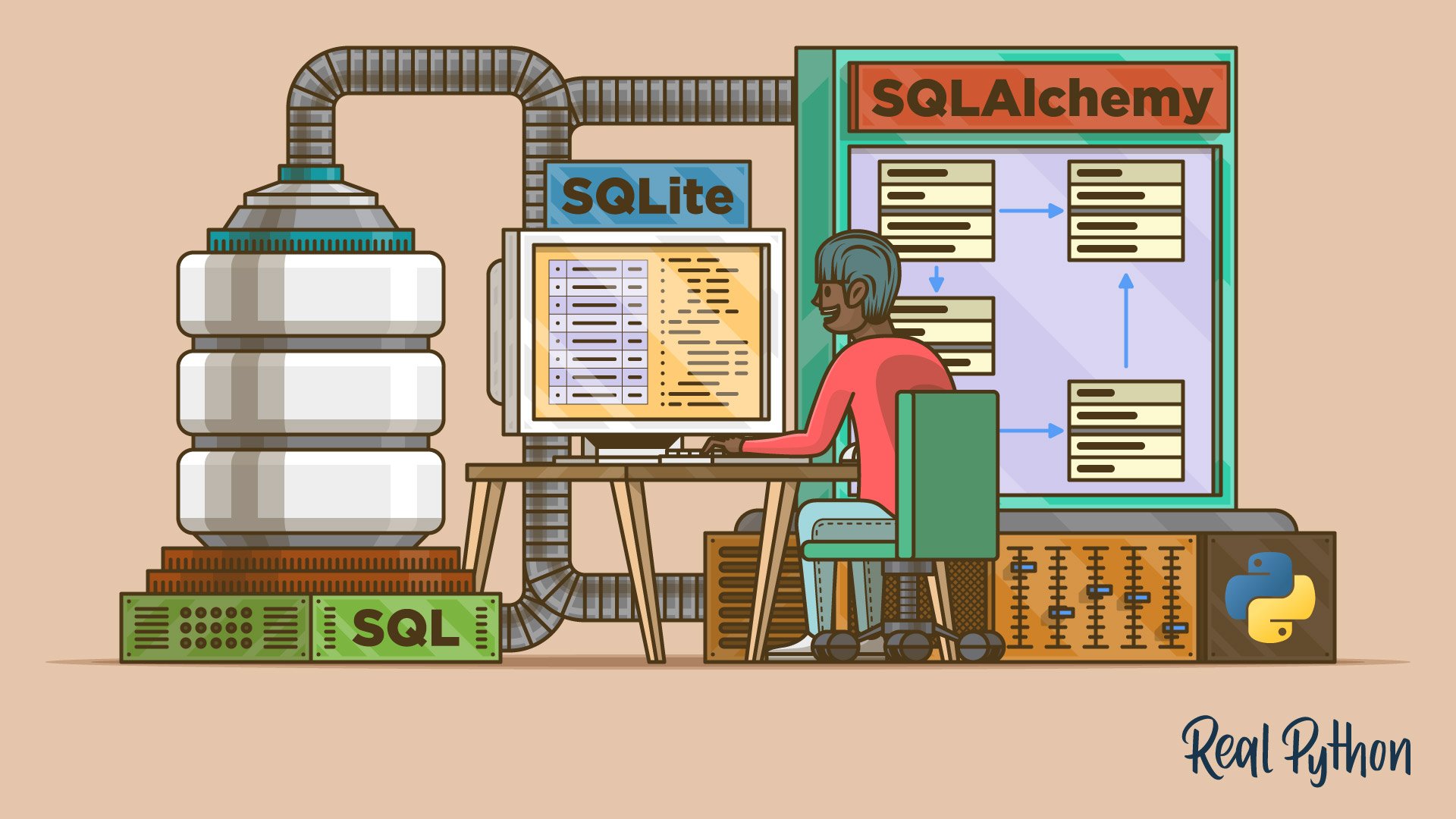
In this tutorial, you'll learn how to store and retrieve data using Python, SQLite, and SQLAlchemy as well as with flat files. Using SQLite with Python brings with it the additional benefit of accessing data with SQL. By adding SQLAlchemy, you can work with data in terms of objects and methods.
For additional information on related topics, take a look at the following resources:
- SQLite and SQLAlchemy in Python: Move Your Data Beyond Flat Files (Course)
- Python REST APIs With Flask, Connexion, and SQLAlchemy – Part 2 (Tutorial)
- Modeling Polymorphism in Django With Python (Tutorial)
- How to Move a Django Model to Another App (Tutorial)
- How to Provide Test Fixtures for Django Models in pytest (Tutorial)
- Data Management With Python, SQLite, and SQLAlchemy (Quiz)
Have a question about this? Mentor AI can show you examples, compare related terms, and point you to tutorials.
Ask Mentor AI

By Martin Breuss • Updated Oct. 27, 2026