OpenAI Python SDK
OpenAI Python SDK is OpenAI’s official open-source Python library for calling the OpenAI API, installed from PyPI as openai and used to send prompts to OpenAI models and read back their responses.
Programs create an OpenAI client, which reads a key from the OPENAI_API_KEY environment variable, and call methods that mirror the REST API’s endpoints. The Responses API, reached through client.responses.create(), is the primary interface. The older Chat Completions API, called through client.chat.completions.create(), stays supported indefinitely.
Every request parameter and response field is typed, and responses come back as Pydantic models, so editors can autocomplete them. The library streams output as server-sent events, retries failed requests twice by default, and supports structured output and function calling. An AsyncOpenAI client exposes the same methods to asyncio code, and AzureOpenAI targets Azure deployments.
Many providers expose OpenAI-compatible endpoints, so the base_url parameter can point the same client at a local Ollama server, a gateway like OpenRouter, or another vendor’s models. That makes the package a common default in Python AI tutorials even when the model doesn’t come from OpenAI.
The SDK is generated from OpenAI’s OpenAPI specification, is Apache-2.0 licensed, and needs Python 3.10 or later. OpenAI ships its Agents SDK separately as openai-agents. Comparable clients include the Anthropic SDK and Google’s google-genai, while LiteLLM wraps many providers behind one interface.
Official website: developers.openai.com/api/docs/libraries
Related Resources
Tutorial
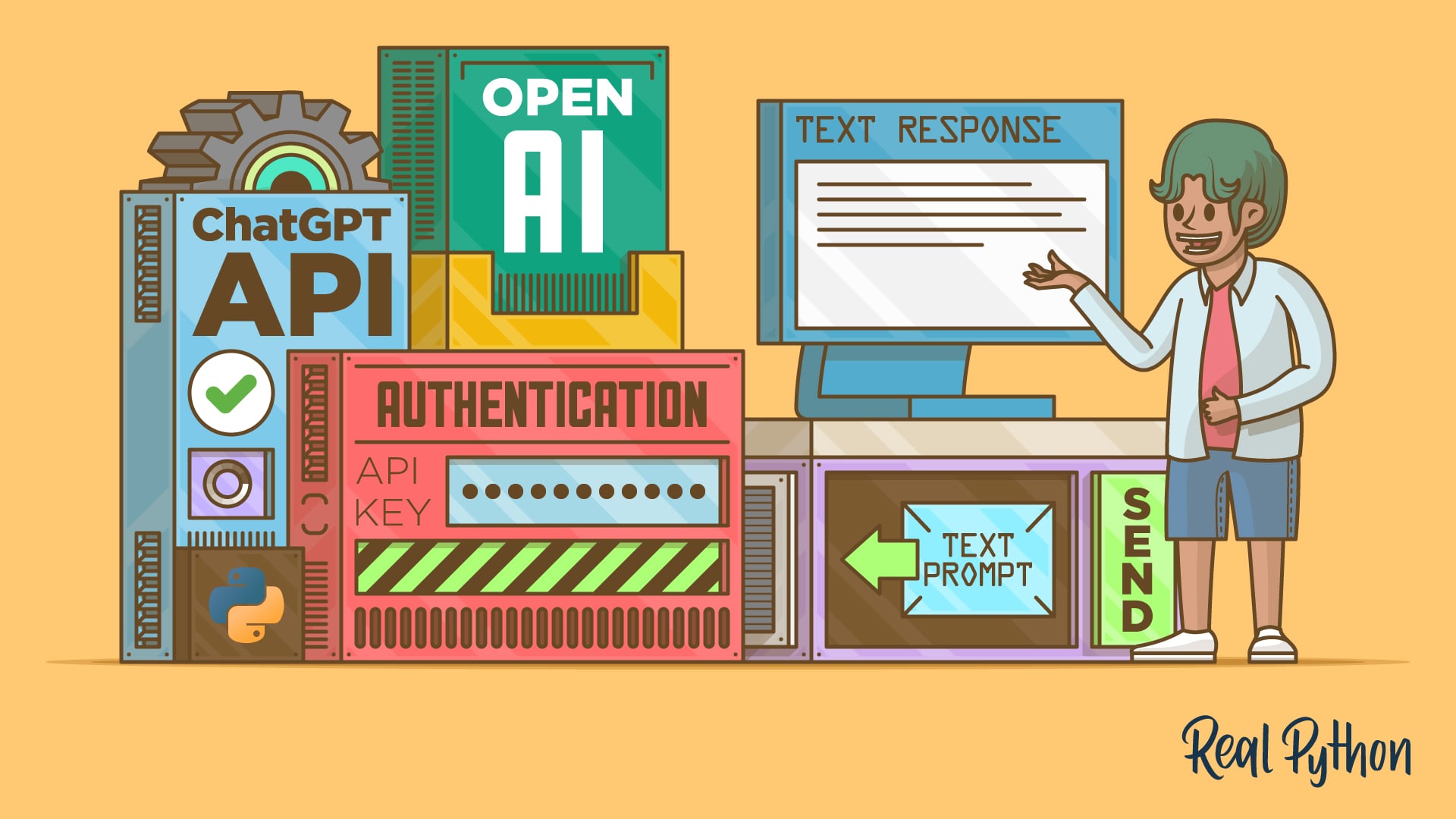
How to Integrate ChatGPT's API With Python Projects
Learn how to use the ChatGPT Python API with the openai library to build AI-powered features in your Python applications.
For additional information on related topics, take a look at the following resources:
- Leverage OpenAI's API in Your Python Projects (Course)
- How to Use the OpenRouter API to Access Multiple AI Models via Python (Tutorial)
- How to Integrate Local LLMs With Ollama and Python (Tutorial)
- Build a Python MCP Client to Test Servers From Your Terminal (Tutorial)
- How to Integrate ChatGPT's API With Python Projects (Quiz)
- Accessing Multiple AI Models With the OpenRouter API (Course)
- How to Use the OpenRouter API to Access Multiple AI Models via Python (Quiz)
- How to Get Started With Ollama (Course)
- How to Integrate Local LLMs With Ollama and Python (Quiz)
- Testing MCP Servers With a Python MCP Client (Course)
- Build a Python MCP Client to Test Servers From Your Terminal (Quiz)
Have a question about this? Mentor AI can show you examples, compare related terms, and point you to tutorials.
Ask Mentor AI

By Martin Breuss • Updated Nov. 5, 2026