slice()
The built-in slice() function creates a slice object representing a set of indices specified by range(start, stop, step). This object can be used to extract portions of sequences like strings, lists, or tuples:
>>> numbers = [1, 2, 3, 4, 5, 6, 7, 8, 9]
>>> even_numbers = numbers[slice(1, None, 2)]
>>> even_numbers
[2, 4, 6, 8]
slice() Signatures
slice(stop, /)
slice(start, stop, step=None, /)
Arguments
Return Value
- Returns a
sliceobject that can be used to extract a portion of a sequence.
Since Python 3.12, slice objects are hashable, provided that start, stop, and step are hashable, so they can be dictionary keys or set members.
slice() Examples
With only a stop value:
>>> letters = ["A", "B", "C", "D", "E"]
>>> letters[slice(3)]
['A', 'B', 'C']
With start, stop, and step values:
>>> numbers = [0, 1, 2, 3, 4, 5, 6, 7, 8, 9]
>>> numbers[slice(1, 8, 2)]
[1, 3, 5, 7]
slice() Common Use Cases
The most common use cases for the slice() function include:
- Extracting a subset of elements from a sequence.
- Creating copies of sequences.
slice() Real-World Example
Say that you have a list of daily temperatures and want to extract only the temperatures for the first day of each week, skipping weekends:
>>> temperatures = [20, 21, 19, 22, 18, 17, 23, 24, 25, 26, 22, 21, 19, 20]
>>> weekdays = temperatures[slice(0, None, 7)]
>>> weekdays
[20, 24]
In this example, slice(0, None, 7) allows you to select every 7th temperature starting from the first element, effectively picking temperatures for the first day of each week.
Related Resources
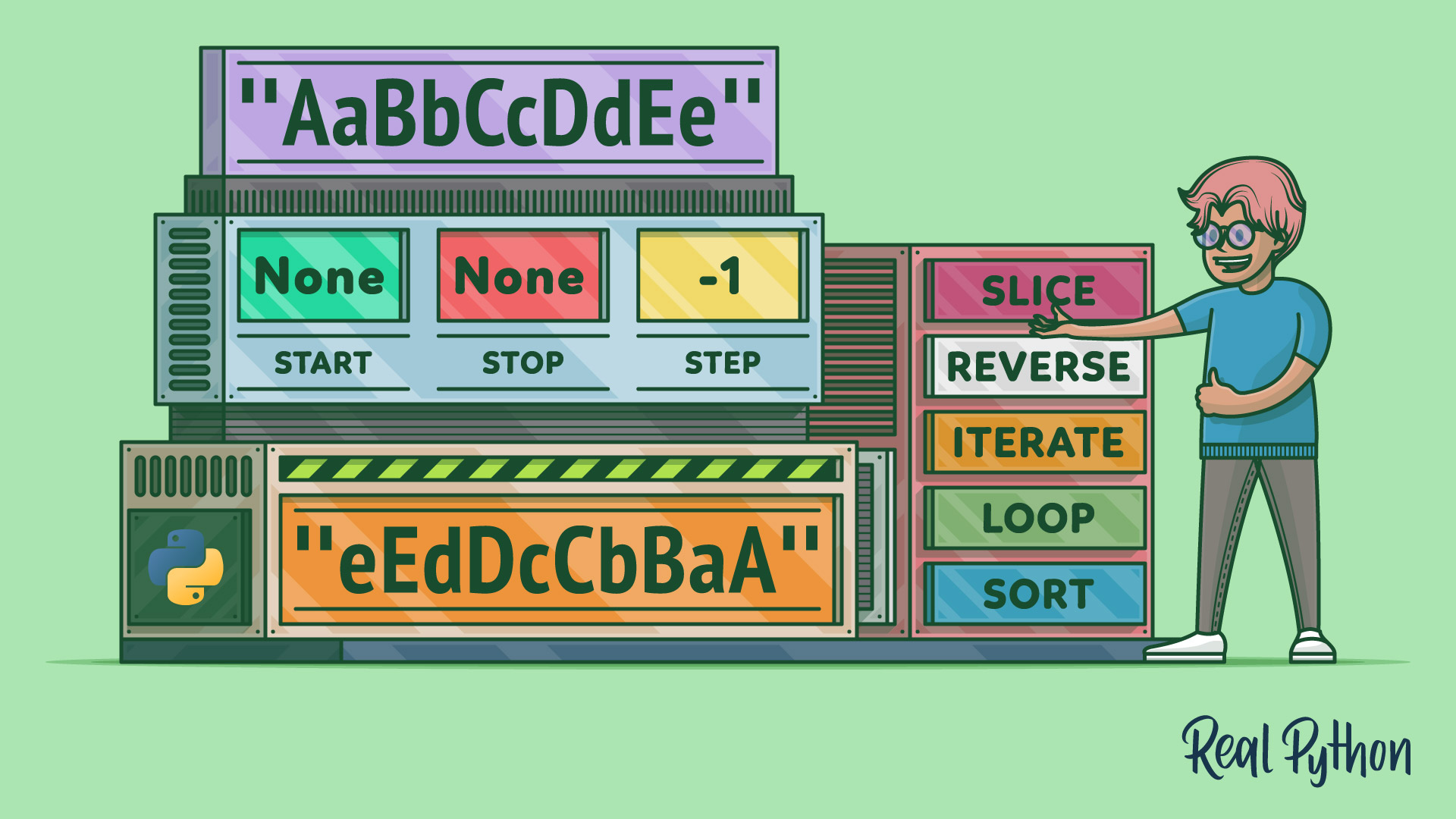
Tutorial
Reverse Strings in Python: reversed(), Slicing, and More
In this step-by-step tutorial, you'll learn how to reverse strings in Python by using available tools such as reversed() and slicing operations. You'll also learn about a few useful ways to build reversed strings by hand.
For additional information on related topics, take a look at the following resources:
- Python's list Data Type: A Deep Dive With Examples (Tutorial)
- Python Sequences: A Comprehensive Guide (Tutorial)
- Python Built-in Functions: A Complete Guide (Tutorial)
- Python range(): Represent Numerical Ranges (Tutorial)
- Reversing Strings in Python (Course)
- Exploring Python's list Data Type With Examples (Course)
- Python's list Data Type: A Deep Dive With Examples (Quiz)
- Python Sequences: A Comprehensive Guide (Quiz)
- Exploring Python's Built-in Functions (Course)
- Python Built-in Functions: A Complete Guide (Quiz)
- The Python range() Function (Course)
Have a question about this? Mentor AI can show you examples, compare related terms, and point you to tutorials.
Ask Mentor AI

