f-string
In Python, an f-string, short for formatted string literal, is a useful feature that allows you to interpolate expressions inside string literals, using curly braces {}, to create a formatted string.
An f-string is prefixed with an f or F. In this type of string literal, you can include Python expressions, which are evaluated and formatted at runtime. F-strings support advanced formatting options, making them a popular choice for Python developers.
Example
Here’s an example of using f-strings to embed variables and expressions within a string:
>>> quantity = 6
>>> item = "bananas"
>>> price = 1.74

>>> f"{quantity} {item} cost ${price * quantity:.2f}"
'6 bananas cost $10.44'
In this example, you interpolate variables and expressions in an f-string using replacement fields delimited by curly braces. The expressions that you embed in an f-string can be almost arbitrarily complex. The example also shows how to use format specifiers in an f-string to format currency values.
Related Resources
Tutorial
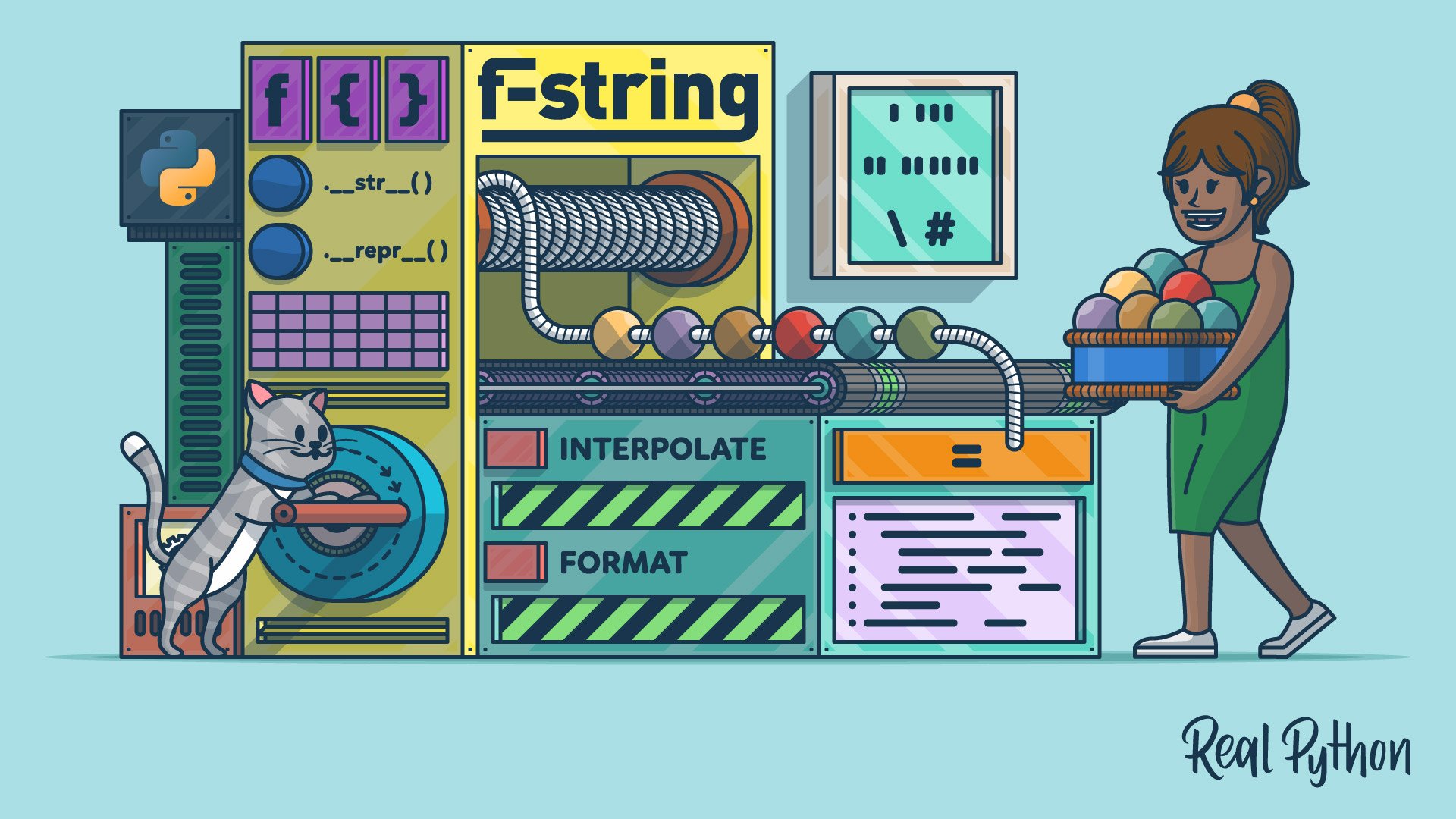
Python's F-String for String Interpolation and Formatting
Python f-strings give you a readable, concise way to interpolate and format strings, and they beat .format() and the % operator on speed.
For additional information on related topics, take a look at the following resources:
- How to Format Floats Within F-Strings in Python (Tutorial)
- Python's Format Mini-Language for Tidy Strings (Tutorial)
- Python String Formatting: Available Tools and Their Features (Tutorial)
- Python 3's F-Strings: An Improved String Formatting Syntax (Course)
- String Interpolation in Python: Exploring Available Tools (Tutorial)
- Formatting Python Strings (Course)
- Python's F-String for String Interpolation and Formatting (Quiz)
- Formatting Floats Inside Python F-Strings (Course)
- Format Floats Within F-Strings (Quiz)
- Python's Format Mini-Language for Tidy Strings (Quiz)
- Python String Formatting Tips & Best Practices (Course)
- Python String Formatting: Available Tools and Their Features (Quiz)
- String Interpolation in Python: Exploring Available Tools (Quiz)
Have a question about this? Mentor AI can show you examples, compare related terms, and point you to tutorials.
Ask Mentor AI

