CrewAI
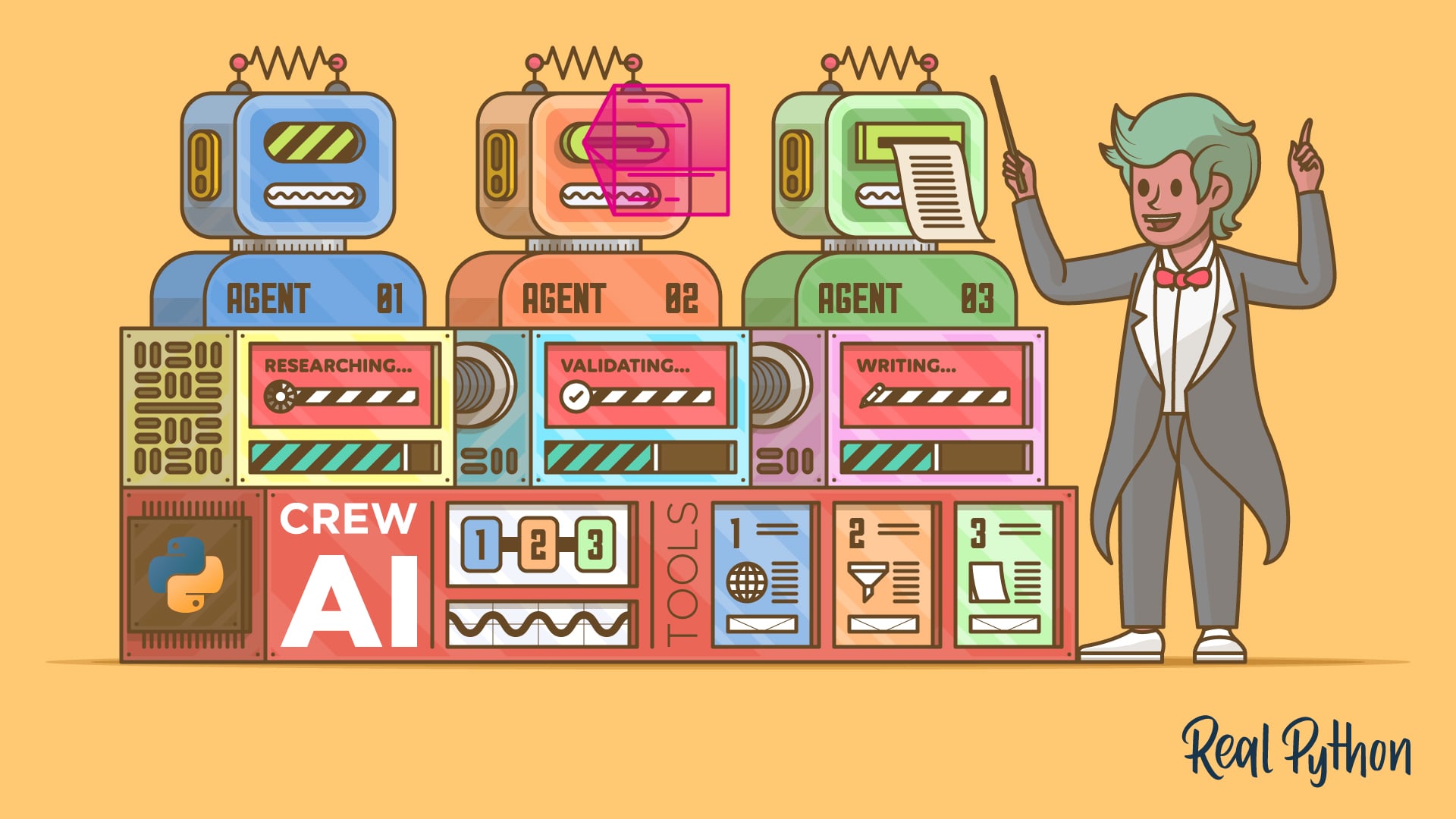
CrewAI is an open-source Python framework for orchestrating autonomous AI agents and building production-ready multi-agent workflows, built around two layered abstractions:
- A crew, which is a team of role-based agents that collaborate to complete a shared objective
- A flow, which manages application state, event-driven execution, and control logic across one or more crews.
Each agent in a crew is defined by a role, a goal, and a backstory, and can be equipped with built-in or custom tools for web search, file operations, and external API calls.
CrewAI includes a unified memory system, a single Memory class that consolidates what were previously separate short-term, long-term, entity, and external memory types. It supports multiple LLM providers including OpenAI, Anthropic, and locally hosted models.
CrewAI allows agents and tasks to be declared in JSONC configuration files, the default for new projects scaffolded with crewai create crew, or configured directly in Python. Classic YAML projects created with --classic remain supported.
The open-source framework is released under the MIT License. CrewAI also offers CrewAI AMP Suite, a commercial control plane that adds managed deployment, observability, governance, and enterprise support.
Official website: crewai.com
Related Resources
Tutorial
CrewAI in Python: Coordinating Teams of AI Agents
Learn how to use CrewAI to build teams of AI agents in Python, define roles and tools, and coordinate multi-agent workflows that solve complex tasks.
For additional information on related topics, take a look at the following resources:
- Pydantic AI: Build Type-Safe LLM Agents in Python (Tutorial)
- LangGraph Tutorial: Build Stateful AI Agents in Python (Tutorial)
- Building Type-Safe LLM Agents With Pydantic AI (Course)
- CrewAI in Python: Coordinating Teams of AI Agents (Quiz)
- Pydantic AI: Build Type-Safe LLM Agents in Python (Quiz)
- Building an AI Agent With LangGraph and Python (Course)
- LangGraph: Build Stateful AI Agents in Python (Quiz)
Have a question about this? Mentor AI can show you examples, compare related terms, and point you to tutorials.
Ask Mentor AI

By Leodanis Pozo Ramos • Updated Oct. 2, 2026
