stdin
Short for standard input, stdin is the default input stream that a process reads to receive data, typically typed in at the keyboard.
Standard input is one of three preconnected I/O streams that a process inherits from the process that started it. The other two, standard output and standard error, work in the opposite direction and write to the screen by default, with standard error reserved for error and diagnostic messages.
The Unix model treats stdin as a plain stream of bytes, so a program reads it the same way no matter where the bytes come from. The data might be typed at the keyboard, read from a file, or piped in from another program.
This consistency is what lets you redirect input from a file with the < file syntax or chain commands into pipelines, where the shell connects stdin to the new source before the program runs. For example, you can list a directory and keep only the Python files:
$ ls | grep '\.py$'
app.py
utils.py
In that pipeline, ls writes its list of filenames to standard output, and the pipe hands those lines to grep as its standard input. Because grep reads from stdin like any other source, it filters the list down to the names ending in .py, never knowing the data came from another command.
In Python, you access standard input through sys.stdin. When you type input directly in a terminal, you signal end-of-file with Ctrl+D on Unix-like systems or Ctrl+Z followed by Enter on Windows.
Related Resources
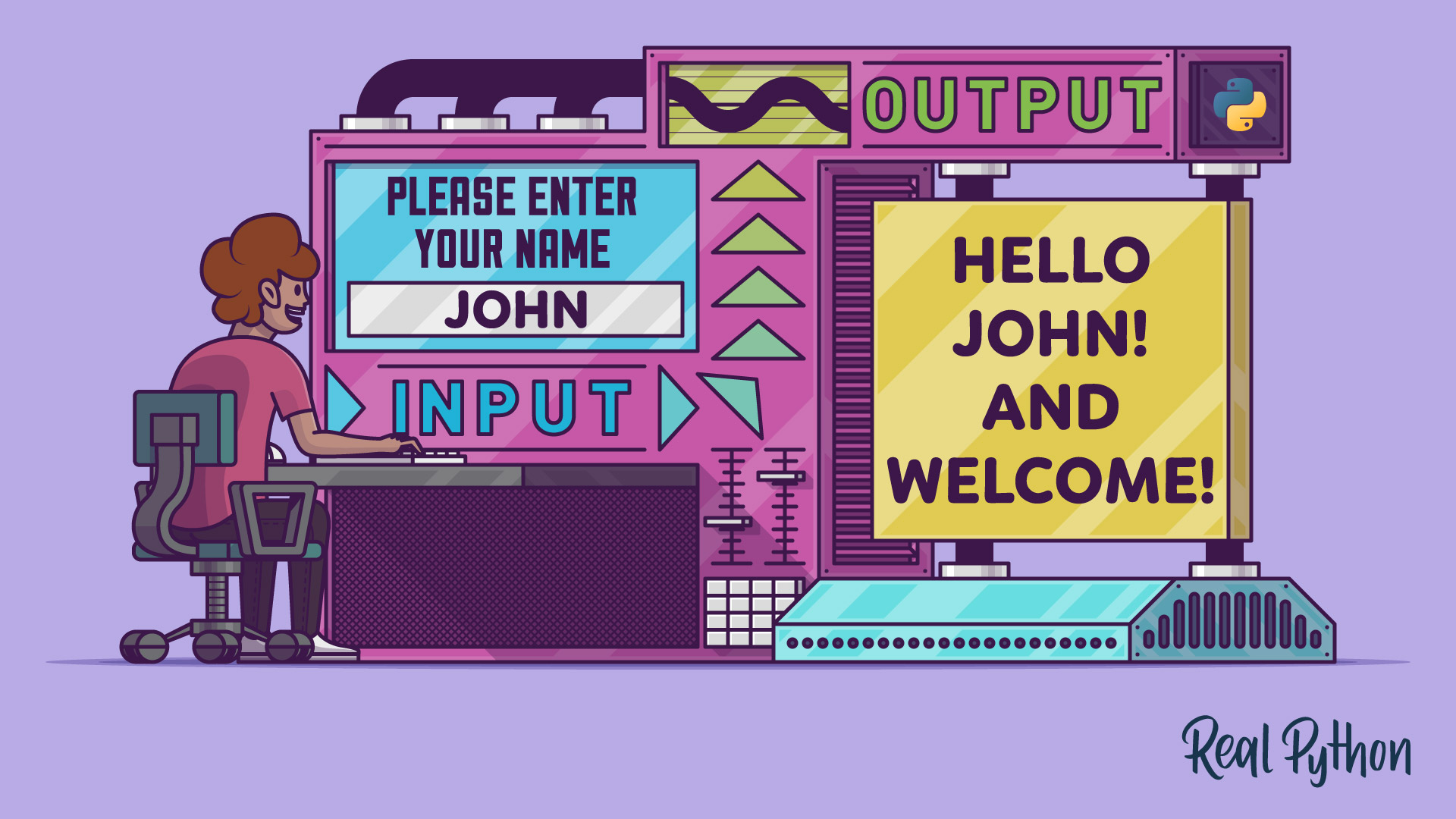
Tutorial
Basic Input and Output in Python
In this tutorial, you'll learn how to take user input from the keyboard with the input() function and display output to the console with the print() function. You'll also use readline to improve the user experience when collecting input and to effectively format output.
For additional information on related topics, take a look at the following resources:
- Python Project: Build a Word Count Command-Line App (Course)
- How to Read User Input From the Keyboard in Python (Tutorial)
- How to Read Python Input as Integers (Tutorial)
- Python Command-Line Arguments (Tutorial)
- The subprocess Module: Wrapping Programs With Python (Tutorial)
- 4 Techniques for Testing Python Command-Line (CLI) Apps (Tutorial)
- Reading Input and Writing Output in Python (Course)
- Basic Input and Output in Python (Quiz)
- Reading User Input From the Keyboard With Python (Course)
- How to Read User Input From the Keyboard in Python (Quiz)
- Command Line Interfaces in Python (Course)
- Using the Python subprocess Module (Course)
- The subprocess Module: Wrapping Programs With Python (Quiz)
Have a question about this? Mentor AI can show you examples, compare related terms, and point you to tutorials.
Ask Mentor AI

