REPL
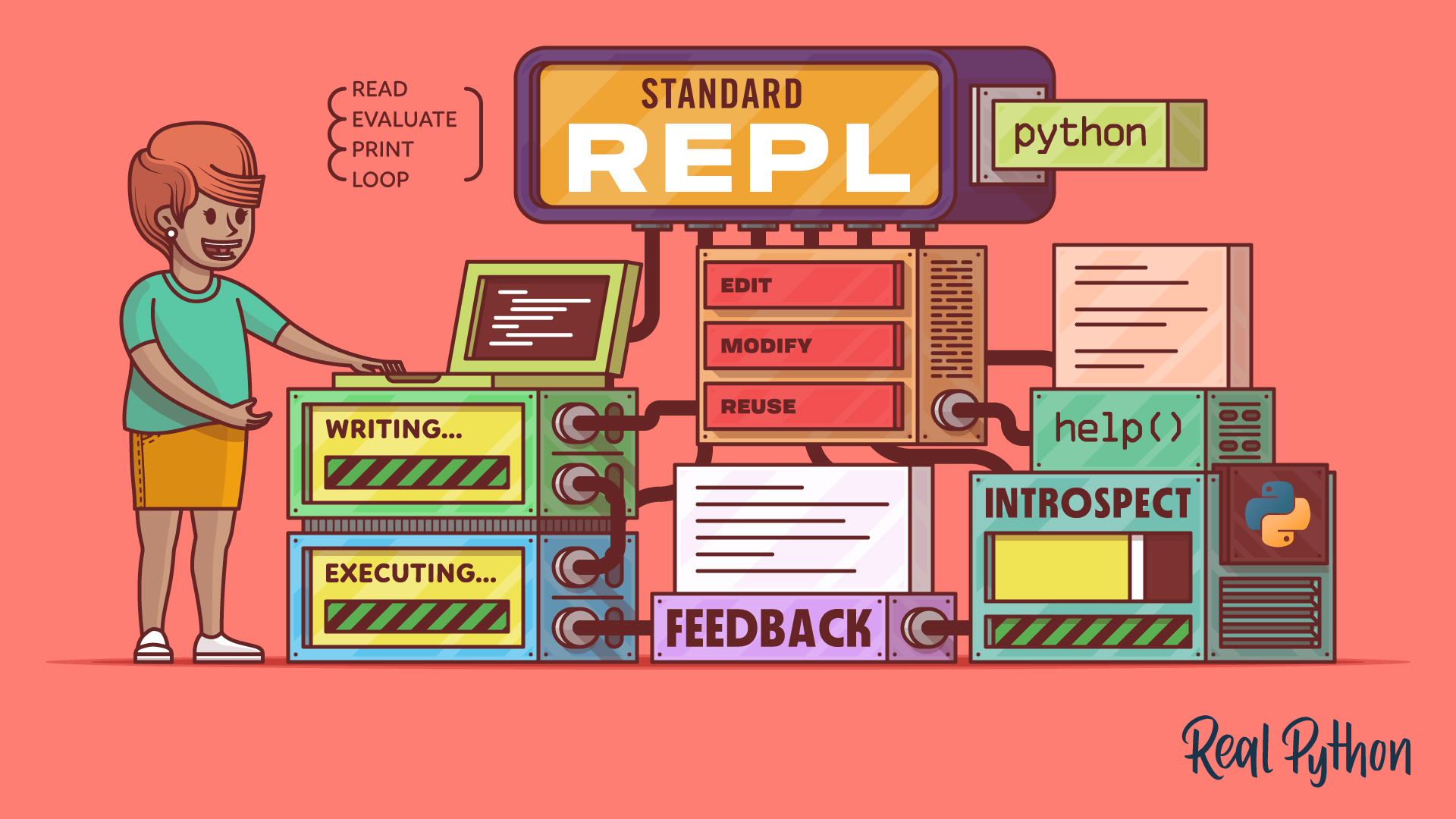
REPL stands for Read-Eval-Print Loop. It’s an interactive programming environment that allows you to write and execute code in a step-by-step manner and get immediate feedback on how the code works. To access the Python REPL, run the python or python3 command in your terminal or command prompt to launch the Python interpreter.
When you type code into the Python REPL and press Enter, it reads your input, evaluates it, prints the result to the screen, and then loops back to prompt you for more input. This cycle makes the Python REPL incredibly useful for testing code snippets, debugging, and learning new programming concepts interactively.
Using a REPL is a great way to experiment with Python code and see immediate results. As you type in code, the REPL provides instant feedback, which can help you understand how Python works, test functions, or explore new libraries and syntax.
Since Python 3.13, the default REPL has had a major upgrade. Its features include:
- Multiline editing that preserves history
- Color-highlighted prompts and tracebacks by default
- Direct
help,exit, andquitcommands that no longer need parentheses - Interactive help with F1
- History browsing with F2 that skips prompts and output
- A paste mode for larger code blocks with F3
Python 3.14 builds on this REPL with two more additions:
- Syntax highlighting of the code you type, enabled by default
- Import autocompletion, so typing
import coand pressing Tab suggests modules starting withco
To fall back to the previous basic REPL, set the PYTHON_BASIC_REPL environment variable.
Example
Here’s how a session in a Python REPL works:
>>> x = 5
>>> y = 10
>>> x + y
15

>>> print("Hello, REPL!")
Hello, REPL!
In this example, you can see how the REPL reads your input, evaluates it to perform computations or execute commands, and then prints the output directly.
Related Resources
Tutorial
The Python Standard REPL: Try Out Code and Ideas Quickly
The Python REPL gives you instant feedback as you code. Learn to use this powerful tool to type, run, debug, edit, and explore Python interactively.
For additional information on related topics, take a look at the following resources:
- Getting the Most Out of the Python Standard REPL (Course)
- Python 3.13: A Modern REPL (Tutorial)
- Interacting With Python (Tutorial)
- Discover bpython: A Python REPL With IDE-Like Features (Tutorial)
- The Python Standard REPL: Try Out Code and Ideas Quickly (Quiz)
- Python 3.13: A Modern REPL (Quiz)
- Ways to Start Interacting With Python (Course)
- Interacting With Python (Quiz)
- Using the bpython Enhanced REPL (Course)
Have a question about this? Mentor AI can show you examples, compare related terms, and point you to tutorials.
Ask Mentor AI

