Copilot CLI
Copilot CLI, officially GitHub Copilot CLI, is the command-line interface for using GitHub Copilot as an agent in the terminal that can read, write, and run code in your local environment.
It works against your checked out repositories and GitHub context to explore a codebase, implement changes, and open pull requests. By default, file edits and command execution wait for your explicit approval, though you can grant broader permissions up front or switch to autopilot mode to let Copilot work through a task without approving each step.
The tool can be extended with Model Context Protocol (MCP) servers to add custom capabilities and integrates with existing GitHub workflows.
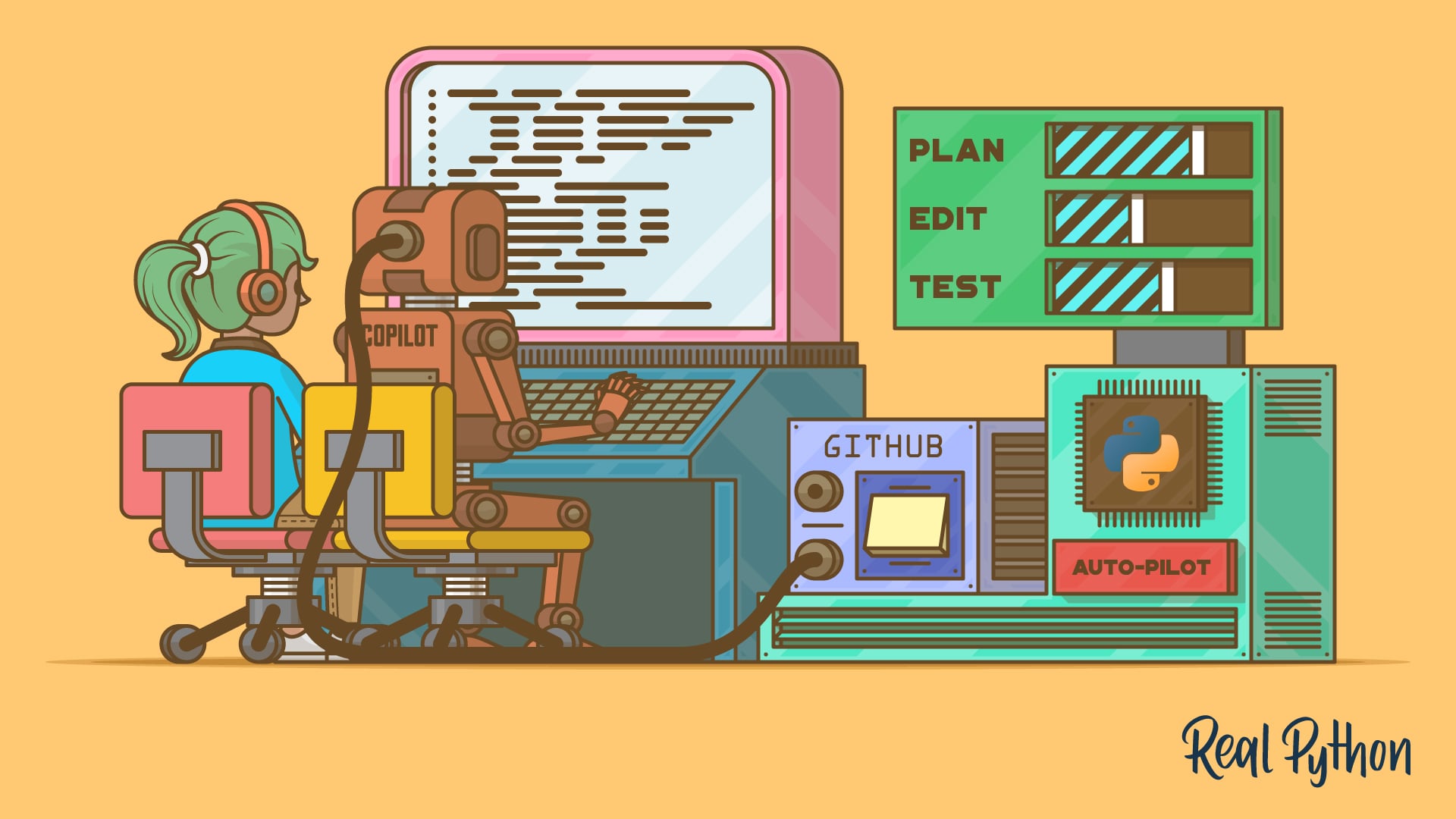
Interactive sessions cycle between standard, plan, and autopilot modes with Shift+Tab. Plan mode lets you agree on an implementation plan before any code is written, autopilot mode carries a multi-step task through to completion, and the /fleet command splits a large request into smaller subtasks that subagents work on in parallel. You can also switch the underlying model mid-session with /model.
Official website: github.com/features/copilot/cli
Related Resources
Tutorial
How to Get Started With the GitHub Copilot CLI
Learn how to install, authenticate, and use the GitHub Copilot CLI to plan, write, and review Python code from your terminal with AI agents.
For additional information on related topics, take a look at the following resources:
Have a question about this? Mentor AI can show you examples, compare related terms, and point you to tutorials.
Ask Mentor AI

By Leodanis Pozo Ramos • Updated Sept. 29, 2026
