bytearray
The built-in bytearray data type provides a mutable sequence of bytes, allowing for efficient manipulation of binary data. The bytearray objects are mutable, making them suitable for tasks that require frequent changes to byte data:
>>> data = bytearray(b"Hello, World!")
>>> data
bytearray(b'Hello, World!')
bytearray Constructors
bytearray(source=b"")
bytearray(source, encoding)
bytearray(source, encoding, errors)
Arguments
Return Value
- Returns a Python
bytearrayobject
bytearray Examples
Creating an empty bytearray using the constructor without arguments:
>>> bytearray()
bytearray(b'')
Creating a bytearray using a bytes literal as an argument:
>>> bytearray(b"Hello!")
bytearray(b'Hello!')
Creating a bytearray from a string with encoding:
>>> bytearray("Español", "utf-8")
bytearray(b'Espa\xc3\xb1ol')
Accessing and modifying values in a bytearray object:
>>> greeting = bytearray(b"Hello!")
>>> greeting[0] = ord("h")
>>> greeting
bytearray(b'hello!')
Deleting a value from a bytearray object:
>>> del greeting[-1]
>>> greeting
bytearray(b'hello')
bytearray Methods
| Method | Description |
|---|---|
.append(x) |
Appends a single item x to the end |
.extend(iter) |
Extends the array by appending elements from iter |
.insert(i, x) |
Inserts an item x at position i |
.remove(x) |
Removes the first occurrence of x |
.pop([i]) |
Removes and returns the item at position i (last if not specified) |
.clear() |
Removes all items |
.copy() |
Returns a shallow copy of the array |
.count(x) |
Returns the number of occurrences of x |
.index(x[, start[, end]]) |
Returns the index of the first occurrence of x |
.reverse() |
Reverses the items of the array in place |
.resize(size) |
Resizes the array to size bytes, truncating or padding with null bytes (Python 3.14+) |
bytearray Common Use Cases
The most common use cases for bytearray include:
- Manipulating binary data
- Encoding and decoding text data
- Processing file input and output
- Network communication
bytearray Real-World Example
Consider a scenario where you need to replace all occurrences of a specific byte value in a file’s content:
>>> file_content = bytearray(b"This is a test. Testing is fun!")
>>> old_byte = ord('t')
>>> new_byte = ord('T')

>>> for i in range(len(file_content)):
...     if file_content[i] == old_byte:
...         file_content[i] = new_byte

>>> print(file_content)
bytearray(b'This is a TesT. TesTing is fun!')
In this example, the bytearray allows for efficient in-place modification of the file’s content, making it ideal for scenarios that involve frequent updates to binary data.
Related Resources
Tutorial
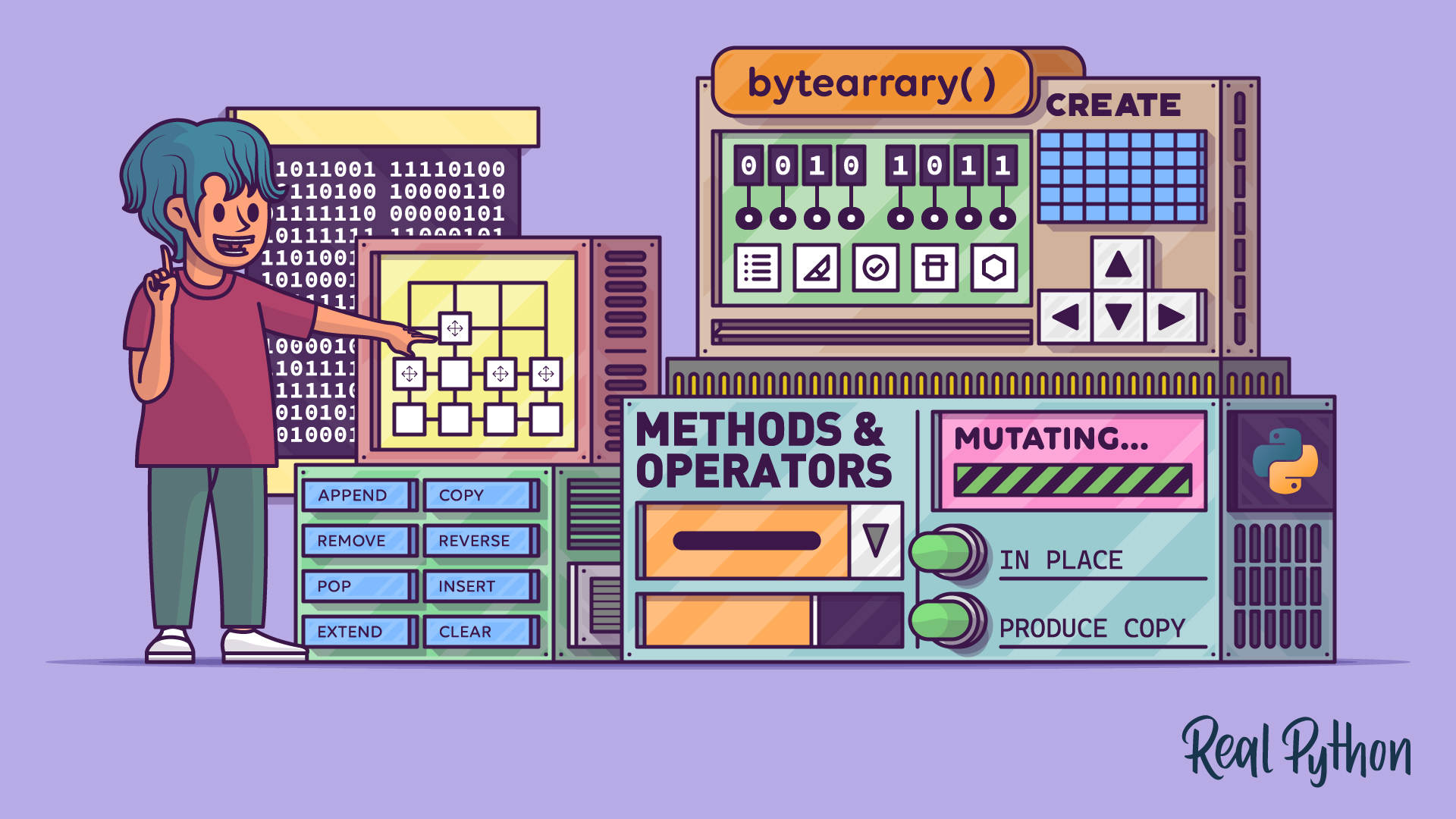
Python's Bytearray: A Mutable Sequence of Bytes
In this tutorial, you'll learn about Python's bytearray, a mutable sequence of bytes for efficient binary data manipulation. You'll explore how it differs from bytes, how to create and modify bytearray objects, and when to use them in tasks like processing binary files and network protocols.
For additional information on related topics, take a look at the following resources:
- Bytes Objects: Handling Binary Data in Python (Tutorial)
- Strings and Character Data in Python (Course)
- Python's Mutable vs Immutable Types: What's the Difference? (Tutorial)
- Basic Data Types in Python: A Quick Exploration (Tutorial)
- Python Built-in Functions: A Complete Guide (Tutorial)
- Unicode & Character Encodings in Python: A Painless Guide (Tutorial)
- Python's Bytearray (Quiz)
- Python Bytes (Quiz)
- Differences Between Python's Mutable and Immutable Types (Course)
- Python's Mutable vs Immutable Types: What's the Difference? (Quiz)
- Exploring Basic Data Types in Python (Course)
- Basic Data Types in Python: A Quick Exploration (Quiz)
- Exploring Python's Built-in Functions (Course)
- Python Built-in Functions: A Complete Guide (Quiz)
- Unicode in Python: Working With Character Encodings (Course)
Have a question about this? Mentor AI can show you examples, compare related terms, and point you to tutorials.
Ask Mentor AI

