ConnectionResetError
In Python, ConnectionResetError is a built-in exception that Python raises when a connection is reset by the peer. It’s a subclass of ConnectionError, which in turn derives from OSError, and it corresponds to the ECONNRESET operating system error. This typically happens when you’re reading from or writing to a socket that the remote end dropped abruptly instead of closing gracefully.
As a developer, you might encounter this exception when working with network applications. It indicates that the remote host closed the connection unexpectedly.
ConnectionResetError Occurs When
- Reading from or writing to a socket after the peer abruptly resets the connection instead of closing it gracefully
- Communicating with a remote process that crashed, was killed, or timed out while the connection was still open
ConnectionResetError Can Be Used When
- Handling unexpected disconnections in client-server applications
- Implementing retry logic for network requests in web applications
- Logging network errors for further analysis and debugging
Related Resources
Tutorial
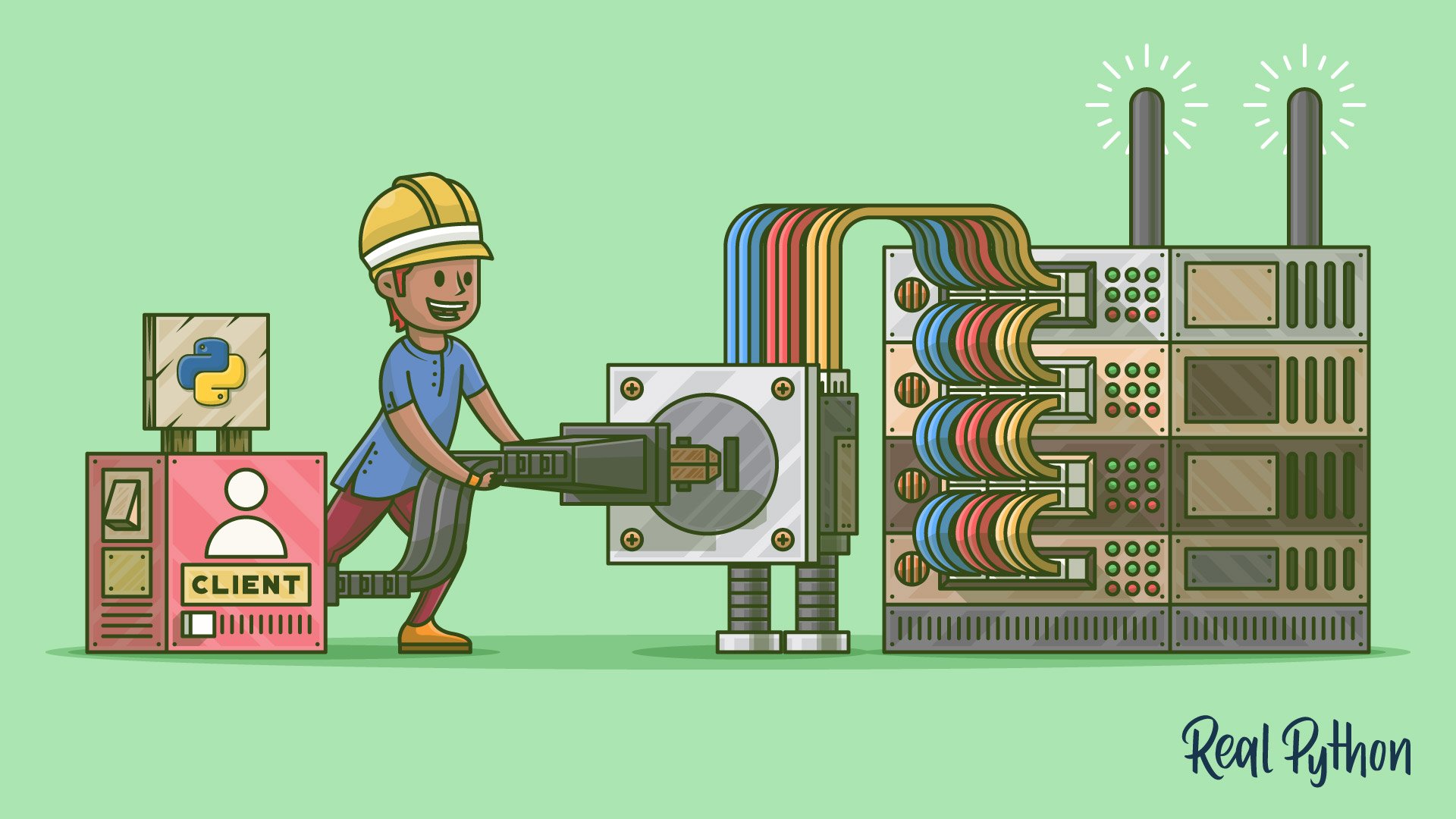
Socket Programming in Python (Guide)
Build a Python socket server and client from scratch, then extend it to handle multiple connections at once without blocking.
For additional information on related topics, take a look at the following resources:
- Python Exceptions: An Introduction (Tutorial)
- Python's Built-in Exceptions: A Walkthrough With Examples (Tutorial)
- Python's raise: Effectively Raising Exceptions in Your Code (Tutorial)
- Programming Sockets in Python (Course)
- Socket Programming in Python (Quiz)
- Introduction to Python Exceptions (Course)
- Raising and Handling Python Exceptions (Course)
- Python Exceptions: An Introduction (Quiz)
- Working With Python's Built-in Exceptions (Course)
- Python's Built-in Exceptions: A Walkthrough With Examples (Quiz)
- Using raise for Effective Exceptions (Course)
- Python's raise: Effectively Raising Exceptions in Your Code (Quiz)
Have a question about this? Mentor AI can show you examples, compare related terms, and point you to tutorials.
Ask Mentor AI

By Leodanis Pozo Ramos • Updated Aug. 14, 2026