console
The console is the text-based interface used for interacting with your computer’s operating system and running Python programs. In Python programming, it serves two main purposes:
- Command Input: Where you execute Python scripts, manage packages with pip, and interact with the Python interpreter via the REPL.
- Output Display: Where your program’s text output appears, including output from
print()calls, error messages, and interactive input/output operations.
The console is also referred to as the “terminal”, “command prompt” (on Windows), or “shell”. The Python interactive shell (REPL) is a special type of console that lets you write and test Python code interactively. Since Python 3.13, the default REPL supports multiline editing, colored prompts and tracebacks, and a paste mode for larger blocks of code.
Related Resources
Tutorial
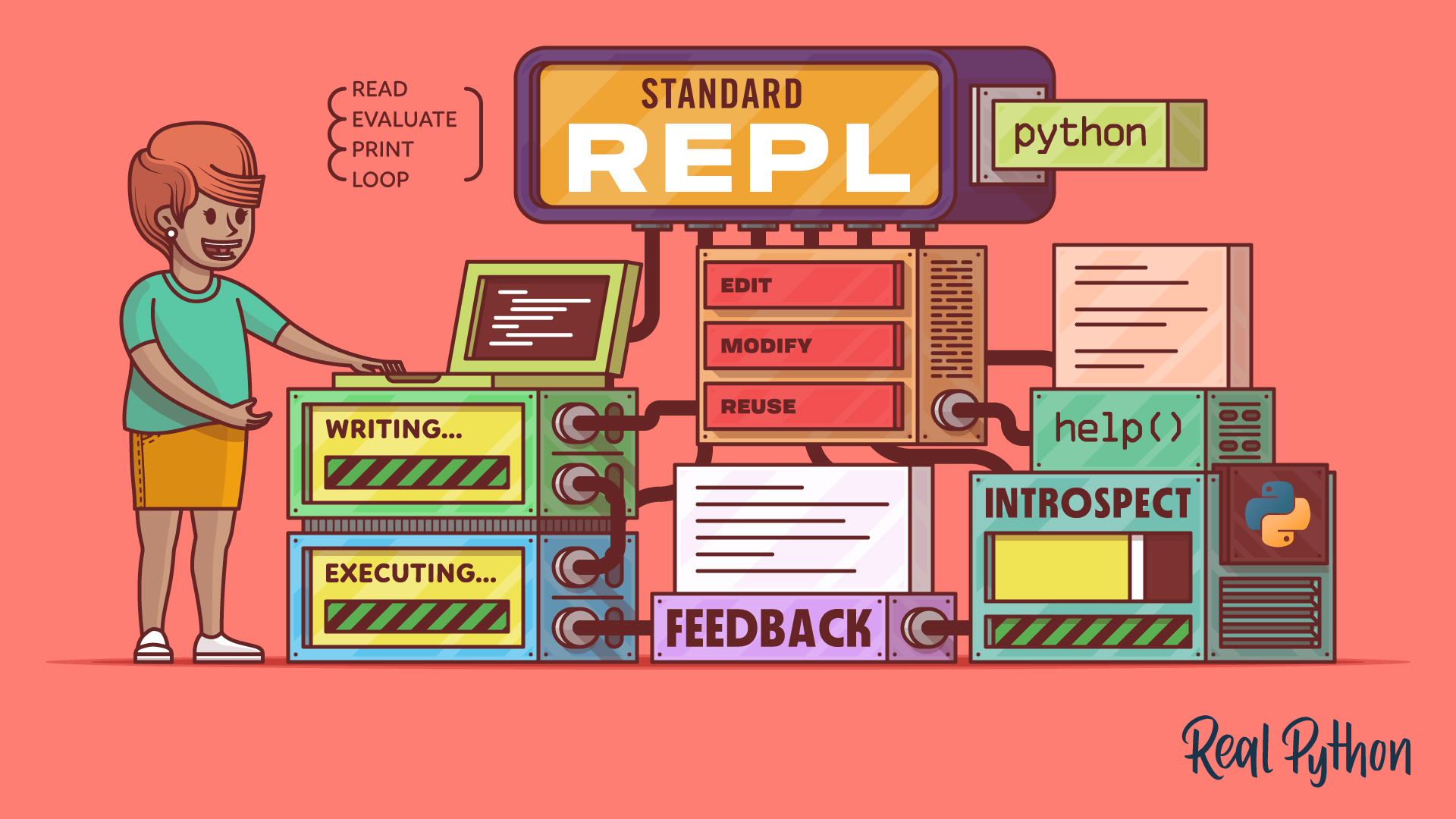
The Python Standard REPL: Try Out Code and Ideas Quickly
The Python REPL gives you instant feedback as you code. Learn to use this powerful tool to type, run, debug, edit, and explore Python interactively.
For additional information on related topics, take a look at the following resources:
- Python 3.13: A Modern REPL (Tutorial)
- The Python Rich Package: Unleash the Power of Console Text (Tutorial)
- Discover bpython: A Python REPL With IDE-Like Features (Tutorial)
- Unleashing the Power of the Console With Rich (Course)
- Building UIs in the Terminal With Python Textual (Course)
- Getting the Most Out of the Python Standard REPL (Course)
- The Python Standard REPL: Try Out Code and Ideas Quickly (Quiz)
- Python 3.13: A Modern REPL (Quiz)
- Using the bpython Enhanced REPL (Course)
Have a question about this? Mentor AI can show you examples, compare related terms, and point you to tutorials.
Ask Mentor AI

By Dan Bader • Updated Sept. 21, 2026
