GitHub Copilot Chat
GitHub Copilot Chat is a conversational AI coding assistant that answers coding questions and proposes code changes with awareness of your open files and repository context. It’s available on GitHub.com, in GitHub Mobile, in supported integrated development environments (IDEs), and in the Copilot CLI.
Within editors such as Visual Studio Code, Visual Studio, JetBrains IDEs, Xcode, and Eclipse, Copilot Chat can explain selected code, suggest fixes, and generate unit tests in an inline or dedicated chat view. It supports context controls like mentioning files or symbols.
Copilot Chat can operate in ask mode for questions, plan mode for drafting an implementation plan, or agent mode for multi file updates and task style work. These modes help you scaffold features, refactor code, and iterate on changes while you review and apply them.
Official website: docs.github.com/en/copilot/how-tos/copilot-in-your-ide/chat-with-copilot
Related Resources
Tutorial
How to Get Started With the GitHub Copilot CLI
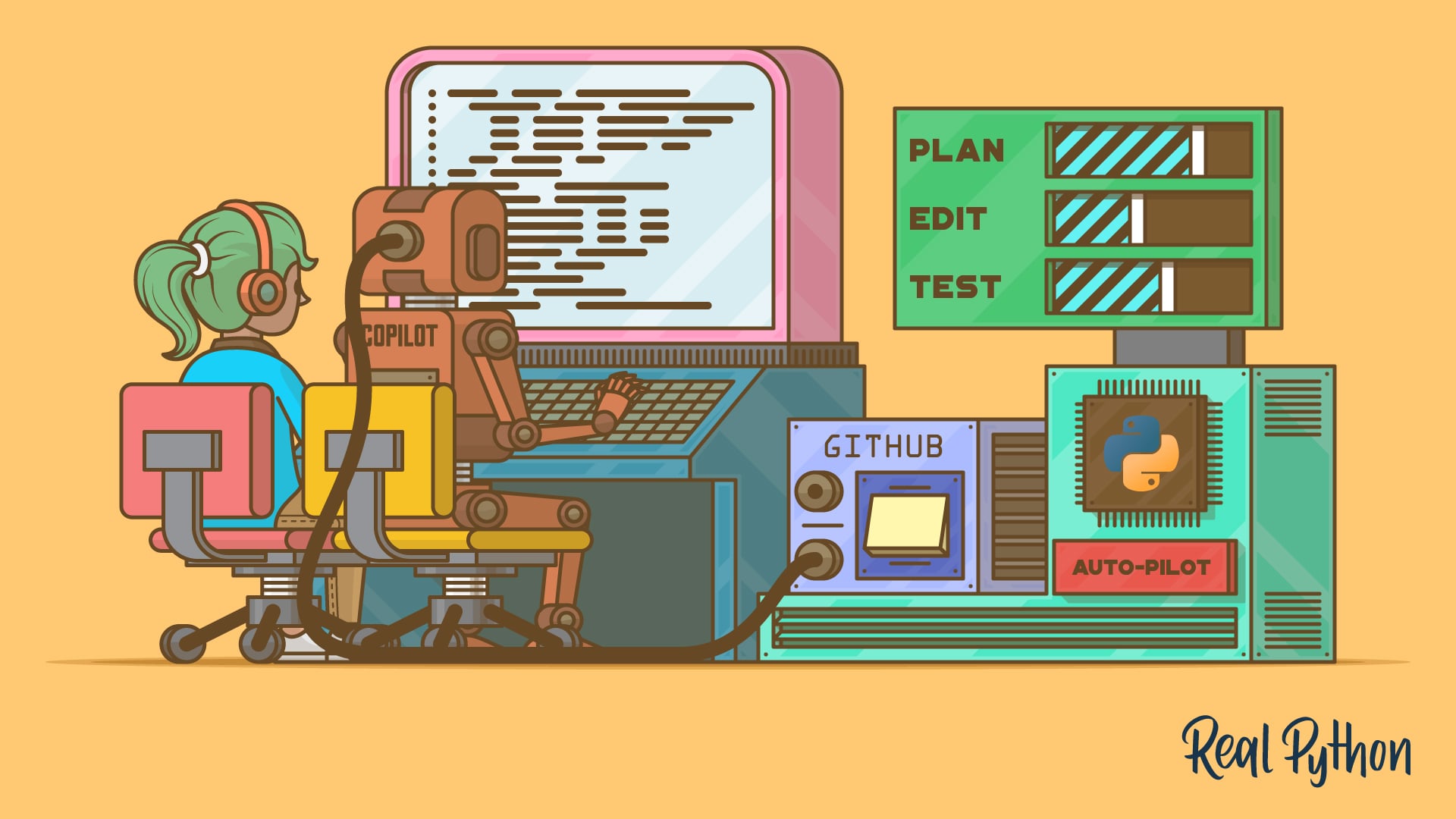
Learn how to install, authenticate, and use the GitHub Copilot CLI to plan, write, and review Python code from your terminal with AI agents.
For additional information on related topics, take a look at the following resources:
- GitHub Copilot: Fly With Python at the Speed of Thought (Tutorial)
- How to Use GitHub Copilot Code Review in Pull Requests (Tutorial)
- Cursor vs Copilot: Which AI Editor Is Better for Python? (Tutorial)
- How to Get Started With the GitHub Copilot CLI (Quiz)
- How to Use GitHub Copilot Code Review in Pull Requests (Quiz)
- Cursor vs Copilot: Which AI Editor Is Better for Python? (Quiz)
Have a question about this? Mentor AI can show you examples, compare related terms, and point you to tutorials.
Ask Mentor AI

