serialization
Serialization is the process of turning an object in memory into a stream of bytes or text that you can save to a file, store in a database, or send over a network. Deserialization is the reverse trip, rebuilding an equivalent object from that stream.
You need serialization because a live Python object is a web of references that only means something inside the running interpreter. Once your program exits, that structure is gone, so anything meant to outlive the process has to be flattened into a format that something else can read.
The standard library ships several serializers, and the one you pick depends on who reads the result. The json module writes JSON text that any language can parse, though it handles only a fixed set of types and coerces every dictionary key to a string.
The pickle module goes the other way and handles almost any Python object, including instances of your own classes, at the cost of a binary format that only Python understands. Unpickling can also execute arbitrary code, so never load pickled data from a source you don’t trust.
Example
Say you’re caching the result of a slow API call so that a later run can skip the request. Serializing the response to JSON gives you text you can write out and read back:
>>> import json

>>> forecast = {"city": "Oslo", "high": 21, "conditions": ["sun", "wind"]}

>>> as_text = json.dumps(forecast)
>>> as_text
'{"city": "Oslo", "high": 21, "conditions": ["sun", "wind"]}'

>>> json.loads(as_text) == forecast
True
The call to json.dumps() flattens the nested dictionary and list into one string, and json.loads() builds an equal object back out of it. That round trip works only because every value maps onto a JSON type. Swap in a set or a datetime and dumps() raises a TypeError, which is where pickle or a custom encoder comes in.
Run the same round trip below on a few different objects, switching between the two serializers to see which ones survive the trip intact:
Related Resources
Tutorial
Serialize Your Data With Python
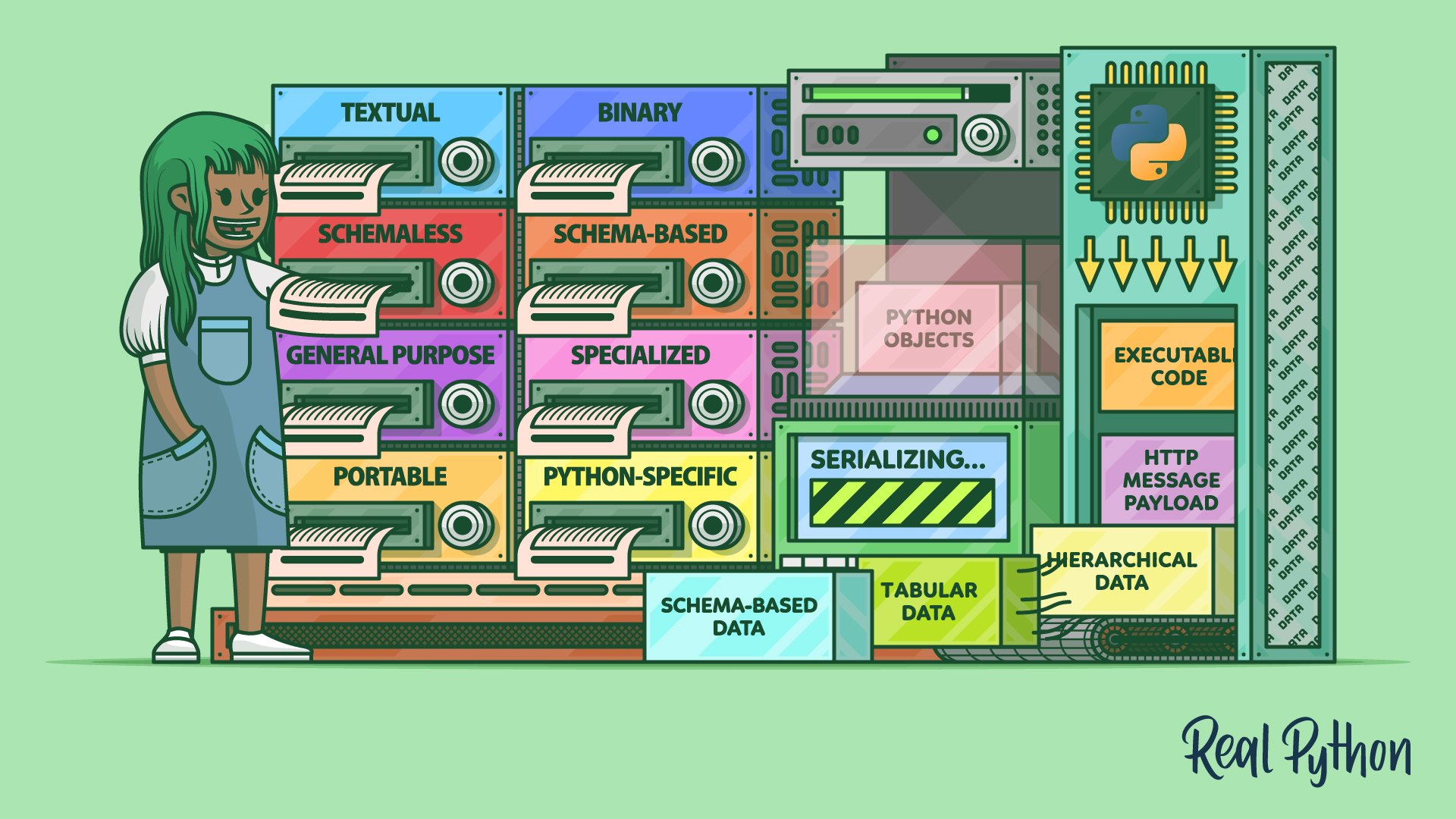
In this in-depth tutorial, you'll explore the world of data serialization in Python. You'll compare and use different data serialization formats, serialize Python objects and executable code, and handle HTTP message payloads.
For additional information on related topics, take a look at the following resources:
- Working With JSON Data in Python (Tutorial)
- The Python pickle Module: How to Persist Objects in Python (Tutorial)
- Serializing Objects With the Python pickle Module (Course)
- Working With JSON in Python (Course)
- Reading and Writing CSV Files in Python (Tutorial)
- Serialize Your Data With Python (Quiz)
- Working With JSON Data in Python (Quiz)
- Reading and Writing CSV Files (Course)
- Reading and Writing CSV Files in Python (Quiz)
Have a question about this? Mentor AI can show you examples, compare related terms, and point you to tutorials.
Ask Mentor AI

By Martin Breuss • Updated Oct. 3, 2026
