Codex CLI
Codex CLI is OpenAI’s open source coding agent that runs locally in your terminal. It can read, change, and run code in the working directory through natural language prompts, and it’s the terminal surface of OpenAI’s broader Codex agent, which also runs in IDE extensions, in a desktop app, and in the cloud as Codex Web.
Built in Rust, it supports code generation, debugging assistance, code review, and automation tasks, and it can call out to external tools over MCP or run non-interactively with codex exec for scripted and CI workflows.
For Python programmers, Codex CLI can help write scripts, fix errors, and provide real-time suggestions without having to leave the command line.
Official website: github.com/openai/codex
Related Resources
Tutorial
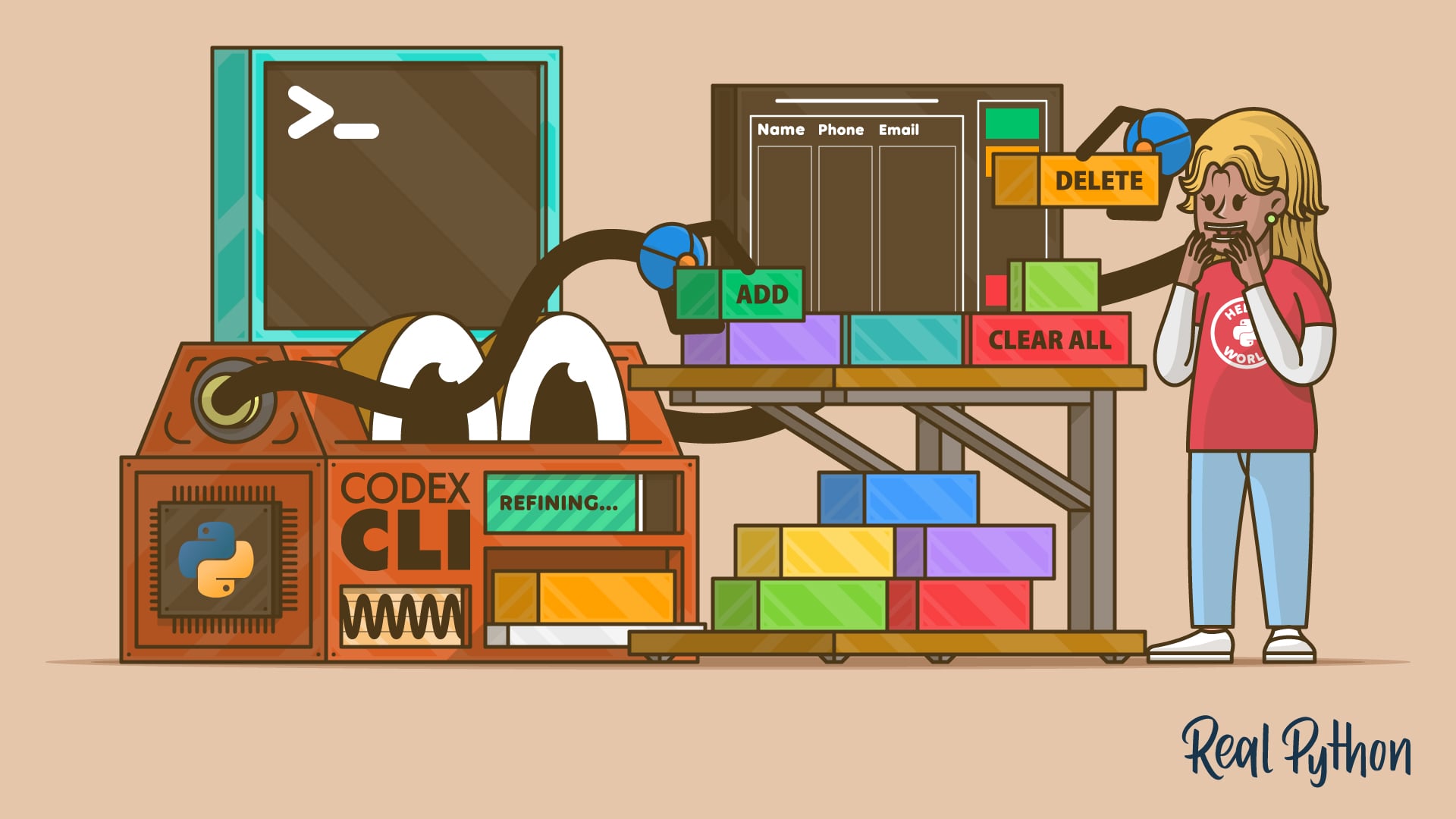
How to Add Features to a Python Project With Codex CLI
Learn how to use Codex CLI to add features to Python projects via the terminal. Master AI-powered coding without needing a browser or IDE plugins.
For additional information on related topics, take a look at the following resources:
- Use Codex CLI to Enhance Your Python Projects (Course)
- AI Coding Agents Guide: A Map of the Four Workflow Types (Tutorial)
- Gemini CLI vs Claude Code: Which to Choose for Python Tasks (Tutorial)
- How to Debug Python Code With an AI Agent (Tutorial)
- How to Add Features to a Python Project With Codex CLI (Quiz)
- Exploring AI Coding Agent Workflows (Course)
- AI Coding Agents Guide: A Map of the Four Workflow Types (Quiz)
- Gemini CLI vs Claude Code: Which to Choose for Python Tasks (Quiz)
- How to Debug Python Code With an AI Agent (Quiz)
Have a question about this? Mentor AI can show you examples, compare related terms, and point you to tutorials.
Ask Mentor AI

