stdout
Short for standard output, stdout is the default output stream that programs use for their regular results, kept separate from diagnostic messages so the two can be redirected and processed independently.
Standard output is one of three preconnected I/O streams that a process inherits from the process that started it, alongside stdin and stderr, and it occupies file descriptor 1. By default, it points at the controlling terminal, so output appears on the screen, though a shell can rebind it before launch to redirect output to a file or pipe it into another command.
Unlike stderr, stdout is typically line-buffered when connected to an interactive device and fully buffered when connected to a file or pipe, so its output can be delayed until the buffer fills or the stream is flushed.
Modern shells let you point stdout wherever you need it. By default, a command’s output lands on the terminal, but you can redirect that same stream into a file instead:
$ echo "Hello, stdout"
Hello, stdout

$ # Redirect stdout to a file
$ echo "Hello, stdout" > greeting.txt
$ cat greeting.txt
Hello, stdout
The first echo writes to standard output, which is connected to the terminal, so the text prints right away. The second runs the same command, but the > greeting.txt redirection points stdout at the file, so nothing appears on screen until cat reads it back.
In Python, you write to standard output through sys.stdout, which is where the print() function sends its text by default.
Related Resources
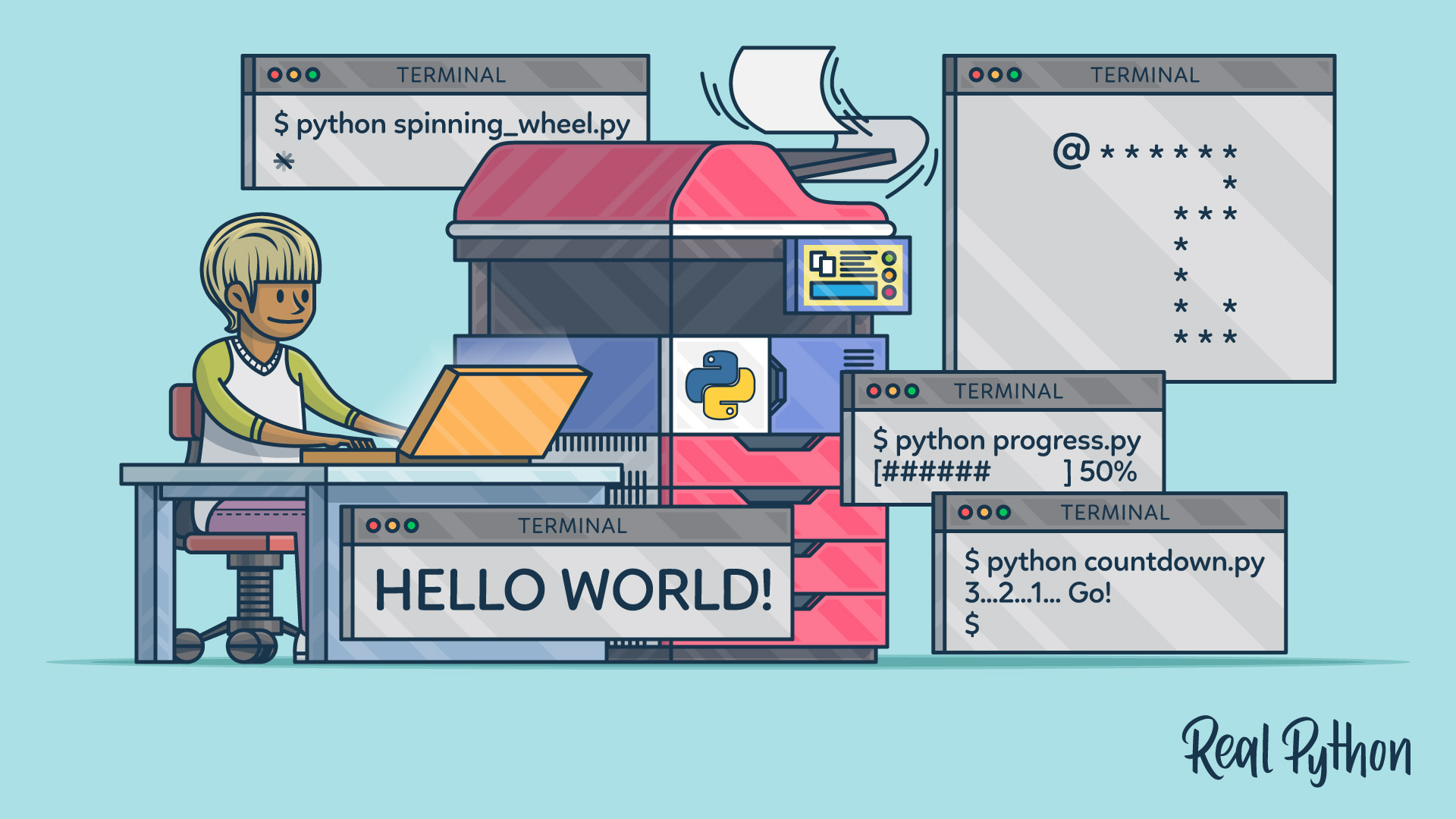
Tutorial
Your Guide to the Python print() Function
Learn how Python's print() function works, avoid common pitfalls, and explore powerful alternatives and hidden features that can improve your code.
For additional information on related topics, take a look at the following resources:
- How to Flush the Output of the Python Print Function (Tutorial)
- Prettify Your Data Structures With Pretty Print in Python (Tutorial)
- The subprocess Module: Wrapping Programs With Python (Tutorial)
- Logging in Python (Tutorial)
- Basic Input and Output in Python (Tutorial)
- The Python print() Function: Go Beyond the Basics (Course)
- The Python print() Function (Quiz)
- The Python print() Function (Quiz)
- Using the Python subprocess Module (Course)
- The subprocess Module: Wrapping Programs With Python (Quiz)
- Logging Inside Python (Course)
- Logging in Python (Quiz)
- Reading Input and Writing Output in Python (Course)
- Basic Input and Output in Python (Quiz)
Have a question about this? Mentor AI can show you examples, compare related terms, and point you to tutorials.
Ask Mentor AI

