tomllib
The Python tomllib module allows you to parse TOML files, which are often used for configuration files due to their readability and simplicity.
This module can read TOML files and convert them into Python dictionaries, allowing you to work with configuration data in your Python applications.
Here’s a quick example:
>>> import tomllib

>>> toml_data = """
... [geometry]
... size = 300
... position = "100x100"
... """

>>> tomllib.loads(toml_data)
{'geometry': {'size': 300, 'position': '100x100'}}
Key Features
- Parses TOML string and files into Python dictionaries
- Reads TOML only, so writing TOML requires a third-party package such as
tomli-wortomlkit - Supports all TOML data types, including tables, arrays, and nested structures
- Handles TOML syntax natively within Python, implementing the TOML 1.0.0 spec, while Python 3.15 adds backward-compatible TOML 1.1.0 support
- Provides convenient error handling for invalid TOML data
- Offers a standard-library solution that doesn’t require external dependencies
Frequently Used Classes and Functions
| Object | Type | Description |
|---|---|---|
tomllib.loads() |
Function | Parses TOML data from a string |
tomllib.load() |
Function | Loads TOML data from a file object |
tomllib.TOMLDecodeError |
Exception | Indicates that an error occurred while parsing TOML data. Since Python 3.14, it exposes msg, doc, pos, lineno, and colno attributes that pinpoint where parsing failed |
Examples
Parse a TOML string:
>>> import tomllib

>>> toml_str = "name = \"Tom\""
>>> data = tomllib.loads(toml_str)
>>> data
{'name': 'Tom'}
Load a TOML file:
config.toml
[general]
theme = "dark"
font = "Helvetica"
>>> with open("config.toml", mode="rb") as toml_file:
...     config = tomllib.load(toml_file)
...

>>> config
{'general': {'theme': 'dark', 'font': 'Helvetica'}}
Common Use Cases
- Reading configuration settings from TOML files
- Converting TOML data into Python data structures
- Handling configuration files in Python applications
- Validating and handling errors in TOML configuration files
- Loading application settings without third-party dependencies
Real-World Example
Imagine you have a configuration file for your application and need to load its contents:
settings.toml
[database]
host = "localhost"
port = 5432
user = "admin"
password = "secret"
Here’s the Python code to load this file:
>>> import tomllib

>>> with open("settings.toml", mode="rb") as toml_file:
...     settings = tomllib.load(toml_file)
...

>>> settings["database"]["host"]
'localhost'
>>> settings["database"]["user"]
'admin'
In this example, you use the tomllib module to read a TOML configuration file, allowing you to access and use the configuration data within your Python application.
Related Resources
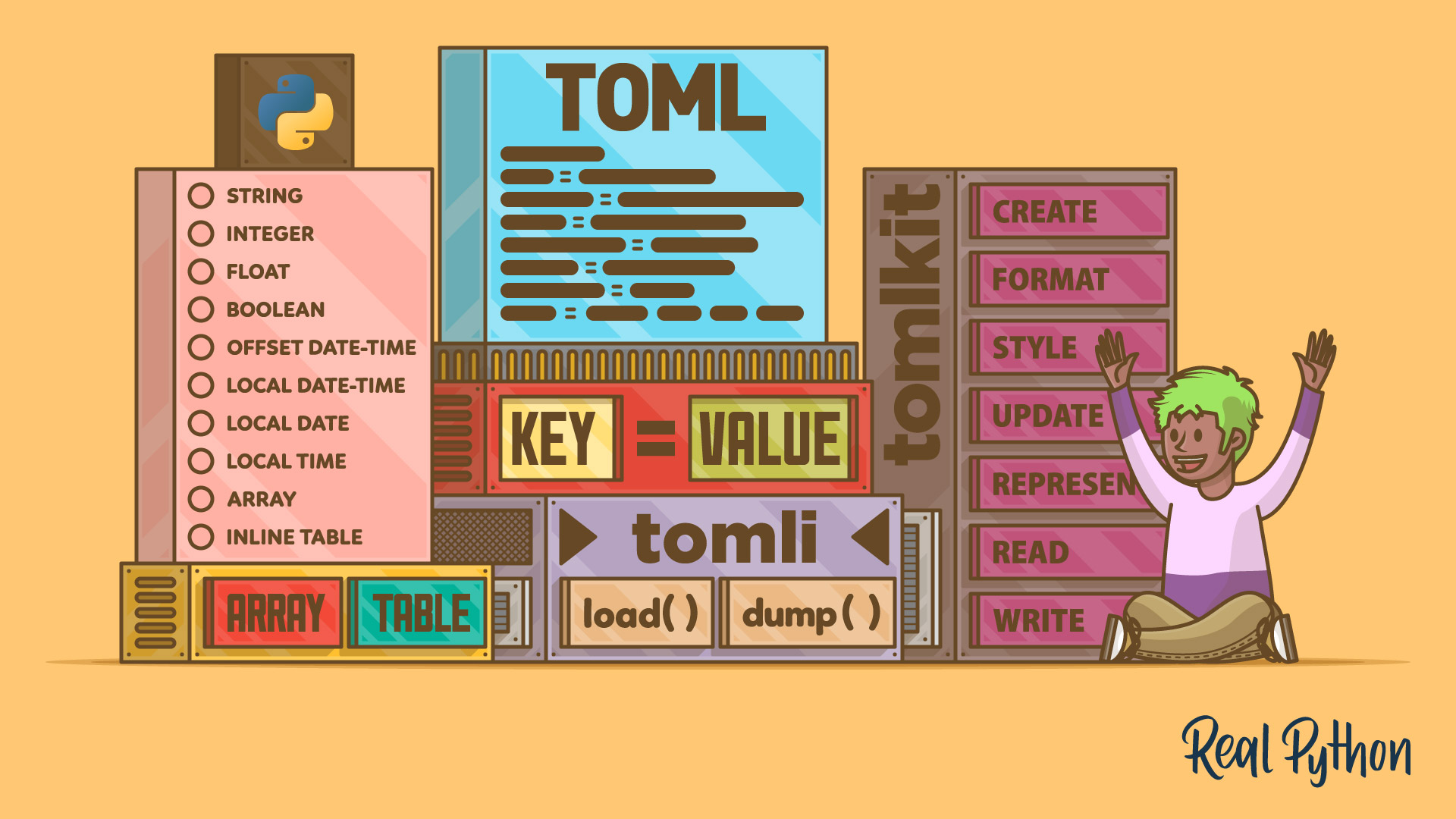
Tutorial
Python and TOML: Read, Write, and Configure with tomllib
Learn how to read, write, and manage TOML files in Python using tomllib and tomli. Parse config data, validate settings, and support pyproject.toml.
For additional information on related topics, take a look at the following resources:
- How to Manage Python Projects With pyproject.toml (Tutorial)
- Python 3.11 Preview: TOML and tomllib (Tutorial)
- Everyday Project Packaging With pyproject.toml (Course)
- Working With TOML and Python (Course)
- Tool-Agnostic Python Lock Files With PEP 751 and pylock.toml (Tutorial)
- How to Manage Python Projects With pyproject.toml (Quiz)
- Tool-Agnostic Python Lock Files With PEP 751 and pylock.toml (Quiz)
Have a question about this? Mentor AI can show you examples, compare related terms, and point you to tutorials.
Ask Mentor AI

By Leodanis Pozo Ramos • Updated Oct. 14, 2026
