Kilo Code
Kilo Code is an open-source AI coding agent that accepts natural language instructions and executes multi-step development tasks, such as creating files, editing code, running terminal commands, and debugging. It’s available as a Visual Studio Code extension, a JetBrains plugin, a CLI tool, a hosted cloud-agent service, and mobile apps.
The agent can connect to over 500 AI models (LLMs) through its built-in Kilo Gateway, third-party gateways like OpenRouter, and direct provider integrations, with no markup on model costs. Users can bring their own API keys from LLM providers, such as Anthropic, OpenAI, and Google, or purchase Kilo Pass credits.
Kilo Code organizes work through specialized agents, each tuned for a different stage of development:
- Plan for designing systems and drafting implementation plans
- Code for writing and refactoring production code
- Debug for systematic troubleshooting and diagnostics
- Ask for answering questions without changing the codebase
Agents with full tool access can delegate work to subagents automatically when a task benefits from parallel exploration or isolation.
Project context, conventions, and architectural decisions live in an AGENTS.md file in the repository, which Kilo loads automatically to preserve continuity across sessions. Kilo’s legacy Memory Bank rules continue to work for existing projects. The tool also supports Model Context Protocol (MCP) servers for extended tooling and allows users to define custom agents, which the documentation still calls custom modes.
Official website: kilo.ai
Related Resources
Tutorial
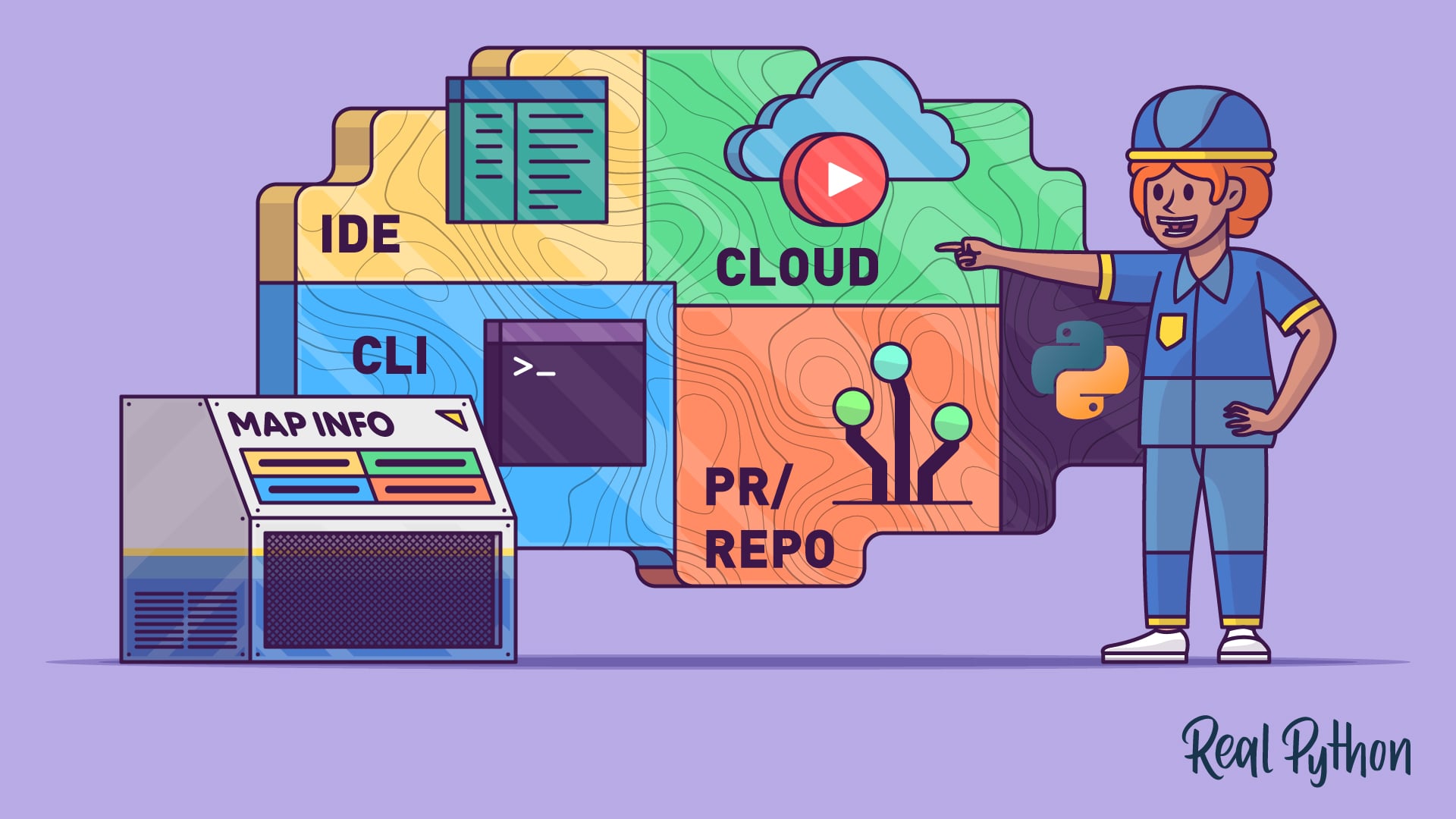
AI Coding Agents Guide: A Map of the Four Workflow Types
AI coding agents come in four types: IDE, terminal, PR, and cloud. Learn how each workflow fits into modern Python development.
For additional information on related topics, take a look at the following resources:
- How to Debug Python Code With an AI Agent (Tutorial)
- How to Use Google's Gemini CLI for AI Code Assistance (Tutorial)
- GitHub Copilot: Fly With Python at the Speed of Thought (Tutorial)
- Testing MCP Servers With a Python MCP Client (Course)
- Exploring AI Coding Agent Workflows (Course)
- AI Coding Agents Guide: A Map of the Four Workflow Types (Quiz)
- How to Debug Python Code With an AI Agent (Quiz)
- Getting Started With Google Gemini CLI (Course)
- How to Use Google's Gemini CLI for AI Code Assistance (Quiz)
Have a question about this? Mentor AI can show you examples, compare related terms, and point you to tutorials.
Ask Mentor AI

By Leodanis Pozo Ramos • Updated Oct. 2, 2026
