Gemini Code Assist
Gemini Code Assist is Google’s AI coding assistant for integrated development environments (IDEs) and Google Cloud. It runs on Gemini 3 models with a one-million-token context window. Gemini 3.5 Flash is generally available in VS Code and IntelliJ, where Gemini 3.1 Pro is also in preview.
Inside Visual Studio Code, JetBrains IDEs, and Android Studio, it provides context-aware chat, code completions, generation and transformation, unit test suggestions, and help with debugging and documentation. It also cites sources for longer quoted material.
Since June 18, 2026, these extensions serve only paid Gemini Code Assist Standard and Enterprise subscriptions. Google moved the Gemini Code Assist for individuals, Google AI Pro, and Google AI Ultra tiers to Antigravity and Antigravity CLI.
Outside the editor, Gemini Code Assist on GitHub reviews pull requests automatically and answers follow-up questions when tagged with /gemini in a comment.
Its agent mode, currently in preview, can run multi-step tasks using built-in tools and Model Context Protocol (MCP) servers, and you can add file context with the @filename syntax.
Its paid Standard and Enterprise editions include IP indemnification and enterprise security controls, and the Enterprise edition adds code customization that adapts suggestions to a company’s private repositories. Both editions also cover Gemini CLI, which provides the same assistance in the terminal.
Since October 9, 2026, Google no longer sells new Standard or Enterprise subscriptions. Existing subscriptions keep working until their contracts end, and Google now points teams to Antigravity through Gemini Enterprise.
Official website: codeassist.google
Related Resources
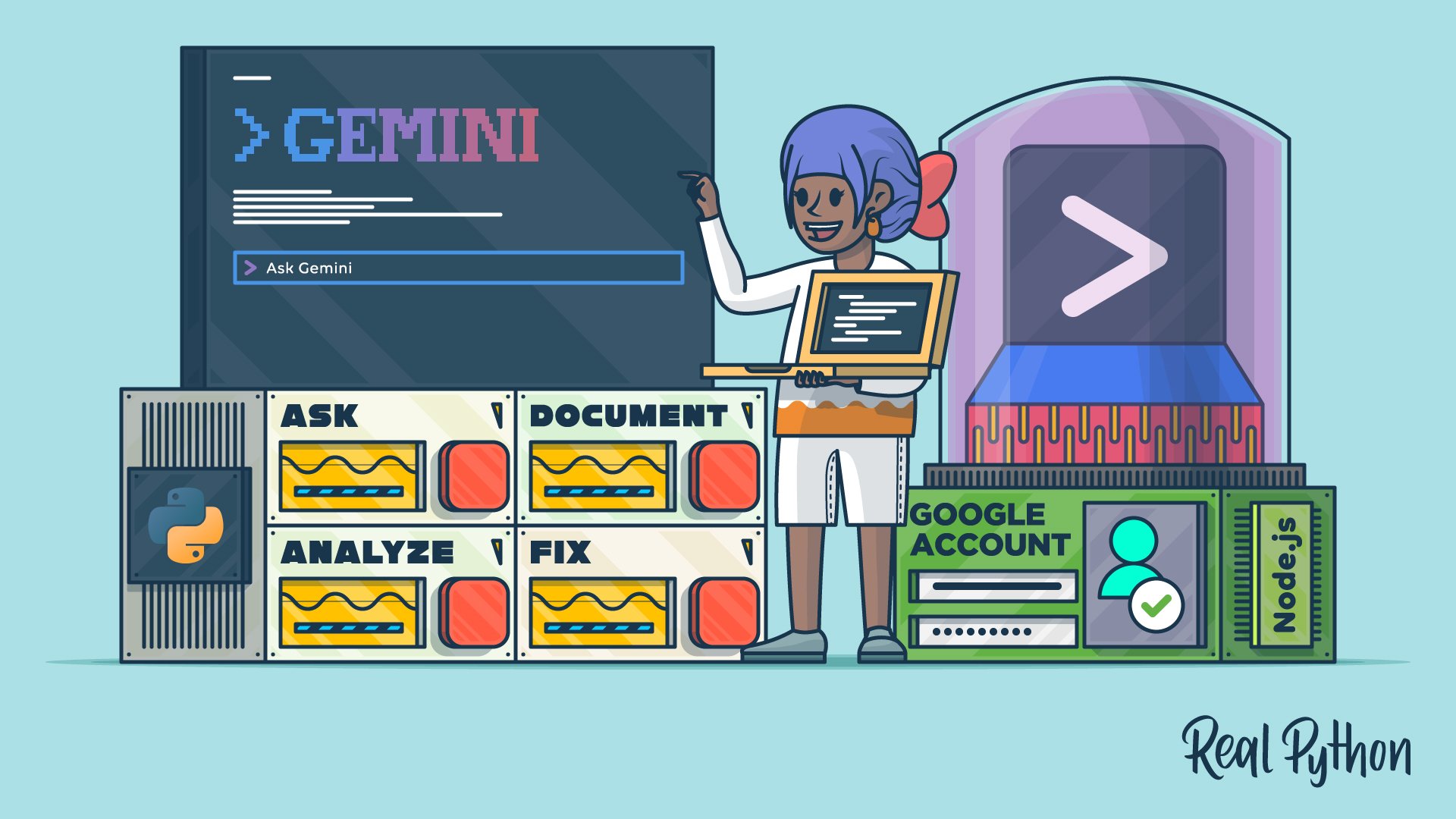
Tutorial
How to Use Google's Gemini CLI for AI Code Assistance
Learn how to use Gemini CLI to bring Google's AI-powered coding assistance directly into your terminal to help you analyze and fix code.
For additional information on related topics, take a look at the following resources:
- How to Use Google's Antigravity CLI for AI Code Assistance (Tutorial)
- Gemini CLI vs Claude Code: Which to Choose for Python Tasks (Tutorial)
- Getting Started With Google Gemini CLI (Course)
- How to Use Google's Gemini CLI for AI Code Assistance (Quiz)
- How to Use Google's Antigravity CLI for AI Code Assistance (Quiz)
- Gemini CLI vs Claude Code: Which to Choose for Python Tasks (Quiz)
Have a question about this? Mentor AI can show you examples, compare related terms, and point you to tutorials.
Ask Mentor AI

By Leodanis Pozo Ramos • Updated Oct. 12, 2026
