shebang (#!)
In Python, a shebang is the character sequence (#!) placed on the first line of a script file, followed by the path to the interpreter that should run the file. On Unix-like systems, the operating system reads this line when the file is executed and uses the named interpreter to launch the script. For this to work, the file must have the executable permission bit set.
The shebang is also called a hashbang or sharp-bang line, after the names of its two characters.
Note: The shebang is a Unix feature. Windows itself doesn’t read it, but the Python install manager and the legacy py launcher inspect the shebang of .py files to pick the right installed Python version. Save scripts with Unix line endings (\n), since Windows line endings (\r\n) become part of the interpreter path on Unix and can break execution.
Python ignores the shebang at runtime because it begins with #, which marks the start of a comment. The line is meaningful only to the kernel and to script launchers. The first two bytes of the file must be # and ! with no leading whitespace or byte order mark, or the kernel will not recognize the file as a script.
A typical Python shebang points to the interpreter through the env utility, which makes the script portable across systems where Python is installed in different locations:
#!/usr/bin/env python3
Syntax
A shebang line follows this form:
#!<interpreter-path> [optional-arguments]
On Unix, the interpreter path must be absolute. The Python install manager on Windows is more permissive and also accepts a bare alias, such as #!python3.14. Common variants for Python scripts include:
#!/usr/bin/python3calls the system Python 3 interpreter at a fixed location.#!/usr/local/bin/python3calls a Python installed under/usr/local.#!/usr/bin/env python3searches the user’sPATHforpython3and runs the first match. This form is the most portable across Linux, macOS, and BSD systems.#!/usr/bin/env python3.14selects a specific Python version when several are installed.#!/usr/bin/env pythonrespects an activated virtual environment. PEP 394 recommends this form only for scripts that are always run inside an activated environment.
Anything after the interpreter path on the same line is passed as a single argument on Linux. Other Unix variants split arguments differently, so portable scripts pass at most one flag.
Example
The following script uses a shebang so that it can be executed directly from the shell:
greet.py
#!/usr/bin/env python3
"""Print a friendly greeting and the running Python version."""
import sys

major = sys.version_info.major
minor = sys.version_info.minor
print(f"Hello from Python {major}.{minor}")
Save the file as greet.py and mark it executable with chmod +x. You can then run the script directly without naming the interpreter on the command line:
$ chmod +x greet.py
$ ./greet.py
Hello from Python 3.14
The kernel reads the shebang and runs /usr/bin/env, which locates python3 on the user’s PATH and passes greet.py to it for execution.
Related Resources
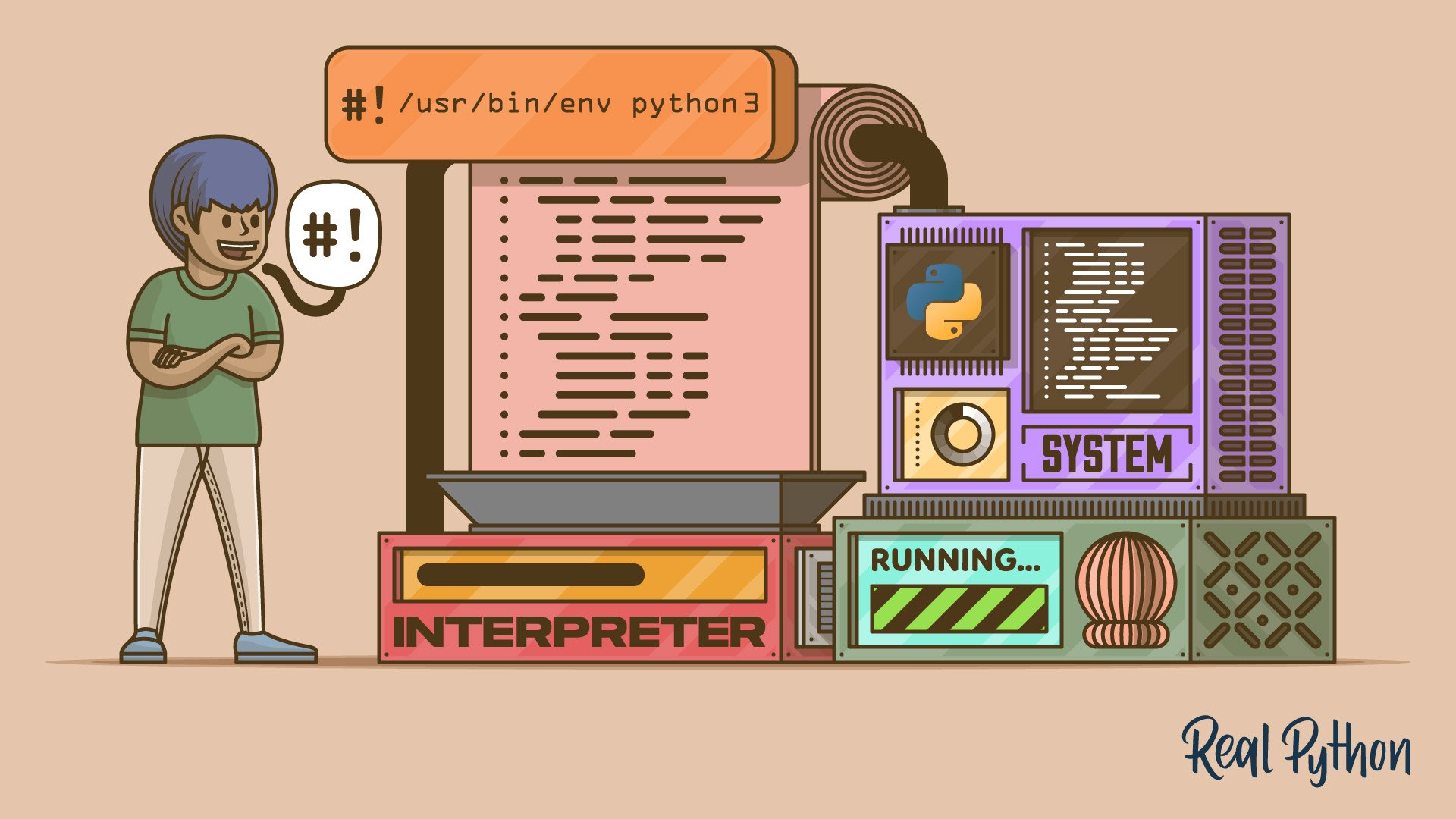
Tutorial
Executing Python Scripts With a Shebang
In this tutorial, you'll learn when and how to use the shebang line in your Python scripts to execute them from a Unix-like shell. Along the way, you'll run custom scripts written in your domain-specific language interpreted by Python.
For additional information on related topics, take a look at the following resources:
- Execute Your Python Scripts With a Shebang (Course)
- How to Run Your Python Scripts and Code (Tutorial)
- How Can You Structure Your Python Script? (Tutorial)
- Build Command-Line Interfaces With Python's argparse (Tutorial)
- Python Web Applications: Deploy Your Script as a Flask App (Tutorial)
- How to Run a Python Script (Course)
- How to Run Your Python Scripts (Quiz)
- Structuring Your Python Script (Course)
- How Can You Structure Your Python Script? (Quiz)
- Building Command Line Interfaces With argparse (Course)
- Build Command-Line Interfaces With Python's argparse (Quiz)
- Deploy Your Python Script on the Web With Flask (Course)
- Python Web Applications: Deploy Your Script as a Flask App (Quiz)
Have a question about this? Mentor AI can show you examples, compare related terms, and point you to tutorials.
Ask Mentor AI

