__main__
The Python __main__ module is the top-level code environment, the namespace where the interpreter runs a program’s entry point. Whatever Python starts with, whether a script file, a -m module, a -c command, or an interactive session, executes with its __name__ set to "__main__".
That naming convention is what makes the if __name__ == "__main__" guard work. Code under the guard runs when the file is the entry point and stays quiet when another module imports it. The name also belongs to __main__.py, the file Python executes when a package, directory, or ZIP archive runs directly.
Here’s a quick example:
>>> __name__
'__main__'

>>> import math
>>> math.__name__
'math'
Key Features
- Names the top-level code environment, so
__name__holds"__main__"in scripts, in the REPL, and underpython -candpython -m. - Guards entry-point code with
if __name__ == "__main__", which keeps that code from running on import. - Gives packages, directories, and ZIP archives a command-line interface through a
__main__.pyfile. - Exposes the entry point’s namespace as an importable module, so
import __main__reaches names defined at top level. - Appears in
sys.modulesfrom interpreter startup, so the import works even while the entry point is still running. - Supports interactive tooling such as
pdbandrlcompleter, which resolve the names a user types against the__main__namespace.
Frequently Used Classes and Functions
| Object | Type | Description |
|---|---|---|
__main__ |
Module | Represents the top-level code environment and holds every name defined there. |
__name__ |
Variable | Holds "__main__" in the entry point and the module’s own dotted name everywhere else. |
sys.argv |
Variable | Lists the command-line arguments passed to the entry point. |
sys.exit() |
Function | Ends the program with the given exit status, such as the value that main() returns. |
sys.modules |
Variable | Maps the key "__main__" to the module object for the running entry point. |
runpy.run_module() |
Function | Runs a named module in a fresh namespace, which is the machinery behind python -m. |
runpy.run_path() |
Function | Runs a source file, a directory, or a ZIP archive the way the interpreter starts a script. |
Examples
A module keeps its importable API separate from the code that runs it as a program:
echo.py
import sys


def echo(phrase):
    print(phrase)


def main():
    echo(" ".join(sys.argv[1:]))
    return 0


if __name__ == "__main__":
    sys.exit(main())
Running the file executes the guarded call, while importing the module leaves it untouched:
$ python echo.py Hello there
Hello there

$ python -c "import echo; echo.echo('imported quietly')"
imported quietly
Start the same file four different ways below to see which code object becomes __main__, what __name__ holds inside echo.py, and whether the guarded call runs:
The top-level namespace is importable too, which lets a helper module read the names that the entry point defined:
>>> import __main__

>>> user_name = "Dinsdale"
>>> __main__.user_name
'Dinsdale'
>>> "user_name" in dir(__main__)
True
Common Use Cases
- Keeping demo or command-line code from running when another module imports the file.
- Giving a package a command-line interface that
python -m packageinvokes. - Bundling a directory or ZIP archive into a runnable application with
zipapp. - Returning an exit status from
main()so that shells and CI jobs can react to failures. - Reading names defined by the running script from a helper module through
import __main__.
Real-World Example
A build pipeline needs a preflight check that the interpreter is new enough before the rest of the job runs. Packaging that check as a directory with a __main__.py file makes it callable as python -m checkenv from any workflow step:
checkenv/
    __init__.py
    __main__.py
The entry-point file skips the if __name__ == "__main__" guard, following the documented convention that keeps __main__.py minimal and unguarded so it behaves the same inside packages and ZIP archives:
checkenv/__main__.py
import sys

MINIMUM = (3, 12)


def check():
    if sys.version_info < MINIMUM:
        print(f"needs Python {MINIMUM[0]}.{MINIMUM[1]} or newer")
        return 1
    print(f"Python {sys.version.split()[0]} meets the minimum")
    return 0


sys.exit(check())
Running the directory as a module produces the report and the exit status in one step:
$ python -m checkenv
Python 3.14.6 meets the minimum

$ echo $?
0
Because __main__.py runs as the top-level environment, the directory behaves like a standalone command with no packaging metadata, and the status code from sys.exit() reaches the calling shell.
Related Resources
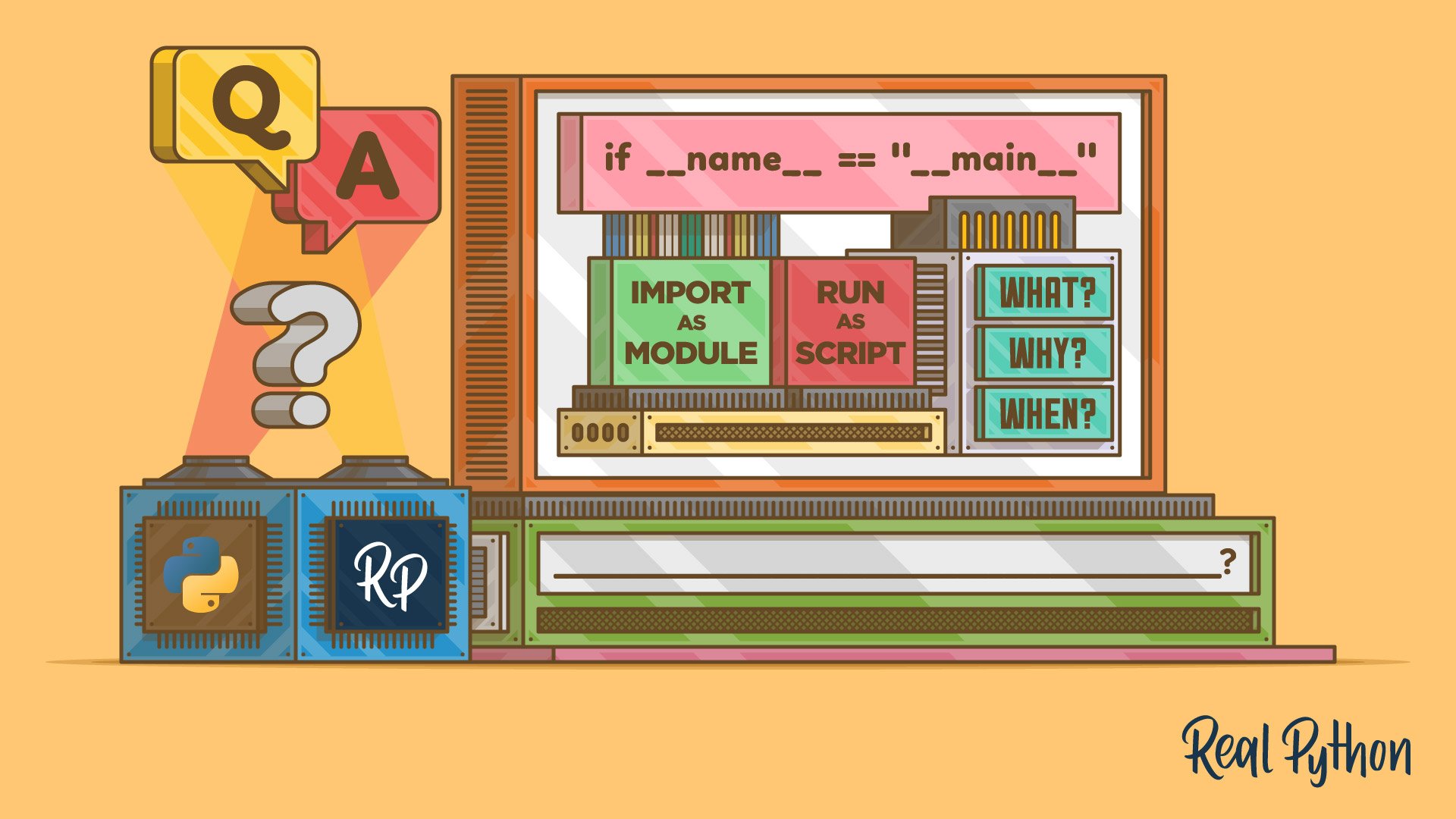
Tutorial
What Does if __name__ == "__main__" Do in Python?
See how Python's if __name__ == "__main__" check runs code only when the file is executed, so your imports stay clean and your scripts gain a clear entry point.
For additional information on related topics, take a look at the following resources:
- Defining Main Functions in Python (Tutorial)
- What Does if __name__ == "__main__" Mean in Python? (Course)
- How to Run Your Python Scripts and Code (Tutorial)
- Python Command-Line Arguments (Tutorial)
- Python's zipapp: Build Executable Zip Applications (Tutorial)
- Python Modules and Packages – An Introduction (Tutorial)
- Python Name-Main Idiom (Quiz)
- Defining Main Functions in Python (Course)
- Defining Main Functions in Python (Quiz)
- How to Run a Python Script (Course)
- How to Run Your Python Scripts (Quiz)
- Command Line Interfaces in Python (Course)
- Python Modules and Packages: An Introduction (Course)
- Python Modules and Packages (Quiz)
Have a question about this? Mentor AI can show you examples, compare related terms, and point you to tutorials.
Ask Mentor AI

By Martin Breuss • Updated Oct. 7, 2026
