I’d been writing Python for a couple of years before async programming made sense to me. I understood the general idea, but the syntax just never felt like Python. Why would calling a function with () not run it, and what exactly was I supposed to await?
Eventually I made progress through a long Mentor AI conversation, so that’s how this tutorial works, too. Instead of reading about async Python, you’ll learn it in conversation with your mentor. The interactions show you different ways to use the mentor, and I hope you’ll add learning through conversation to your toolkit.
Mentor AI is Real Python’s AI learning assistant, and it’s part of a Real Python membership. It knows Real Python’s content and what you’ve been learning on the site. You’ll find the Mentor AI orb in the corner of every page, and clicking it starts a conversation. You need to be signed in to use it. If you’re not a member yet, then you can start a free 7-day trial.
You can do everything in this tutorial right in the chat, because the mentor can run Python code for you. If you have Python installed, running the examples yourself is a nice bonus, but it’s optional.
Usually, this is where I’d list what you’ll learn. This time, you can ask your mentor instead:
Want to know what’s ahead?
Free Kit: Click here to get the Learn With Mentor AI Kit with cheat sheets, a video course, and a quiz that help you learn faster with your mentor and build the Python skills employers look for.
Take the Quiz: Test your knowledge with our interactive “Learn With Mentor AI: A Guided Journey Through Async Python” quiz. You’ll receive a score upon completion to help you track your learning progress:
Interactive Quiz
Learn With Mentor AI: A Guided Journey Through Async PythonPractice learning async Python with Mentor AI. Check how coroutines, await, and the event loop work, and how to steer your mentor.
Tell Your Mentor Where You’re Starting From
The mentor already knows which tutorials, courses, exercises, and quizzes you’ve worked through on Real Python, but it can’t know how you feel about a topic. Sharing that can help your mentor shape a good explanation. I started by explaining my struggles with async programming.
Note: You can click the microphone (dictate) button in any mentor conversation and speak your thoughts directly into the chat:

This is often the quickest way to explain what you’d like to convey.
Press the button below, then edit the message until it’s true for you. Or clear the prefilled text and simply speak your mind:
Keep the bit at the end, where you ask the mentor to ask you questions first. You decide how every mentor conversation goes, so steer it in whatever direction helps you most.
Most of the mentor buttons in this tutorial add to the conversation you already have open, so you can work through the tutorial in one chat. The Give a short answer button in the next section is the exception: it starts a fresh conversation. If you close a conversation, you can pick it up again from your conversation history.
Ask for Shorter, Simpler, or Different Answers
In my conversation, the mentor caught a mistake in my very first message! I’d written that I wanted things to run in parallel, and it pointed out that this isn’t what asyncio does. Depending on how you edited your message, your mentor may or may not have flagged the same thing. Either way, you’ll want to get these two terms straight before anything else. So go ahead and .
If the answer you get is longer than you’d like, then say so. The mentor adjusts the length, depth, and format of its answers when you ask, and asking early saves you a lot of scrolling later on:
In my conversation, the analogy was a cook who starts several meals at once and stirs one pot while another simmers. Yours is probably different. You can again and again until it delivers one that sticks for you.
Predict the Output, Then Let the Mentor Run It
Two terms show up in every explanation of async: coroutine and event loop. I didn’t quite get them the first few times around. Here’s a small script that my mentor produced to help make them concrete:
greet.py
import asyncio


async def greet():
    print("start")
    await asyncio.sleep(1)
    print("end")


asyncio.run(greet())
When you hover over any code block on Real Python, you’ll find a mentor button right next to the copy button:

It offers a few ready-made questions and sends the code along as context, so pick Walk me through it line by line for this one. After that, can you already put the two terms into your own words? If not, then to help you practice!
Note: You can also select any text on this page, including a single line of code or output, and an Ask bubble will appear right next to your selection. This even works inside the chat itself. How about that for inception! Highlighting text is the quickest way to point your mentor at a specific spot, and you can use it for the rest of this tutorial.
The mentor can also run Python code, which means that you can play “guess the output”, which is a great way to check your understanding of a piece of code:
Want to see two coroutines take turns?
I’d still recommend running the script on your own machine as well. Seeing the lines appear in your own terminal in the order that you predicted is a good feeling.
Explain the Concept Back in Your Own Words
You’ve seen coroutines take turns. The part that made async feel un-Pythonic for me was what calling an async function gives you back and what await does with it. So take your time with this one. Here’s another small script that eventually untangled it for me:
parent_child.py
import asyncio

async def child():
    await asyncio.sleep(1)
    return 42

async def parent():
    result = await child()
    print(result)

asyncio.run(parent())
There are two await keywords in there, one inside child() and one in parent(), and for a long time I assumed that they meant the same thing. For each one, look at what it’s waiting for and what value it hands back. Do they really do the same job? .
Now edit parent() in parent_child.py and remove the await:
parent_child.py
 7async def parent():
 8    result = child()
 9    print(result)
Run the edited script, either on your own machine or by asking the mentor to run it. Instead of 42, watch what gets printed, and look for a warning at the end. For good measure, also .
Once you have your answer, try the most useful thing I did in the whole conversation: explain the concept back to the mentor in your own words and ask it to correct you. I’ve prefilled my own attempt, which contains two mistakes about what calling the function returns and when its code runs. You can send it as is and see what the mentor catches, or replace it with your own explanation:
For the record, here’s what a correct explanation covers. Calling a function defined with async def doesn’t run any of its code. It gives you back a coroutine object. The code inside runs only when something drives that object, for example, when you await it or pass it to asyncio.run(). So yes, coroutine_object = child() followed by result = await coroutine_object is valid, and result ends up as 42.
The mentor’s correction probably used a few terms that may still be unfamiliar, such as _coroutine function_, coroutine object, or driving a coroutine. Don’t skim past words like these:
New term you don’t recognize? Stop and ask.
Asking about new terms the moment they show up keeps small gaps from turning into bigger confusion later on.
Turn the Chat Into a Quiz
Real Python has an Async Programming in Python quiz that you should take… later. Right now, an interactive, chat-based quiz that targets exactly what you’ve been wrestling with will do more, and you can steer it toward what you need:
Think it’s starting to stick?
Answer with your reasoning rather than only the answer option. Your mentor can correct the reasoning and help you identify any misconceptions. And if a question uses a term you don’t know, then interrupt and ask about it, just like you did when a new term showed up earlier. The quiz will wait for you until you get back.
Say What You Already Know and Go Deeper
At this point I had the high-level picture, but I wanted to know what Python actually does to make a function behave this differently. When I first asked, the mentor repeated the high-level explanation, so I told it what I already knew and what I wanted to skip:
The mentor might mention that coroutines are built on the same machinery as generators. You don’t have to take its word for it. You can check the bytecode yourself:
dis_child.py
import asyncio
import dis

async def child():
    await asyncio.sleep(1)
    return 42

dis.dis(child)
The exact bytecode varies between Python versions, so run this yourself and paste your output into the conversation. Alternatively, let the mentor run it for you and compare notes:
Ask for an Exercise and a Code Review
Once you understand how async works, you still need to write some code, get it wrong, and find out why. Ask for an exercise, and be explicit that you want a skeleton rather than a solution:
Time to write some code?
Sooner or later, you’ll call something like time.sleep() inside an async def function, and your whole program will stand still. Here’s what that looks like. asyncio.gather() hands both coroutines to the event loop at once, so ticker() should get to tick while slow() waits:
blocking.py
import asyncio
import time

async def slow():
    time.sleep(2)  # Blocks everything
    print("slow() is done")

async def ticker():
    for n in range(4):
        print("tick", n)
        await asyncio.sleep(0.5)

async def main():
    await asyncio.gather(slow(), ticker())

asyncio.run(main())
Run it, and you’ll see slow() is done before a single tick, because time.sleep() holds on to the event loop and no other coroutine gets a turn. Swap in await asyncio.sleep(2), and the ticks show up first. This one trips up nearly everybody initially. .
When your solution runs, paste it into the same conversation and ask for a review. The more specific your request, the more useful the review, so “Where would this block the event loop?” gets you further than “Is this good?”
Get a Learning Plan and a Summary
You’ve covered a lot of ground in one sitting. Because the mentor keeps track of what you’ve completed on Real Python, it can build a plan around where you are right now rather than hand you a generic reading list:
Not sure what to do next?
If you’ve had a long and fruitful interaction with your mentor, it may help to get a summary before you close the conversation. . You can reread it in a few days, when some of the details have started to fade.
Conclusion
Rather than reading about async, you talked your way through it, which is how it finally stuck for me. Along the way, you worked with your mentor in a handful of ways that can help you learn any topic:
- Tell your mentor where you’re starting from by saying what you know, what confuses you, and how you’d like to be taught.
- Ask for shorter, simpler, or different answers until an explanation sticks.
- Predict the output, then let the mentor run it to check your understanding.
- Explain the concept back in your own words so your mistakes get caught and you don’t internalize incorrect assumptions.
- Turn the chat into a quiz and interrupt whenever a new term shows up, even mid-question.
- Say what you already know and go deeper instead of hearing the high-level picture again.
- Ask for an exercise and a code review of your own attempt.
- Get a learning plan and a summary built around what you’ve actually done.
If learning in this interactive way sounds useful for you but you’re not a Real Python member yet, then start a free 7-day trial and see where learning with a personal mentor can take you.
One last check before you go:
Ready to prove it?
If your mentor tells you that you’ve got it, then you’ve got it. And if it doesn’t, then you know exactly where to pick up next time!
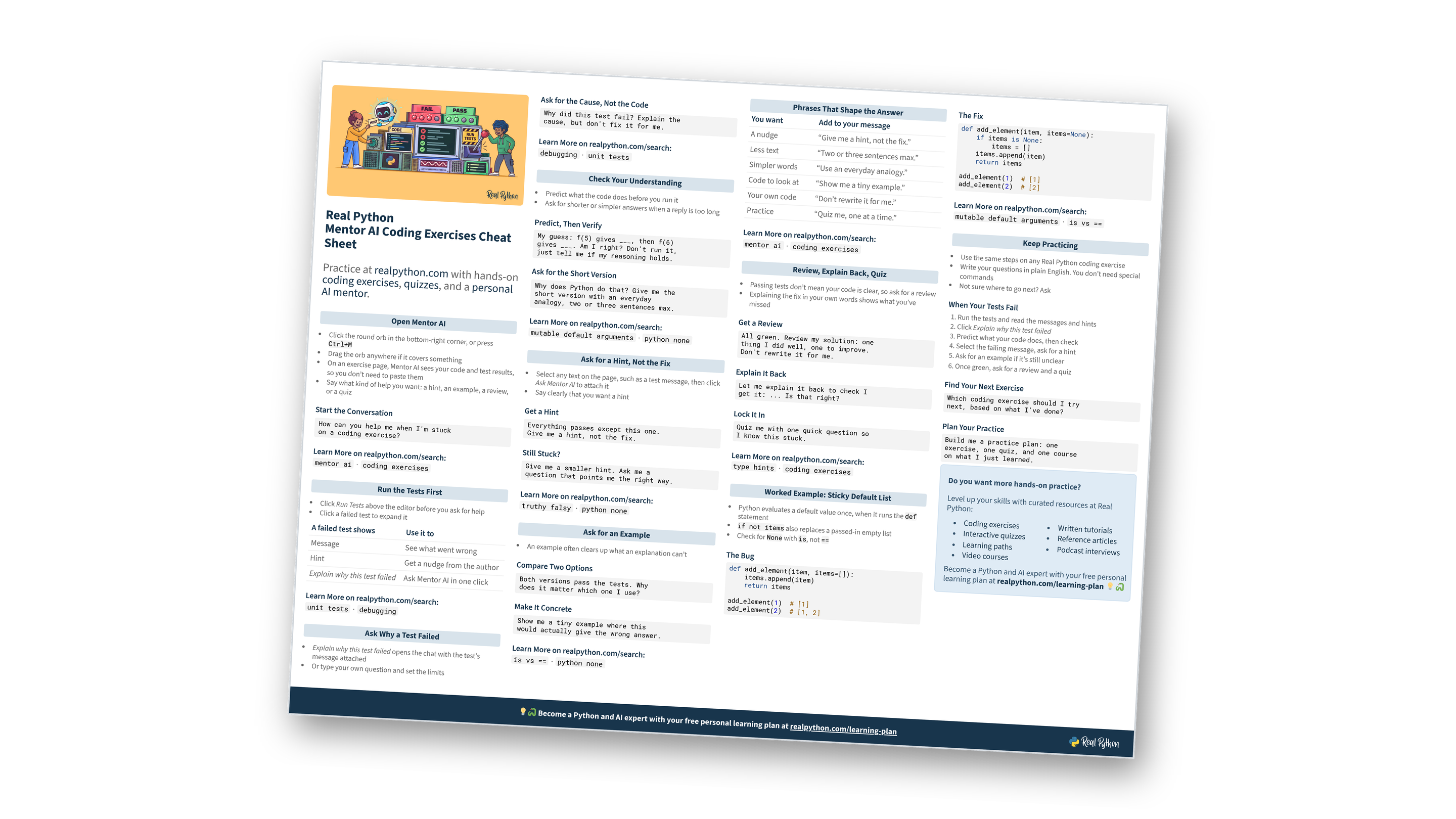
Free Learn With Mentor AI Kit: Video, Cheat Sheets, Course, and Quiz
Learn Python faster by working through it in conversation with Mentor AI, and focus your practice on the Python skills employers look for.
Take the Quiz: Test your knowledge with our interactive “Learn With Mentor AI: A Guided Journey Through Async Python” quiz. You’ll receive a score upon completion to help you track your learning progress:
Interactive Quiz
Learn With Mentor AI: A Guided Journey Through Async PythonPractice learning async Python with Mentor AI. Check how coroutines, await, and the event loop work, and how to steer your mentor.