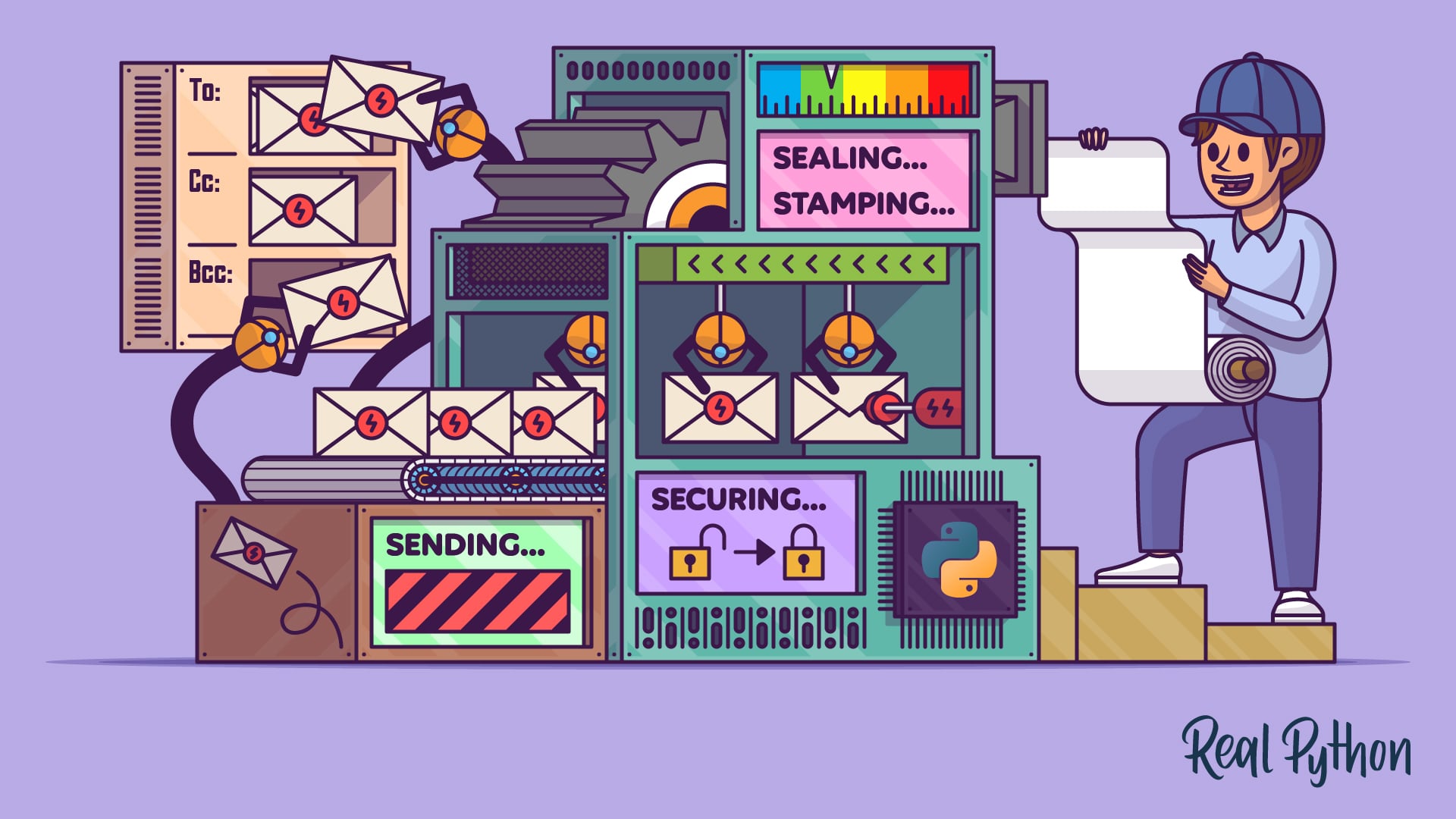

You probably found this video course because you want to send emails with Python to automate confirmation messages, password resets, or scheduled notifications. Python’s standard library covers the whole pipeline, from making a server connection to building the message and sending it to one or many recipients. This course walks through every step in working code.
By the end of this course, you’ll understand that:
- A safe testing setup uses a throwaway Gmail account with an app password, a local
aiosmtpddebug server, or a privacy-focused provider like Posteo or Proton Mail. - A secure SMTP session uses
.SMTP_SSL()withssl.create_default_context(), which validates the server certificate and encrypts your credentials and message content. - The
EmailMessageclass from theemailpackage assembles plain text, HTML alternatives, file attachments, and personalized fields through.set_content(),.add_alternative(), and.add_attachment(). - Setting
msg["reply-to"]or any other RFC 5322 header on anEmailMessageroutes replies to a different mailbox than the sender address. - For high-volume sending, transactional email services like SendGrid, Mailgun, and Brevo provide deliverability, statistics, and API libraries that go beyond what
smtplibalone offers.
Before you jump into the code, you’ll set up a throwaway email account or a local debug server so you can experiment freely without spamming real inboxes.
What’s Included:
- 12 Lessons
- Video Subtitles and Full Transcripts
- 2 Downloadable Resources
- Accompanying Text-Based Tutorial
- Interactive Quiz to Check Your Progress
- 3 Hands-On Coding Exercises
- Q&A With Python Experts: Ask a Question
- Certificate of Completion

Downloadable Resources:
Related Learning Paths: