Python Coding With AI
Learning Path ⋅ Skills: Claude Code, Cursor, Gemini CLI, AI-Assisted Development
LLM-powered coding tools can write, review, and debug Python code alongside you. This learning path helps you pick the right assistant and make it part of your daily development workflow.
By completing this path, you’ll be able to:
- Set up Claude Code as your terminal-based AI coding assistant
- Use Cursor as an AI-powered code editor for Python projects
- Run Google’s Gemini CLI for AI code assistance from the command line
This path is for Python developers who want to speed up their workflow with AI tools. You should be comfortable with Python basics.
You’ll start with a podcast on using LLMs for Python development, then pick from three AI coding tools and learn to use the one that fits your setup.
Python Coding With AI
Learning Path ⋅ 12 Resources
Why Use AI for Coding?
AI coding tools can speed up your development workflow by generating boilerplate, suggesting completions, explaining unfamiliar code, catching bugs, and even write significant parts of the code logic for you. The tutorials below help you pick the right tool and make it part of your daily practice.

Podcast
Simon Willison: Using LLMs for Python Development
What are the current large language model (LLM) tools you can use to develop Python? What prompting techniques and strategies produce better results? This week on the show, we speak with Simon Willison about his LLM research and his exploration of writing Python code with these rapidly evolving tools.
Map the Agent Landscape First
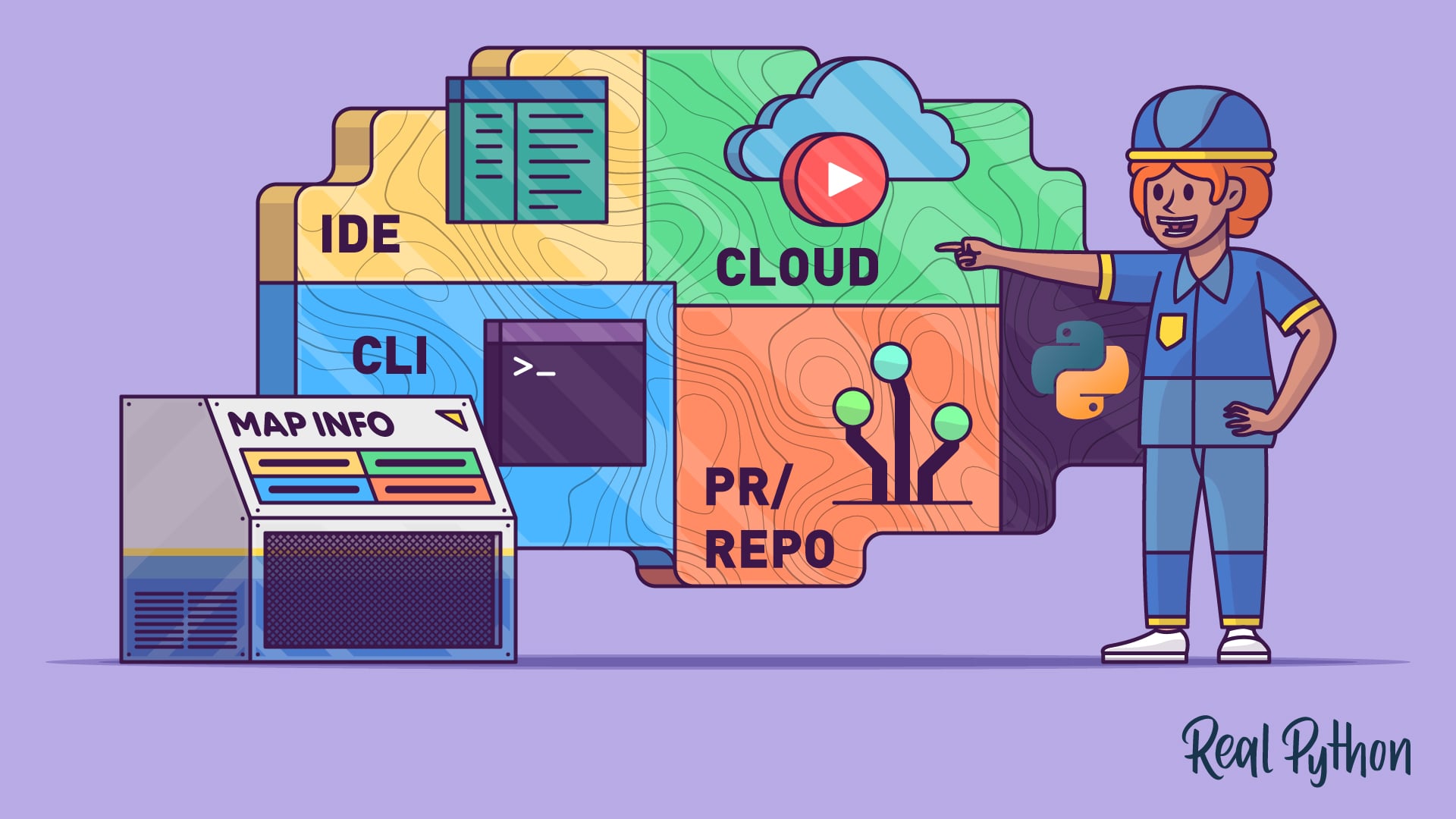
Before you install anything, build a mental model of how AI coding agents work. The next tutorial breaks down the four common workflows—IDE, terminal, pull request, and cloud—so you can match the right type of agent to the task at hand.
Tutorial
AI Coding Agents Guide: A Map of the Four Workflow Types
AI coding agents come in four types: IDE, terminal, PR, and cloud. Learn how each workflow fits into modern Python development.
Interactive Quiz
AI Coding Agents Guide: A Map of the Four Workflow Types
Pick Your AI Coding Tool
Each tool below covers a different AI coding assistant. Browse them and pick one that fits your workflow best. Their capabilities are similar, so focus on getting comfortable with one tool first.
Course
Getting Started With Claude Code
Learn to set up and use Claude Code for Python projects: install, run commands, and integrate with Git.
Course
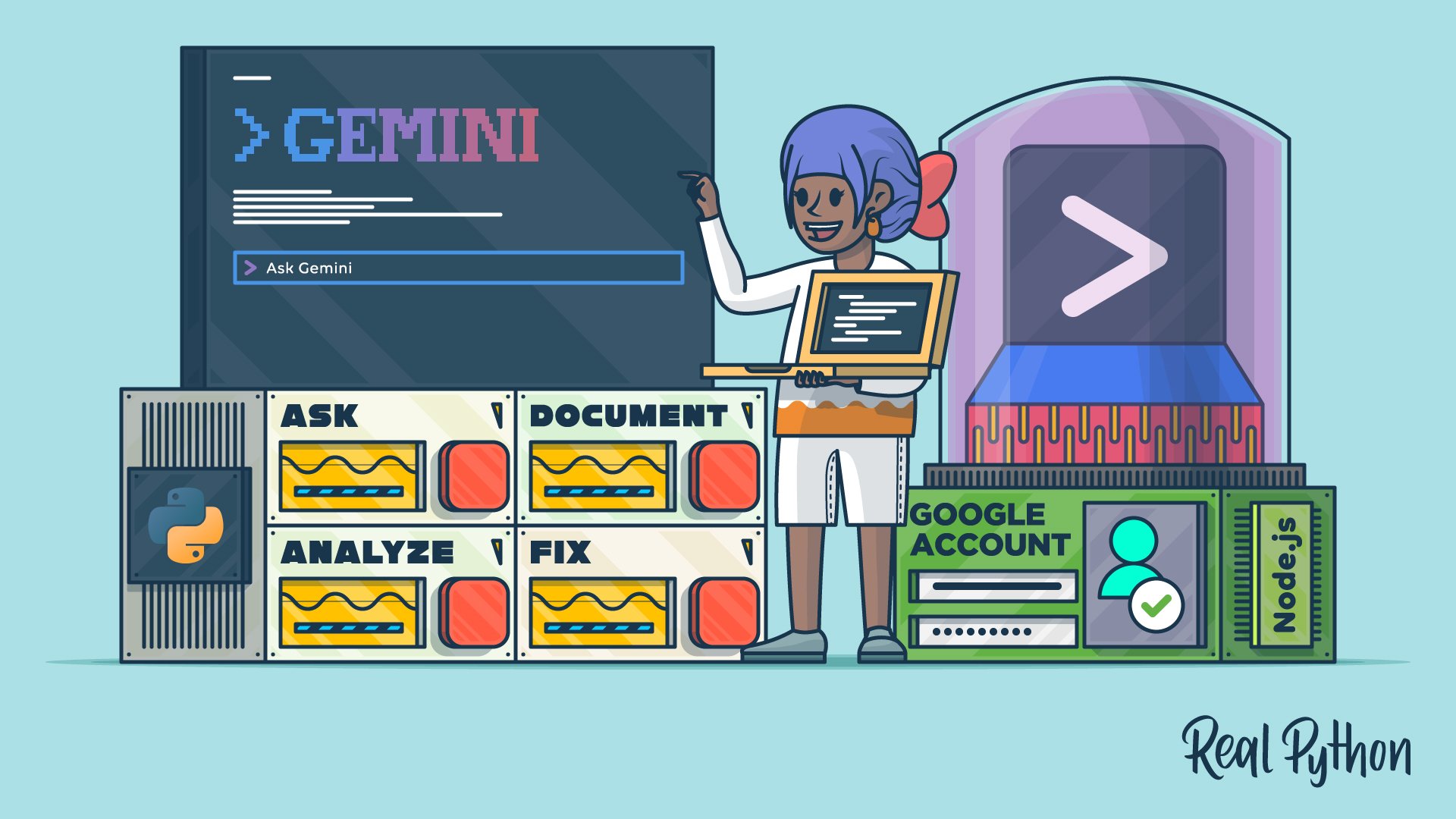
Getting Started With Google Gemini CLI
Learn how to use Gemini CLI to bring Google's AI-powered coding assistance into your terminal for faster code analysis, debugging, and fixes.
Interactive Quiz
How to Use Google's Gemini CLI for AI Code Assistance
Tutorial
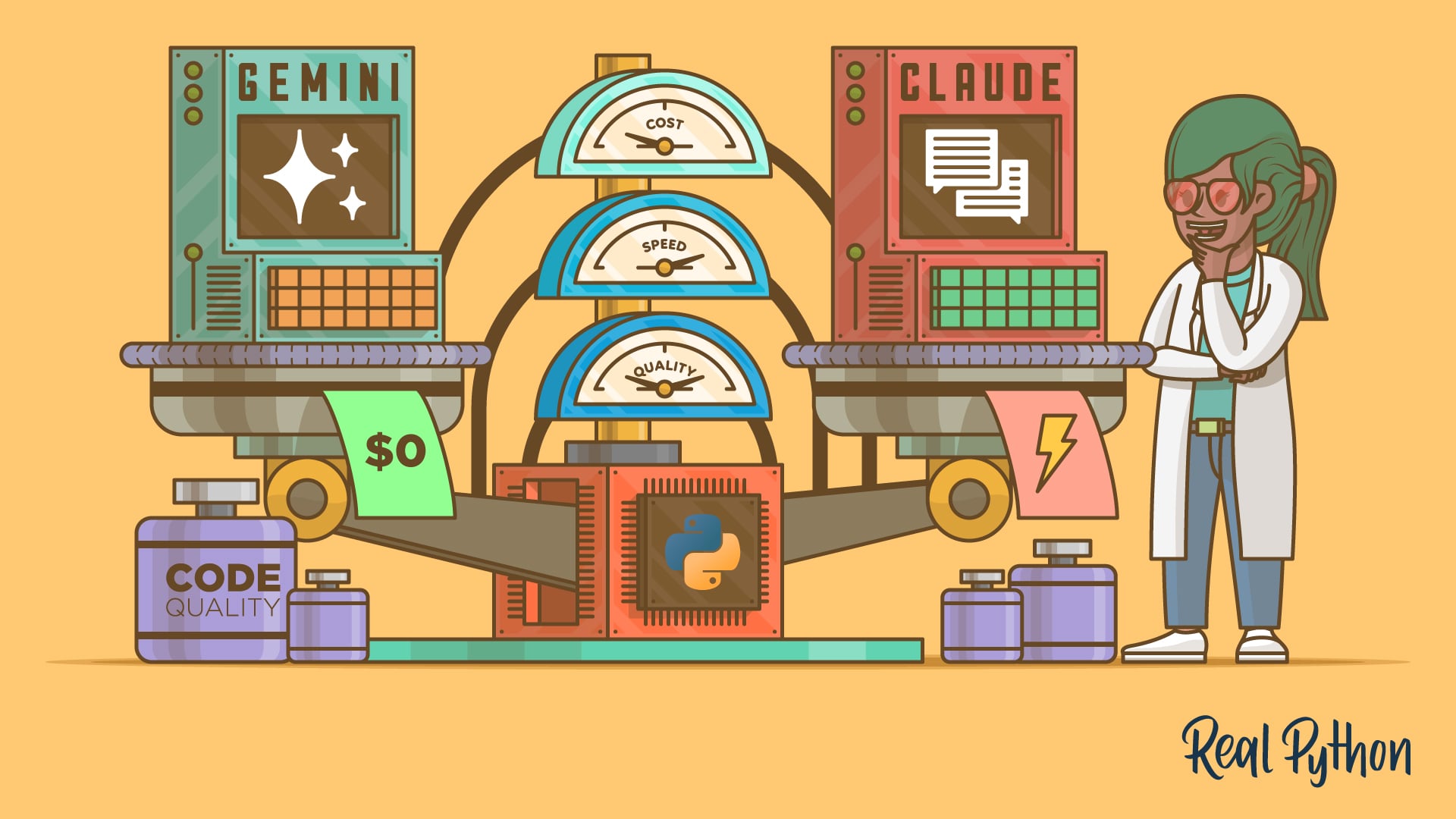
Gemini CLI vs Claude Code: Which to Choose for Python Tasks
Gemini CLI vs Claude Code: compare setup, performance, code quality, and cost to find the right Python AI coding tool for your workflow.
Interactive Quiz
Gemini CLI vs Claude Code: Which to Choose for Python Tasks
Course
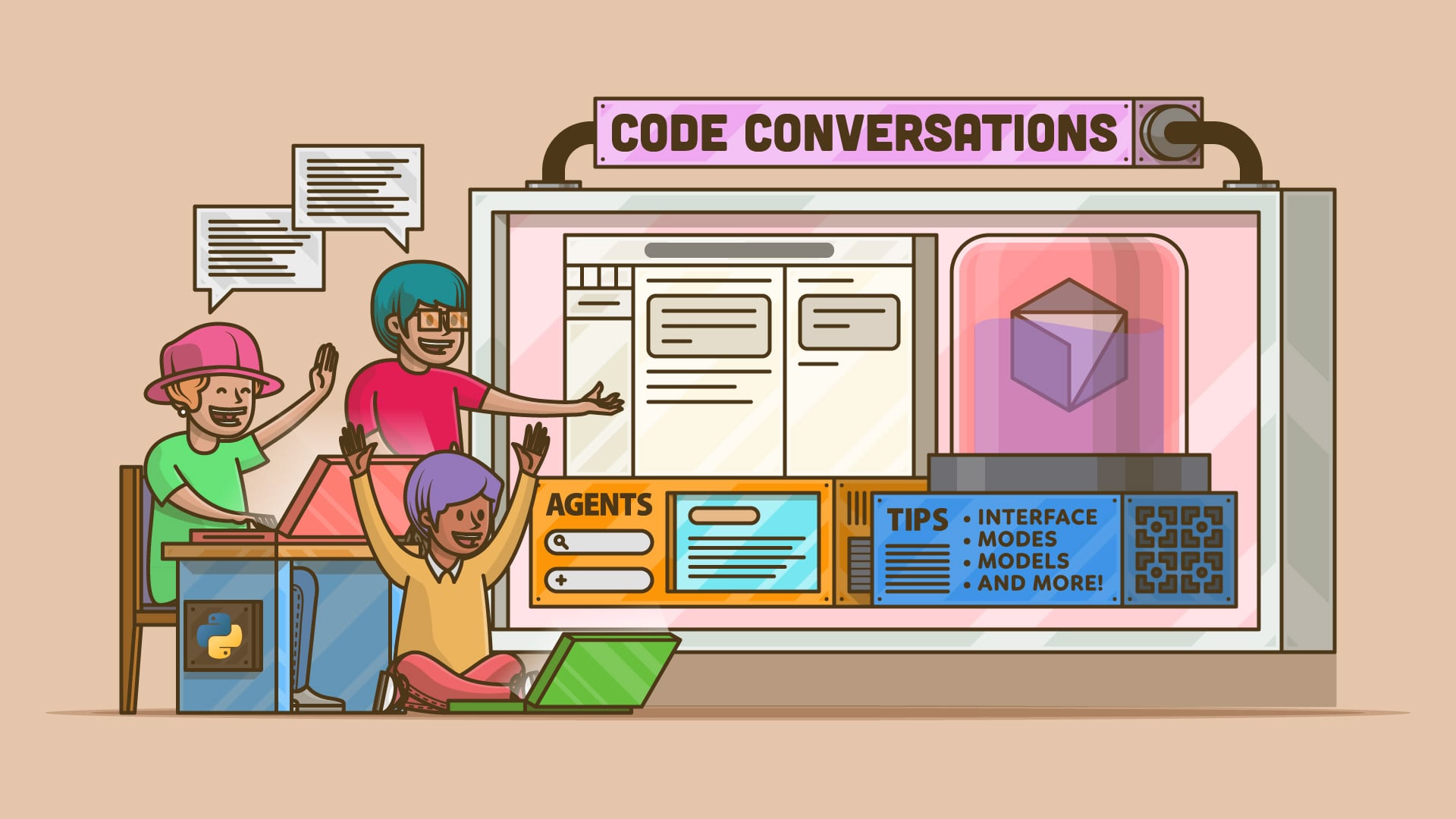
Tips for Using the AI Coding Editor Cursor
Learn Cursor fast: Use AI-powered coding with agents, project-aware chat, and inline edits to supercharge your VS Code workflow.
Tutorial
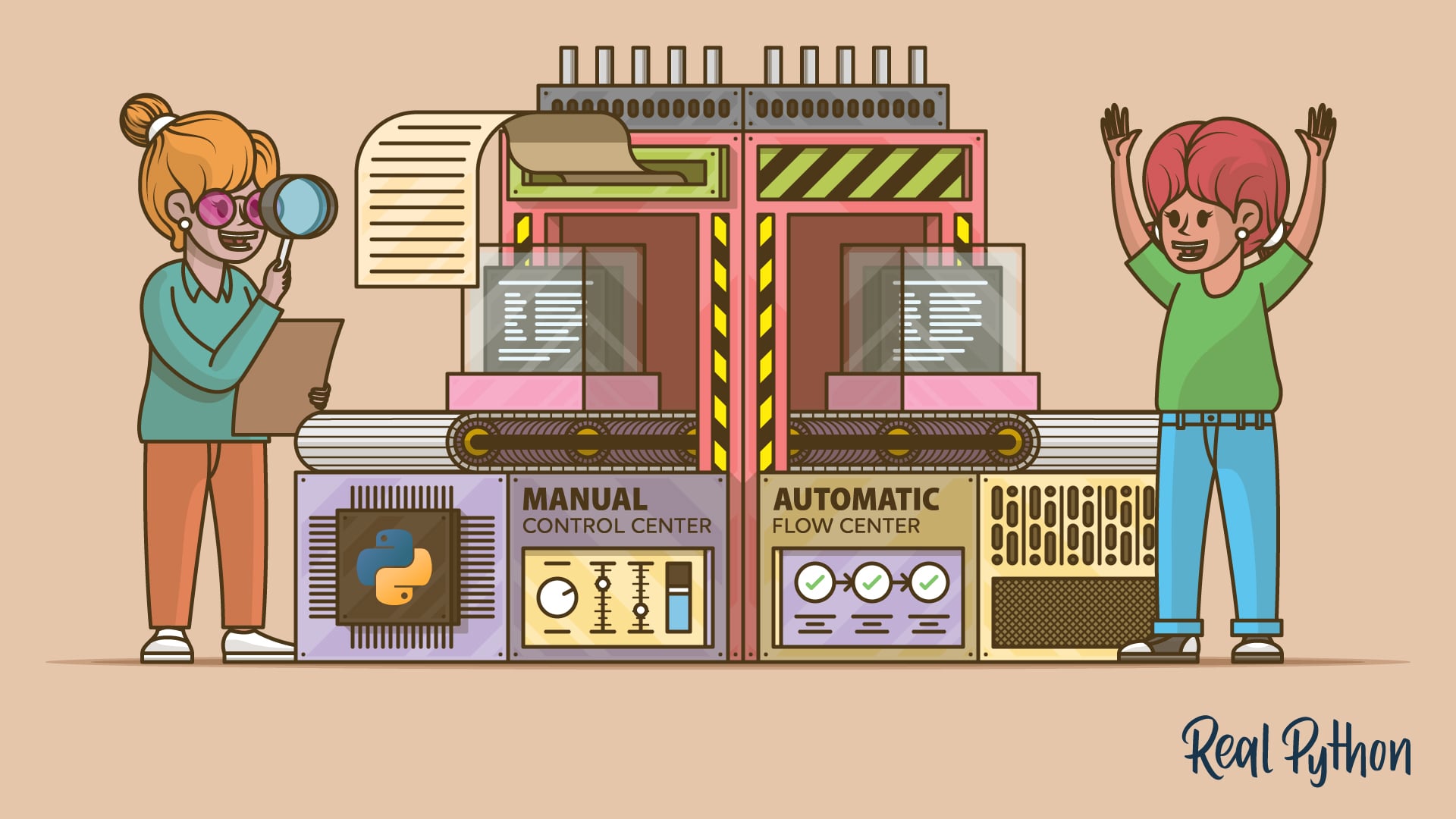
Cursor vs Windsurf: Which AI Code Editor Is Best for Python?
Compare Cursor vs Windsurf for Python across code completion, multi-file editing, and debugging to choose the right editor for your workflow.
Course
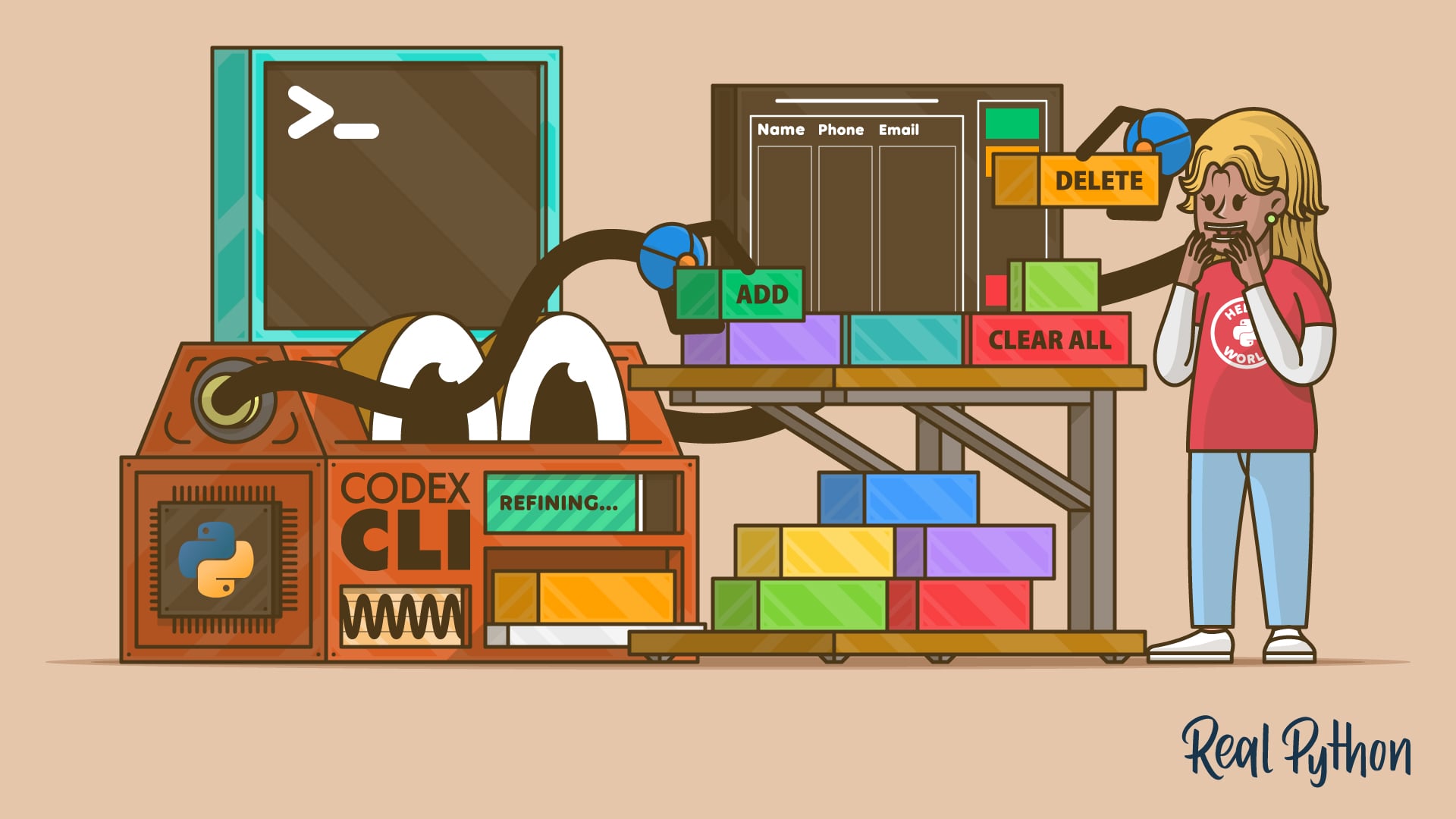
Use Codex CLI to Enhance Your Python Projects
Learn how to use Codex CLI to add features to Python projects directly from your terminal, without needing a browser or IDE plugins.
Interactive Quiz
Use Codex CLI to Enhance Your Python Projects
Interactive Quiz
How to Add Features to a Python Project With Codex CLI
Tutorial
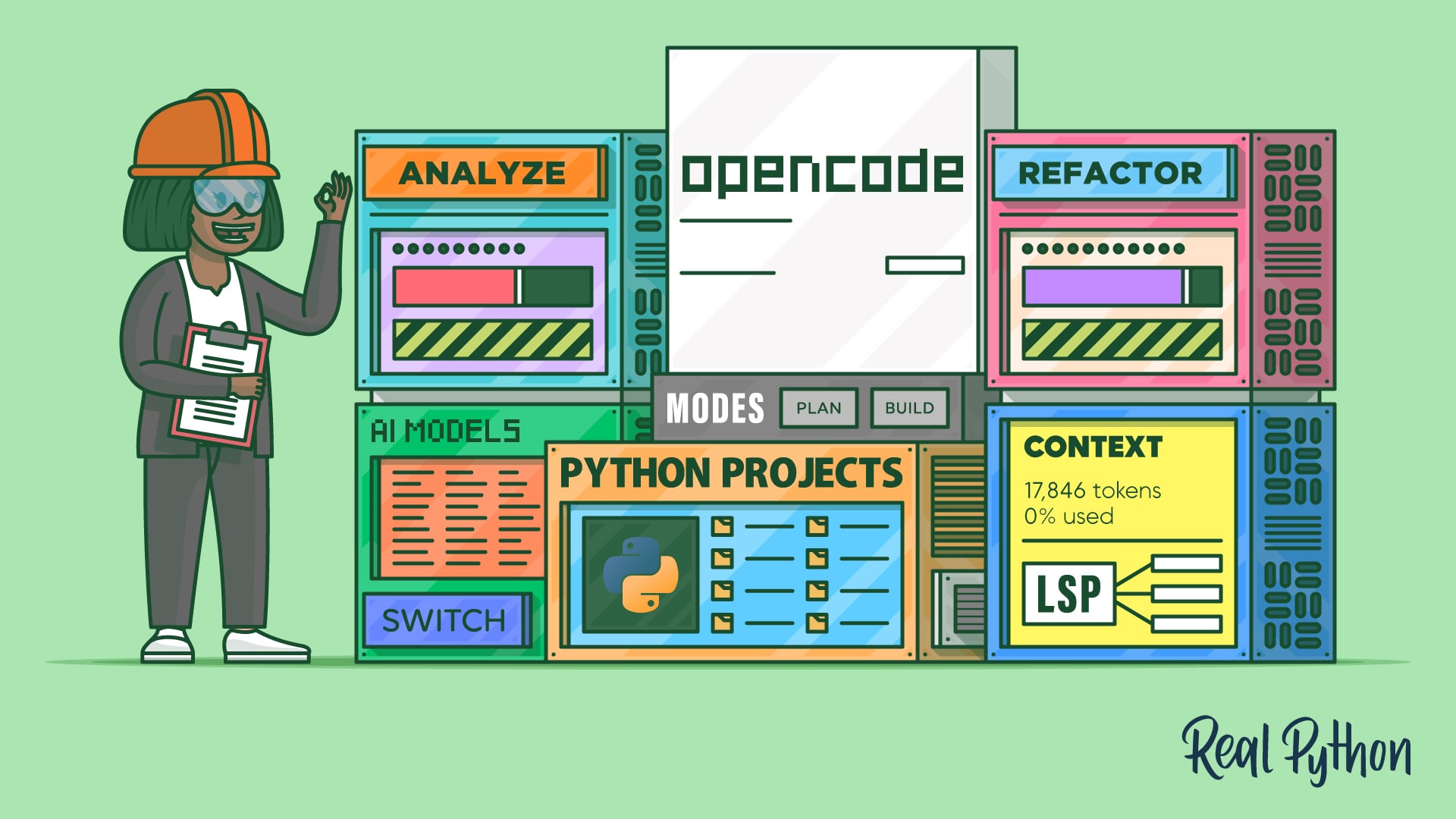
How to Use OpenCode for AI-Assisted Python Coding
Learn how to use OpenCode, an open-source AI coding assistant, with a free Gemini API key to analyze and refactor Python code in your terminal.
Interactive Quiz
How to Use OpenCode for AI-Assisted Python Coding
Brief Your Agent (Context Engineering)
An AI agent is only as good as the context you give it. These tutorials show you how to feed your codebase, conventions, and intent to coding agents, so their suggestions fit your project instead of fighting it.
Tutorial
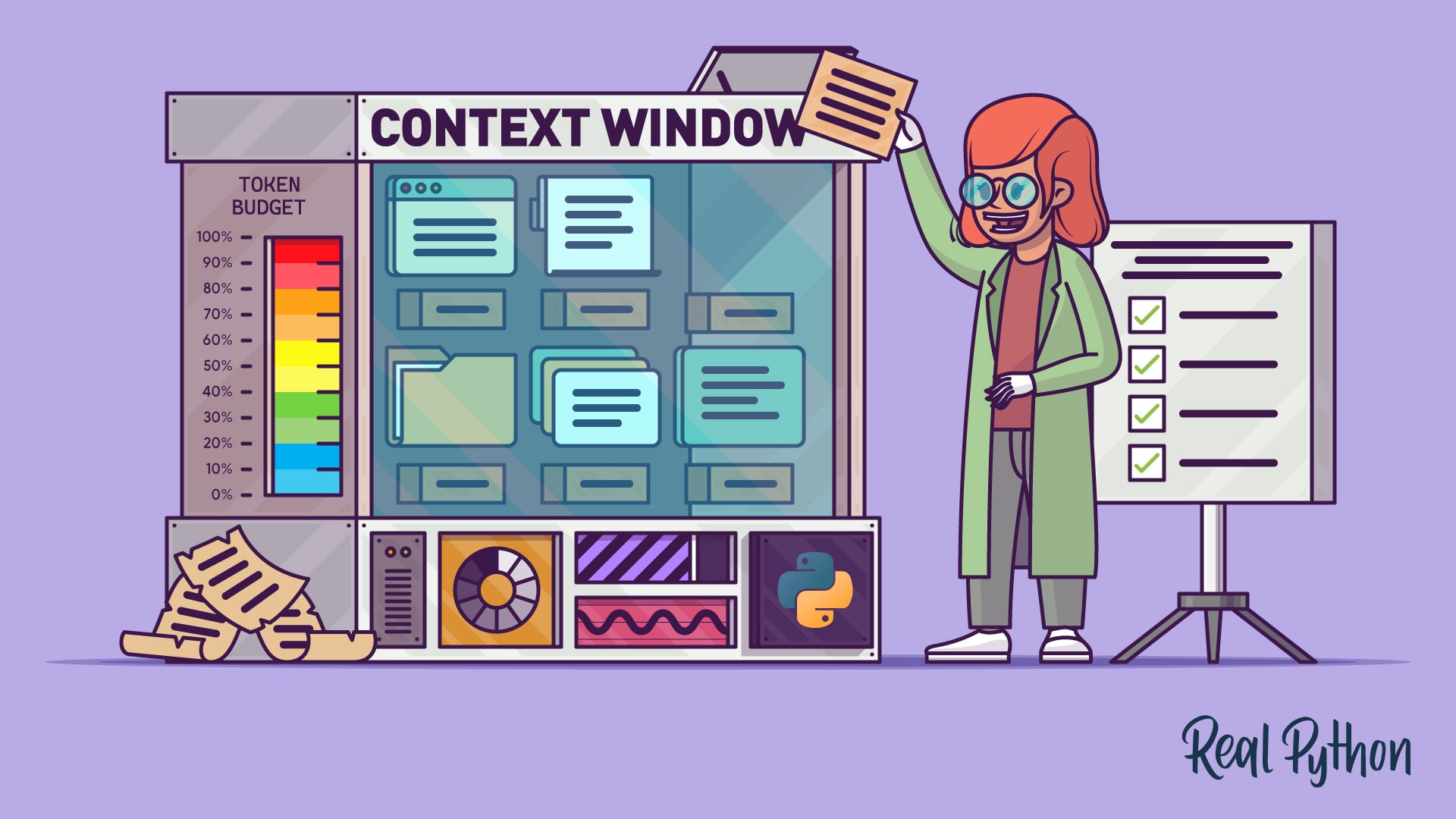
Context Engineering for Python Codebases
Learn how context engineering shapes what your AI coding agent sees on every turn, and use four practical strategies to keep your Python projects on track.
Direct Your Agent (Everyday Workflows)
Once your agent understands your project, put it to work on real tasks. These tutorials walk through the everyday workflows—like AI-assisted code review—where an agent saves you time without taking the wheel.
Tutorial
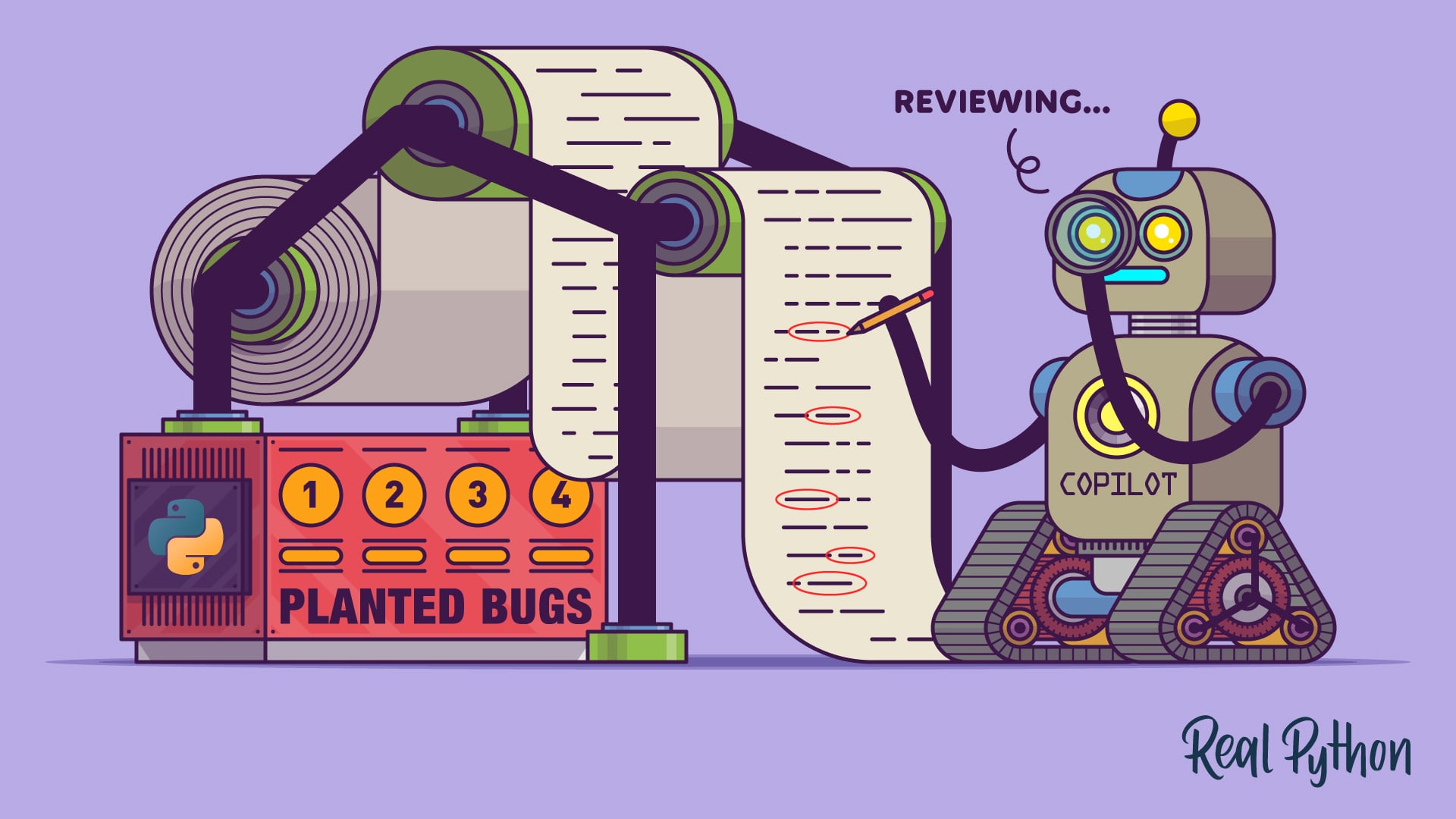
How to Use GitHub Copilot Code Review in Pull Requests
Learn how to use GitHub Copilot code review on pull requests for AI-assisted feedback, one-click fixes, and project-specific custom instructions.
Want Live, Expert-Led Guidance?
Take your AI coding skills further with a structured, instructor-led course focused on Claude Code. You will build real Python projects over two hands-on days and walk away with a portable toolkit you can use right away.
Claude Code for Python Developers: Hands-On Agentic Coding Course
A two-day live course where you build entire Python projects with Claude Code. Get expert guidance, live Q&A, and a portable toolkit you can apply to your own projects immediately.
Congratulations on completing this learning path! You can now use Claude Code, Cursor, or Gemini CLI to write, review, and debug Python code with AI assistance.
If you want to go further and build your own AI-powered applications, check out:
Learning Path
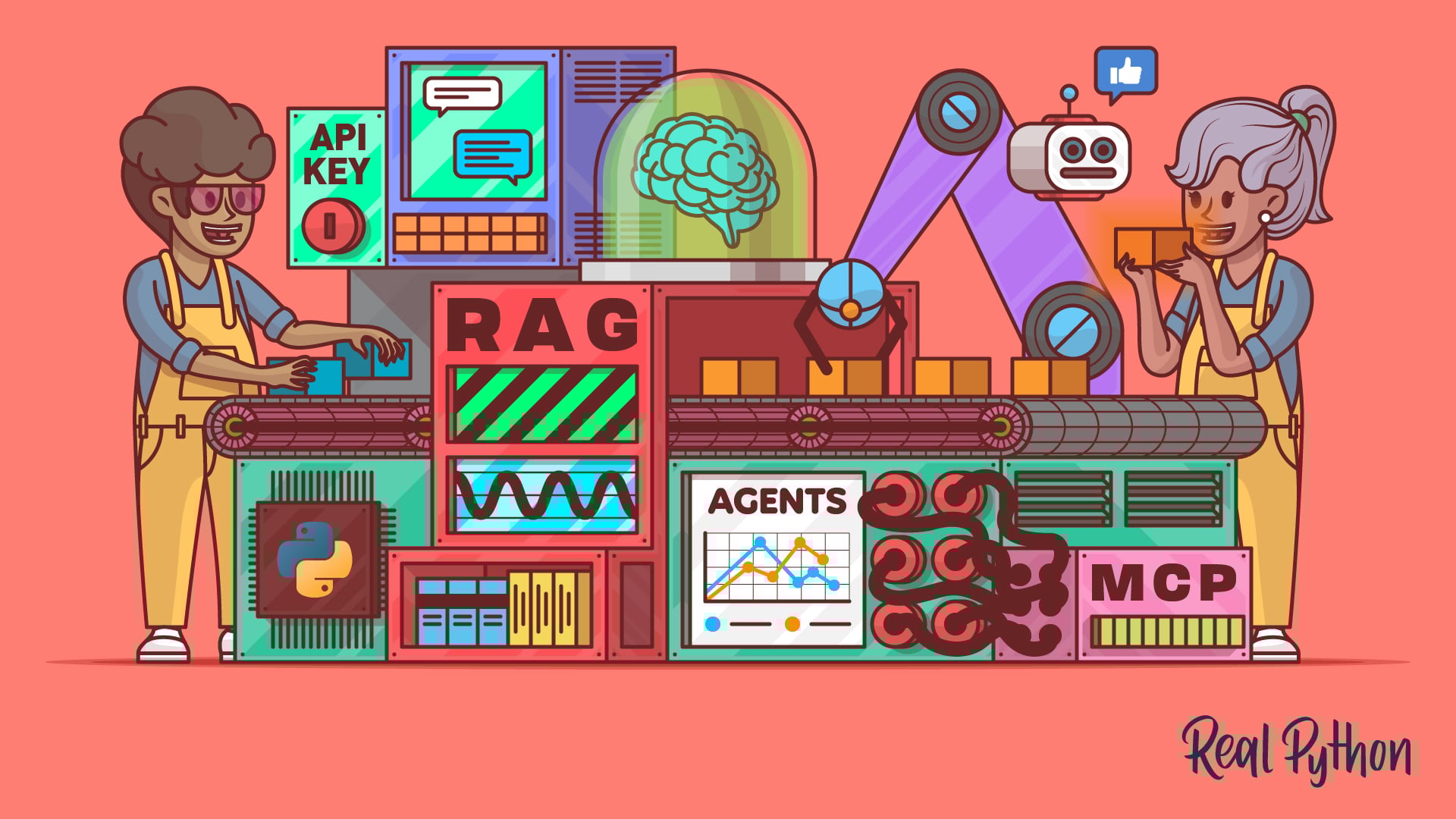
LLM Application Development With Python
13 Resources ⋅ Skills: OpenAI, Ollama, OpenRouter, Prompt Engineering, LangChain, LlamaIndex, ChromaDB, MarkItDown, RAG, Embeddings, Pydantic AI, LangGraph, MCP
You might also be interested in these related learning paths:
Got feedback on this learning path?
Looking for real-time conversation? Visit the Real Python Community Chat or join the next “Office Hours” Live Q&A Session. Happy Pythoning!
